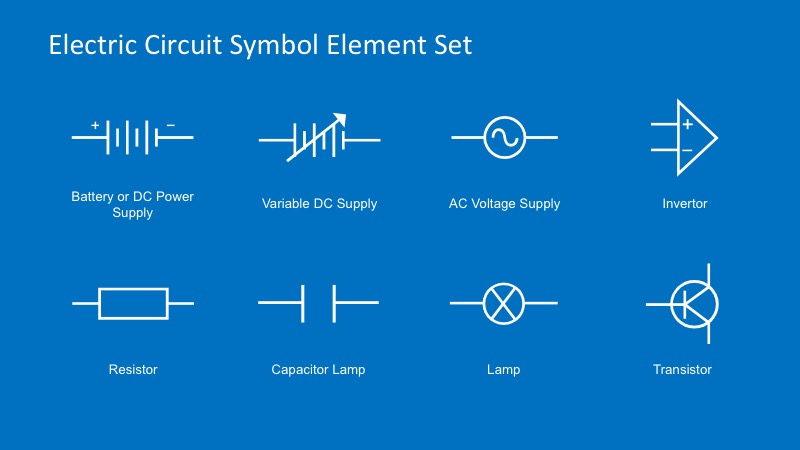
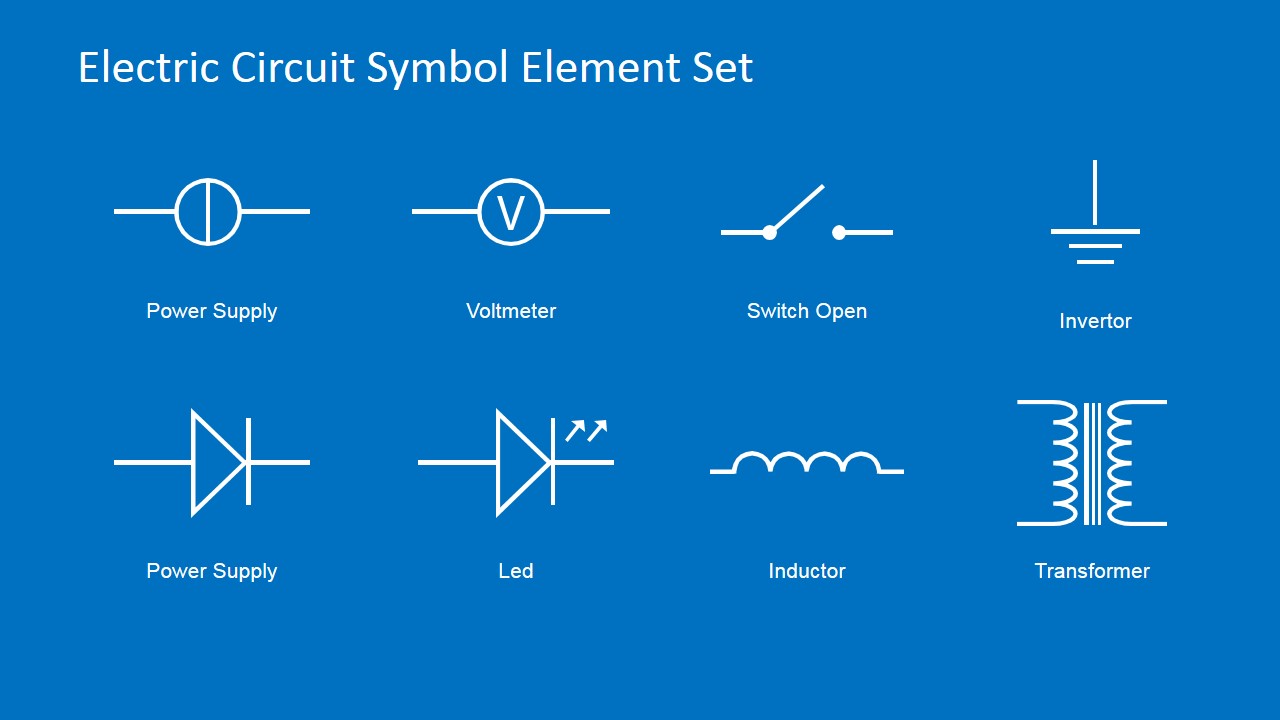
Electric Circuit Symbols Element Set for PowerPoint – Present a simple yet legible schematic diagram in high resolution PowerPoint template. This template is a set of electric symbols for powerpoint used for schematic diagrams. The symbols in this design are made of simple yet highly defined PowerPoint icons. These icons are all editable to suit various concepts as well as to accommodate the user’s presentation scale while maintaining the legibility of the each illustration. These symbols usually resemble the physical traits of the device it represents. They are very useful in circuit board exercises where the participants can familiar themselves with the symbols and their uses. It’s also a great tool for practicing logical interactions of electrical components in different circuit board models. This template also comes in handy with creating a prototype circuit board.
An electrical schematic diagram is a simple illustration of electrical devices and their relationship in a model. Instead of actual illustration of the devices or physical components of a circuit board, a schematic uses graphic symbols that represent electrical devices and their interaction with each other. A schematic illustration guides the user in designing and developing a circuit board. Its simplicity allows for a compact graphical representation where the designer can easily oversee the devices in the whole circuit board. It also makes logical manipulation of the devices easier. The electrical design of equipment is often described using a schematic diagram. Today, Electrical CAD software is commonly used to design schematics. However, it used to be done by hand with printed adhesive symbols and a standardized template. Schematics diagrams are also used in practical applications. It is commonly seen in repair manuals to assist users understand simple connections in the device. This helps the user in understanding the basic relations and interactions of the components in the device. It also provides an illustrated instruction in dismantling and rebuilding its mechanical components.
Create Basic Circuit Symbols PowerPoint presentations with professional quality. Make the task of Developing a Schematic diagram ppt a straightforward process using drag and drop powerpoint electrical circuit symbols.
What’s inside this template
Example presentation scenarios
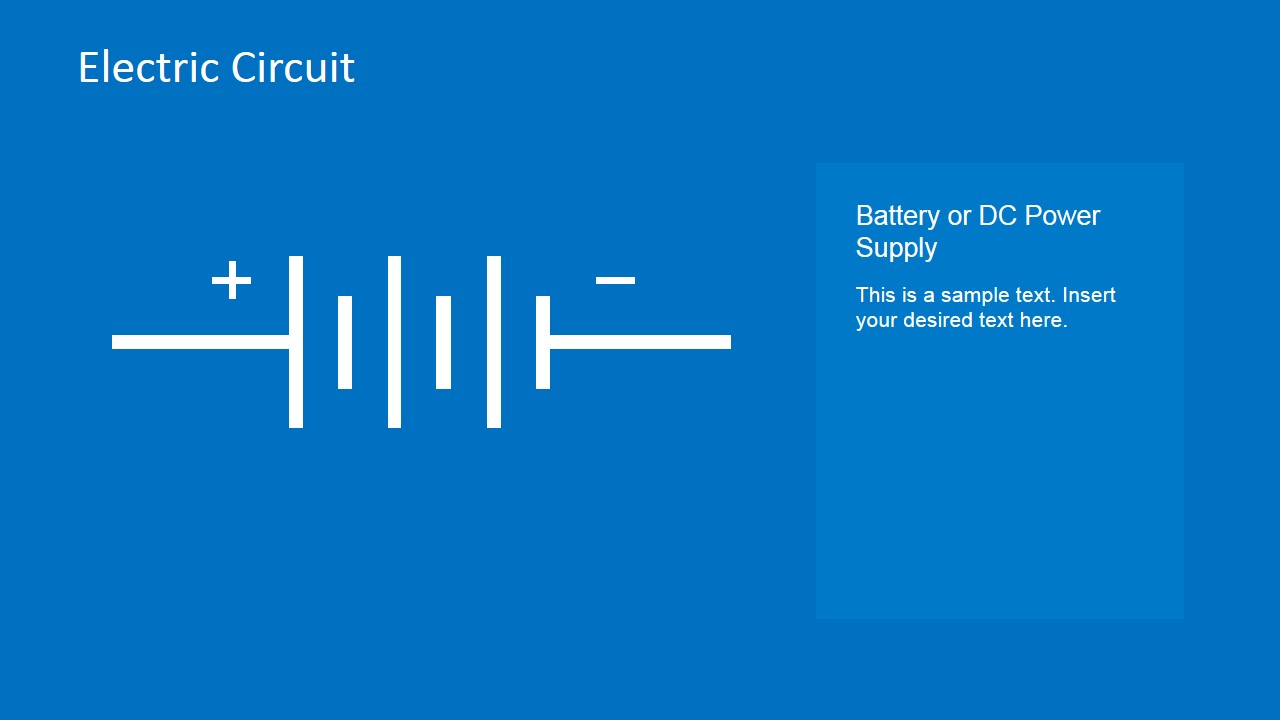
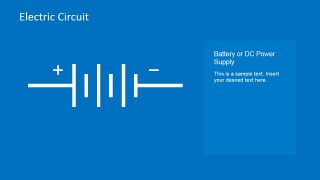
- An electronics instructor can introduce schematic notation by starting with the symbol index slides and then moving into large single-symbol slides for components such as batteries, lamps, and transistors.
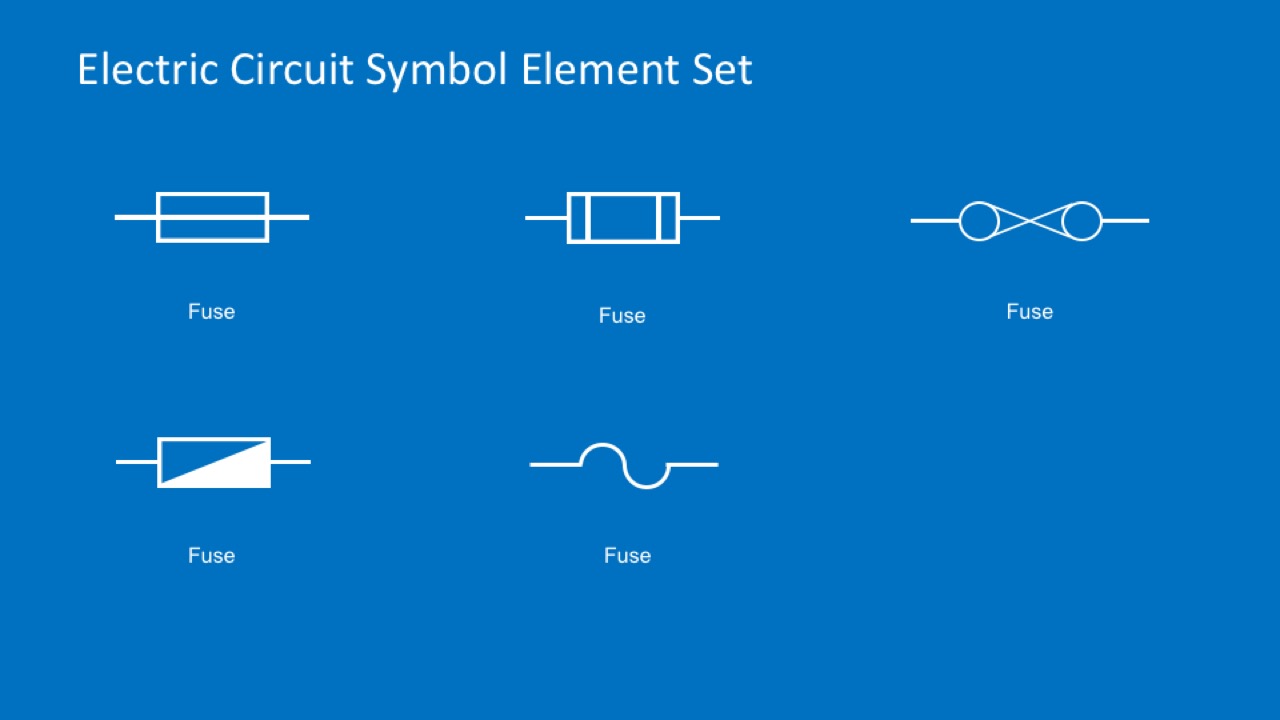
- An electrical engineer can brief a project team on a prototype circuit by placing the relevant power supply, inductor, transformer, and fuse symbols into a simple schematic explanation.
- A repair trainer can explain how a manual represents components by using the voltmeter, switch, capacitor, and fuse slides as visual reference points.
- A STEM educator can build a classroom exercise where students identify and connect the editable symbols from the index layouts into a basic circuit diagram.
Features
- 100% editable presentation template
- Compatible with Microsoft PowerPoint and Google Slides
- 16:9 aspect ratio slides
- Scalable vector shapes, icons and illustrations
- AI-Ready for Microsoft Copilot and Claude
- Instant access and download
Frequently asked questions
Q: How should a presenter teach circuit symbols with this template?
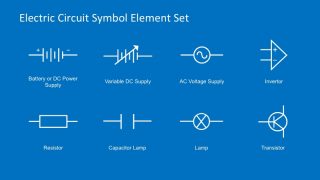
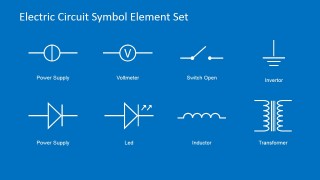
A: Start with the symbol index pages so the audience sees the component vocabulary as a set. Then isolate one symbol per slide, using the large white icon as the visual anchor and the caption panel for definition, function, and common schematic usage. This keeps the lesson focused and prevents learners from reading a crowded circuit too early.
Q: Who is this template best suited for?
A: This template fits instructors, engineers, and technical trainers who need to explain schematic notation before showing a full circuit. It is especially useful for electronics classes, repair training, and prototype discussions where the audience must recognize batteries, switches, lamps, fuses, transformers, and related components before discussing connections.
Q: Why does the design use isolated symbols instead of full circuit diagrams?
A: The isolated-symbol approach treats each component as visual shorthand, which is how schematics communicate. By separating a symbol from a complete circuit, the presenter can define meaning first, then connect the symbol to a larger design later. The blue background and white line art create strong contrast for projection and classroom viewing.







































Electric Circuit Symbols Element Set for PowerPoint
18-slide presentation template with editable electric circuit symbols, schematic icons, and fuse diagrams
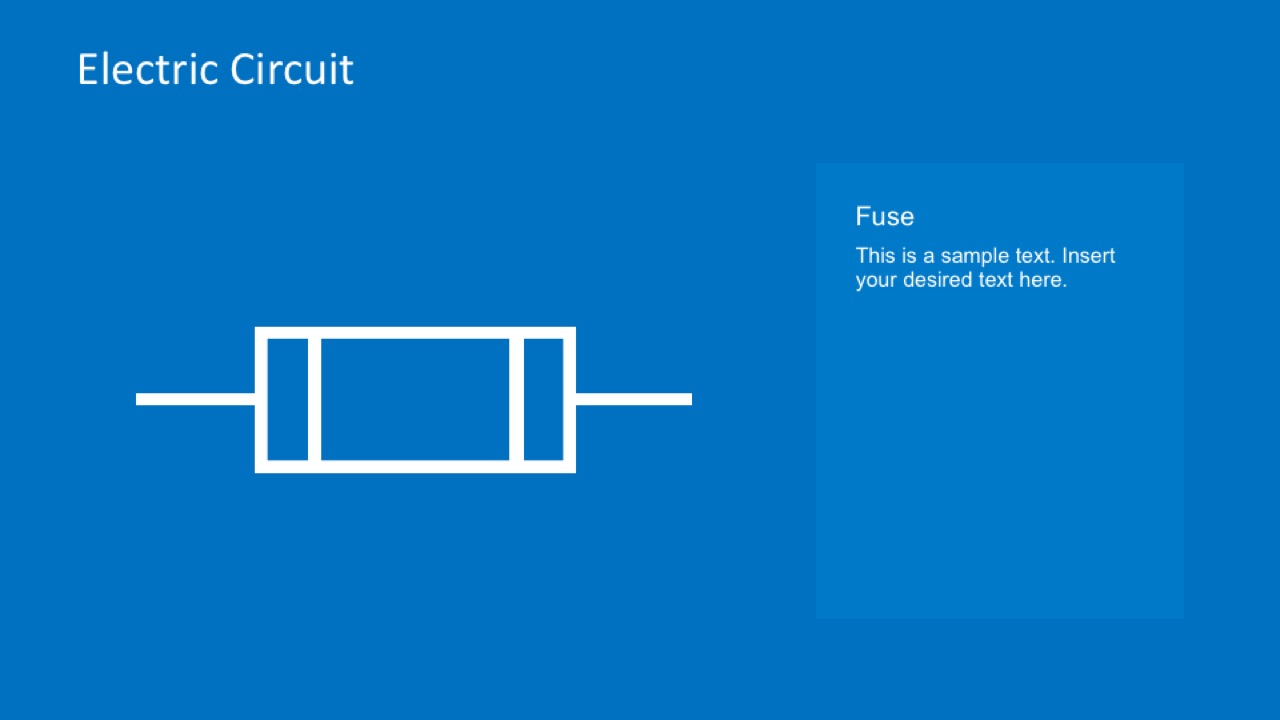
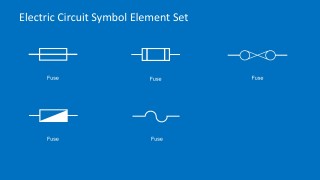
Electric Circuit Symbols Element Set for PowerPoint is an 18-slide diagram template for building or teaching schematic visuals in Microsoft PowerPoint and Google Slides. It includes symbol index pages, large single-symbol slides, fuse variant slides, and caption panels for components such as batteries, supplies, lamps, transistor, LED, inductor, transformer, and voltmeter.
- Category
- Diagrams
- Rating


 Loading...
- Aspect ratio
- 16:9, 4:3
- Item ID
- 6679-01
- Colors
 Microsoft PowerPoint
  Microsoft Copilot
  Claude for PowerPoint
 Other formats supported
Subscribe today and get immediate
access to download our PowerPoint templates.