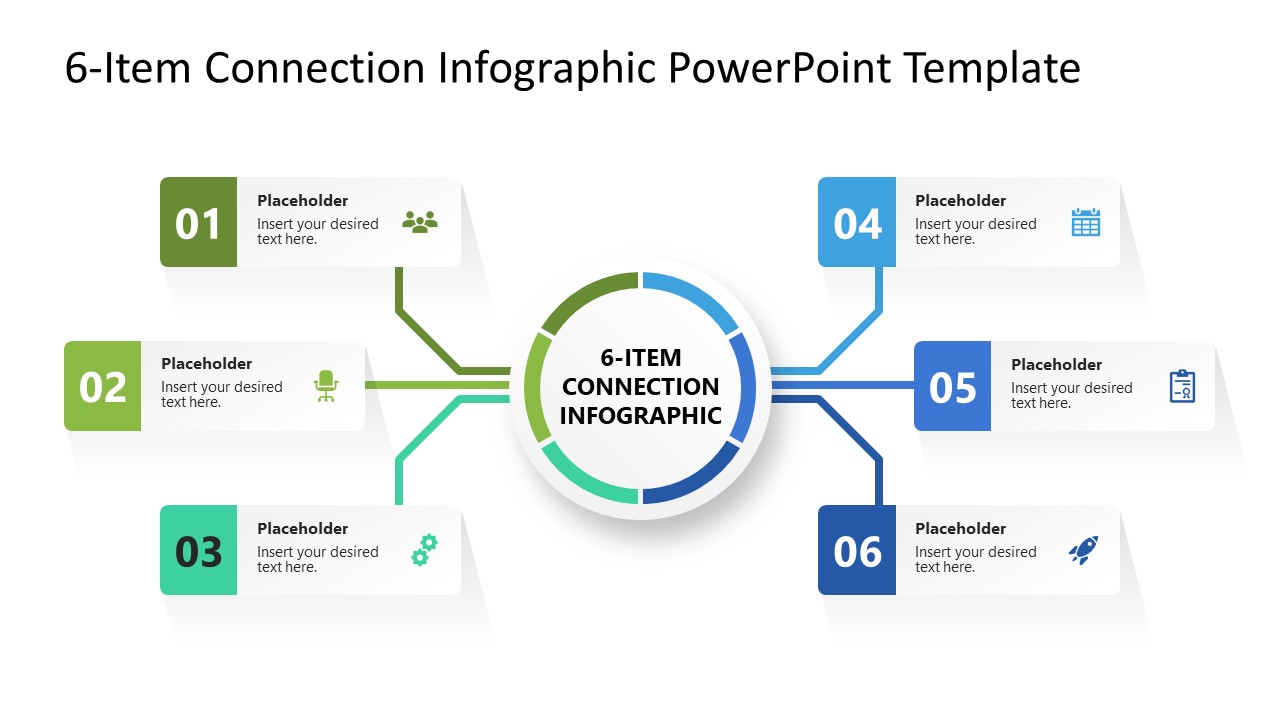
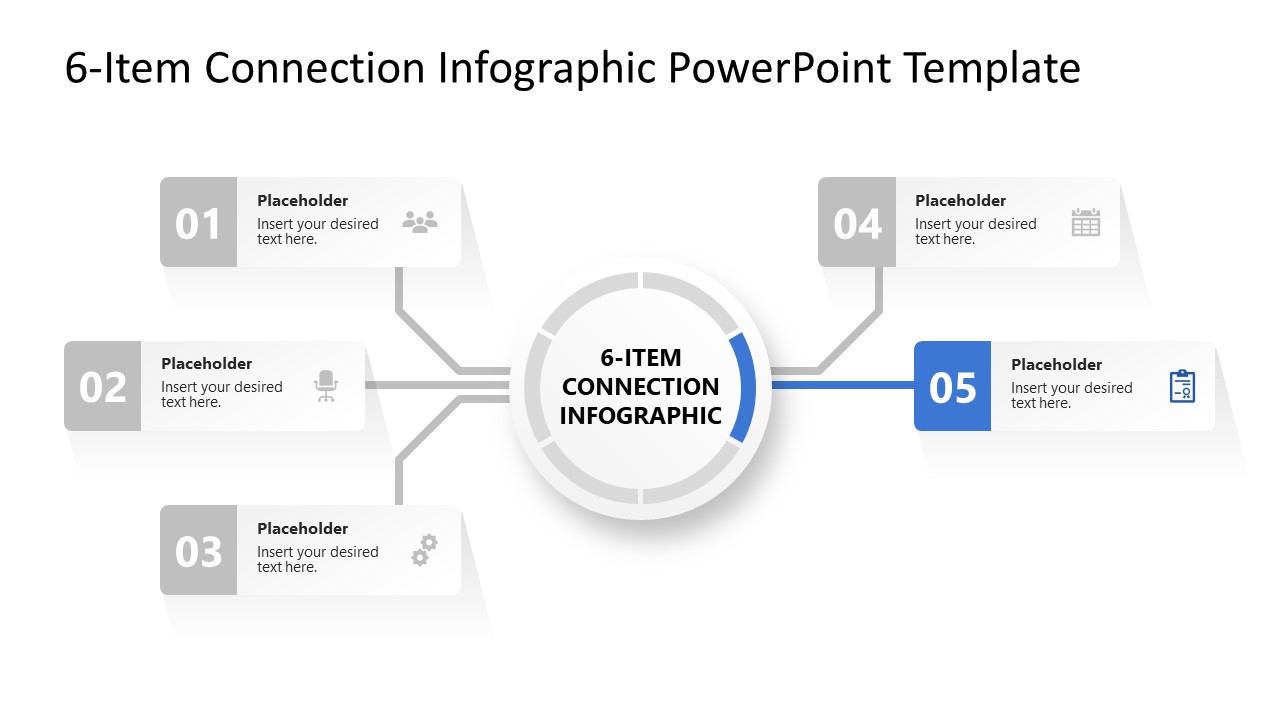
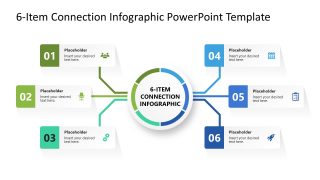
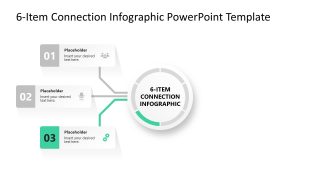
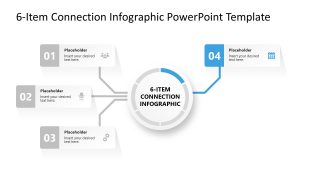
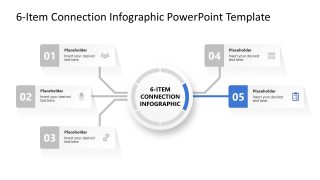
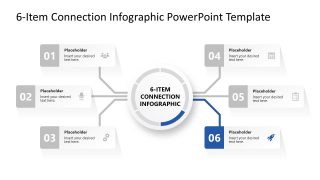
Present the six-step strategy for business growth with our interactive 6-Item Connection Infographic PowerPoint Template in your executive meetings. We have created this template with many use cases, and users from multiple domains can use our engaging slide layout to express their thoughts. A circular diagram with a thick, segmented outline is in the center of the slide. Each segment of the circular diagram has lines connected with multiple bends that connect with the corresponding text boxes. We have provided six text boxes around the main diagram that contain placeholder text and relevant infographic icons. The icons enhance the presentation’s visual impact and allow the audience to grab the concept quickly.
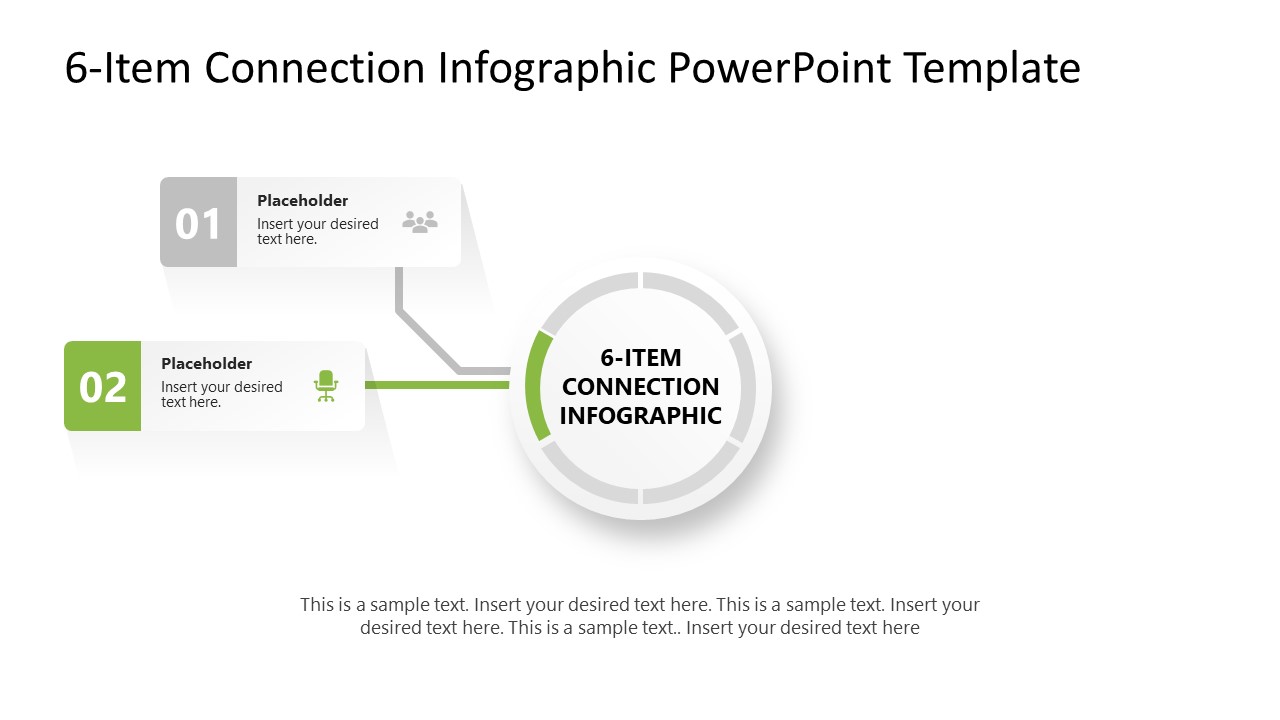
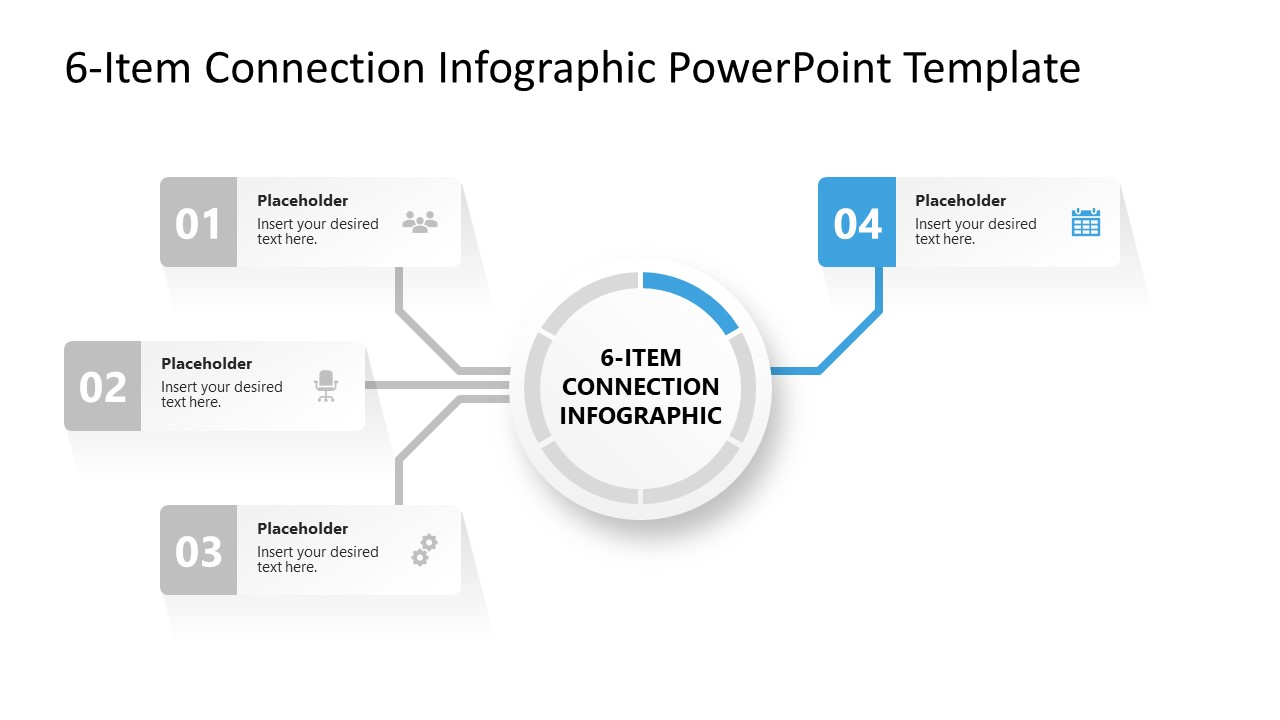
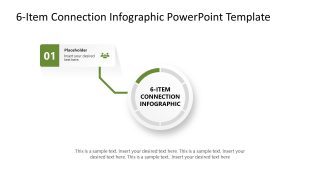
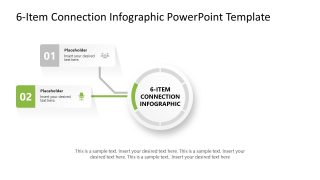
The 6-Item Connection Infographic PowerPoint Template is created using 100% editable PPT features, which users can personalize with Google Slides, Keynote, and all versions of Microsoft PowerPoint. After the main colorful title slide, we have provided six slides with a spotlight effect. The effect shows a color highlight on each point one by one in the corresponding slides, enabling professionals to present their ideas separately in a distinctive manner. Some of the use cases of this template can be:
- Project managers can mention the individual project milestones in team meetings to showcase the set of actions required to complete each step.
- Product developers can present the product development stages, challenges, and solutions in the executive meetings.
- Real estate professionals can discuss the strategic approach to land development using the 6-item connection infographic template.
The unique animated effect makes the presentation more impactful. The elements appear on the screen, making it a stunning way. Moreover, you can modify the number of segments, infographics, and other PPT items to fit your presentation needs. Additionally, you can try our collection of infographic PPT templates to choose a different design. Download this engaging 6-item connection infographic design template and customize it today!
What’s inside this template
Example presentation scenarios
- A project manager can explain six project milestones to a delivery team by using the overview diagram first, then moving through the spotlight slides for each milestone.
- A consultant can present a six-part business growth model to executives with the segmented circular hub showing how each recommendation connects to the central theme.
- A product manager can brief stakeholders on six development stages by assigning each callout box to a stage and using the icon area for quick visual recognition.
- A real estate presenter can outline six phases of land development by mapping each phase to a numbered connector and using the spotlight slides to discuss risks or actions.
Features
- 100% editable presentation template
- Compatible with Microsoft PowerPoint and Google Slides
- 16:9 aspect ratio slides
- Scalable vector shapes, icons and illustrations
- Ready with Animations & Transitions in PowerPoint
- AI-Ready for Microsoft Copilot and Claude
- Instant access and download
Frequently asked questions
Q: How should a presenter explain the six connected items without overloading the audience?
A: Start with Slide 1 to name the central idea and briefly define all six items. Then use Slides 2 through 7 as a guided walkthrough, treating each highlighted callout as one speaking point. Keep the faded items visible as context, but discuss only the active connector, icon, and callout on each slide.
Q: Who is this template best suited for, and what messages does it support?
A: This template fits presenters who need to show six parts of one system, plan, or decision framework. Project managers can map milestones, consultants can frame recommendations, and product teams can explain development stages. The circular hub works best when the items are connected to a shared objective rather than isolated bullet points.
Q: Why does the circular connection metaphor help communicate the content?
A: The segmented circle makes the six items feel like parts of one coordinated model, while the bent connector lines tie each callout back to the center. The spotlight sequence reduces visual noise by highlighting one segment at a time, helping the audience track progression without losing sight of the full framework.



6-Item Connection Infographic PowerPoint Template
7-slide presentation template for six-item connection diagrams, circular hubs, and step callouts
This 7-slide diagram template presents a six-item connection model with a segmented circular hub, bent connector lines, numbered callout boxes, icon placeholders, and six spotlight slides. It is for managers, consultants, and teams explaining steps, relationships, or milestones in Microsoft PowerPoint and Google Slides.
- Category
- Diagrams
- Rating

 Loading...
- Aspect ratio
- 16:9
- Item ID
- 22907-01
- Colors
 Microsoft PowerPoint
 Microsoft Copilot
 Claude for PowerPoint
Other formats supported
Subscribe today and get immediate
access to download our PowerPoint templates.