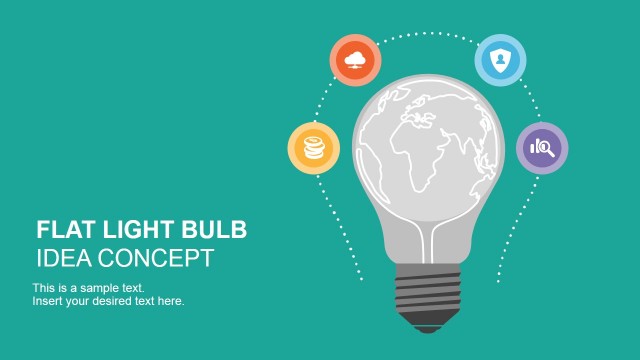
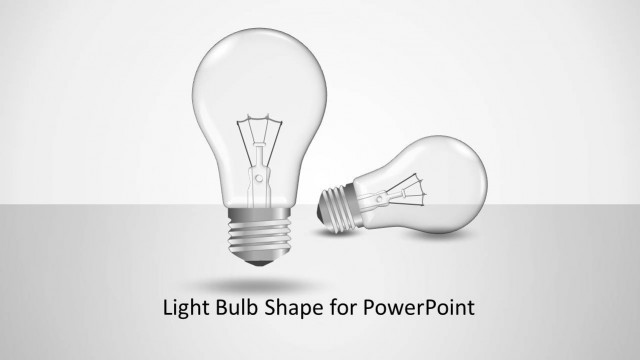
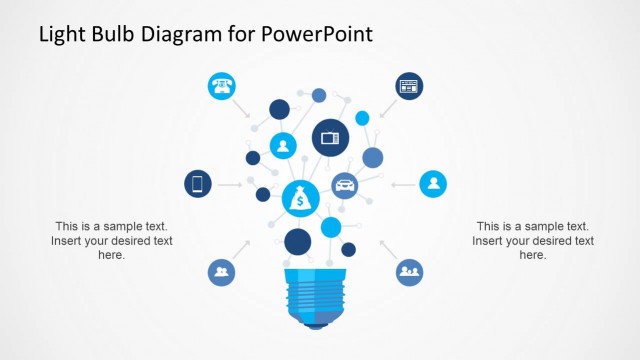
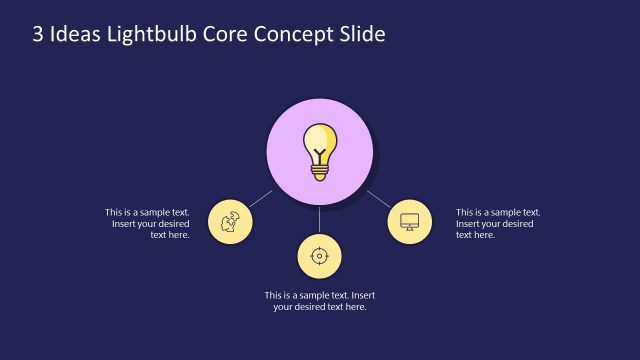
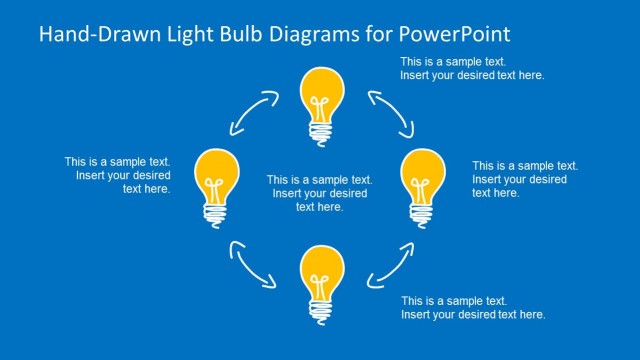
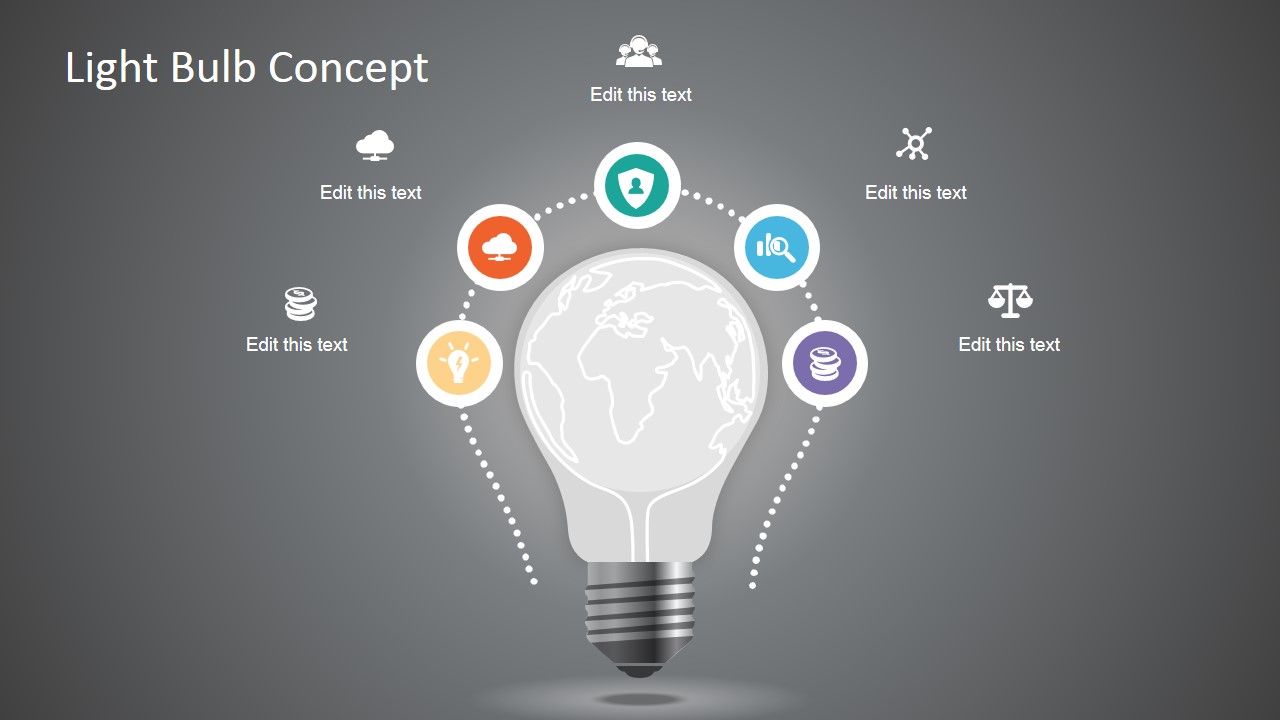
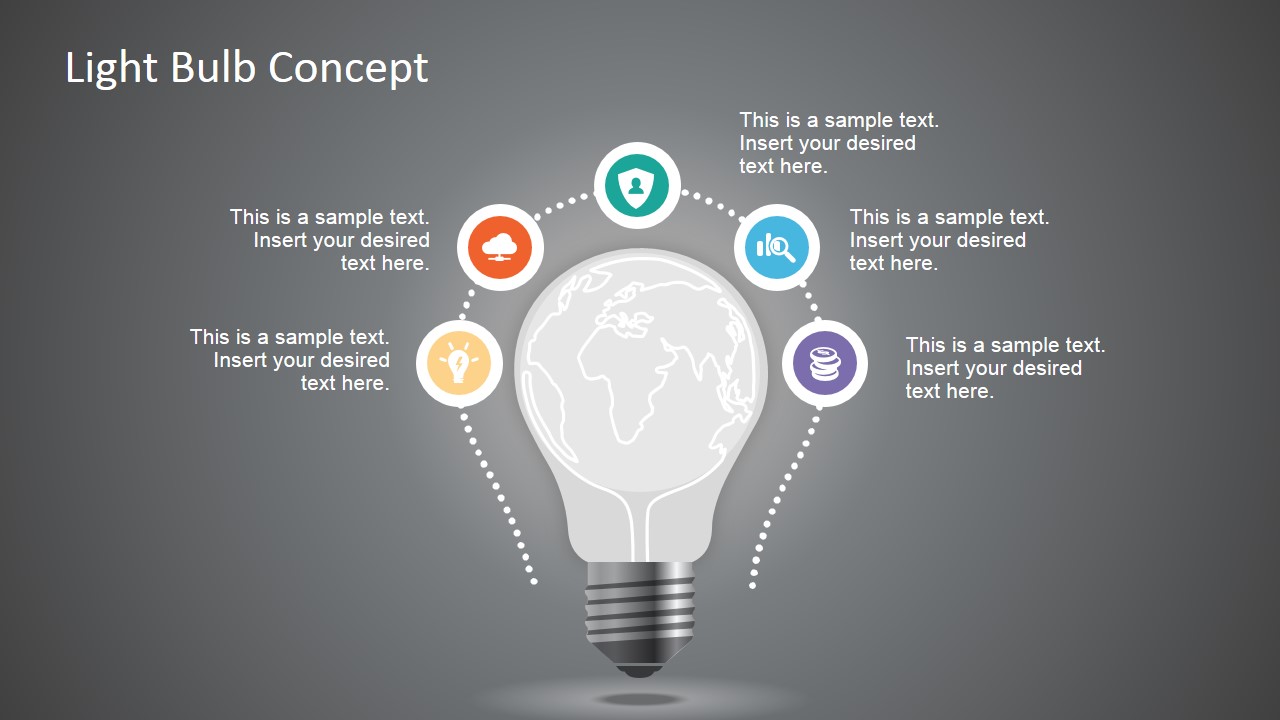
Minimal Light Bulb Concept for PowerPoint can be used as a PowerPoint graphic in your business presentations, business plans or presentations on startups, idea generation or brainstorming sessions. This PowerPoint template design contains a light bulb shape with a world map inside and four circles around the shape.
The light bulb concept for PowerPoint can be used to prepare presentations on various business topics, including problem-solving slides, as a metaphor of problem statement slides for PowerPoint, or to present a big idea as part of a pitch deck presentation.
Light bulb concept can also be used as part of a leadership presentation, to represent the vision of an organization or leader with a light bulb metaphor of creativity, electricity and imagination. The template can also be used for presentations on design thinking, critical thinking and presentation designs related to startup and creativity.
What’s inside this template
Example presentation scenarios
- A startup founder can use the light bulb world map diagram to introduce a new business idea and show the global context behind the opportunity.
- A product manager can use the circular icon callouts to explain five supporting themes around a concept, such as users, research, finance, risk, and execution.
- A consultant can use the editable text annotation layout to guide a problem-solving discussion and assign each icon to a critical thinking prompt.
- A workshop facilitator can use the useful icons slide as a visual library for brainstorming outputs, team exercises, or design thinking takeaways.
Features
- 100% editable presentation template
- Compatible with Microsoft PowerPoint and Google Slides
- 16:9 aspect ratio slides
- Scalable vector shapes, icons and illustrations
- AI-Ready for Microsoft Copilot and Claude
- Instant access and download
Frequently asked questions
Q: How should I present the light bulb diagram without making it feel decorative?
A: Treat the bulb as the main idea and give each surrounding icon one clear role. Start with the concept in the center, then move around the circular callouts in a fixed order. Keep the text blocks short so the audience sees the relationship between the idea, the supporting themes, and the business implication.
Q: Who is this template best suited for?
A: This template fits presenters who need to frame an idea before moving into detail. Founders can introduce a pitch concept, product teams can explain an early solution, and facilitators can start a brainstorming session. The visible layouts work best when the message is conceptual, not data-heavy.
Q: Why use a light bulb with a world map and surrounding icons?
A: The light bulb is a familiar metaphor for ideas, while the world map adds scale and context. The circular icons create a simple mental model: one central thought supported by related factors. This arrangement helps audiences understand both the idea and the system around it.


Minimal Style Light Bulb Concept for PowerPoint
3-slide presentation template with light bulb concept diagram and vector icon set
Minimal Style Light Bulb Concept for PowerPoint is a 3-slide presentation template for idea generation, proof of concept, and vision messaging. It includes a light bulb world map diagram, circular icon callouts, text annotation layouts, and a reusable icon sheet for presenters working in Microsoft PowerPoint and Google Slides.
- Category
- Shapes
- Rating


 Loading...
- Aspect ratio
- 16:9
- Item ID
- 6943-01
- Colors
 Microsoft PowerPoint
  Microsoft Copilot
  Claude for PowerPoint
 Other formats supported
Subscribe today and get immediate
access to download our PowerPoint templates.