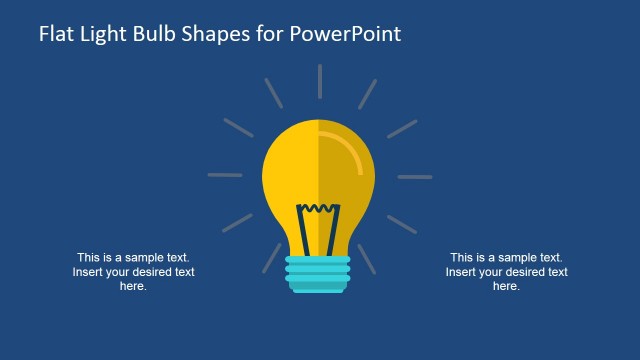
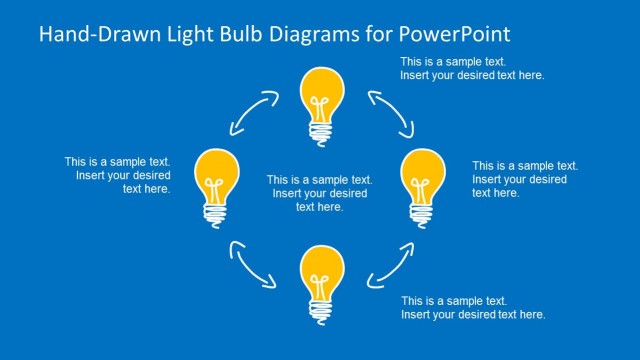
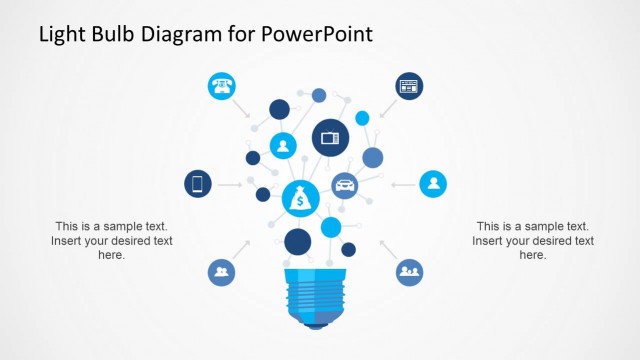
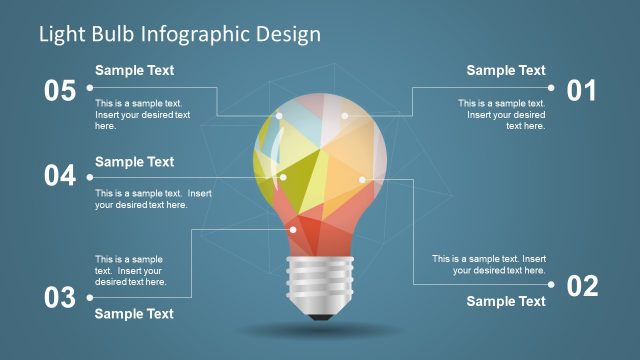
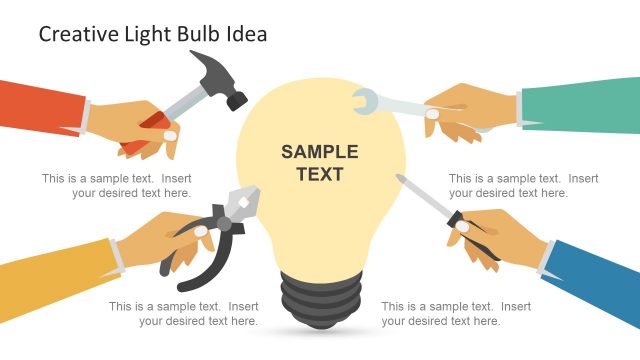
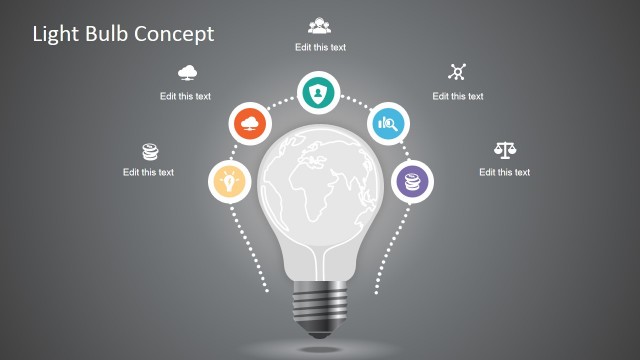
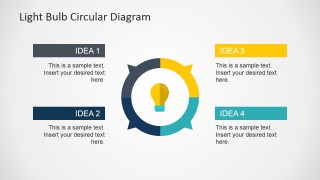
This creative Flat Light Bulb PowerPoint Template contains several slide designs for presentations on business ideas, business plans, or entrepreneurship. In this flat lightbulb PowerPoint template, you can find graphic designs created in PowerPoint to present opposing ideas, make a segmented diagram with a light bulb shape, or make a creative and iterative cycle process using a circular process diagram with a light bulb shape inside.
Alternatively, you can download other 100% editable lightbulb infographics for PowerPoint, like the low-poly lightbulb infographic PPT template design.
What’s inside this template
Example presentation scenarios
- A startup founder can use the opposing A and B light bulb slide to compare two product ideas and guide investors through the tradeoffs.
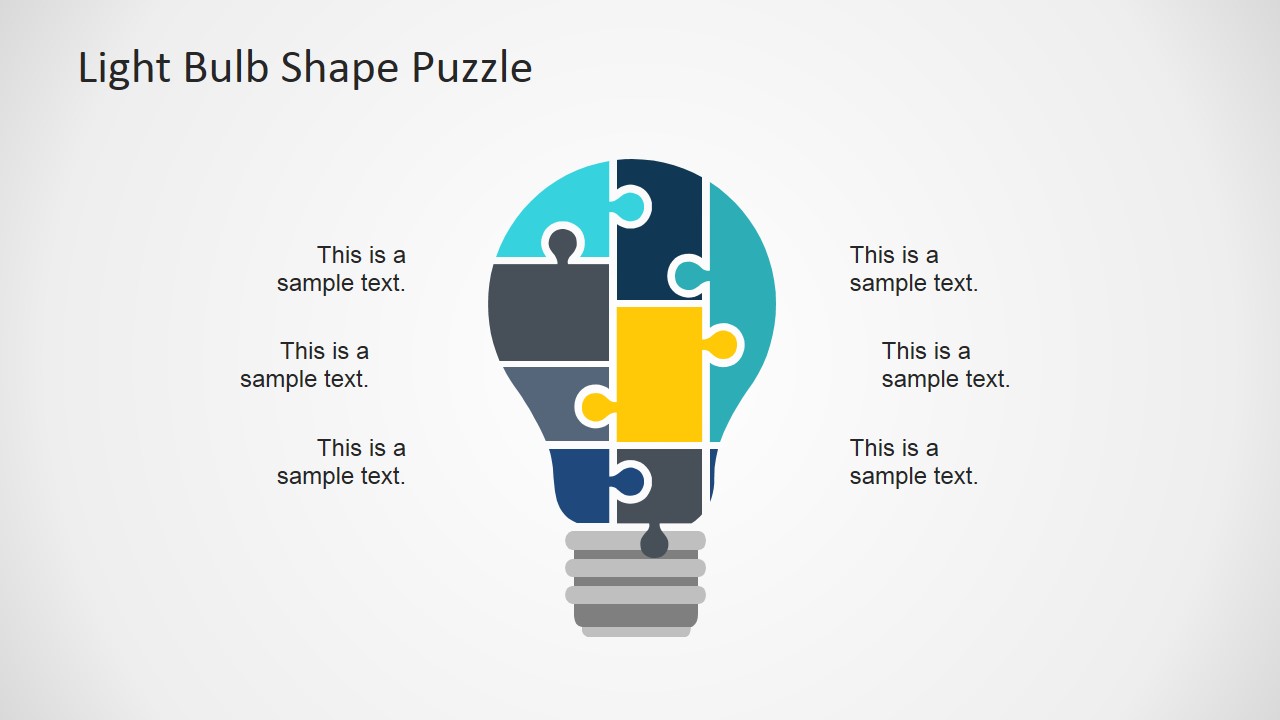
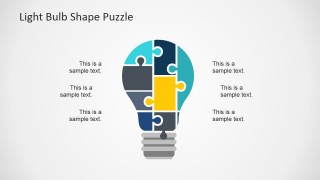
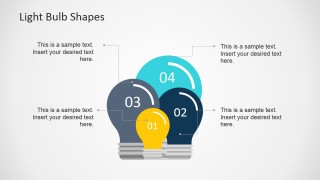
- A consultant can use the light bulb puzzle diagram to show how several inputs combine into one client recommendation during a strategy session.
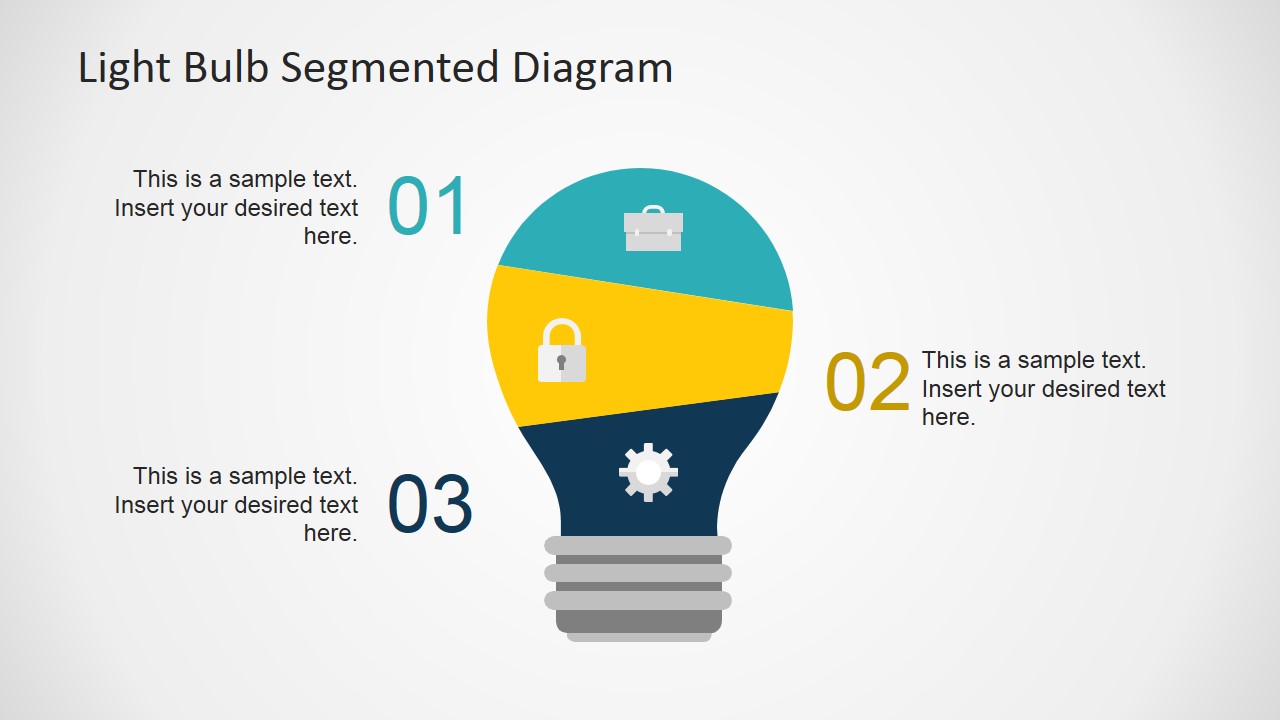
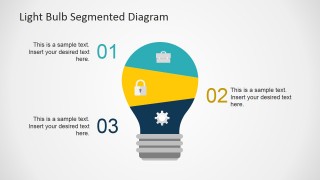
- A product manager can use the segmented bulb diagram to break an innovation roadmap into three parts with supporting icons and short text.
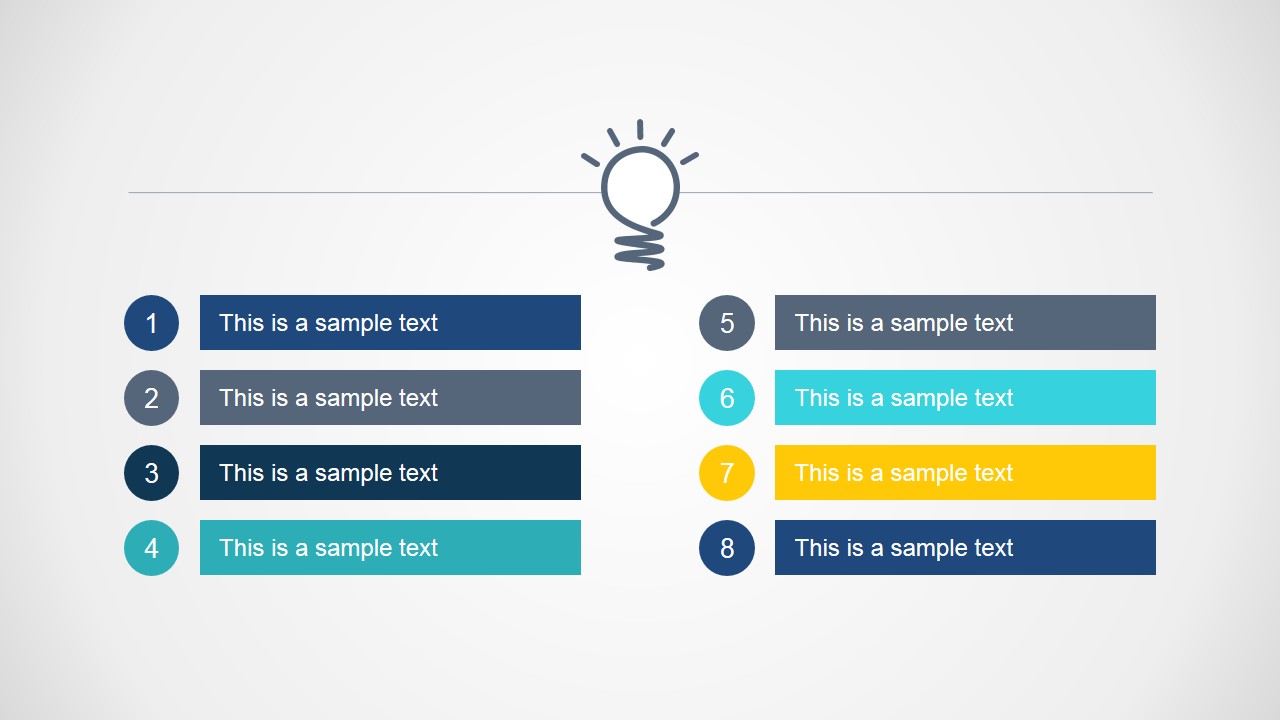
- A workshop facilitator can use the numbered list slides to capture participant ideas, rank them, and prepare a concise summary for stakeholders.
Features
- 100% editable presentation template
- Compatible with Microsoft PowerPoint and Google Slides
- 16:9 aspect ratio slides
- Scalable vector shapes, icons and illustrations
- AI-Ready for Microsoft Copilot and Claude
- Instant access and download
Frequently asked questions
Q: How should a presenter structure an idea discussion with this template?
A: Start with the central IDEAS slide to frame the theme, then use the A and B light bulb layout for the key choice or tension. Follow with the numbered list to prioritize options, and use the puzzle or circular diagram to explain how the strongest ideas connect. Keep each placeholder short so the bulb metaphor remains the main visual anchor.
Q: Who is this template best suited for in a business setting?
A: This template fits presenters who need to explain early ideas before they become detailed plans. Founders, consultants, product teams, and facilitators can use it to compare concepts, organize workshop output, or show idea components. It is less about reporting performance and more about making abstract thinking visible and easy to discuss.
Q: Why does the light bulb metaphor improve communication in these slides?
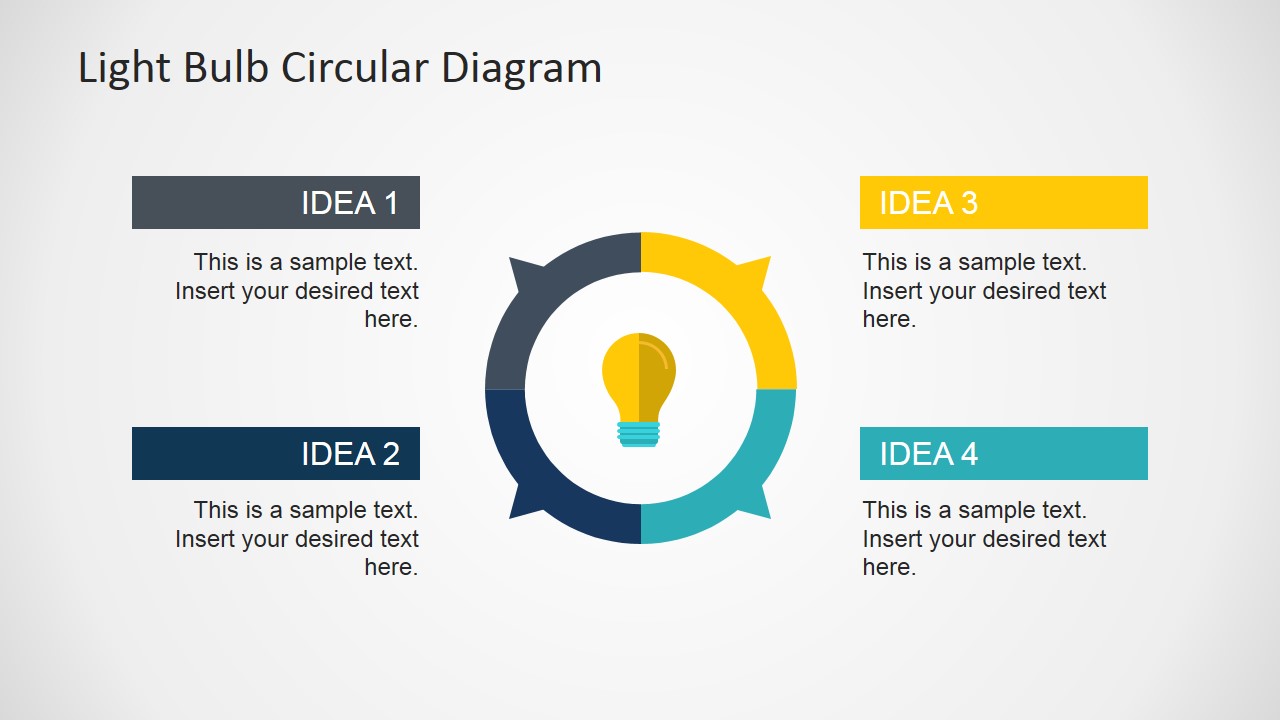
A: The light bulb is a familiar symbol for ideas, so it gives the audience an immediate mental shortcut. The puzzle slide suggests idea parts fitting together, the segmented bulb separates components, and the circular diagram shows iteration around a concept. These metaphors reduce explanation time and help viewers remember the message.







Flat Light Bulb PowerPoint Template
8-slide presentation template with light bulb diagrams for ideas, comparisons, and creative planning.
Flat Light Bulb PowerPoint Template is an 8-slide presentation template for business ideas, entrepreneurship, and creative planning. It includes opposing idea slides, numbered list layouts, a light bulb puzzle, overlapping bulb shapes, a segmented bulb diagram, and a circular idea diagram for Microsoft PowerPoint and Google Slides.
- Category
- Shapes
- Rating


 Loading...
- Aspect ratio
- 16:9
- Item ID
- 6796-03
- Colors
 Microsoft PowerPoint
  Microsoft Copilot
  Claude for PowerPoint
 Other formats supported
Subscribe today and get immediate
access to download our PowerPoint templates.