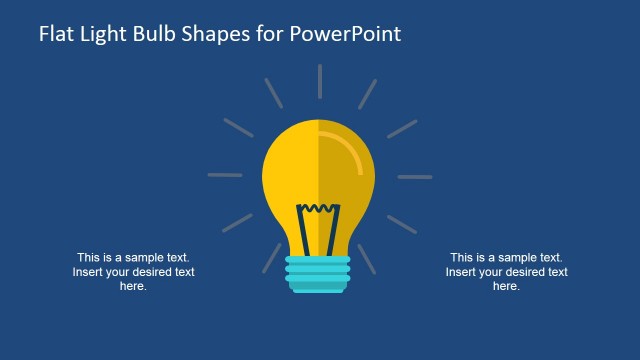
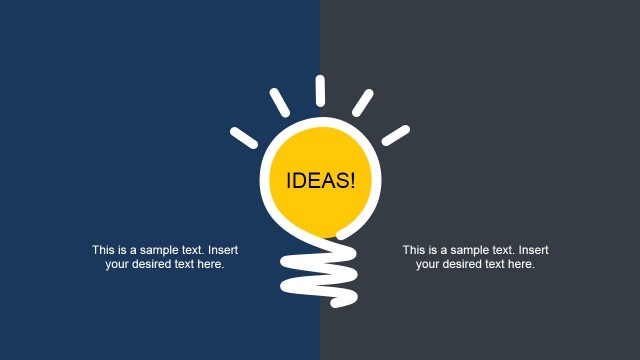
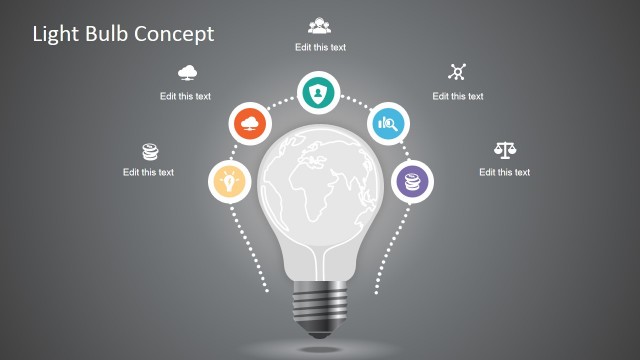
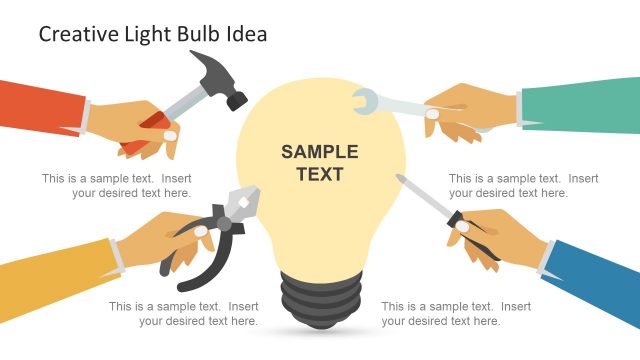
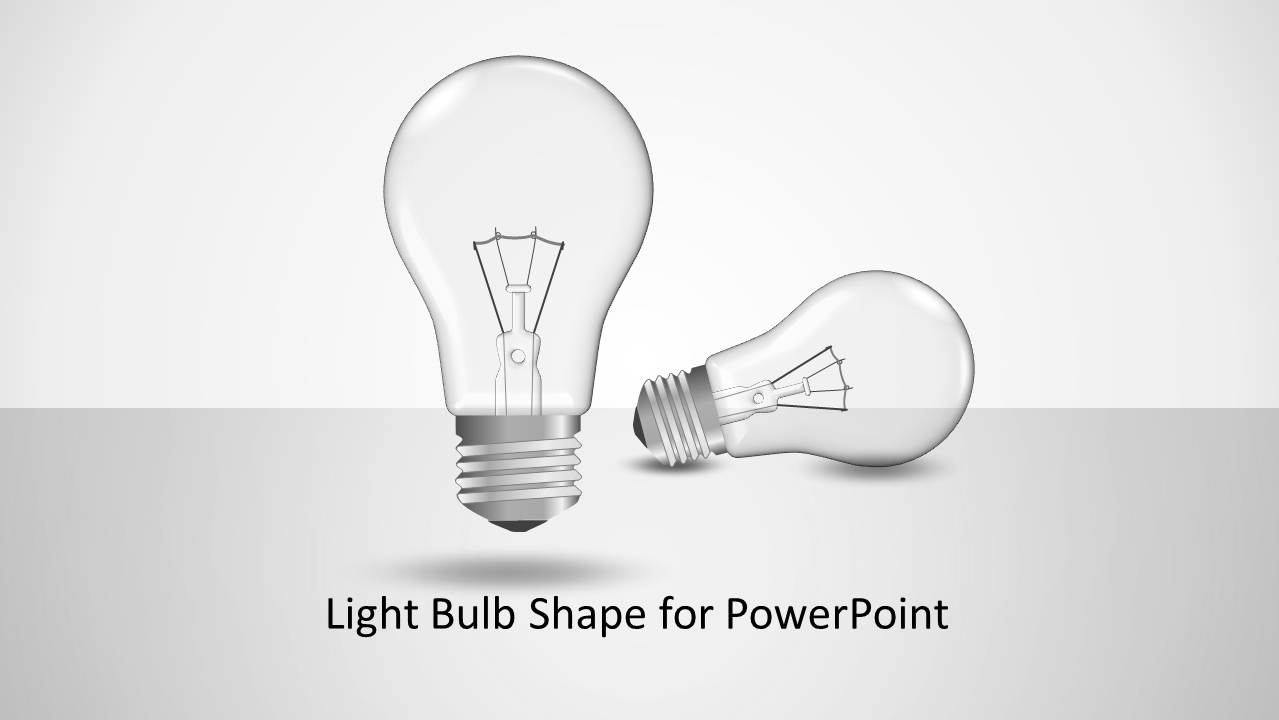
Light Bulb Shape for PowerPoint is a presentation template with light bulb themed slides.
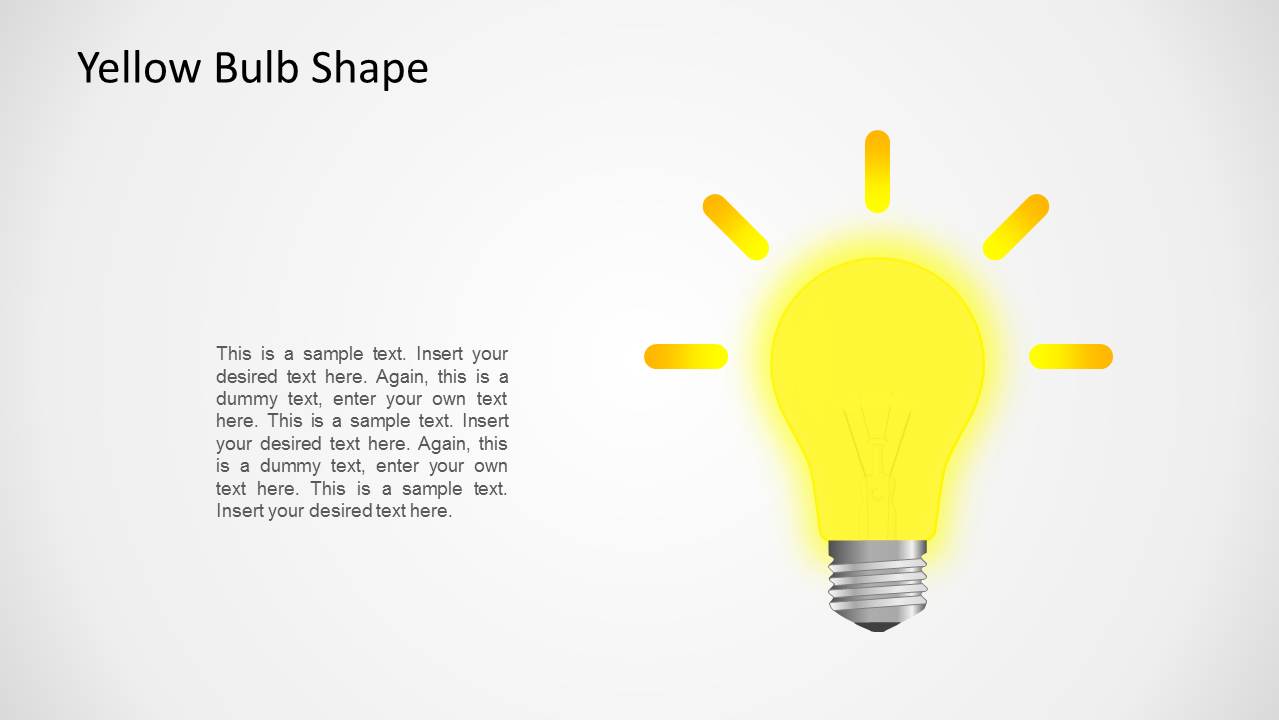
You can use this template for presenting your bright idea or to create presentations on a wide range of topics, such as energy, electricity, global warming and a variety of other topics.
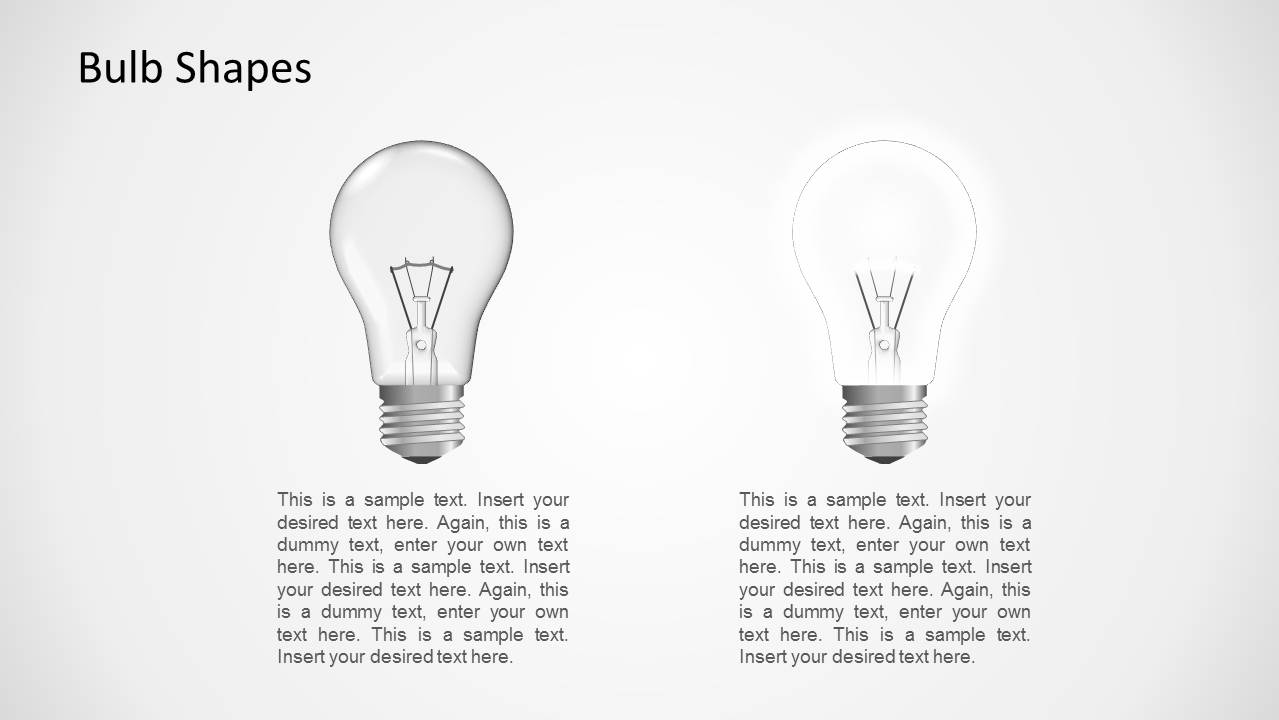
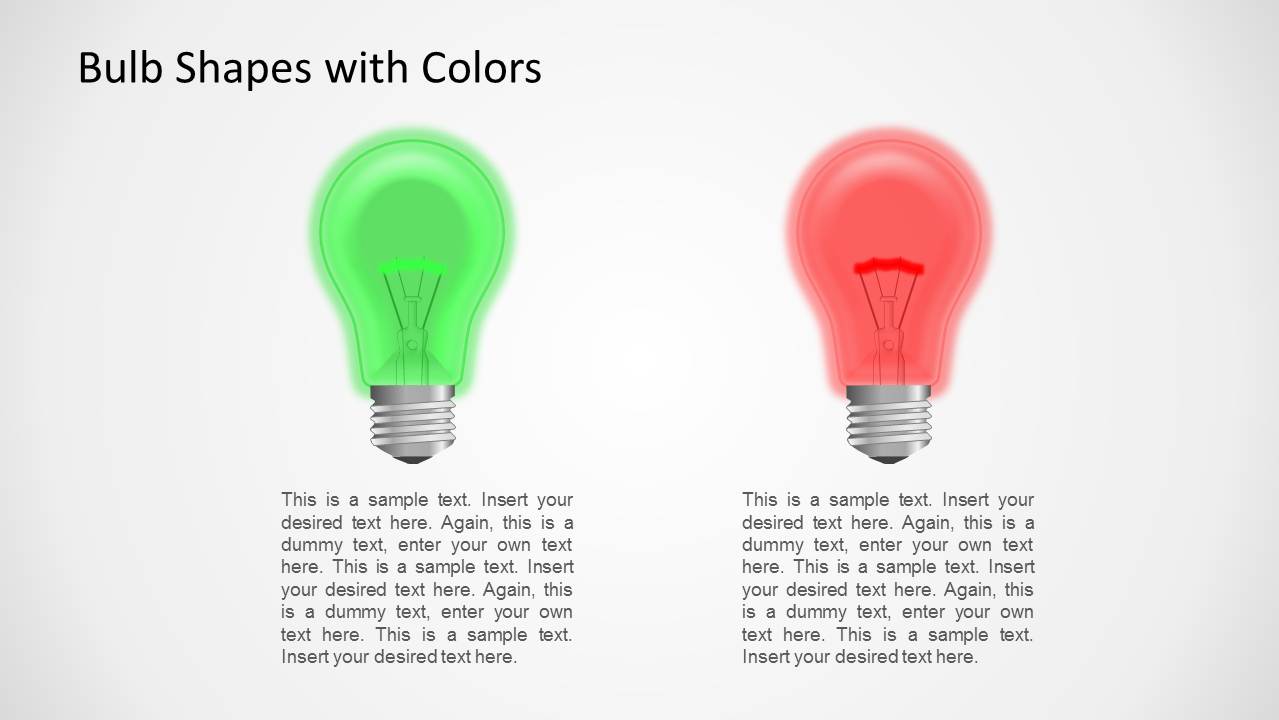
The template features glowing bulbs in different colors, as well as bulbs which appear to be switched off. This gives ample scope to create presentations with different perspectives, explained using different light bulb images.
What’s inside this template
Example presentation scenarios
- A startup founder can introduce a new product idea by opening with the bulb cover slide and ending with the glowing yellow bulb to mark the main insight.
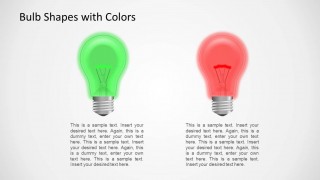
- An energy consultant can explain power, electricity, or efficiency concepts using the grayscale bulb slides and the green versus red comparison layout.
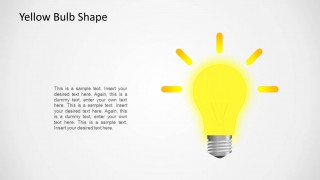
- A trainer can teach brainstorming outcomes by assigning the faded bulb, colored bulb, and yellow glowing bulb to weak, alternative, and selected ideas.
- A business analyst can compare two strategic options by placing pros, risks, or assumptions below the two-bulb comparison slides.
Features
- 100% editable presentation template
- Compatible with Microsoft PowerPoint and Google Slides
- Scalable vector shapes, icons and illustrations
- AI-Ready for Microsoft Copilot and Claude
- Instant access and download
Frequently asked questions
Q: How should a presenter use the light bulb metaphor without making the message feel too generic?
A: Anchor each bulb to a specific meaning before presenting. For example, use the faded bulb for an inactive idea, the green and red bulbs for approved versus rejected options, and the glowing yellow bulb for the chosen solution. Add concise labels and one supporting sentence so the visual metaphor clarifies the decision rather than decorating it.
Q: Who is this template best suited for in a business or educational setting?
A: This template fits presenters who need a short concept-led explanation rather than a full report. Innovation teams, energy consultants, trainers, and educators can use it to introduce an idea, compare alternatives, or explain electricity and power themes. The layouts are best when the audience needs quick interpretation and a memorable central image.
Q: Why do the grayscale, colored, and glowing bulb variations improve communication?
A: The sequence of bulb states gives the presenter a simple visual language. Grayscale bulbs can suggest neutral context, the faded bulb can signal absence or low priority, green and red bulbs create immediate contrast, and the yellow glowing bulb marks the key idea. This makes abstract concepts easier to sort and remember.
Light Bulb Shape for PowerPoint
5-slide PowerPoint presentation template with editable light bulb shapes for idea and energy concepts
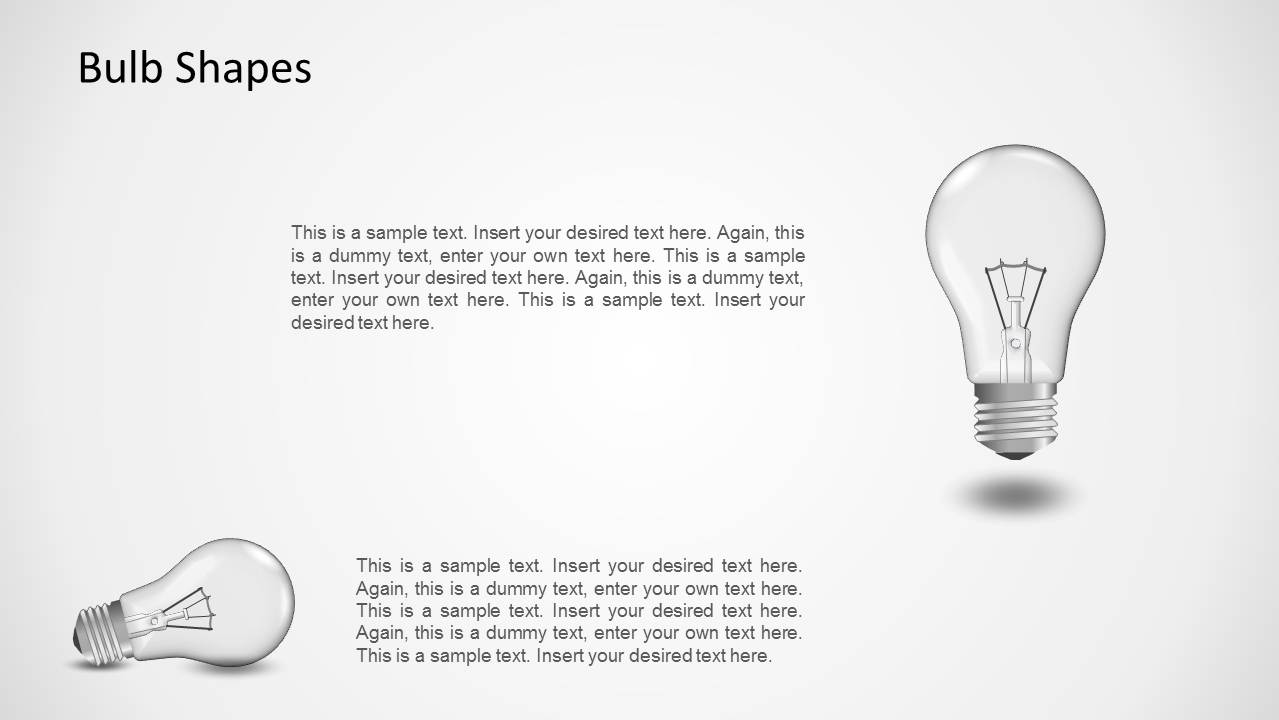
Light Bulb Shape for PowerPoint is a 5-slide presentation template built around editable light bulb illustrations. Visible layouts include a title slide with upright and horizontal bulbs, two-column bulb comparison slides, colored green and red bulb options, and a glowing yellow idea bulb. It is suited to idea, energy, electricity, and innovation presentations.


 Loading...
 Microsoft PowerPoint
  Microsoft Copilot
  Claude for PowerPoint
 Other formats supported
Subscribe today and get immediate
access to download our PowerPoint templates.