Improve brainstorming sessions with the Flat Light Bulb Idea Concept for PowerPoint. The presentation template can be used in brainstorming activities ranging from marketing sessions to corporate strategy meetings. In any case, the template presents each idea and proposal using modern clip art that appeal to executive audiences.
The slides feature flat design clipart composed of pixel perfect vectors. The cool colors of the template allows the user room for presenting results with engaging designs. The appealing PowerPoint Shapes are easy on the eyes. They are also specifically designed to motivate idea generation.
The PowerPoint template is ideal for presenting several ideas at once. It serves as a venue for idea comparison. The slide designs may be used in exposing pros and cons of ideas. This way, company management can choose the best among several alternatives.
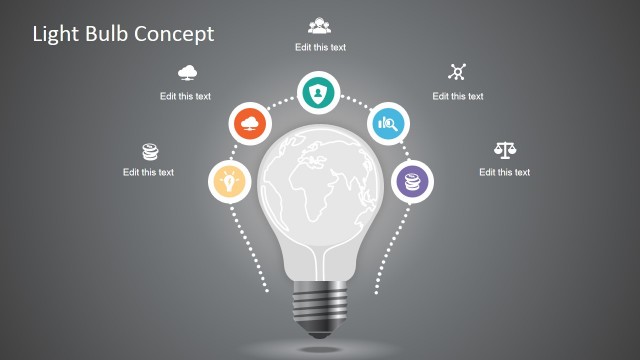
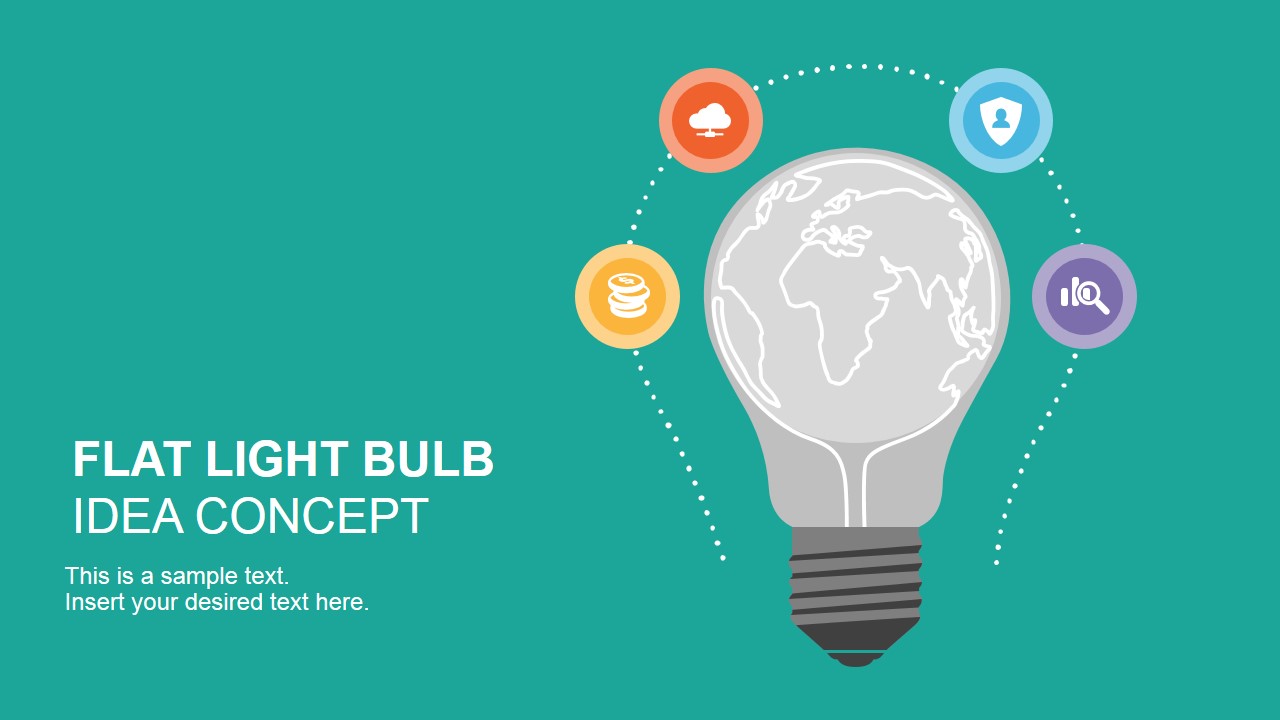
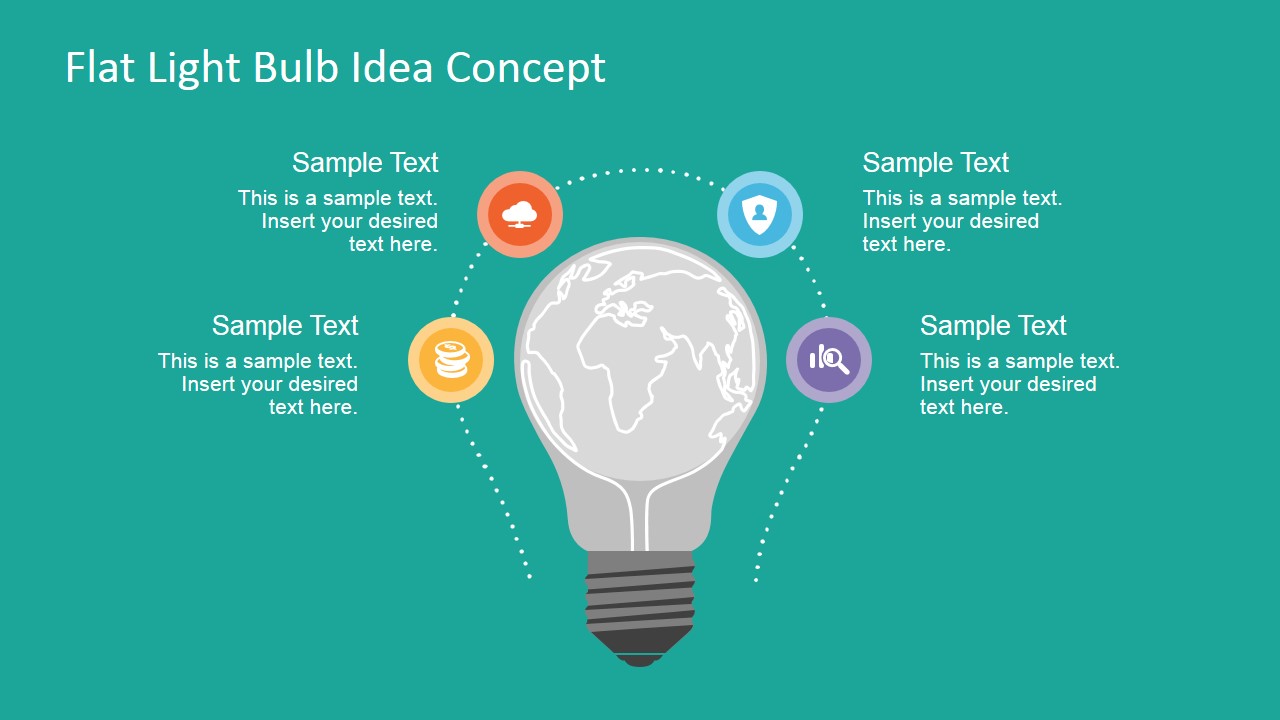
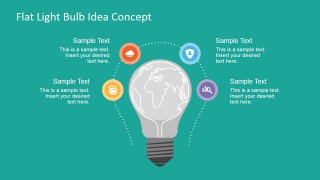
First in the collection is a slide, containing a large lightbulb graphic. The lightbulb contains a world map clipart inside; an intelligent metaphor for globalization or internationalization ideas. The drawing is surrounded by four minimalist icons. The same set of graphics are mirrored in the second slide. The different between the two slides is that the first can be used as a cover slide. The second may be used to elaborate on the overview of activities.
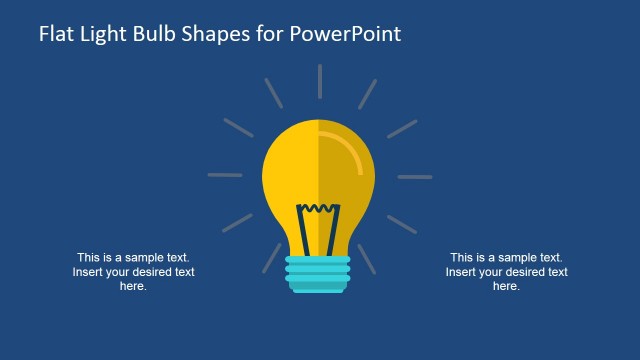
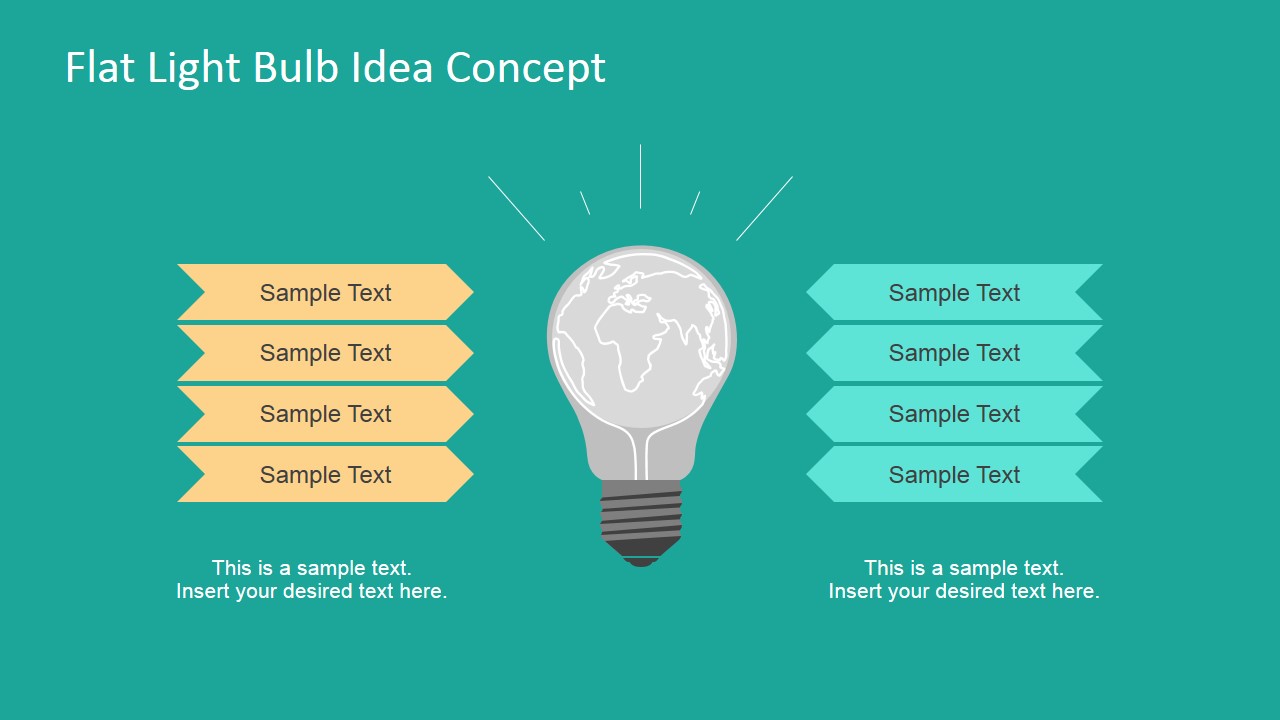
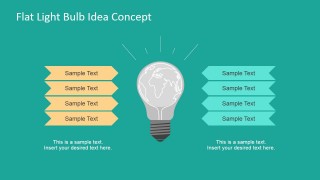
The third slide contains a smaller version of the light bulb. This time, however, it is accompanied by two sets of ribbons. The sets are colored in yellow and green, and may be used to list proposed ideas.
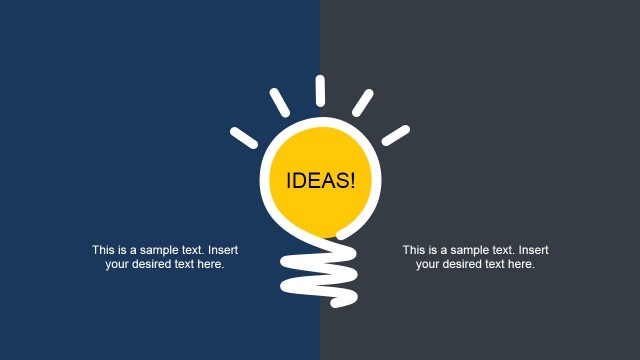
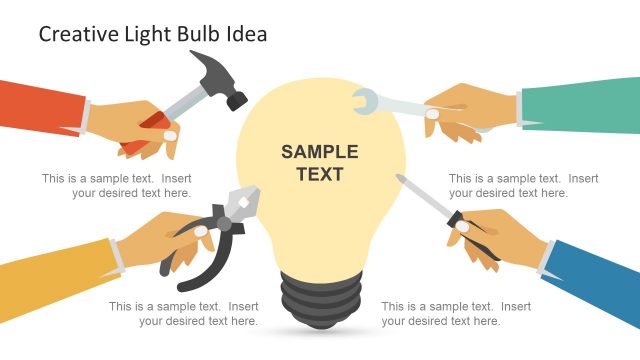
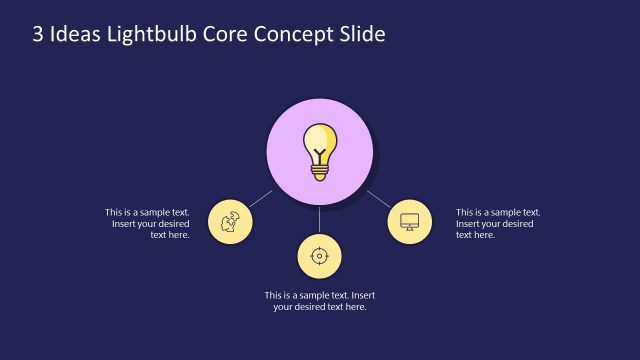
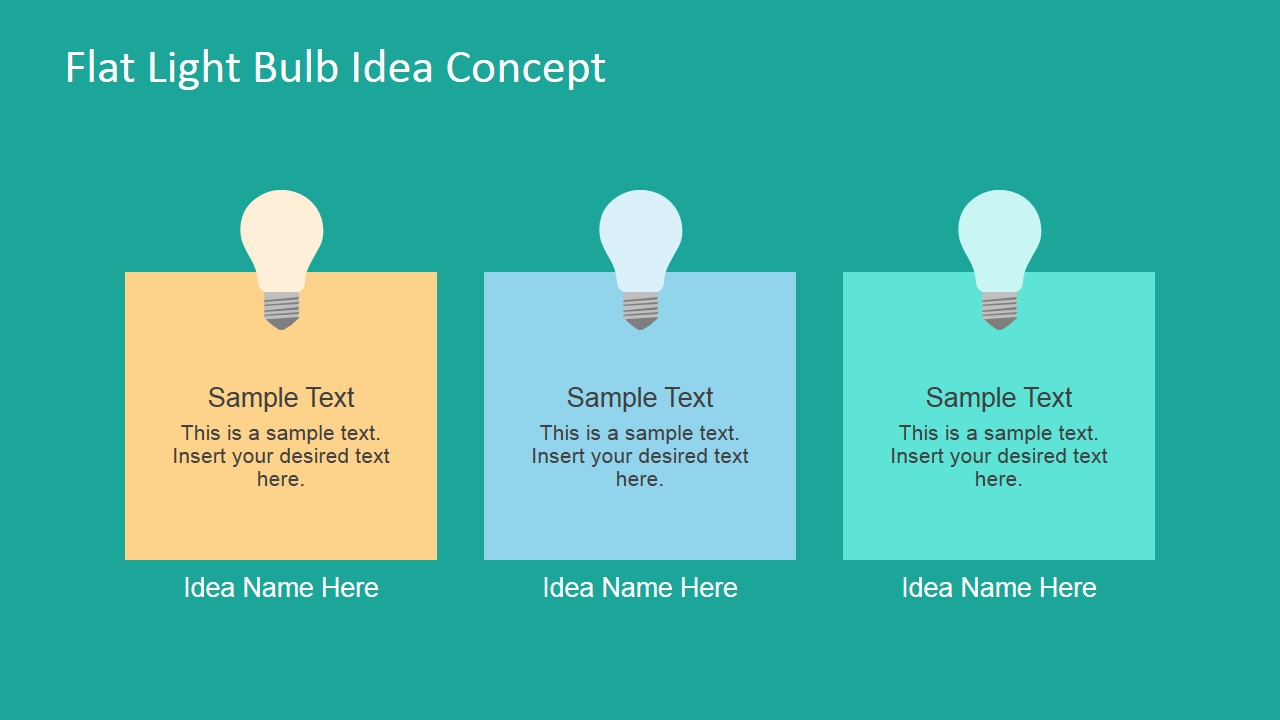
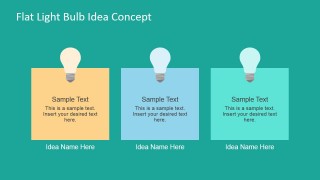
The last slide has three text boxes. These may be used to summarize the innovation session to the board for approval. The ideas may be chosen from the list in the previous slide. Details and information may be placed in the text placeholders. The varied colors provide easy identification and aid the overall visual aesthetic.
The Flat Light Bulb Idea Concept for PowerPoint is ideal for presenting the results of the brainstorming process. The user may show a summarized version of the activity to management. It may also be used by marketing teams to inspire new ideas.
The user may download other PowerPoint templates for documenting brainstorming sessions from our PowerPoint Diagrams section.
What’s inside this template
Example presentation scenarios
- A marketing manager can present campaign concept options to leadership using the two-sided ribbon list to group ideas and the three idea cards to show shortlisted proposals.
- A strategy consultant can report the output of an innovation workshop by opening with the light bulb cover and using the four-icon overview to organize discussion themes.
- A product manager can compare feature ideas in a roadmap planning meeting with the ribbon list and then use the final idea cards to summarize the strongest candidates.
- An innovation facilitator can guide a problem-solving session by using the central light bulb metaphor to keep attention on idea generation and the icon callouts to separate key considerations.
Features
- 100% editable presentation template
- Compatible with Microsoft PowerPoint and Google Slides
- 16:9 aspect ratio slides
- Scalable vector shapes, icons and illustrations
- AI-Ready for Microsoft Copilot and Claude
- Instant access and download
Frequently asked questions
Q: How should the idea options be presented so the audience can compare them quickly?
A: Start with the cover slide to establish the light bulb metaphor, then use the four-icon overview to define the evaluation lenses before showing the ribbon list. Keep each ribbon label short and parallel in wording. Close with the three idea cards so the audience sees the recommended options rather than every raw brainstorm item.
Q: Which presentation situations fit this template best?
A: This template fits short concept reviews where the presenter needs to turn brainstorming output into a clear business discussion. Marketing teams, product managers, consultants, and innovation leads can use it to explain problem-solving themes, compare proposal categories, and summarize selected ideas for managers or executives.
Q: Why does the light bulb and world map visual work for innovation storytelling?
A: The light bulb gives the audience an immediate idea-generation cue, while the world map inside it suggests scale, reach, or global thinking. The surrounding icons and ribbon lists break abstract thinking into smaller categories, making the concept easier to scan before the presenter moves to the final idea cards.

Flat Light Bulb Idea Concept for PowerPoint
4-slide presentation template with light bulb concept graphics, world map idea icons, and proposal cards
This 4-slide presentation template visualizes idea generation with flat light bulb graphics, a world map inside the bulb, a four-icon overview, two-sided ribbon lists, and three idea cards. It is designed for brainstorming recaps, innovation options, and problem-solving discussions by marketing, strategy, or management teams in Microsoft PowerPoint and Google Slides.
- Category
- Shapes
- Rating


 Loading...
- Aspect ratio
- 16:9, 4:3
- Item ID
- 6943-02
- Colors
 Microsoft PowerPoint
  Microsoft Copilot
  Claude for PowerPoint
 Other formats supported
Subscribe today and get immediate
access to download our PowerPoint templates.