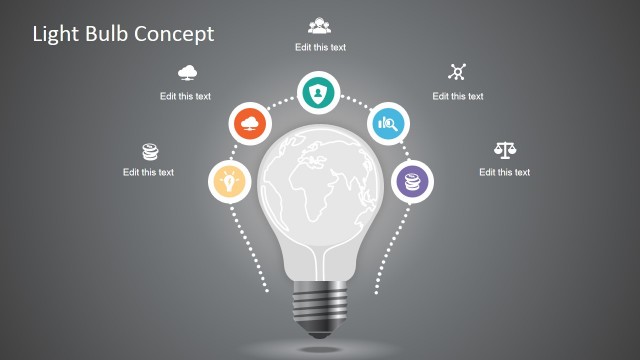
Hand-Drawn Light Bulb Template for PowerPoint is a creative PowerPoint template containing light bulb shapes with hand-drawn style that you can use to make presentations on business plans, business idea presentations, entrepreneur PowerPoint presentations, product development PPT presentations as well as other creative presentations requiring a bright idea concept.
This light bulb PowerPoint template contains many different creative slide designs including business diagrams with light bulb shapes that you can easily edit, slide designs with light bulb connected with a cable and one of the slides features Steve characters, a business character and illustration that you can use to personify your slides with a personal touch.
What’s inside this template
Example presentation scenarios
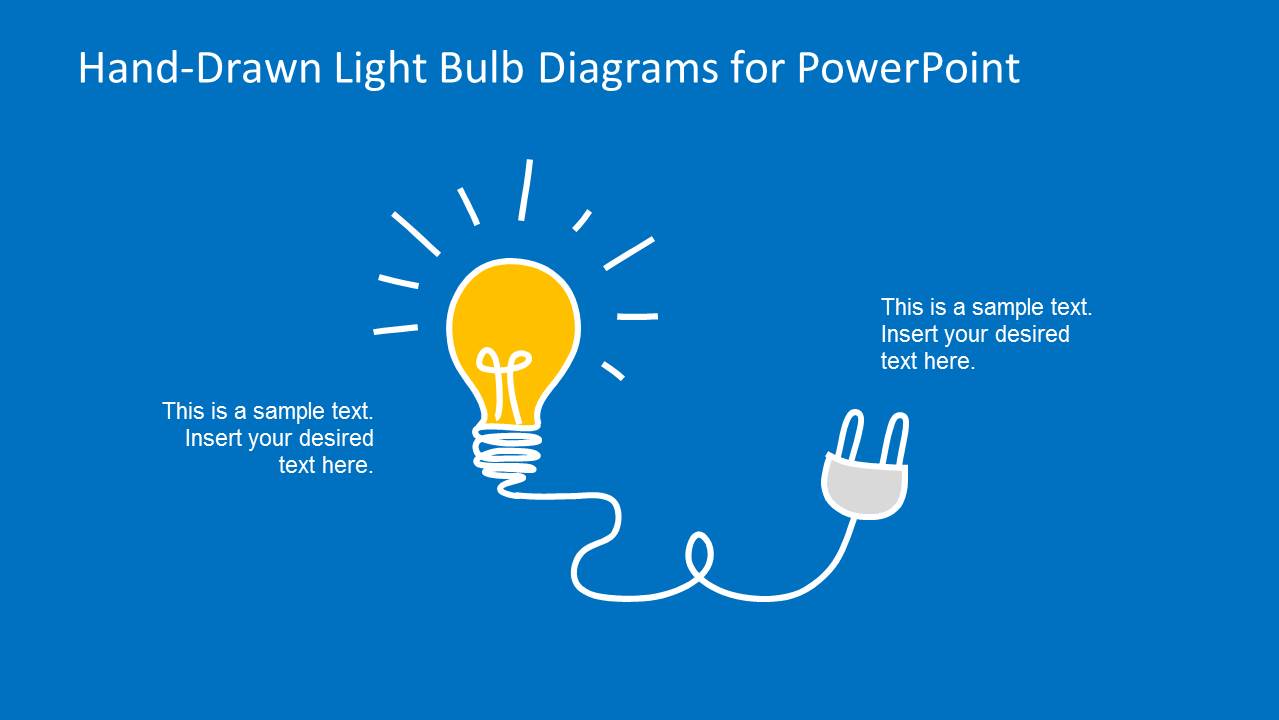
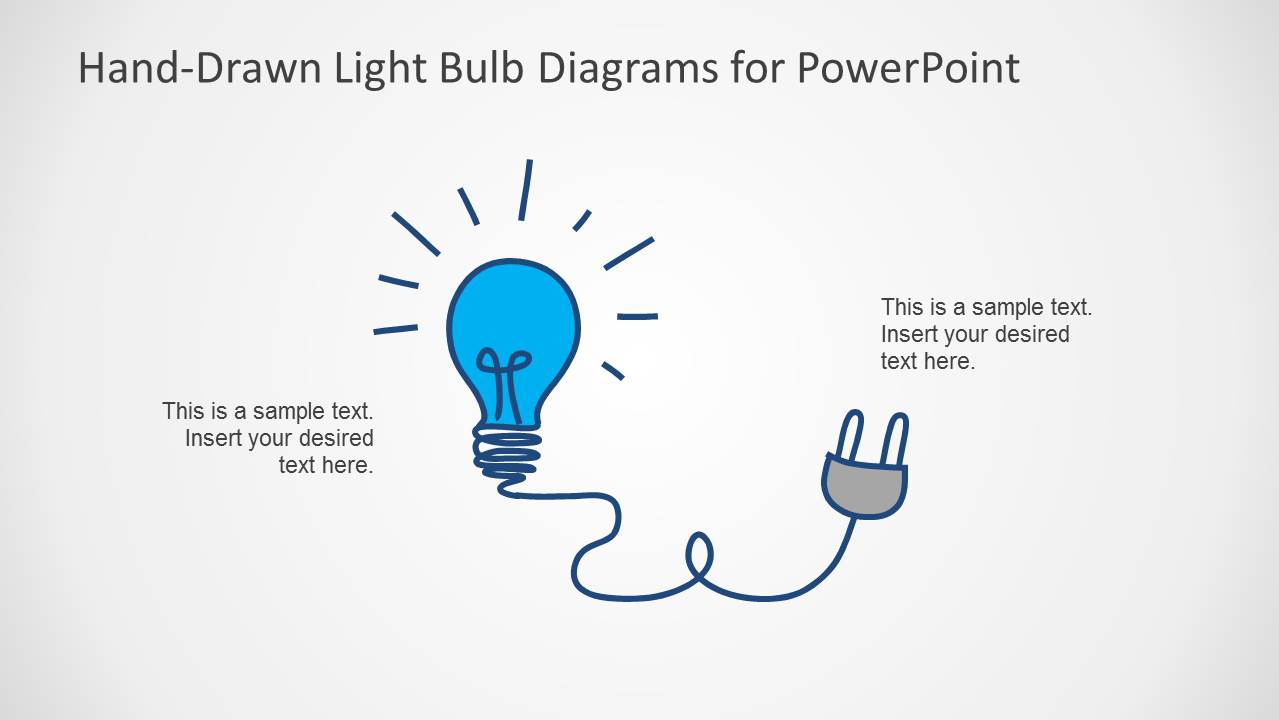
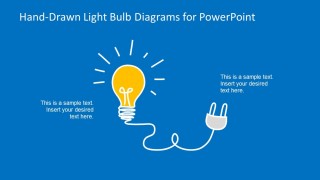
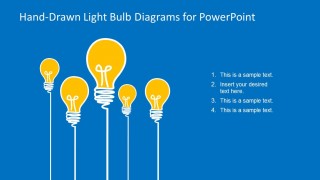
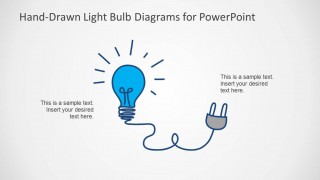
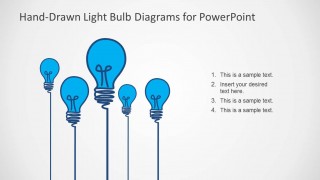
- A startup founder can introduce a new business concept by using the plug-connected bulb slide to frame the core idea and the numbered bulb list to organize supporting points.
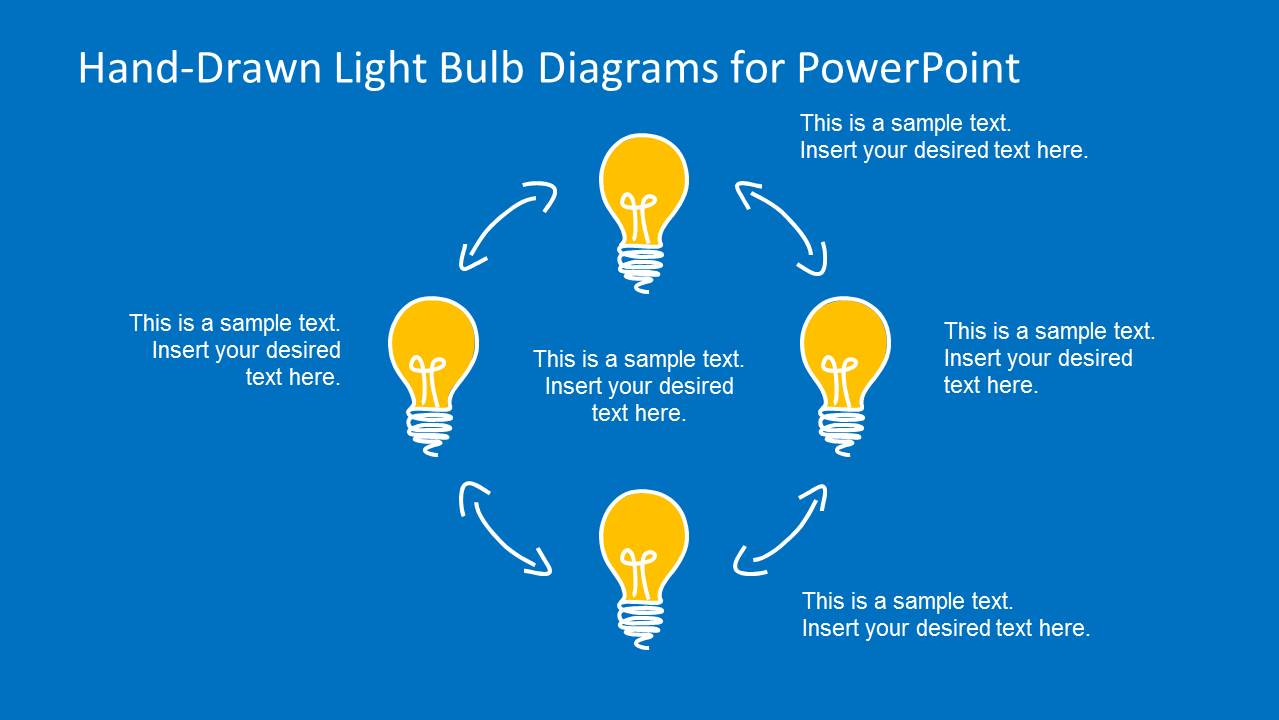
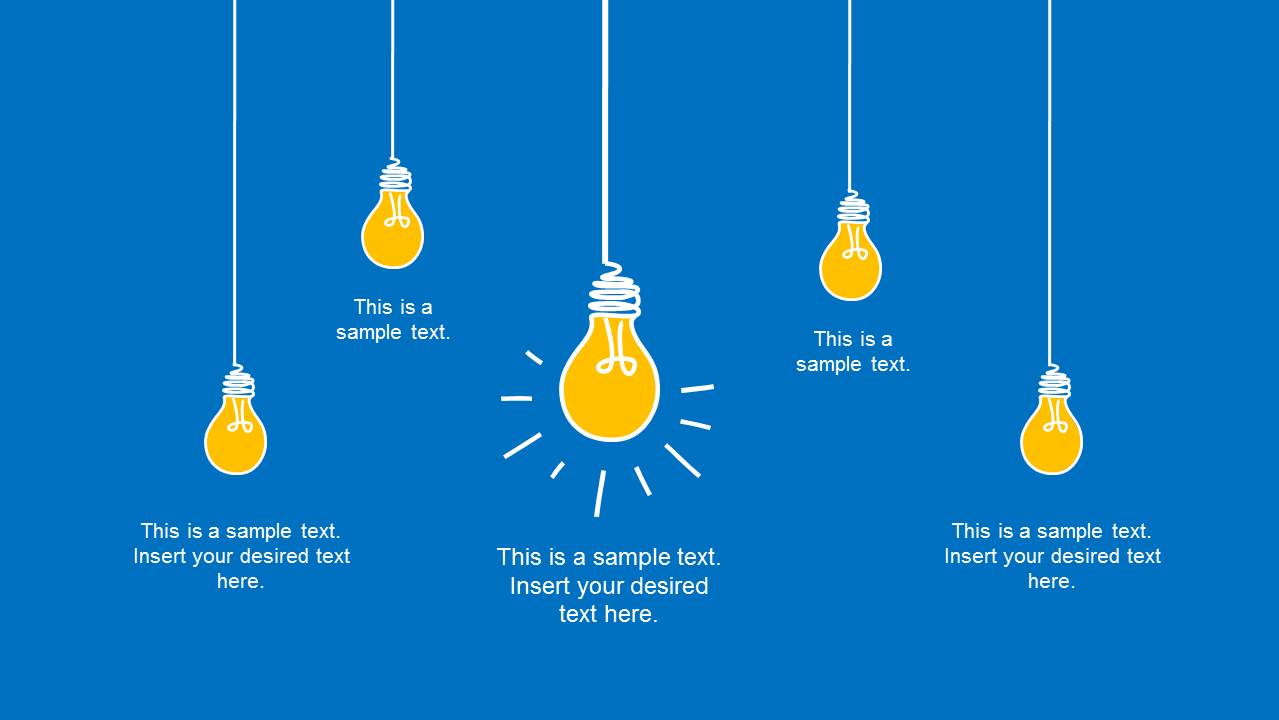
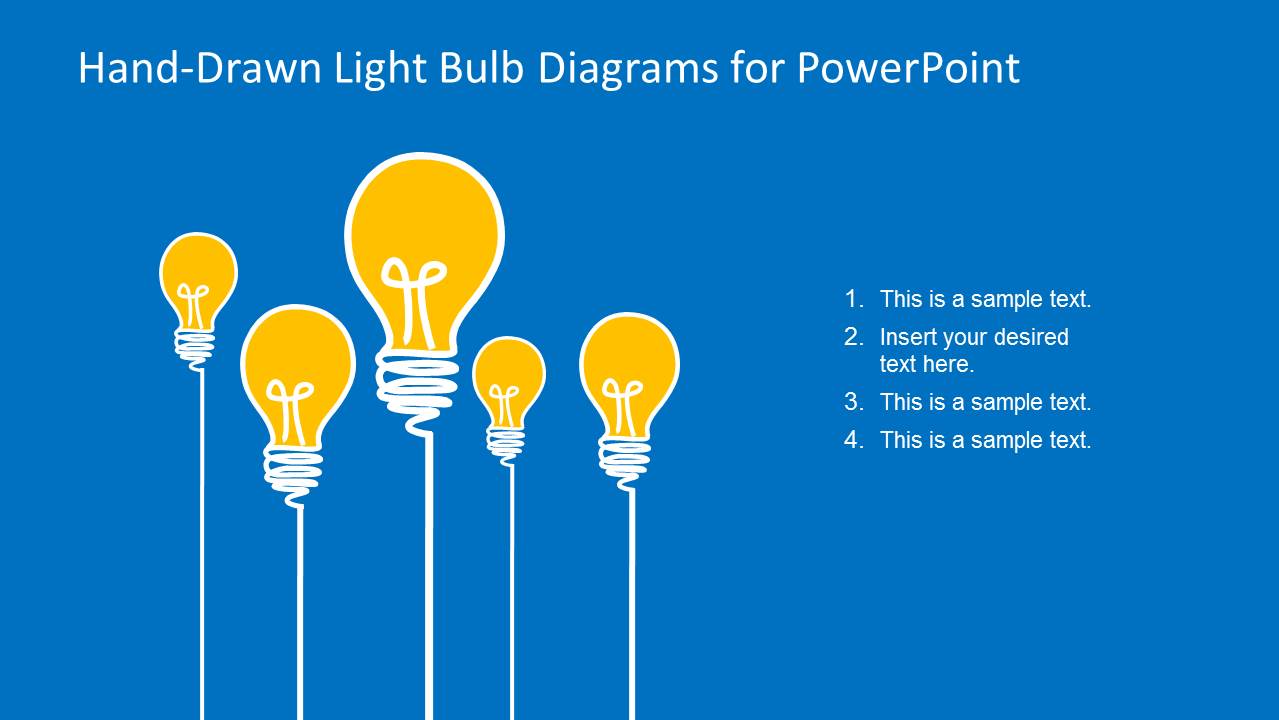
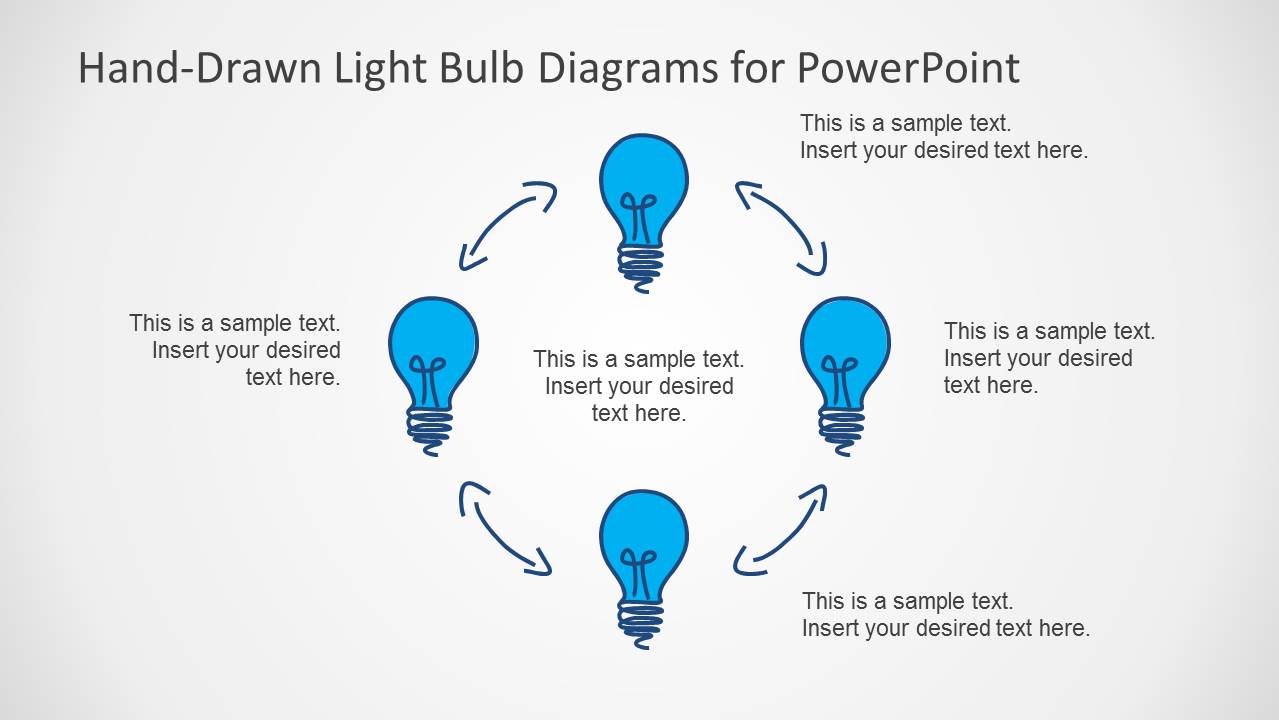
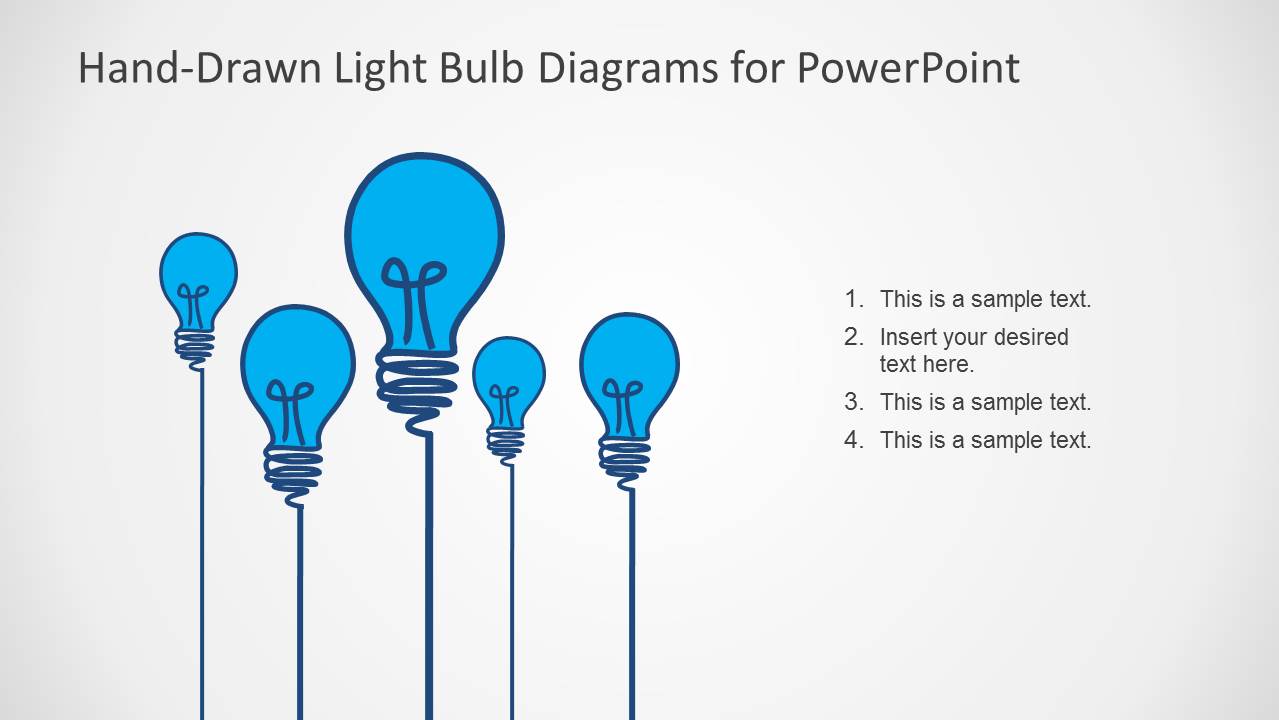
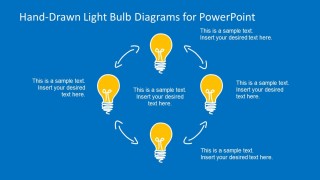
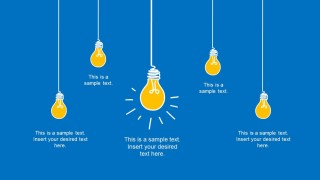
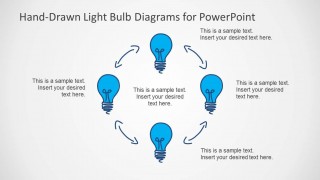
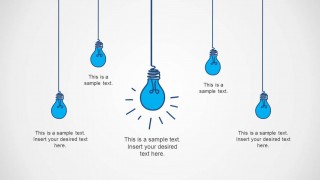
- A product manager can guide an ideation workshop by using the circular idea cycle to show iteration and the hanging bulb callouts to compare candidate concepts.
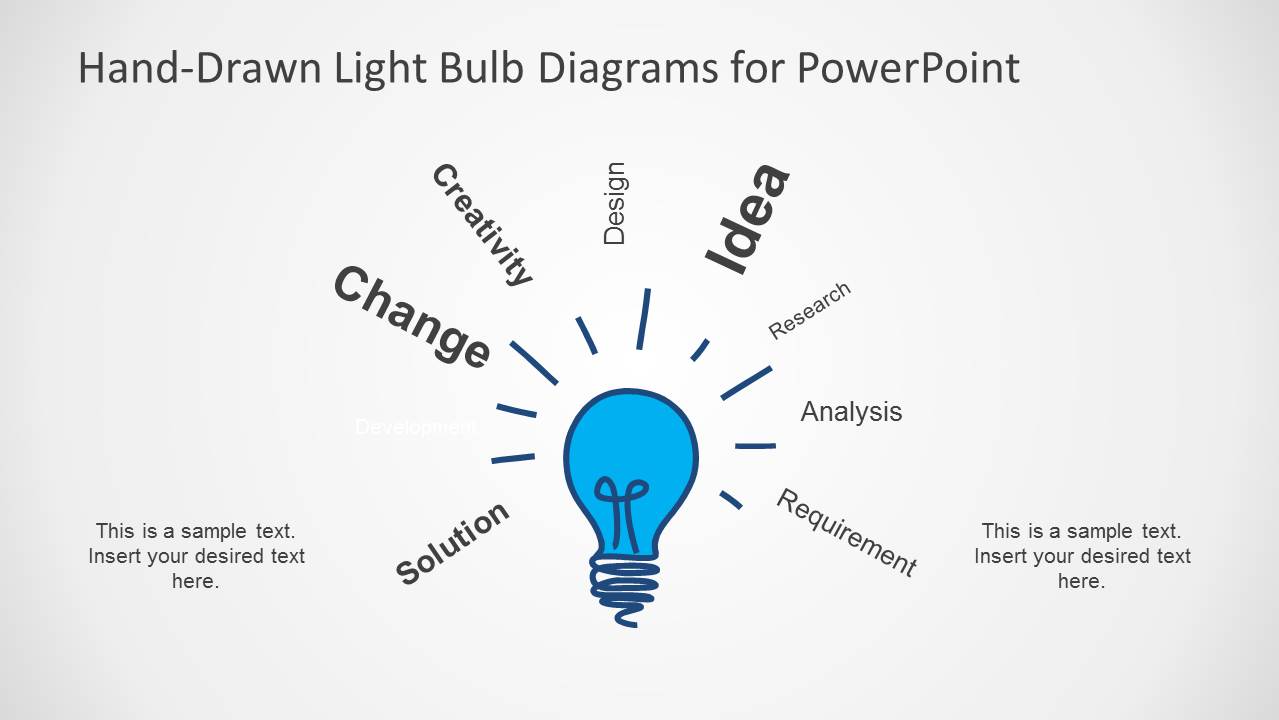
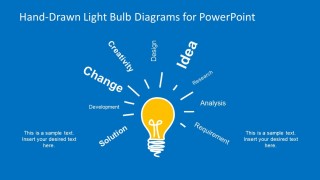
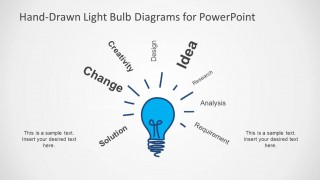
- A consultant can present a creativity or change-management session by using the radial keyword diagram to connect themes such as analysis, solution, requirement, and research.
- A trainer can explain problem-solving behavior by using the character thought-bubble slide to personify an idea and prompt discussion around one central insight.
Features
- 100% editable presentation template
- Compatible with Microsoft PowerPoint
- 16:9 aspect ratio slides
- Scalable vector shapes, icons and illustrations
- AI-Ready for Microsoft Copilot and Claude
- Instant access and download
Frequently asked questions
Q: How should a presenter structure the message with this light bulb template?
A: Start with one main idea, then use the surrounding bulb layouts to break that idea into causes, options, or next steps. The circular cycle works well for iteration, while the numbered bulb list is better for priorities. Keep each bulb label short so the sketch style supports clarity instead of becoming decorative.
Q: Who is this template best suited for in a business presentation?
A: This template fits presenters who need to make early-stage ideas easy to discuss, such as founders, product managers, consultants, and workshop facilitators. It is strongest for concept framing, brainstorming, and innovation messaging. It is less suited to formal board reporting where data tables and financial proof need to lead the story.
Q: Why does the light bulb metaphor work across the visible layouts?
A: The light bulb is a familiar symbol for insight, so the audience can understand the theme before reading the text. The repeated bulb shapes create consistency, while the plug, thought bubble, circular arrows, and hanging bulbs give different meanings: activation, imagination, iteration, and comparison. That variety keeps the metaphor useful across several talking points.






Hand-Drawn Light Bulb Template for PowerPoint
12-slide presentation template with hand-drawn light bulb idea diagrams for Microsoft PowerPoint
This 12-slide PowerPoint template contains hand-drawn light bulb diagrams for idea, innovation, and entrepreneurship presentations. Visible layouts include a circular idea cycle, a plug-connected bulb, a radial keyword diagram, hanging bulb callouts, a character thought bubble, and a numbered bulb list. The illustrations use editable PowerPoint shapes and vector graphics.
- Category
- Shapes
- Rating


 Loading...
- Aspect ratio
- 16:9
- Item ID
- 6587-01
- Colors
 Microsoft PowerPoint
  Microsoft Copilot
  Claude for PowerPoint
 Other formats supported
Subscribe today and get immediate
access to download our PowerPoint templates.