PowerPoint presentations for creative brainstorming sessions can make use of the Brainstorming PowerPoint Template. The interesting vector drawings in the PowerPoint slides are specifically design to catch the viewer’s attention and spark their interest. The illustrations are simple, so as to not overload the slides with too much content.
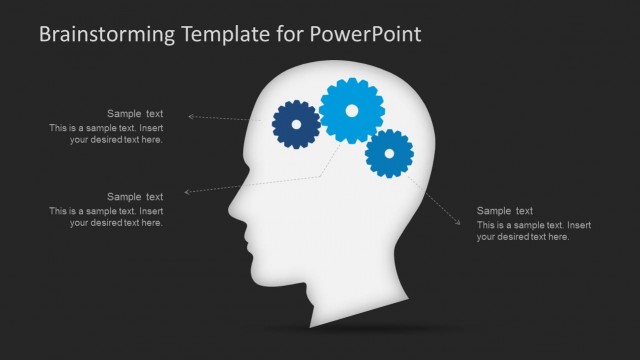
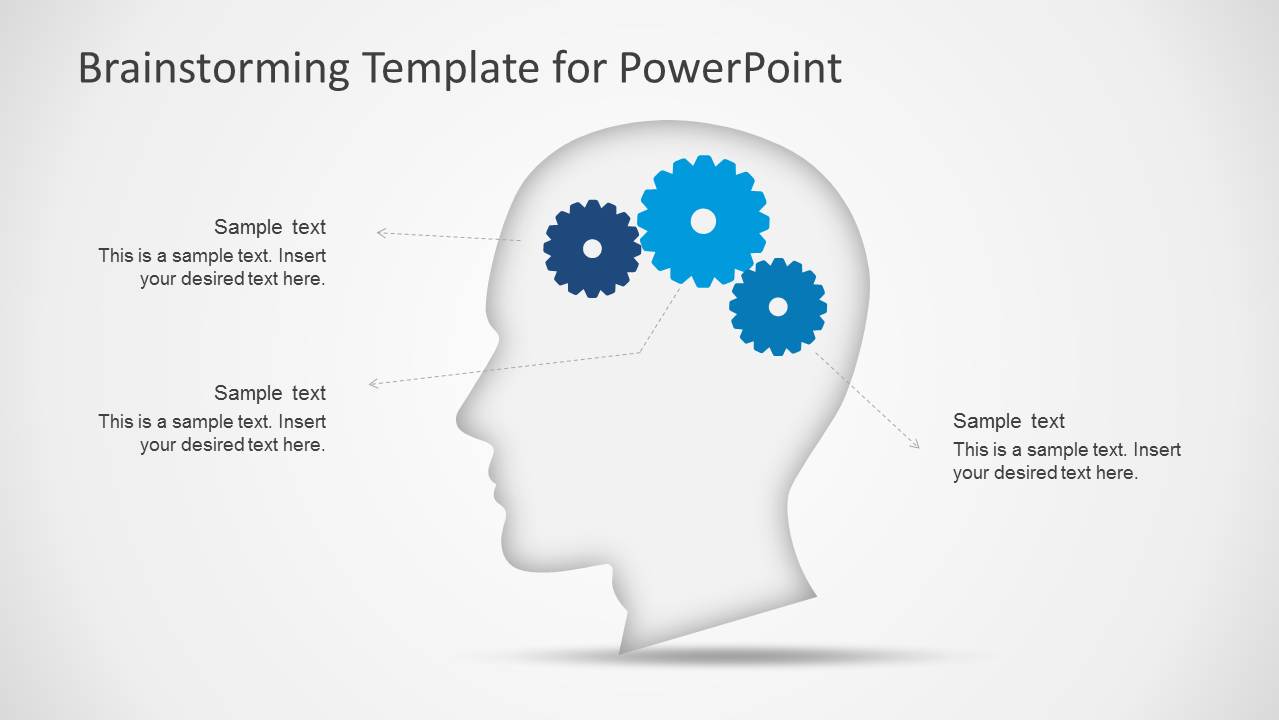
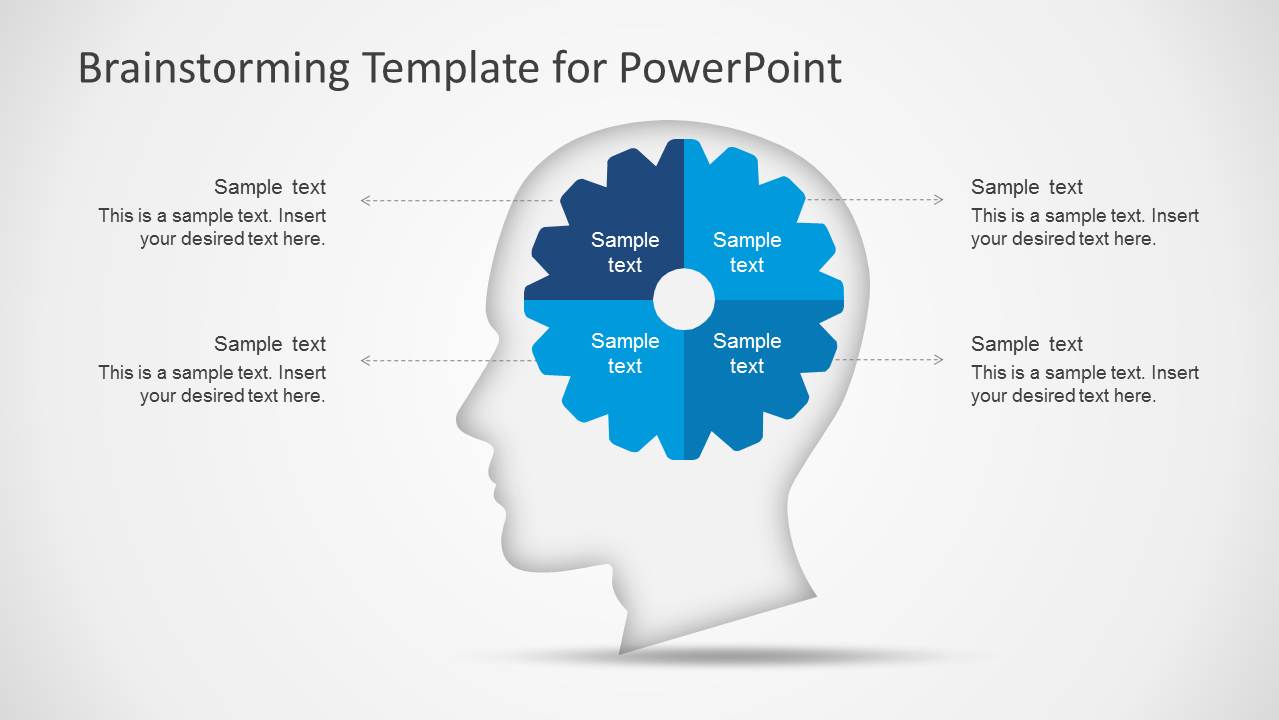
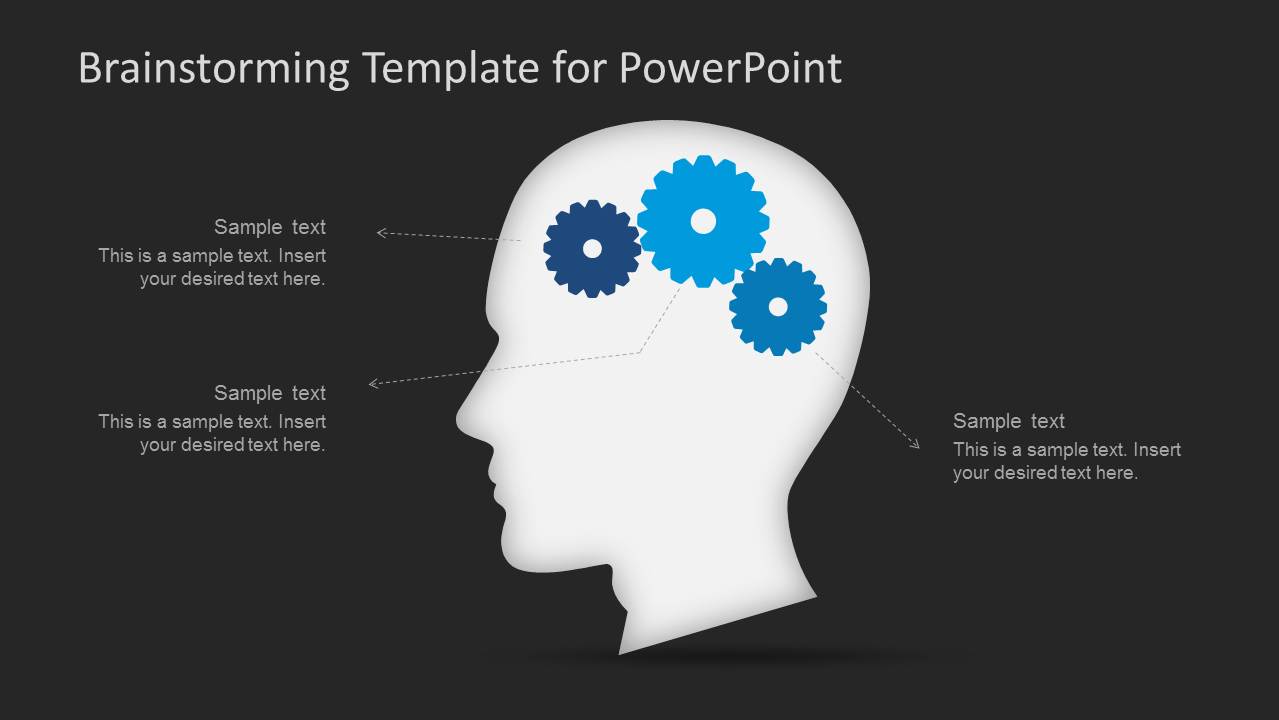
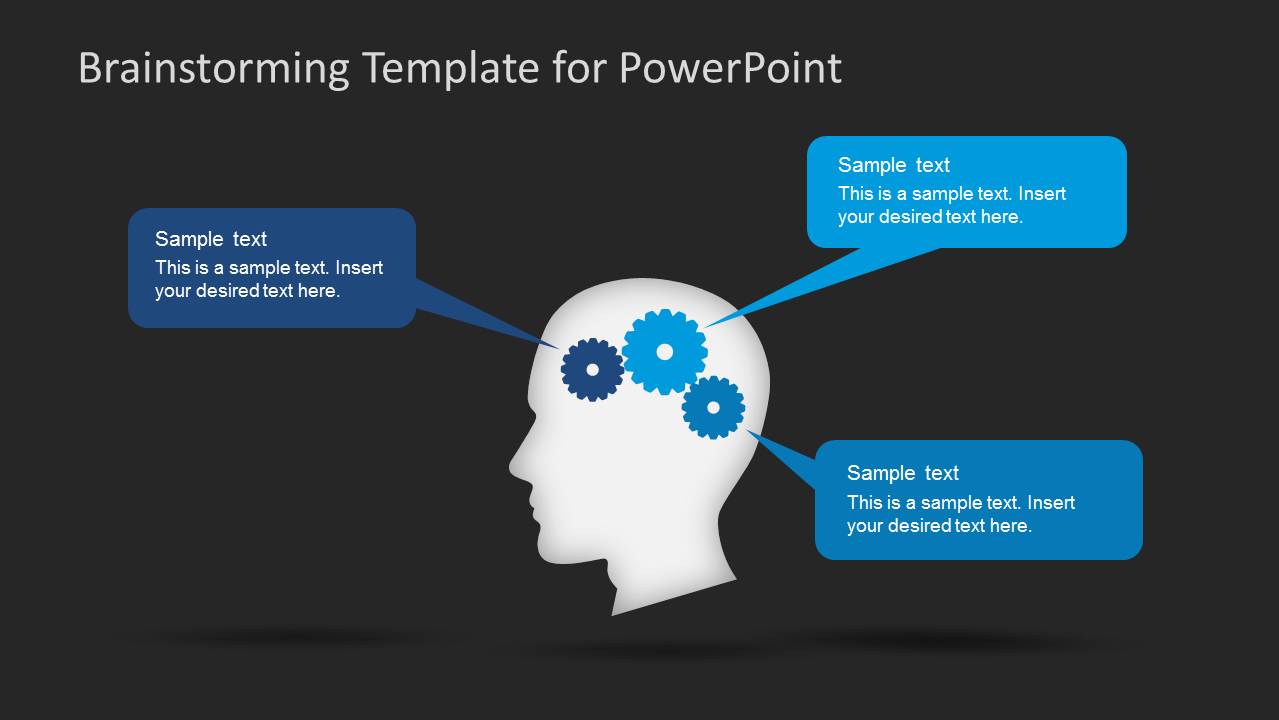
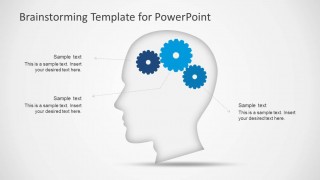
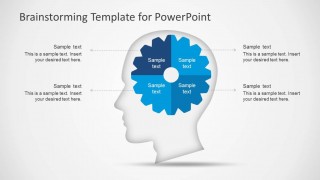
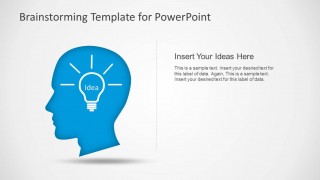
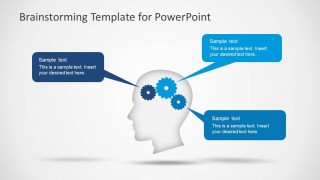
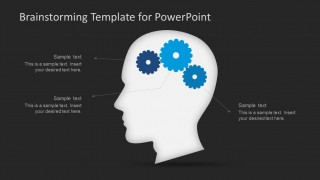
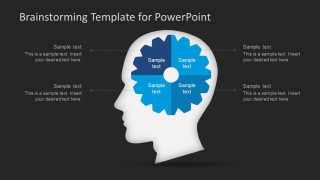
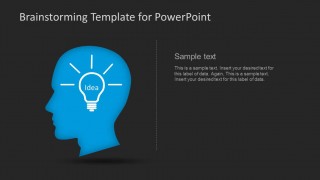
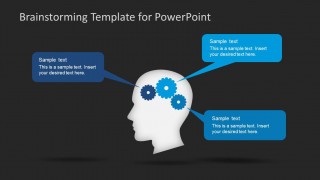
The slides make use of a professional vector head drawing. It symbolizes the brainstorming process of an individual. In one of the slides, a single gear can be found inside the head, representing the thought process involved in generating new ideas. Additional brainstorming strategies can be presented, giving the viewers new ideas on how to go around dealing with problems and new ideas. The gear can include a specific set of steps or elements that work together to make the thought process possible.
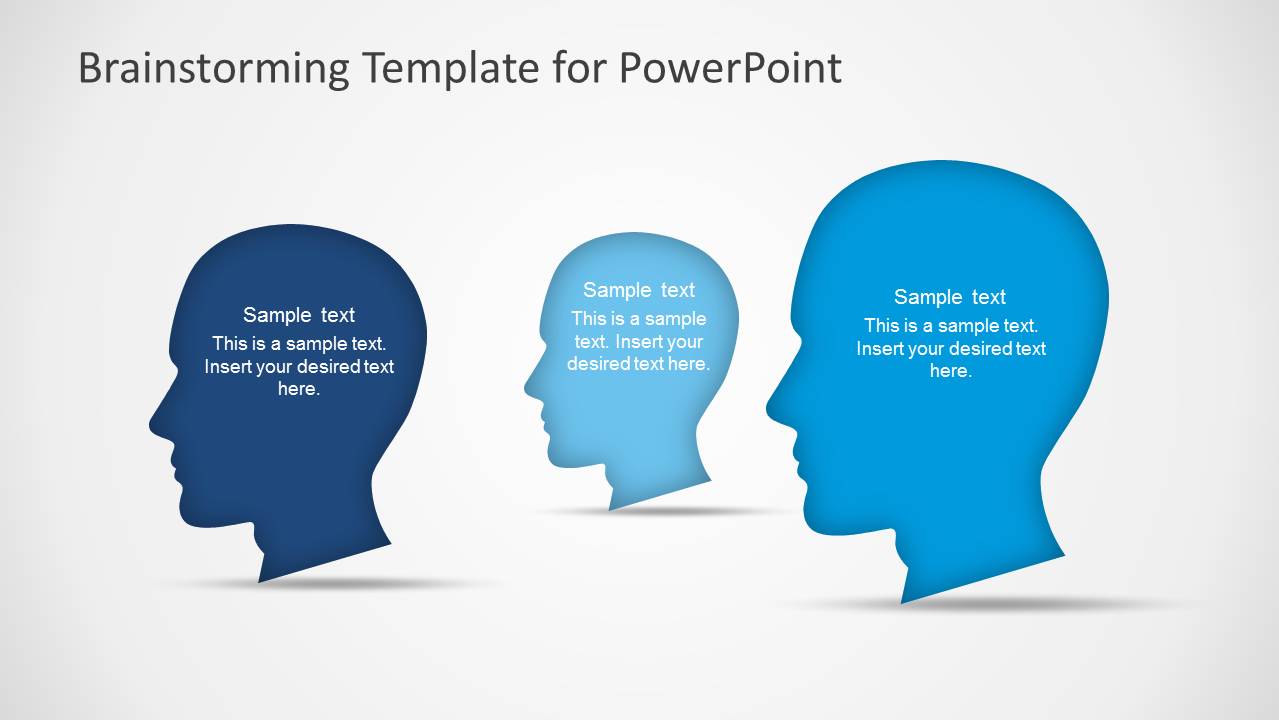
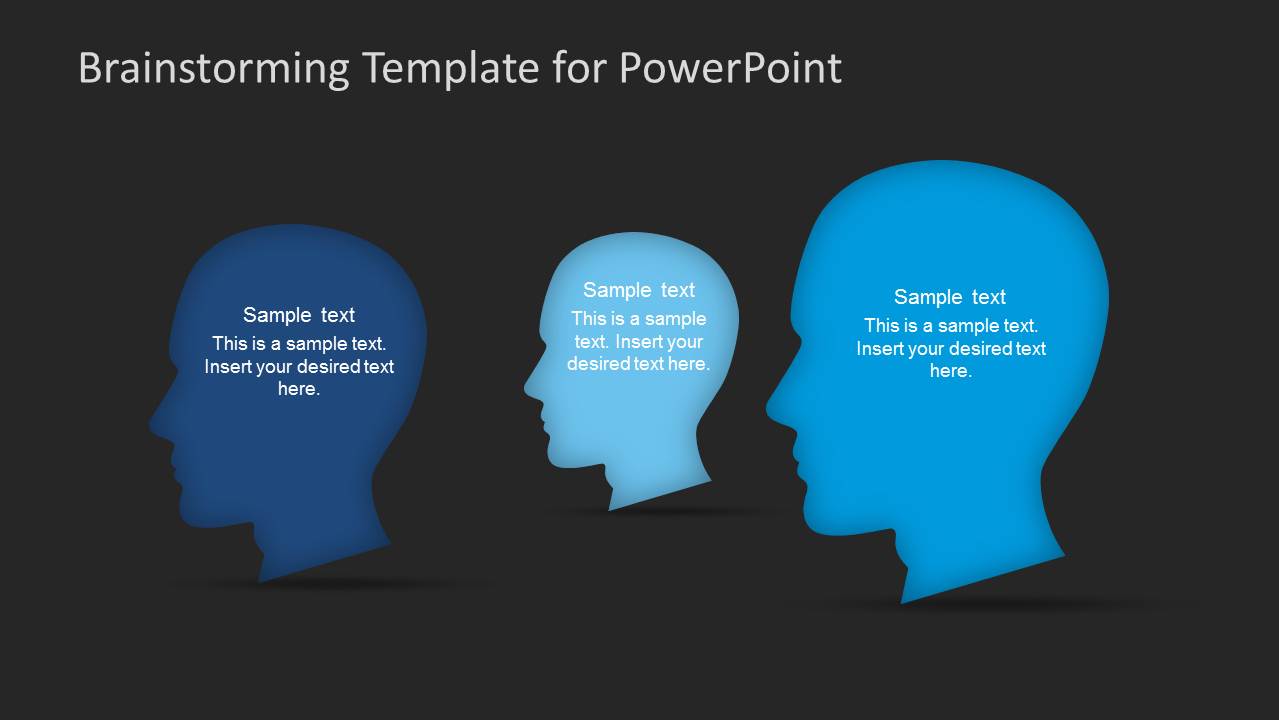
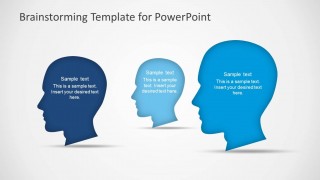
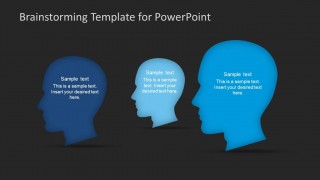
On another one of the slides is a set of three head vectors. This part of the presentation can be used to show the specific individuals involved in the brainstorming process. These can include the creative team, their supervisor, and independent contractors which may be involved in the process.
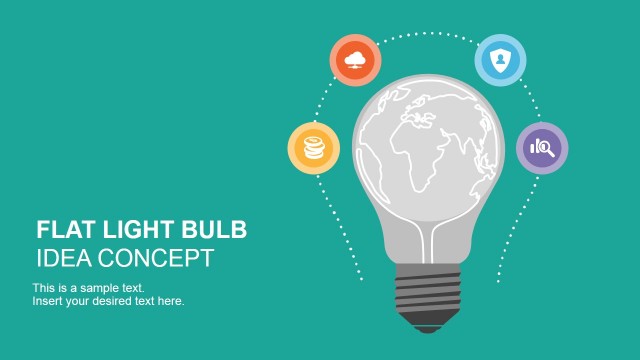
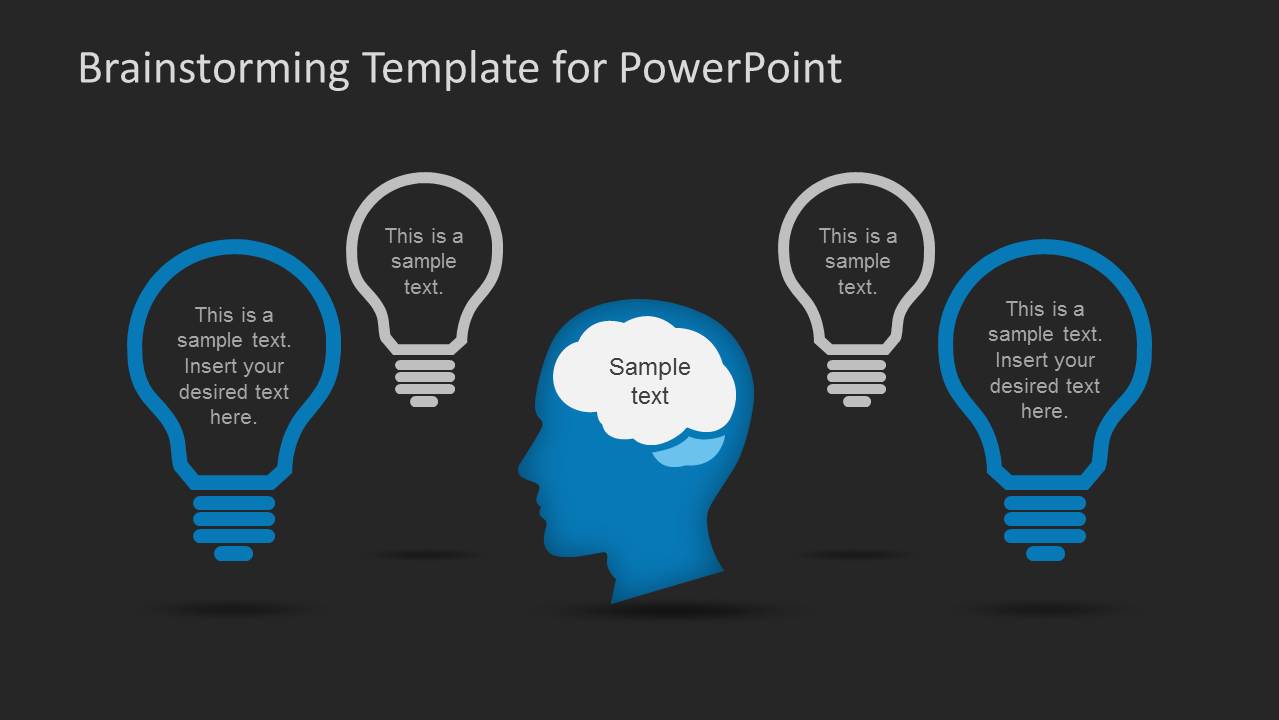
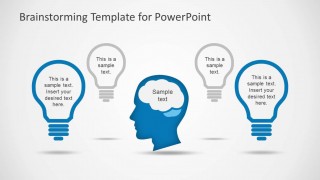
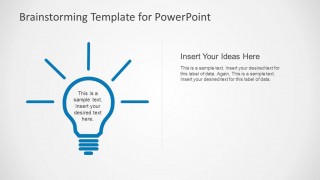
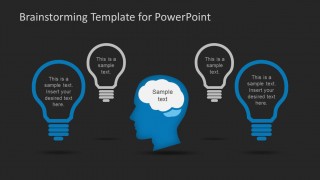
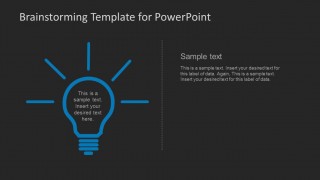
The presenter can show the different ideas that have been generated using the slide containing a head vector and a set of four light bulbs. The light bulb, on its own, represents a brilliant idea. With the use of the slide, the presenter can show an overview of four ideas which the viewers can consider.
The Brainstorming PowerPoint Template is perfect for brainstorming sessions that need a little extra push to create outstanding products. It can help reporters in the proposal of different ideas to a group of investors. The PowerPoint objects are 100% customizable. They can be modified to fit specific designs which the presenter has in mind. The user can download other PowerPoint templates from the SlideModel Gallery.
What’s inside this template
Example presentation scenarios
- A project manager can use the gear head diagram to explain how problem inputs, constraints, and proposed actions connect during a kickoff meeting.
- A startup founder can present early venture ideas to advisors using the three-head comparison slide and light bulb idea layouts to separate viewpoints and concepts.
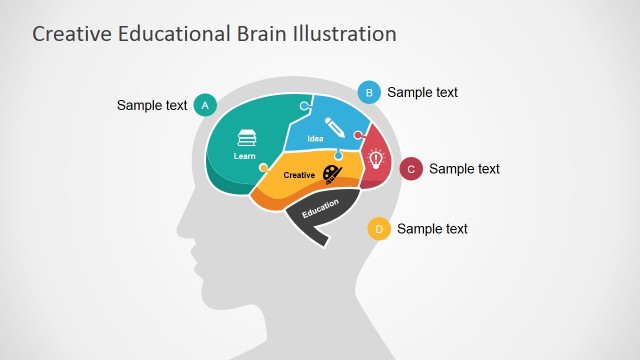
- A consultant can guide a client workshop by using the segmented gear wheel to group four idea themes and the callout slides to record discussion points.
- An educator or trainer can explain creative thinking methods with the head profile and light bulb layouts, then ask learners to add their own sample ideas.
Features
- 100% editable presentation template
- Compatible with Microsoft PowerPoint and Google Slides
- 16:9 aspect ratio slides
- Scalable vector shapes, icons and illustrations
- AI-Ready for Microsoft Copilot and Claude
- Instant access and download
Frequently asked questions
Q: How should a presenter structure a brainstorming session with this template?
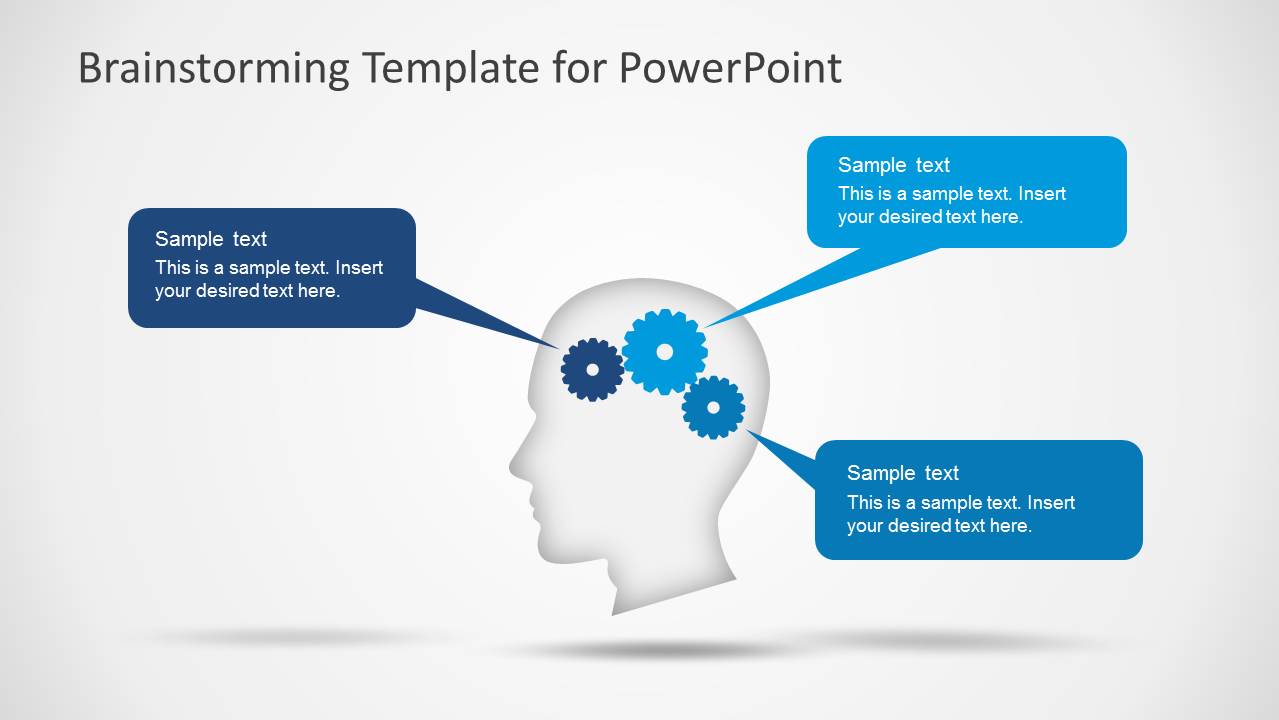
A: Start with the head and gear cover to frame the session as idea generation, then use the gear callout slides to define inputs or constraints. Move to the light bulb slides when asking the group to propose options. Finish by using the speech callout layout to summarize the strongest ideas or next discussion points.
Q: Who is this template best suited for in a business setting?
A: This template fits facilitators, consultants, founders, and project managers who need to explain ideas before they become a plan. The head silhouettes can represent people or roles, the gears can show thinking steps, and the light bulbs can capture concepts generated during an innovation, product, or entrepreneurship session.
Q: Why do the head, gear, and light bulb metaphors work for brainstorming?
A: The visuals make abstract thinking easier to follow. Heads signal the people or mindsets involved, gears suggest a working thought process, and light bulbs mark new ideas. Because the diagrams are simple and repeated in light and dark versions, the audience can focus on the message instead of learning a new visual system each slide.






Brainstorming PowerPoint Template
15-slide brainstorming presentation template with head silhouettes, gear diagrams, and light bulb idea layouts
The Brainstorming PowerPoint Template is a 15-slide business presentation template for idea sessions, project discussions, and creative workshops. It includes head silhouette covers, gear-based thinking diagrams, segmented gear wheels, light bulb idea maps, and speech callout layouts. It is built for Microsoft PowerPoint and Google Slides.
- Category
- Business PowerPoint Templates
- Rating


 Loading...
- Aspect ratio
- 16:9, 4:3
- Item ID
- 6133-01
- Colors
 Microsoft PowerPoint
  Microsoft Copilot
  Claude for PowerPoint
 Other formats supported
Subscribe today and get immediate
access to download our PowerPoint templates.