Visual Thinking Methodology PowerPoint Template is a set of professional editable slides that can be used to present the idea of visual thinking to the target audience in a way that can be easily understood and practiced through the use of slides as working a canvas.
Visual thinking is a new methodologie, popularized in business and sciences, that changes the way people processes information. It involves observing problems and solutions from different perspectives and make decisions based on the analysis of visualisation created during the creative sessions. Visual thinking foundations are built over the fact that an important amount of information presented visually can be better retained by our brain, so it is therefore advisable to use the visual thinking methodology to come up with a robust solutions to problems or better prioritized decisions.
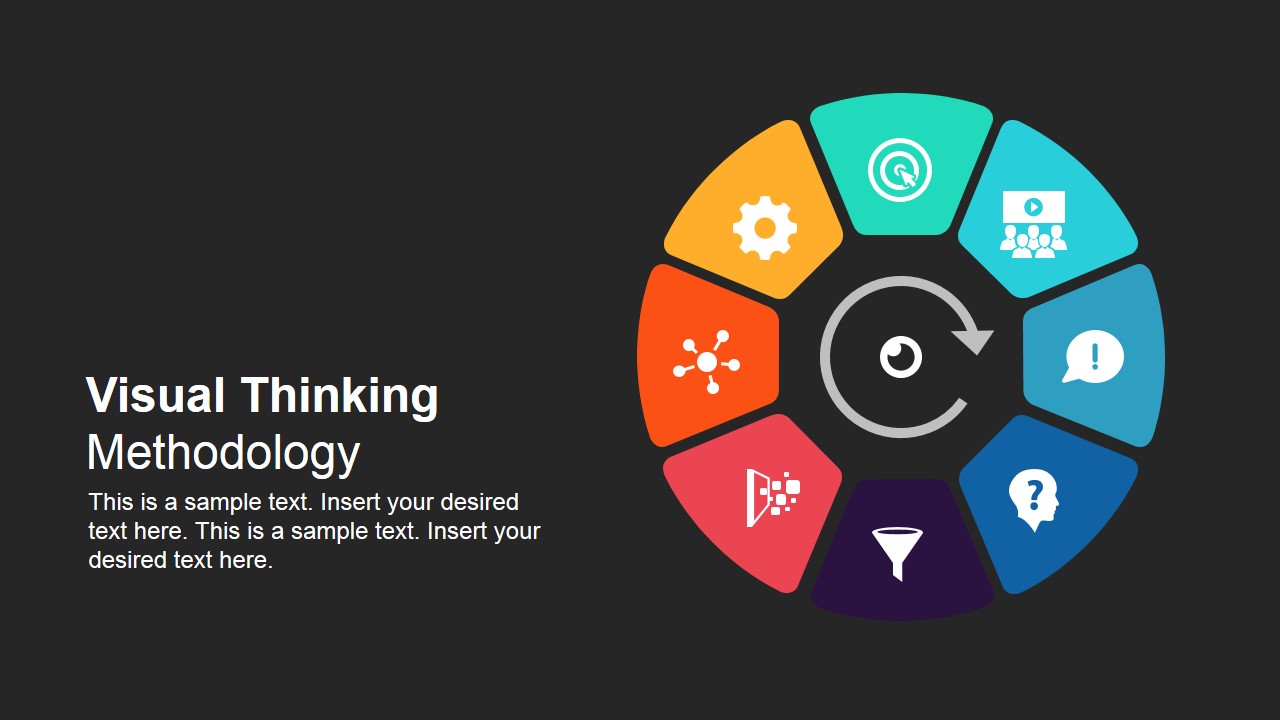
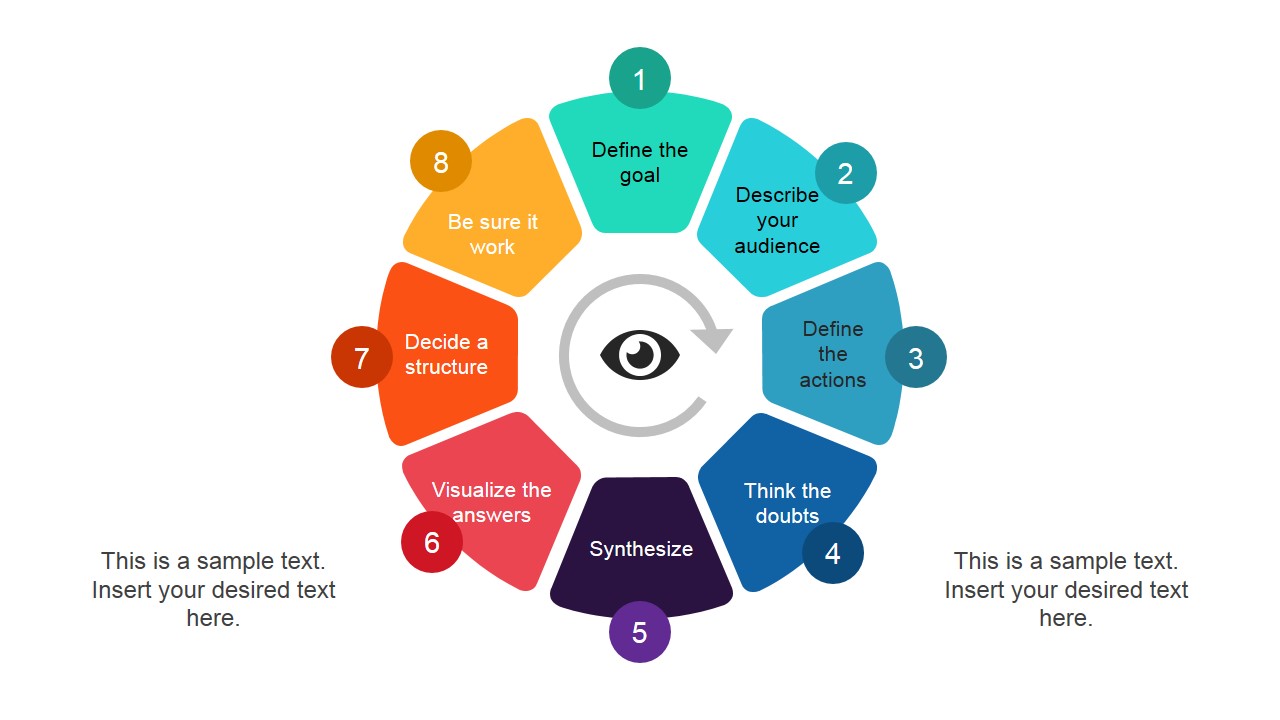
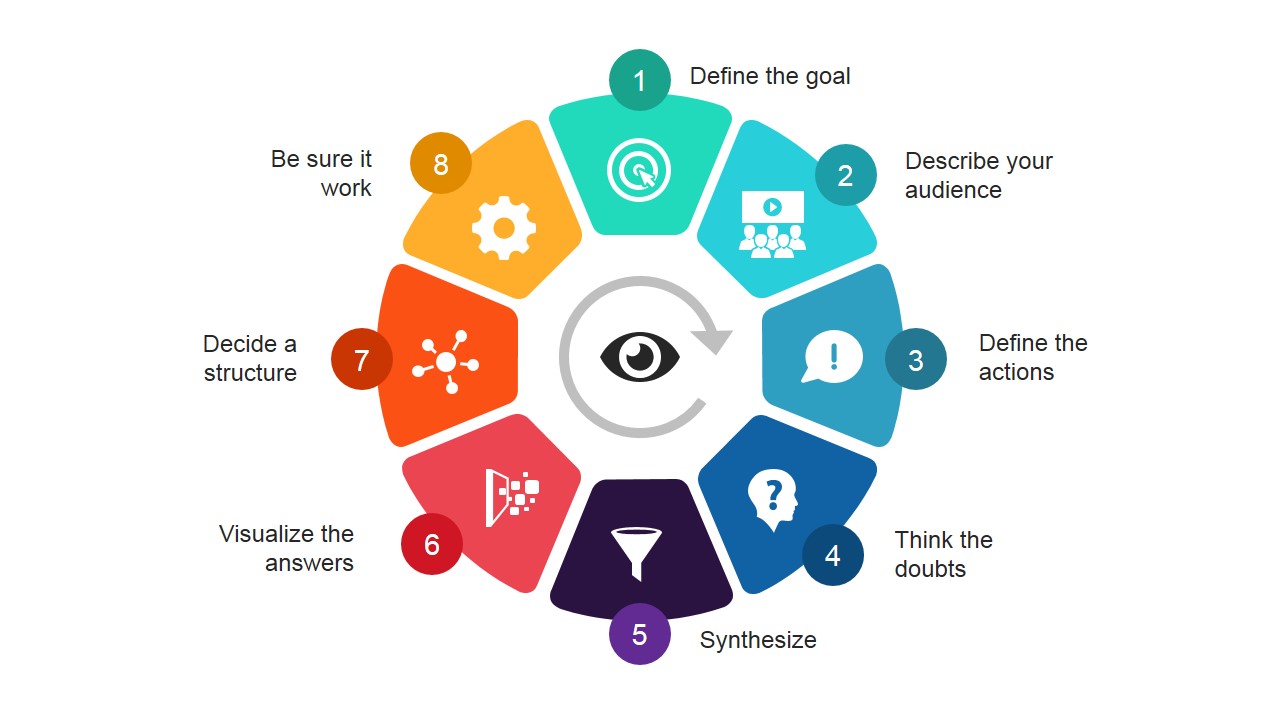
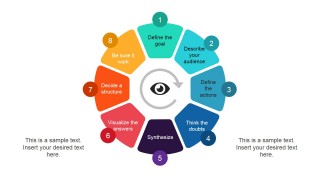
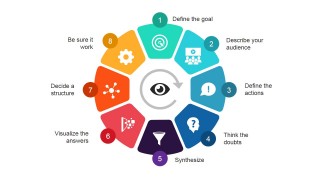
Visual thinking involves the following high level processes:
- Goal Definition
- Audience Description
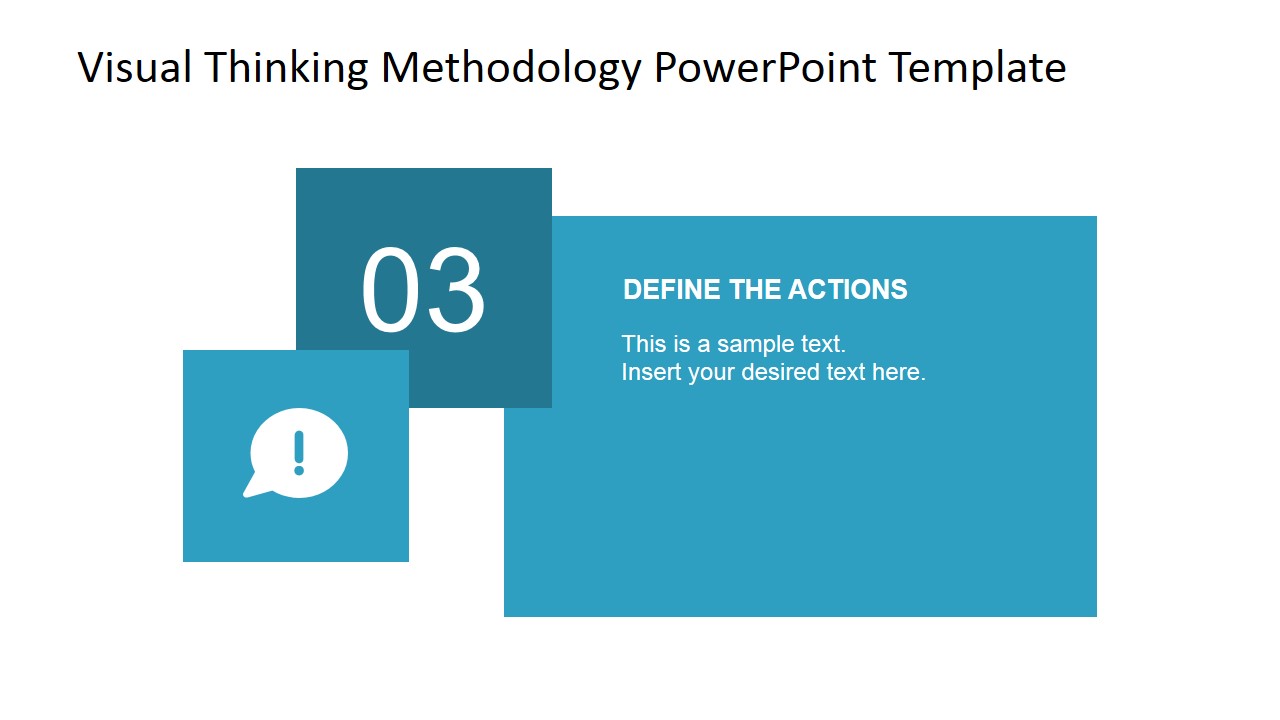
- Definition of Actions
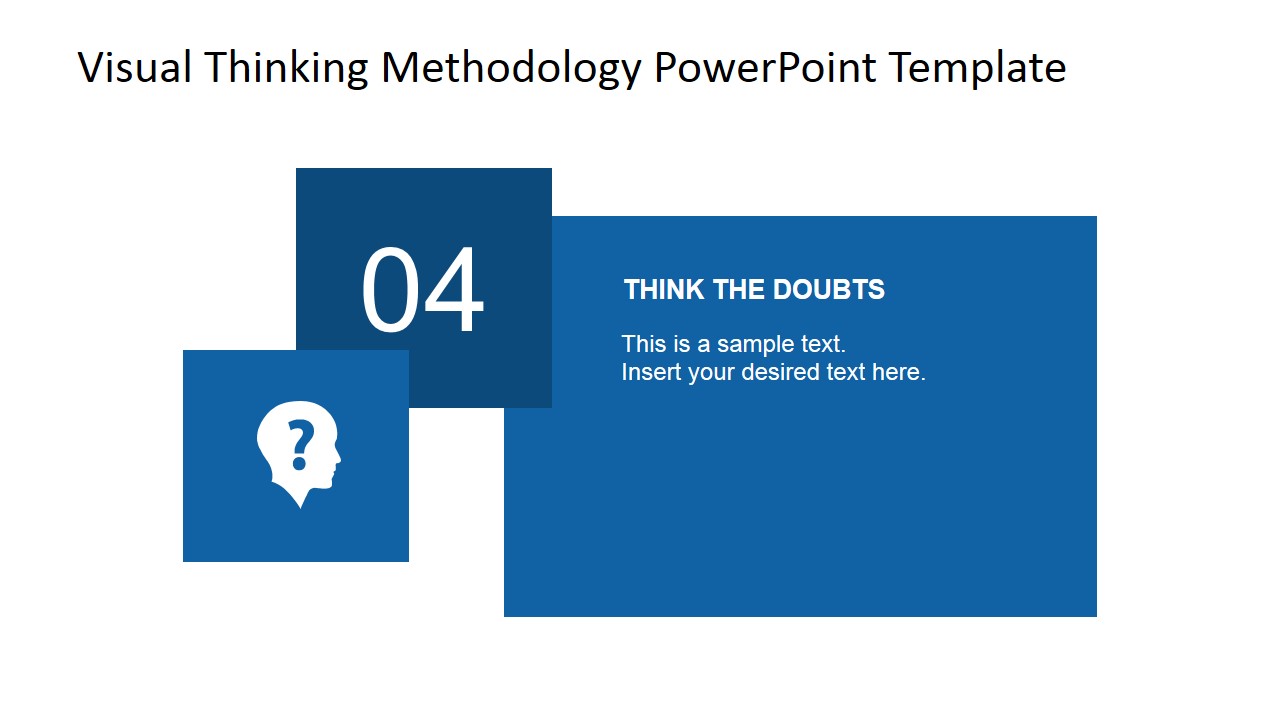
- Scenario Analysis and Q&A
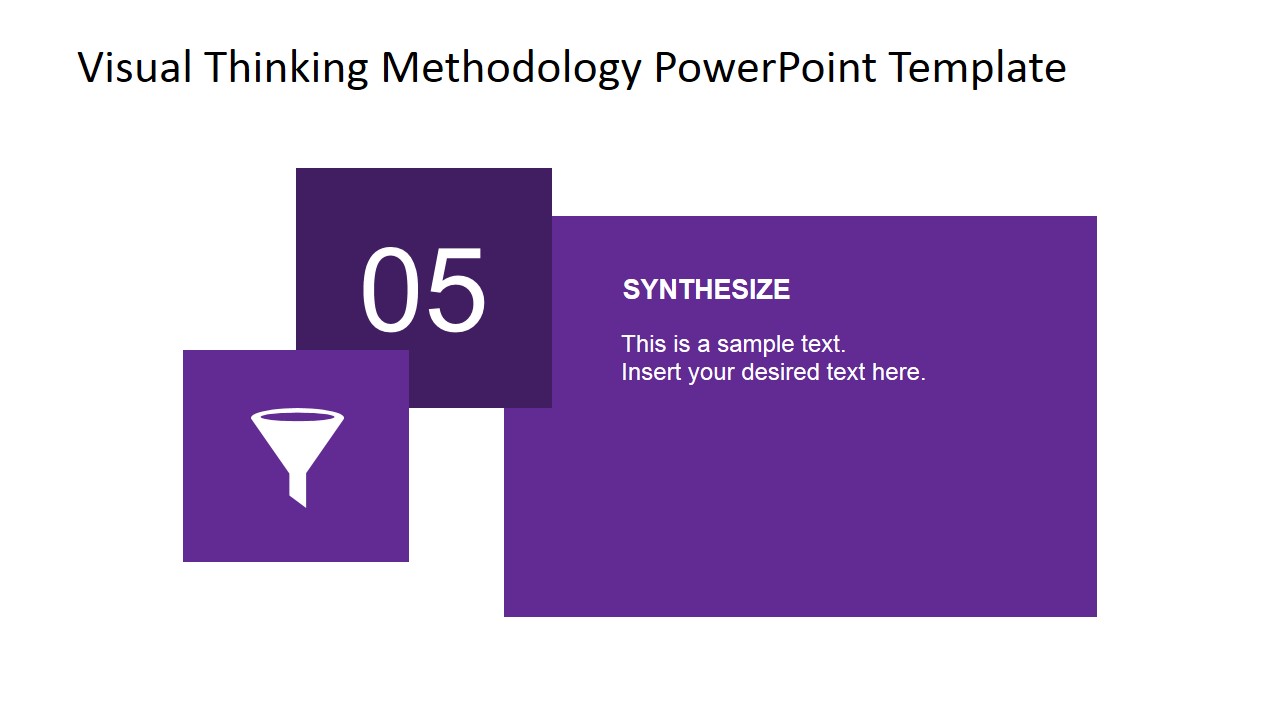
- Synthesize
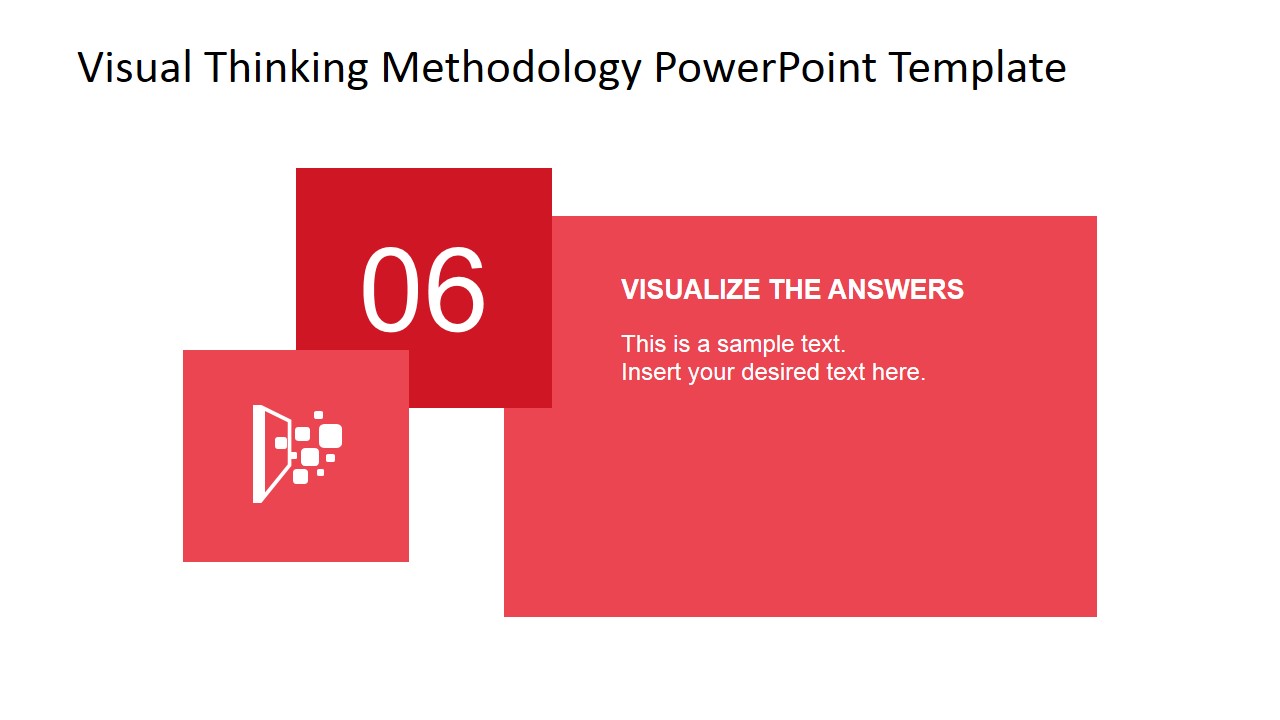
- Answers Visualization
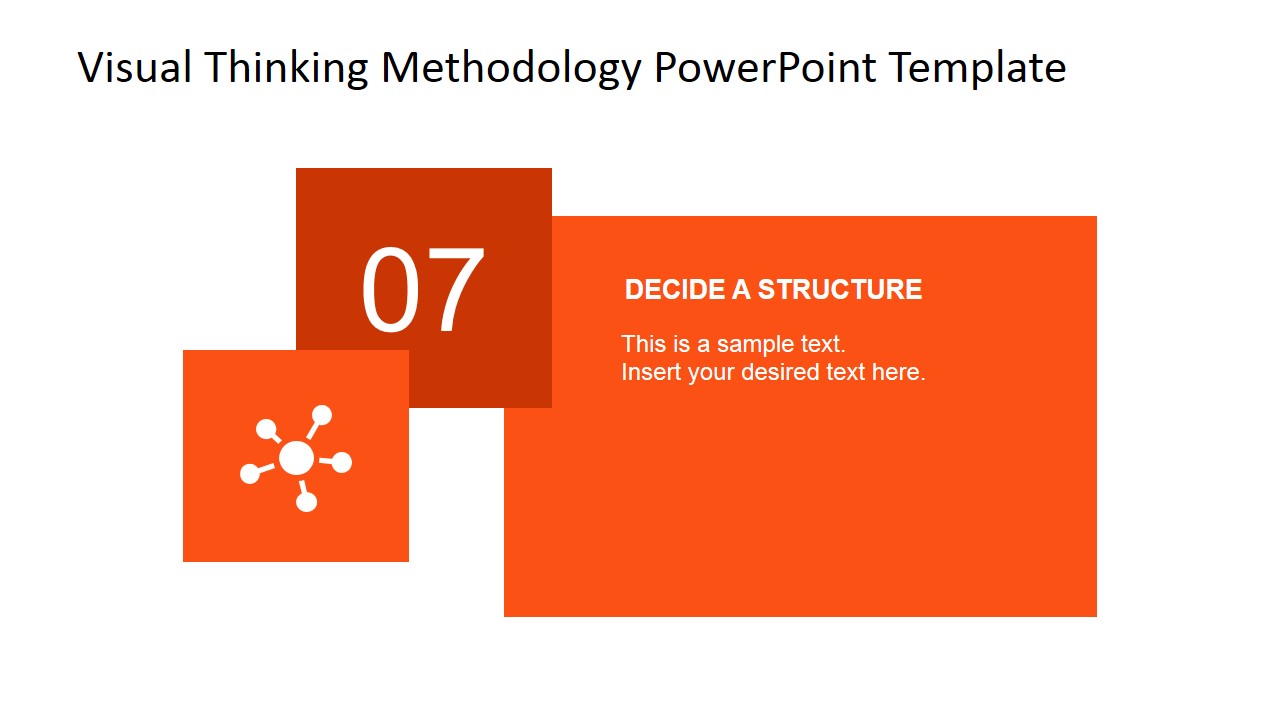
- Structure Design
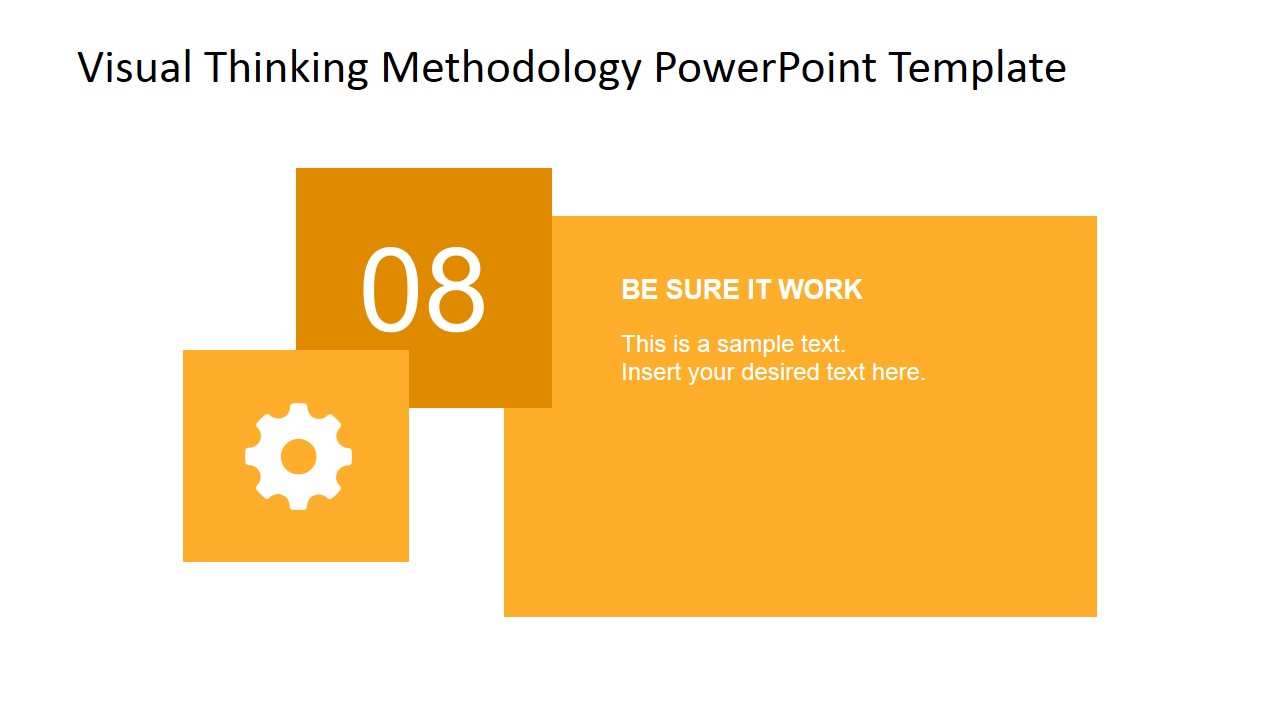
- Test the Hypotheses
This presentation is structured to provide businessmen and people interested in entrepreneurship a guideline on how to apply visual thinking to come up with great ideas, which would turn out to be new opportunities. The presenter can use the processes outlined in the template to enable entrepreneurs & business people to come up with idea maps, capturing ideas and concepts. Visual thinking can be used by individuals or groups in brainstorming activities to tap on the creative side of the individual or as a group. Visual thinking enables immediate recording of concepts, ideas & thoughts which can help in achieving goals. Colors and symbols can be used to distinguish processes and concepts, which can help plan in conceptualizing an idea or a proposal.
The slides in the template can be used as posters, brochures and other materials to reinforce the need of visual thinking as part of the process of improving current policies and the coming up of new ideas that can help start up new plans & projects. Each section of the PowerPoint Diagram is 100% editable and created as PowerPoint objects, allowing the user to fully customize the appearance.
What’s inside this template
Example presentation scenarios
- A workshop facilitator can use the circular process wheel to introduce the full visual thinking method before participants begin a brainstorming exercise.
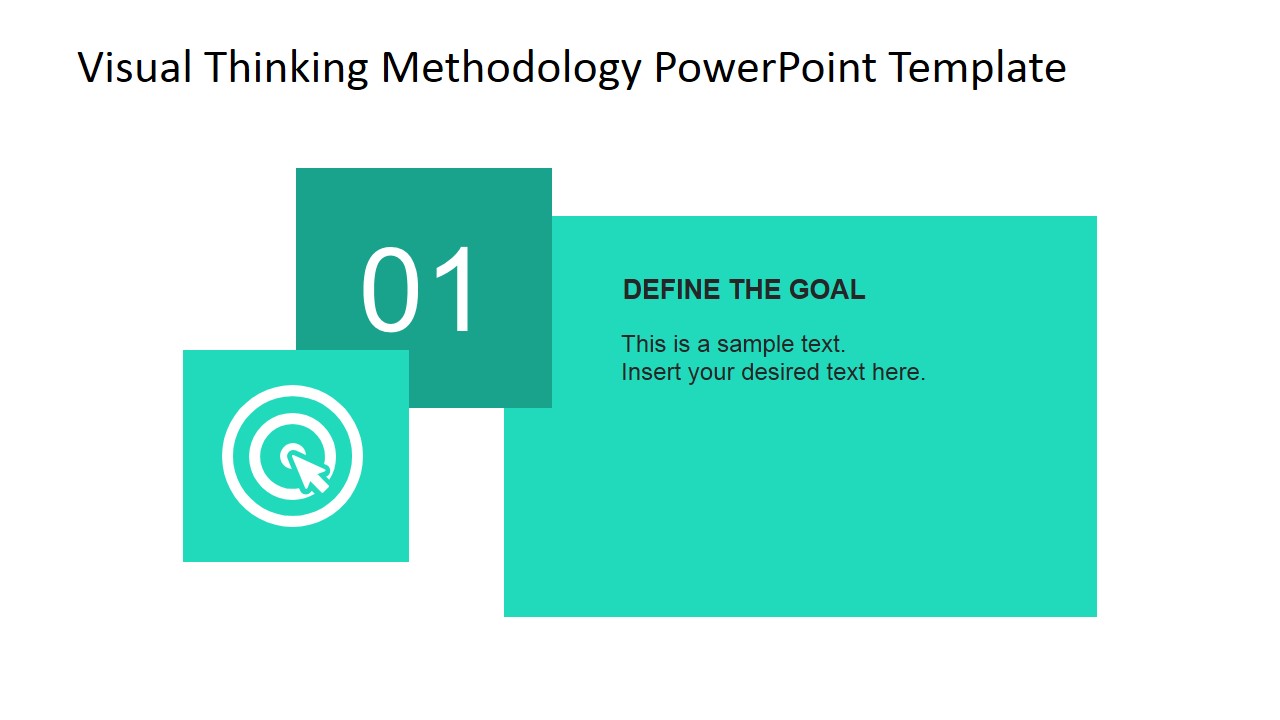
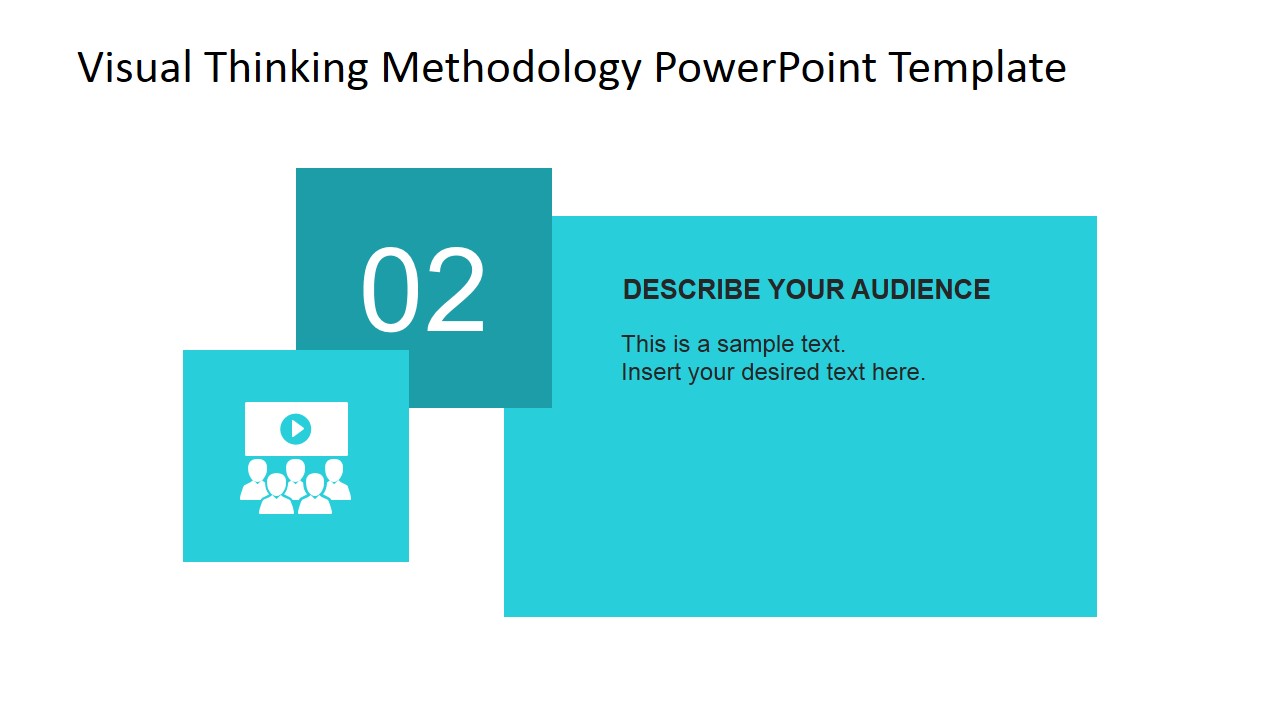
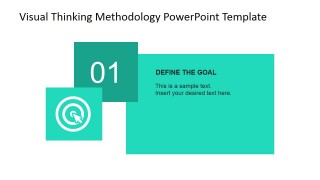
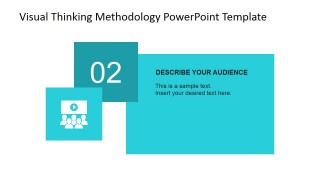
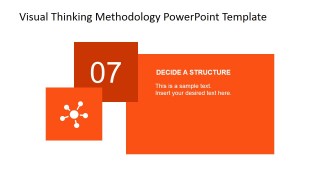
- A consultant can use the step detail slides to guide a client team through goal definition, audience description, action planning, and synthesis.
- A product manager can use the labeled methodology overview to align stakeholders on how ideas will be captured, questioned, structured, and tested.
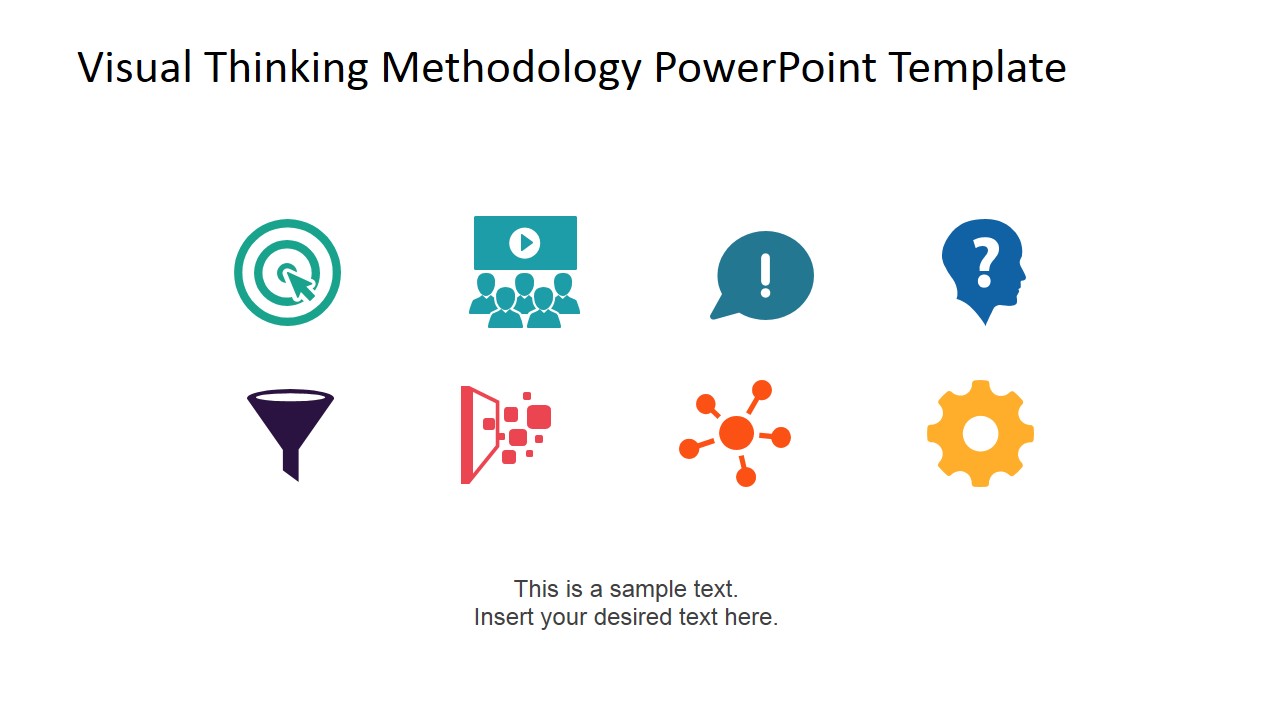
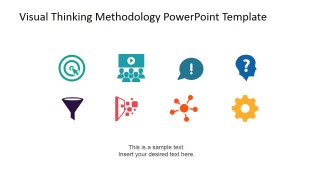
- A training leader can use the icon summary slide as a recap handout or closing reference after explaining the eight methodology stages.
Features
- 100% editable presentation template
- Compatible with Microsoft PowerPoint and Google Slides
- 16:9 aspect ratio slides
- Scalable vector shapes, icons and illustrations
- AI-Ready for Microsoft Copilot and Claude
- Instant access and download
Frequently asked questions
Q: How should a presenter explain the method without making the 8 steps feel like a checklist?
A: Start with the circular process wheel to frame the methodology as an iterative thinking loop, not a linear form. Then use the individual step slides to slow down at the points where the audience must make decisions: define the goal, describe the audience, think through doubts, synthesize, and decide a structure.
Q: Who is this template best suited for in a business setting?
A: This template fits facilitators, consultants, product managers, and training teams who need to teach a repeatable ideation process. It is most useful when the audience must move from ambiguous ideas to a shared structure, such as in innovation sessions, planning workshops, product discovery meetings, or entrepreneurship coaching.
Q: Why does the design use a circular wheel and repeated step cards?
A: The wheel shows the methodology as a connected visual system, while the repeated step cards give each stage equal weight. This pattern helps the audience remember the sequence, compare steps, and see how icons support meaning. The eye symbol reinforces observation and interpretation as the central metaphor.
Visual Thinking Methodology PowerPoint Diagram
12-slide presentation template for visual thinking methodology, process wheel, and step-by-step ideation slides
This 12-slide diagram template explains a visual thinking methodology for business ideation and problem solving. It includes a cover, circular 8-step process wheel, labeled methodology overview, individual step detail slides, and an icon summary. It is built for Microsoft PowerPoint and Google Slides presentations.
- Category
- Process Diagrams
- Rating


 Loading...
- Aspect ratio
- 16:9, 4:3
- Item ID
- 6846-01
- Colors
 Microsoft PowerPoint
  Microsoft Copilot
  Claude for PowerPoint
 Other formats supported
Subscribe today and get immediate
access to download our PowerPoint templates.