Slide 4 of 15 from Brainstorming PowerPoint Template
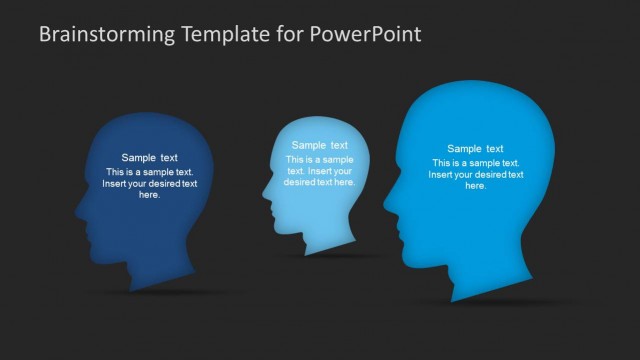
Three Perspective Head Silhouettes Slide Design
Head Silhouette Layout for Brainstorming
- Text Layout
- Other
- Context Slide
- 16:9
- 100% Editable
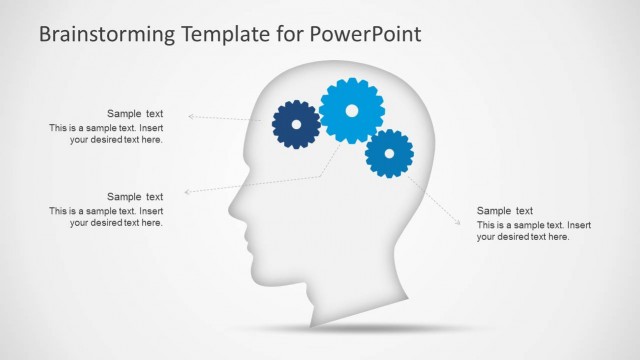
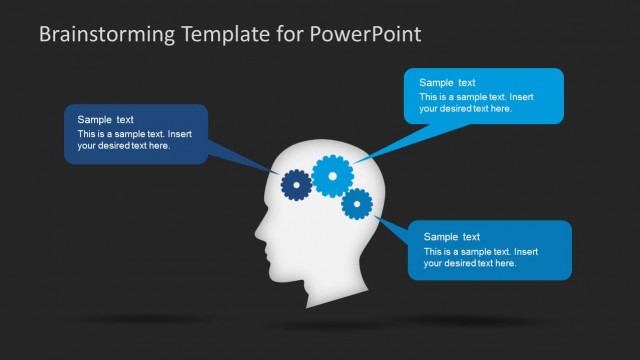
The Head Silhouette Layout from the Brainstorming PowerPoint Template offers a structured design ideal for team discussions and idea presentations. Featuring editable shapes in varying blue tones, this slide supports clear visualization of multiple perspectives, making it a practical choice for business presentations and collaborative slide decks.
What’s on This Slide
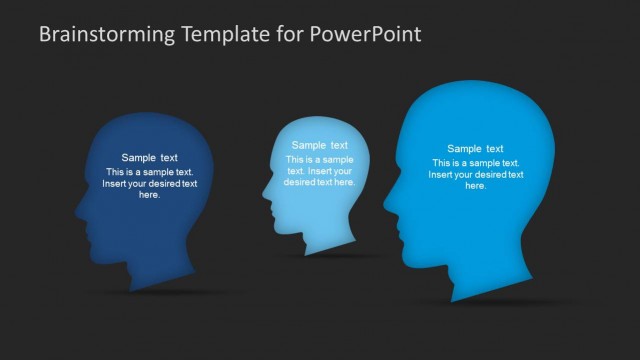
The layout features three head silhouettes positioned from left to right. The left silhouette is dark blue, while the middle and right ones are lighter shades of blue. Each silhouette contains a text placeholder positioned centrally within the head shape, with sample text indicating where to insert desired content. The background is a light gradient, enhancing the visual appeal. The silhouettes have a slight shadow effect, providing depth. Overall, the elements are arranged to create a balanced and cohesive visual structure.
How to Use It
This layout functions as a visual representation for brainstorming sessions, allowing for the presentation of multiple ideas or perspectives. It is suitable for use in discussions about concepts, strategies, or team inputs. Positioned after introductory slides, it can effectively transition into detailed discussions or collaborative sessions. This format is ideal for workshops, team meetings, or project planning where multiple viewpoints need to be highlighted.
Text Placeholders & Capacity
Keep your copy within these limits so it fits without resizing. Each text slot can hold around 15-20 words comfortably.
| Placeholder | Count | Max characters (approx.) |
|---|---|---|
| Item body | 3 | 100 |
Slide Keywords
Download unlimited PowerPoint templates, charts and graphics for your presentations with our annual plan.
DOWNLOADReturn to Brainstorming PowerPoint Template.