Flat Innovation PowerPoint Template is a creative presentation design containing very useful diagrams and layouts to create amazing presentations in PowerPoint.
It contains several slide designs that you can use to present an innovation product or create innovation PowerPoint presentations showcasing your ideas, mobile applications or present a new business model.
What’s inside this template
Example presentation scenarios
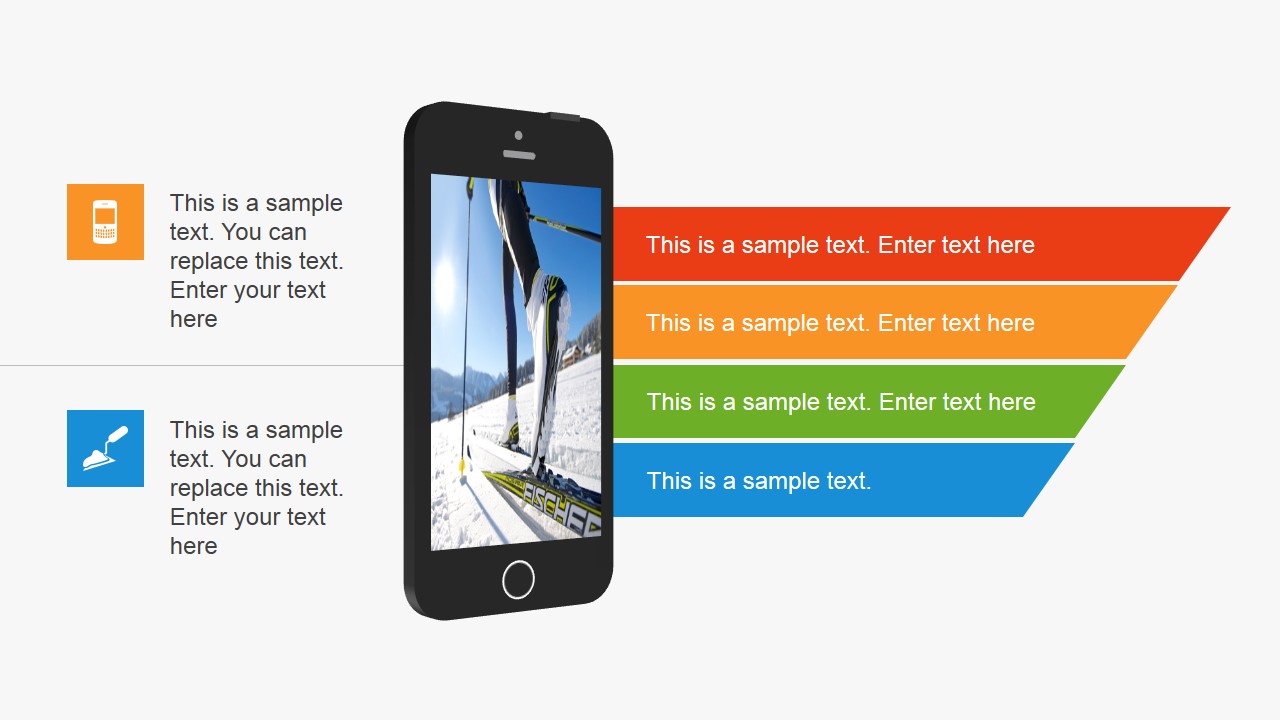
- A startup founder can use the mobile mockup slides to explain an app concept, show feature categories, and connect the product idea to a simple business narrative.
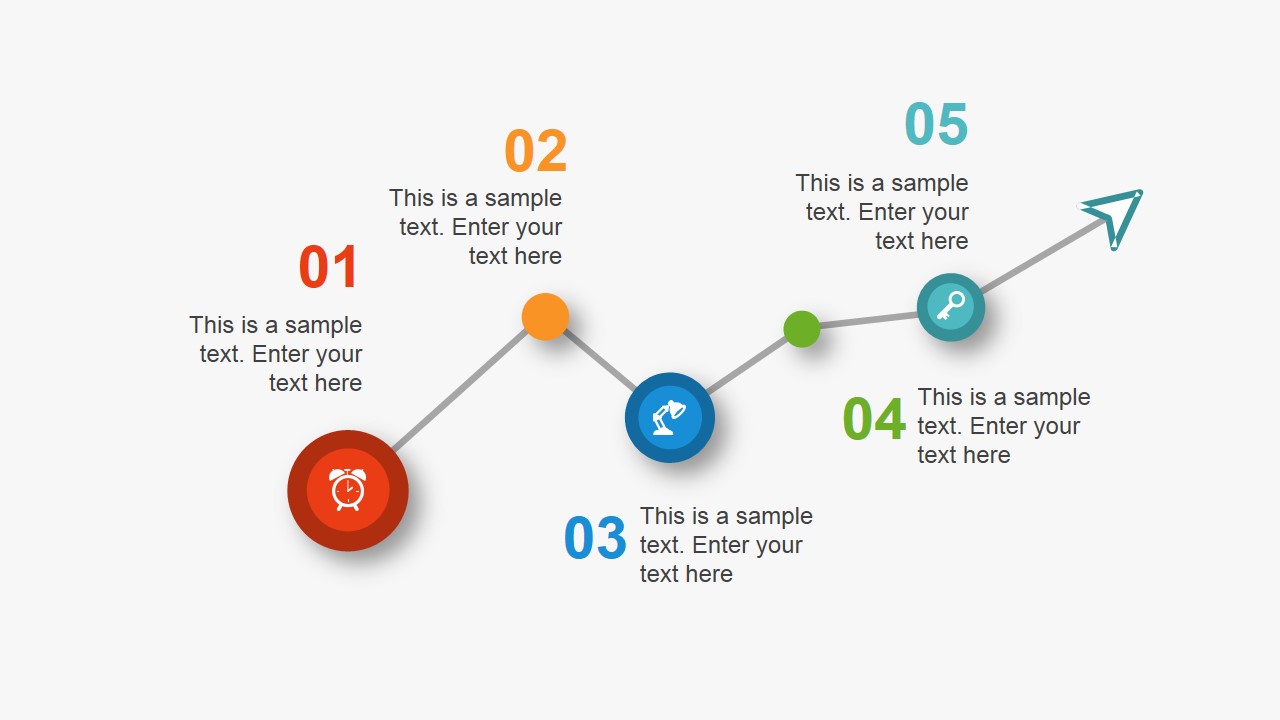
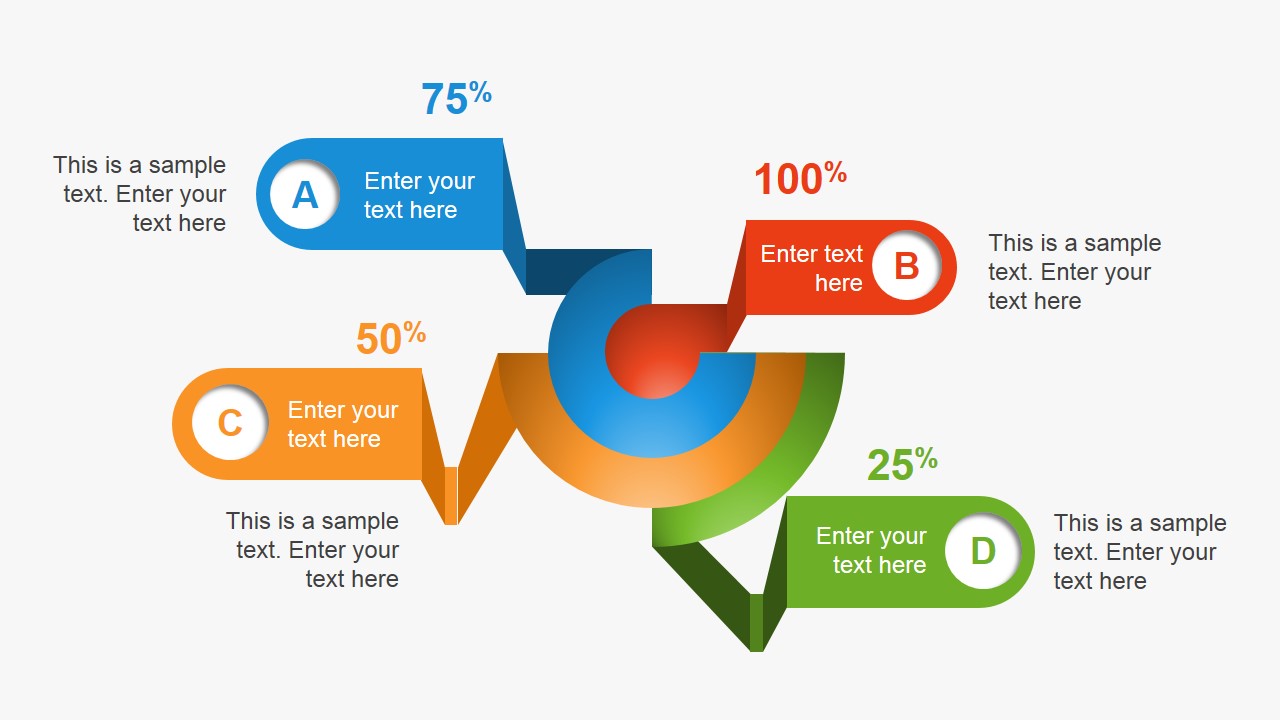
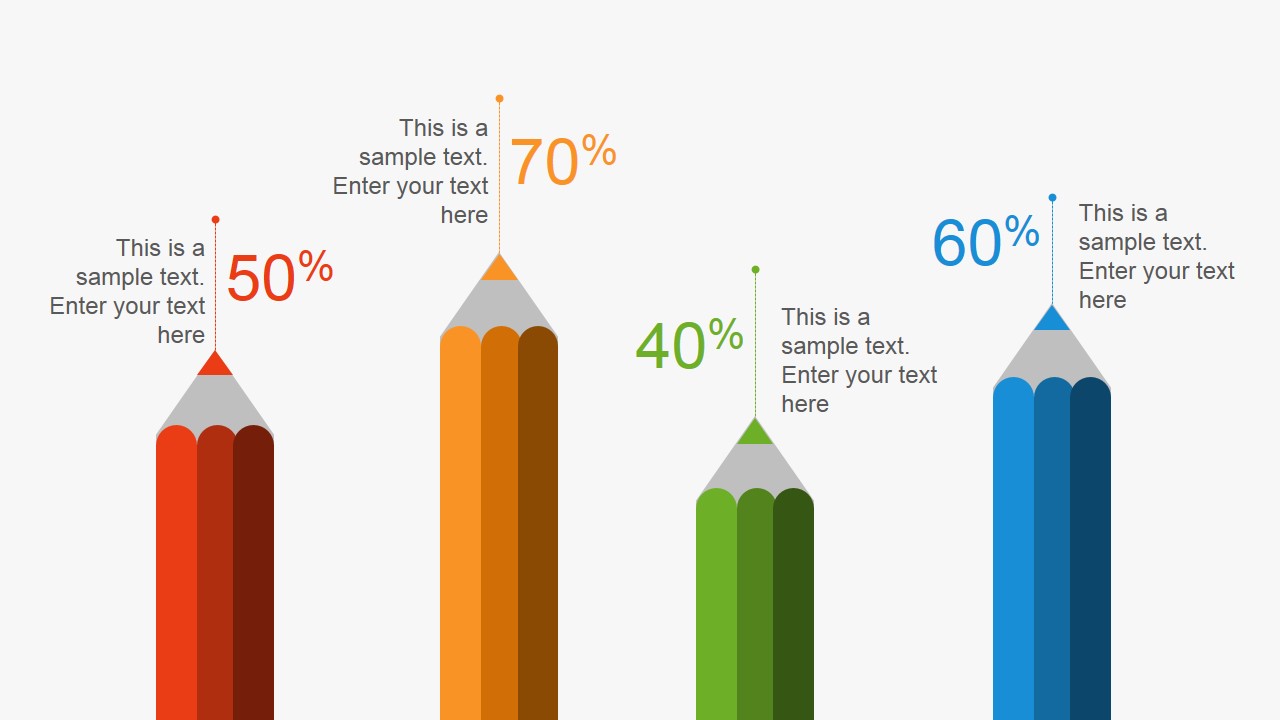
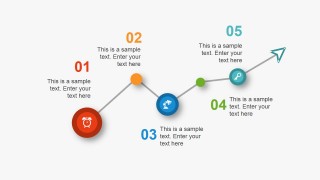
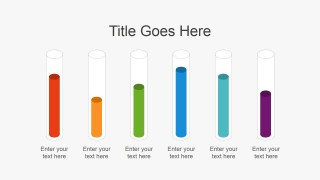
- A product manager can use the timeline, circular cycle, and percentage gauge slides to present initiative stages, priorities, and progress during an internal planning meeting.
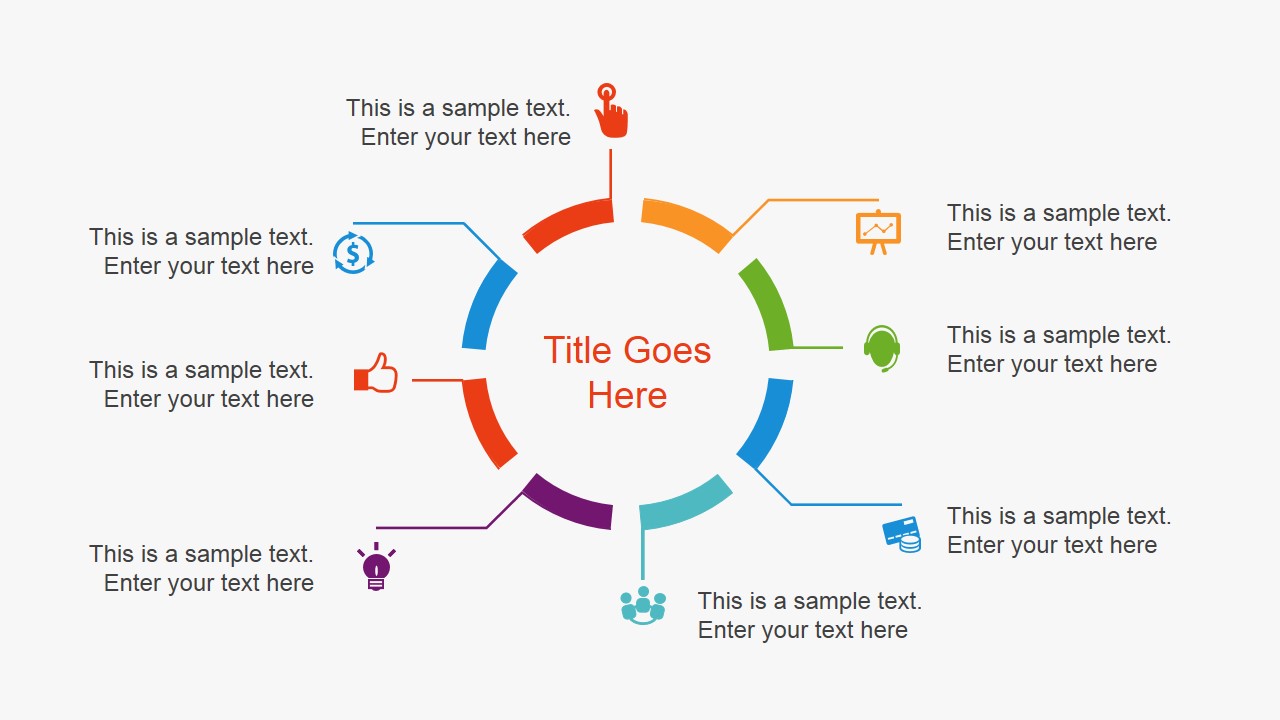
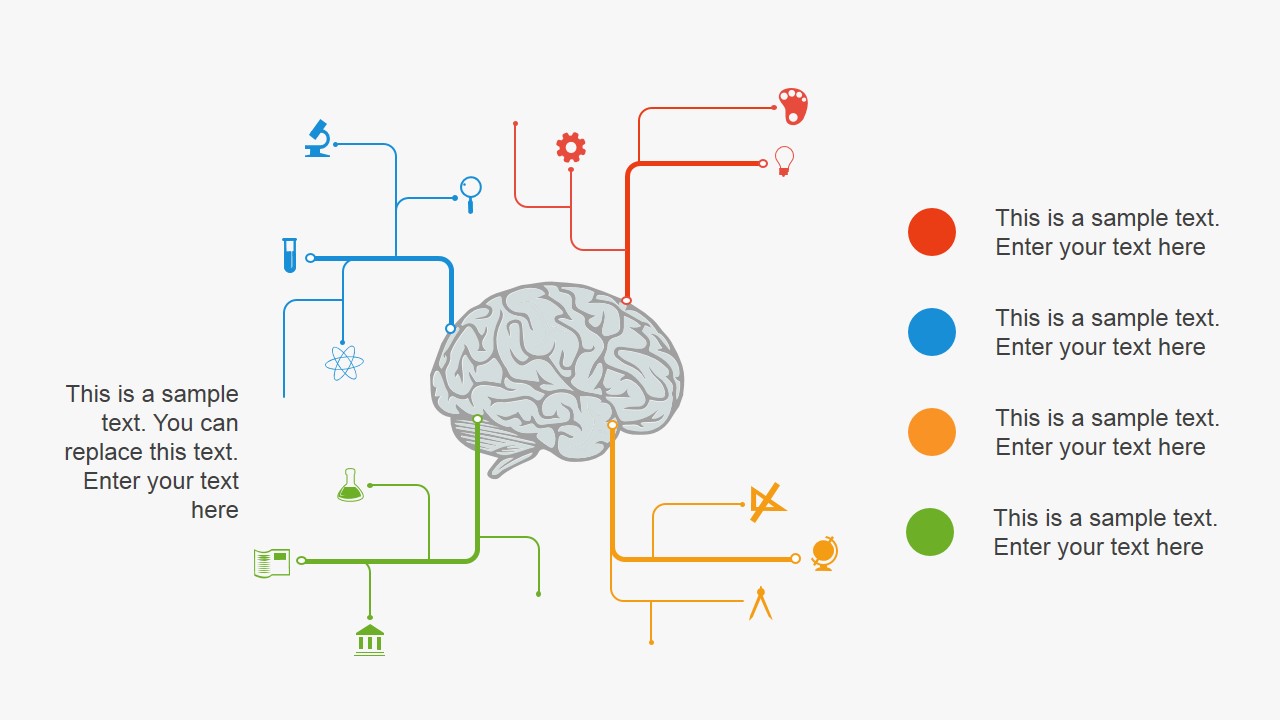
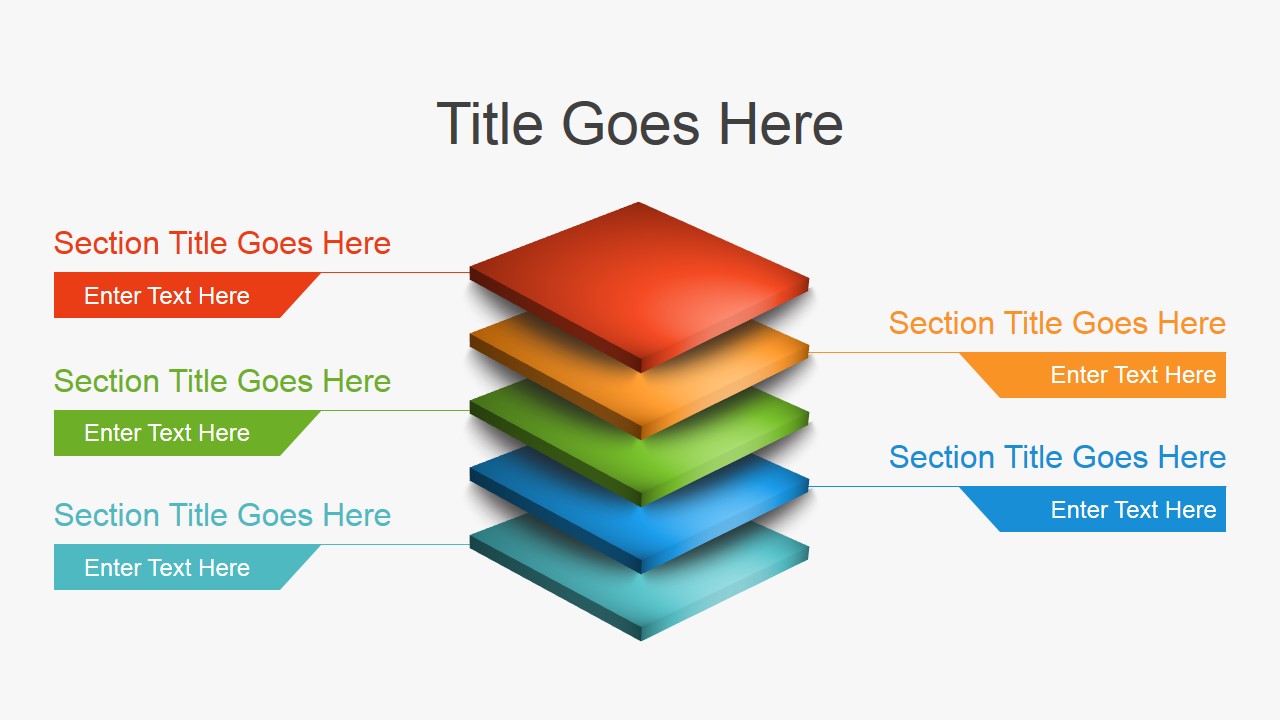
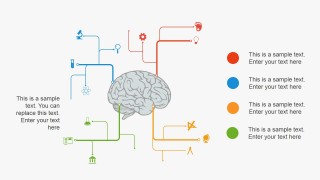
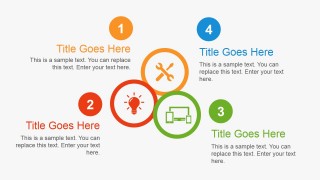
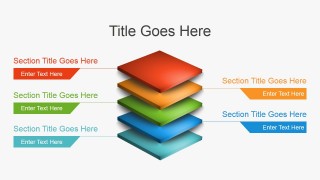
- A consultant can use the brain map, hub-and-spoke diagram, and stacked layer slide to help a client organize innovation themes, dependencies, and solution components.
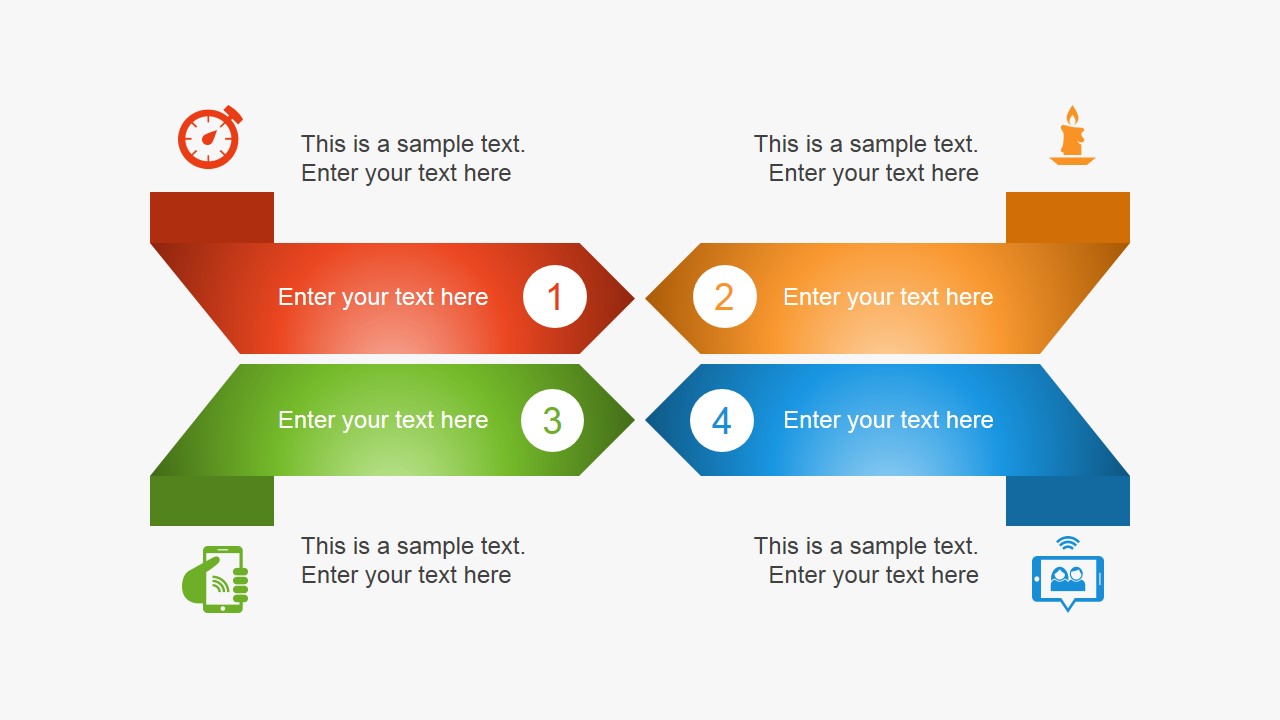
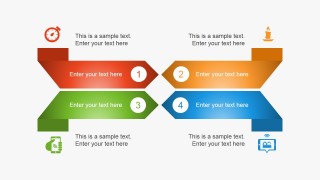
- A marketing strategist can use the ribbon comparison and feature icon layouts to frame a new campaign idea, compare value points, and connect them to audience benefits.
Features
- 100% editable presentation template
- Compatible with Microsoft PowerPoint and Google Slides
- 16:9 aspect ratio slides
- Scalable vector shapes, icons and illustrations
- AI-Ready for Microsoft Copilot and Claude
- Instant access and download
Frequently asked questions
Q: How should a presenter structure an innovation message with this template?
A: Start with the simple process and idea diagrams before moving into mockups or percentages. The ribbon, circular hub, and brain map slides work well for defining the concept and its logic. Then use the timeline, stacked layers, and gauge layouts to explain stages, solution parts, and expected outcomes without overloading one slide.
Q: Who is this template best suited for in a business presentation?
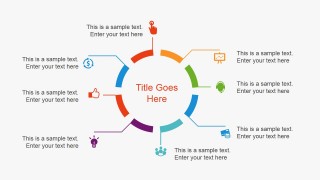
A: It fits product managers, startup founders, consultants, and innovation leads who need to make an abstract idea concrete. The device mockups support app and digital product concepts, while the icon maps and process timelines help nontechnical audiences understand features, dependencies, milestones, and value drivers.
Q: Why do the light bulb, brain, pencil, and device metaphors help the message?
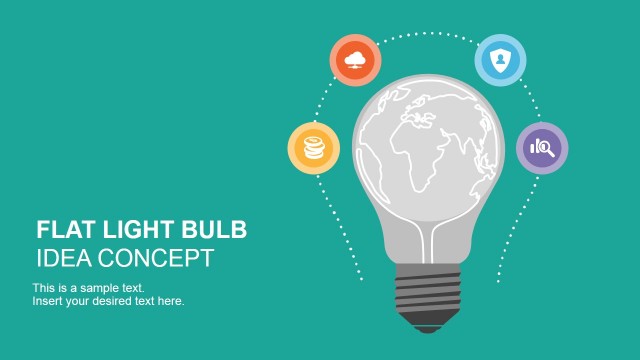
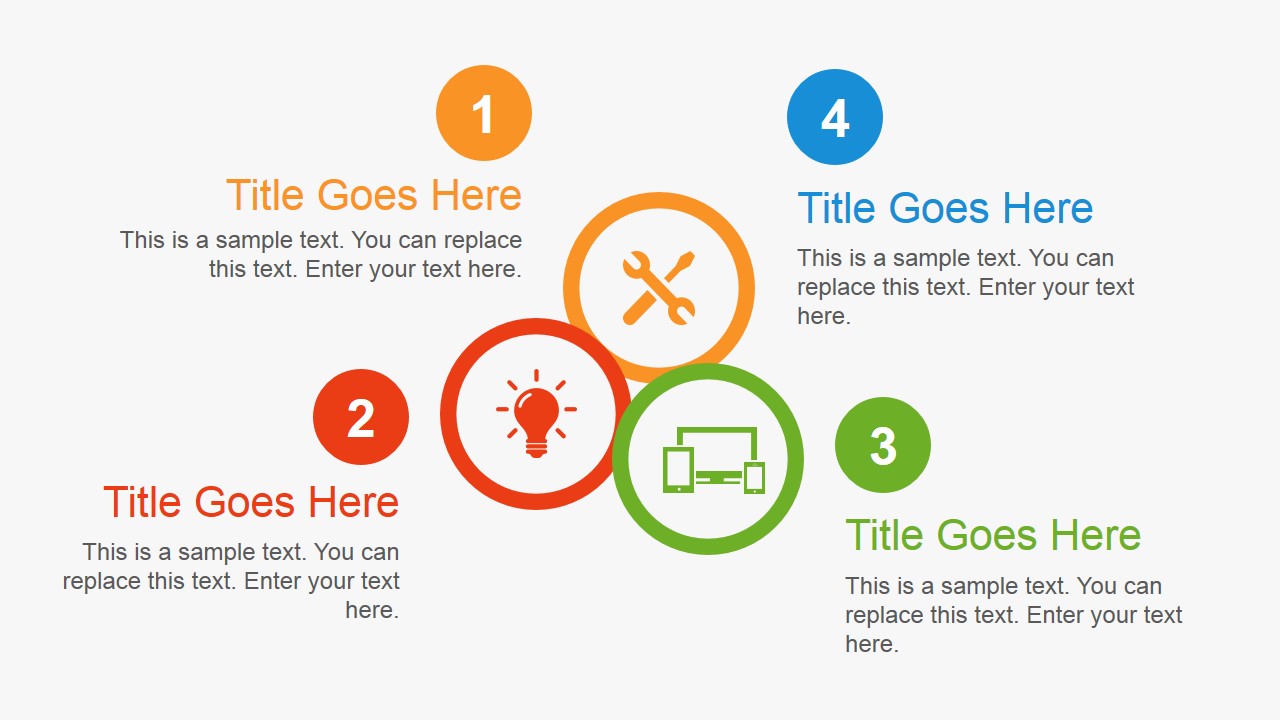
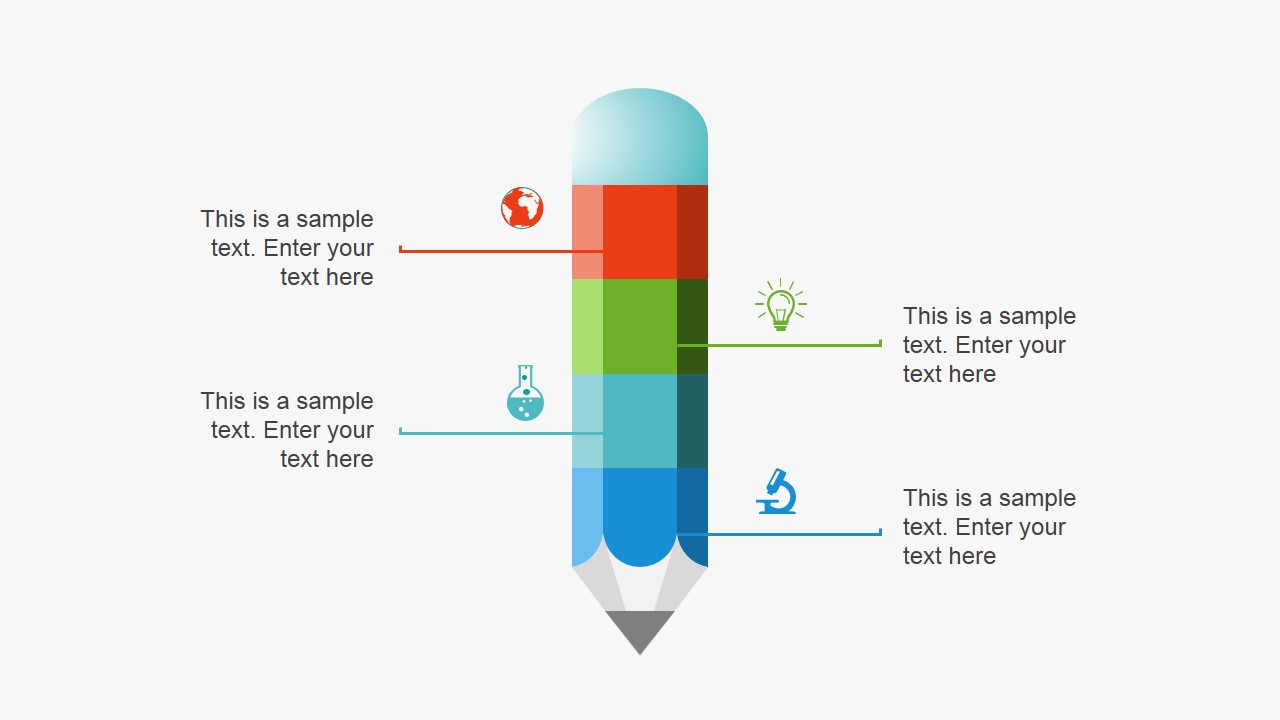
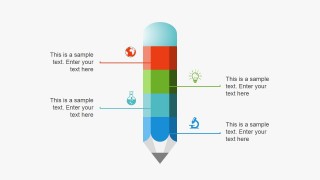
A: The visible metaphors connect the topic of innovation to familiar business ideas: the light bulb signals the core idea, the brain suggests creativity and systems thinking, the pencil supports planning, and the phone or tablet grounds the story in a product experience. These visuals help audiences remember the role of each section.









Flat Innovation PowerPoint Template
15-slide presentation template for innovation ideas with process timelines, mobile mockups, and percentage gauges
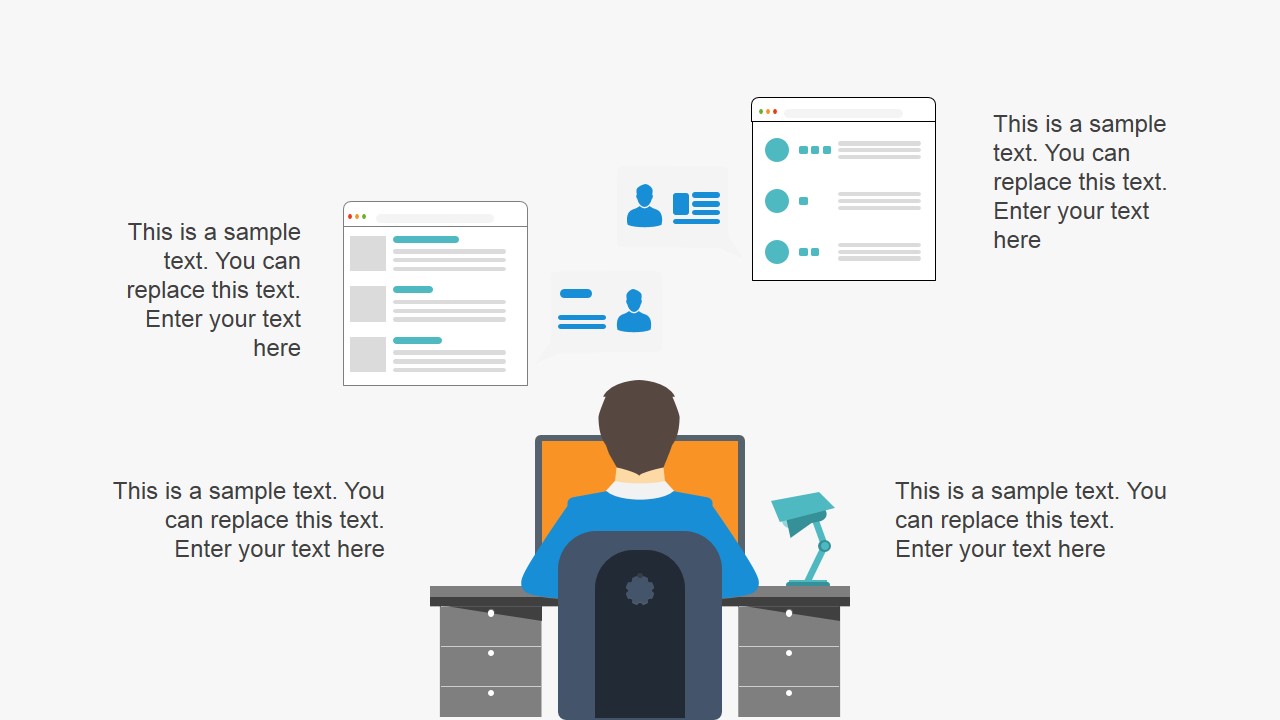
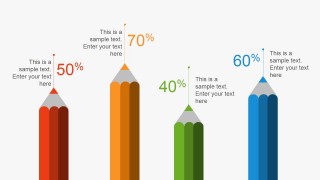
Flat Innovation PowerPoint Template is a 15-slide presentation template for product teams, founders, and business presenters explaining product ideas, app concepts, and business models. It includes ribbon steps, circular icon maps, mobile mockups, percentage gauges, stacked layers, and process timelines. The 16:9 deck works in Microsoft PowerPoint and Google Slides.
- Category
- Template Backgrounds
- Rating


 Loading...
- Aspect ratio
- 16:9
- Item ID
- 4081-02
- Colors
 Microsoft PowerPoint
  Microsoft Copilot
  Claude for PowerPoint
 Other formats supported
Subscribe today and get immediate
access to download our PowerPoint templates.