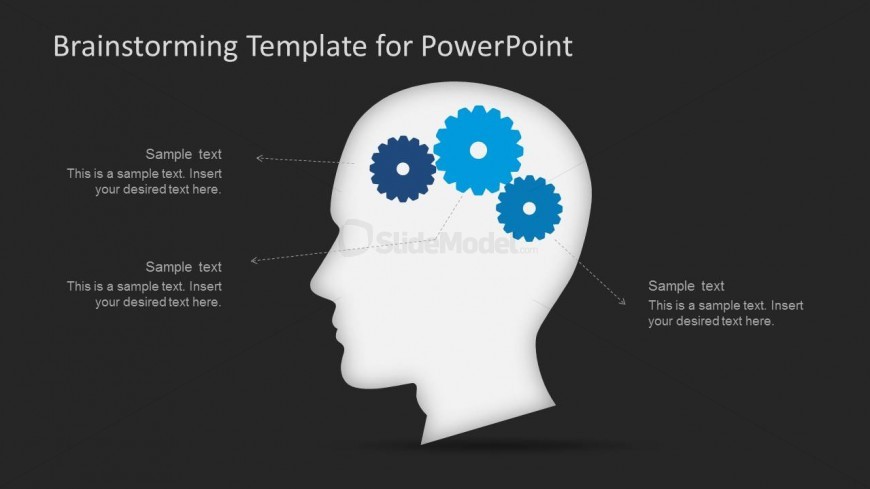
Slide 9 of 15 from Brainstorming PowerPoint Template
Dark Background Head Silhouette PowerPoint Shapes
Brainstorming Template with Gears for PowerPoint
- Diagram
- Other
- Concept Explanation Slide
- 16:9
- 100% Editable
The Brainstorming Template with Gears from the Brainstorming PowerPoint Template offers a clear visual metaphor for collaborative thinking using editable shapes and vector icons. This slide layout supports team workshops and project discussions by organizing ideas around a central concept, making it a practical choice for business presentation slide decks and pitch deck templates.
What’s on This Slide
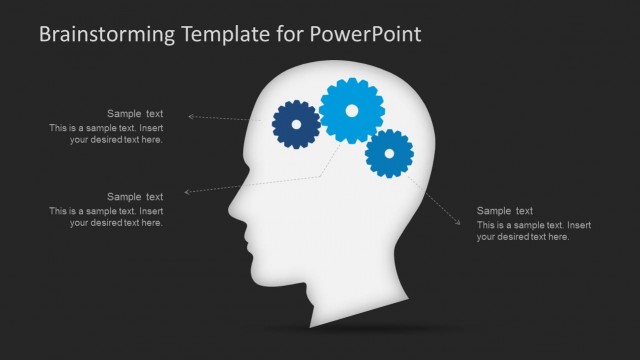
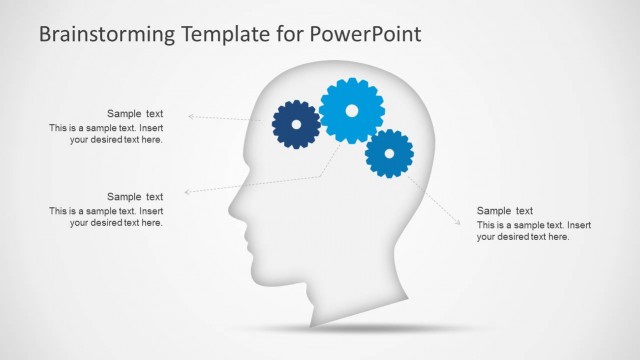
The slide features a left-aligned silhouette of a head in white against a dark background. Three blue gears are positioned within the head, symbolizing thought processes. Text placeholders are located to the left, right, and below the gears, each aligned to the left and indicating where to insert content. The visual hierarchy emphasizes the head silhouette and gears, while the background remains uniform and dark. The overall layout is clean, with ample space around the elements to enhance clarity and focus.
How to Use It
This layout serves as a visual representation of brainstorming concepts, ideal for discussing ideas or processes. It fits well in a presentation sequence following problem identification and before solution proposals. This structure is useful in workshops, team meetings, or project planning sessions where collaborative thinking is emphasized. It allows for clear communication of multiple ideas or components related to a central theme.
Text Placeholders & Capacity
Keep your copy within these limits so it fits without resizing. Each text slot can hold about 10 words comfortably.
| Placeholder | Count | Max characters (approx.) |
|---|---|---|
| Item body | 3 | 50 |
Slide Keywords
Download unlimited PowerPoint templates, charts and graphics for your presentations with our annual plan.
DOWNLOADReturn to Brainstorming PowerPoint Template.