Slide 11 of 15 from Brainstorming PowerPoint Template
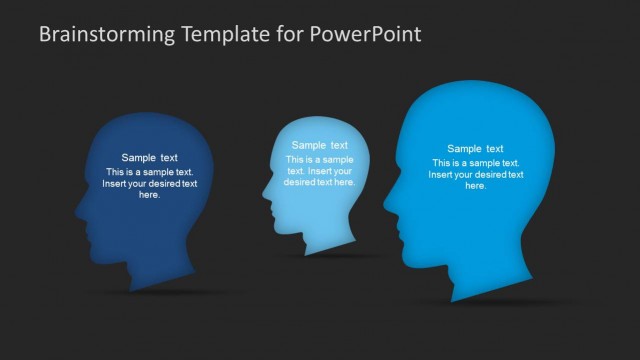
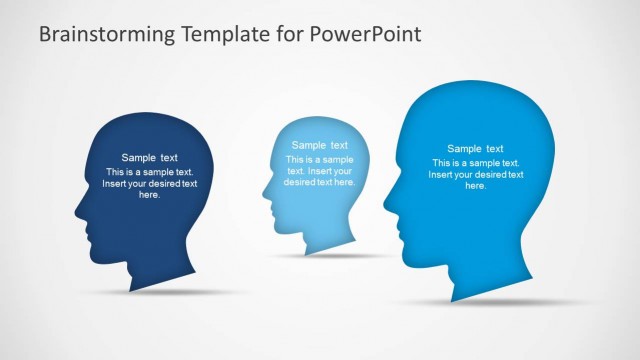
Three Participants of Brainstorming Sesssion Scene for PowerPoint
Brainstorming Heads Layout for Presentations
- Text Layout
- List Blocks
- Concept Explanation Slide
- 16:9
- 100% Editable
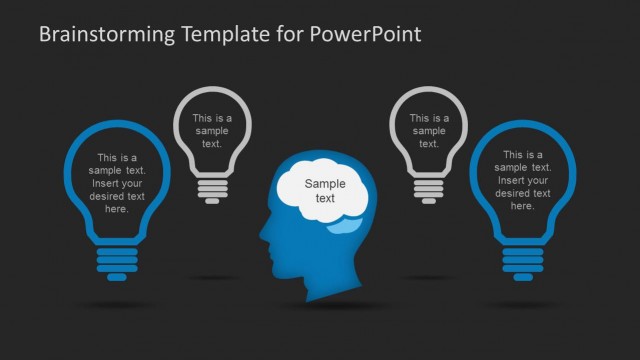
The Brainstorming Heads Layout from the Brainstorming PowerPoint Template offers a clear visual format for idea generation and team discussions. This slide uses editable shapes of stylized head silhouettes to represent multiple perspectives, making it ideal for business presentations and collaborative brainstorming sessions. Its design supports effective communication of concepts within a corporate presentation or pitch deck template, enhancing engagement through well-organized PowerPoint slides.
What’s on This Slide
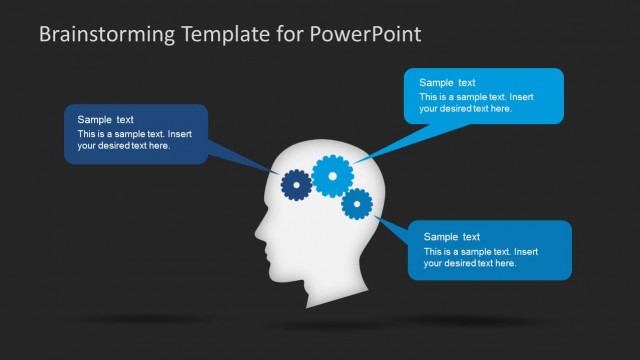
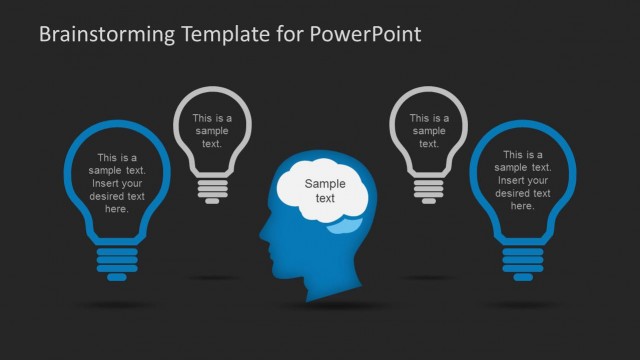
The slide features three stylized head silhouettes arranged horizontally across the center. The heads are in varying shades of blue, with the leftmost being darker and the rightmost being lighter. Each head contains a text placeholder positioned centrally within the silhouette, allowing for a title and a body text. The background is a dark gray, providing contrast to the blue heads. The visual hierarchy emphasizes the heads, which are the primary focus, while the text placeholders are subordinate elements. There are no additional images or icons present.
How to Use It
This layout serves as a visual representation of brainstorming ideas or concepts. It is suitable for presentations that require showcasing multiple perspectives or thoughts. This slide fits well in a sequence following a problem statement or introduction, leading into discussions about solutions or ideas. It can be effectively used in business meetings, workshops, or educational settings where collaborative thinking is encouraged.
Text Placeholders & Capacity
Keep your copy within these limits so it fits without resizing. Node body slots can hold about 15-20 words each.
| Placeholder | Count | Max characters (approx.) |
|---|---|---|
| Slide title | 1 | 30 |
| Item heading | 3 | 50 |
| Item body | 3 | 100 |
Slide Keywords
Download unlimited PowerPoint templates, charts and graphics for your presentations with our annual plan.
DOWNLOADReturn to Brainstorming PowerPoint Template.