Slide 3 of 15 from Brainstorming PowerPoint Template
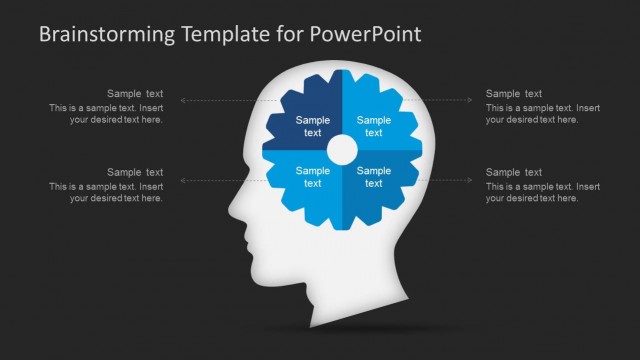
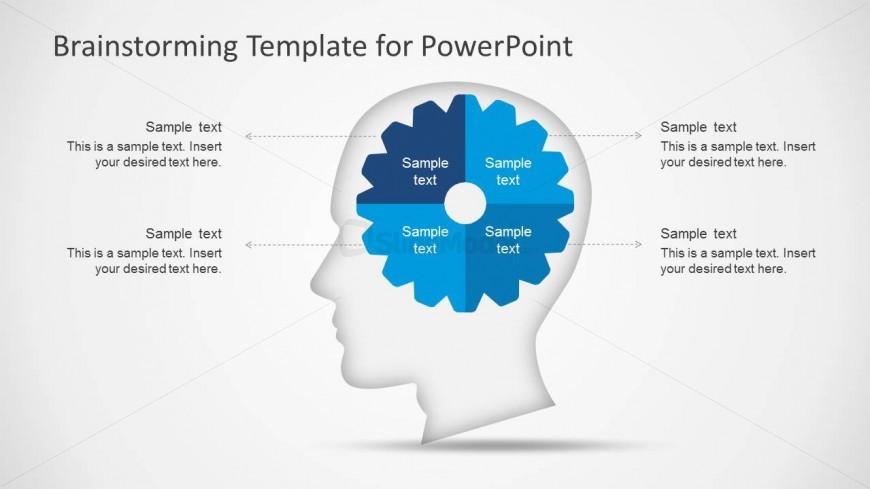
Four Quadrant Gear Shape Inside Head Silhouette for PowerPoint
Brainstorming Template for PowerPoint
- Diagram
- Matrix Quadrant
- Concept Explanation Slide
- 16:9
- 100% Editable
The Brainstorming Template for PowerPoint from the Brainstorming PowerPoint Template offers a structured diagram layout ideal for creative workshops and project discussions. This slide uses editable shapes and vector icons to visually organize ideas around a central gear concept, making it effective for business presentations and collaborative brainstorming sessions. Its balanced design supports clear communication within slide decks focused on innovation and problem-solving.
What’s on This Slide
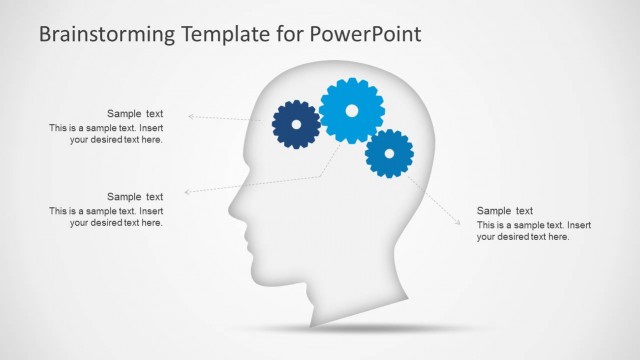
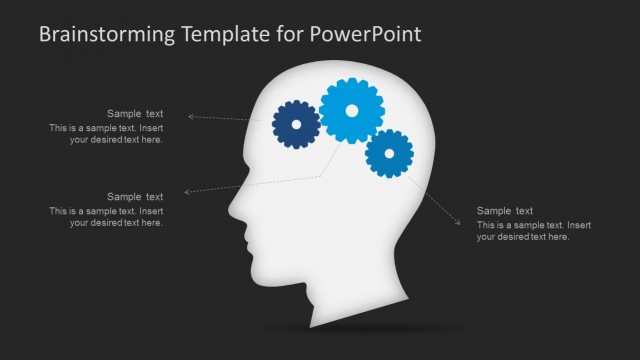
The slide features a left-aligned head silhouette filled with a gear shape at the center. The gear contains six segments, each with sample text placeholders. These segments are evenly spaced and point outward, with arrows indicating flow towards additional text placeholders on the left and right. The background is light with a subtle gradient. The title is positioned at the top center, while the text placeholders are aligned horizontally, creating a balanced visual hierarchy. The overall composition emphasizes the central gear as the focal point.
How to Use It
This layout serves as a visual brainstorming tool, ideal for illustrating ideas and concepts. It fits well in presentations that require collaborative input or project discussions. The gear structure can represent different aspects of a project or brainstorming session. It is suitable for workshops or meetings focused on innovation and creative thinking, allowing for clear communication of ideas. This slide works effectively in sequences that discuss problem-solving or idea generation.
Text Placeholders & Capacity
Keep your copy within these limits so it fits without resizing. Node body slots can hold about 10-12 words each.
| Placeholder | Count | Max characters (approx.) |
|---|---|---|
| Slide title | 1 | 35 |
| Item body | 6 | 50 |
| Body paragraph | 2 | 80 |
Slide Keywords
Download unlimited PowerPoint templates, charts and graphics for your presentations with our annual plan.
DOWNLOADReturn to Brainstorming PowerPoint Template.