Connect creativity and education with the Creative Educational Brain PowerPoint Template. Use impactful presentation designs in educational presentations related to the way humans use the mind. The PowerPoint template provides a colourful and informative method of introducing different types of information to the viewers, significantly enhancing the audience experience.
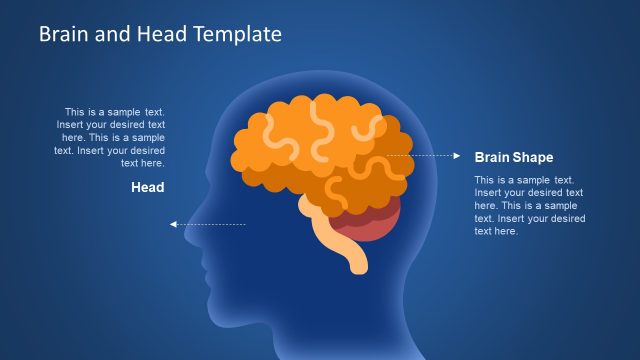
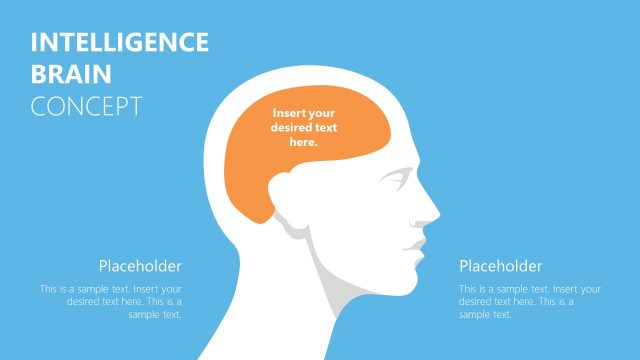
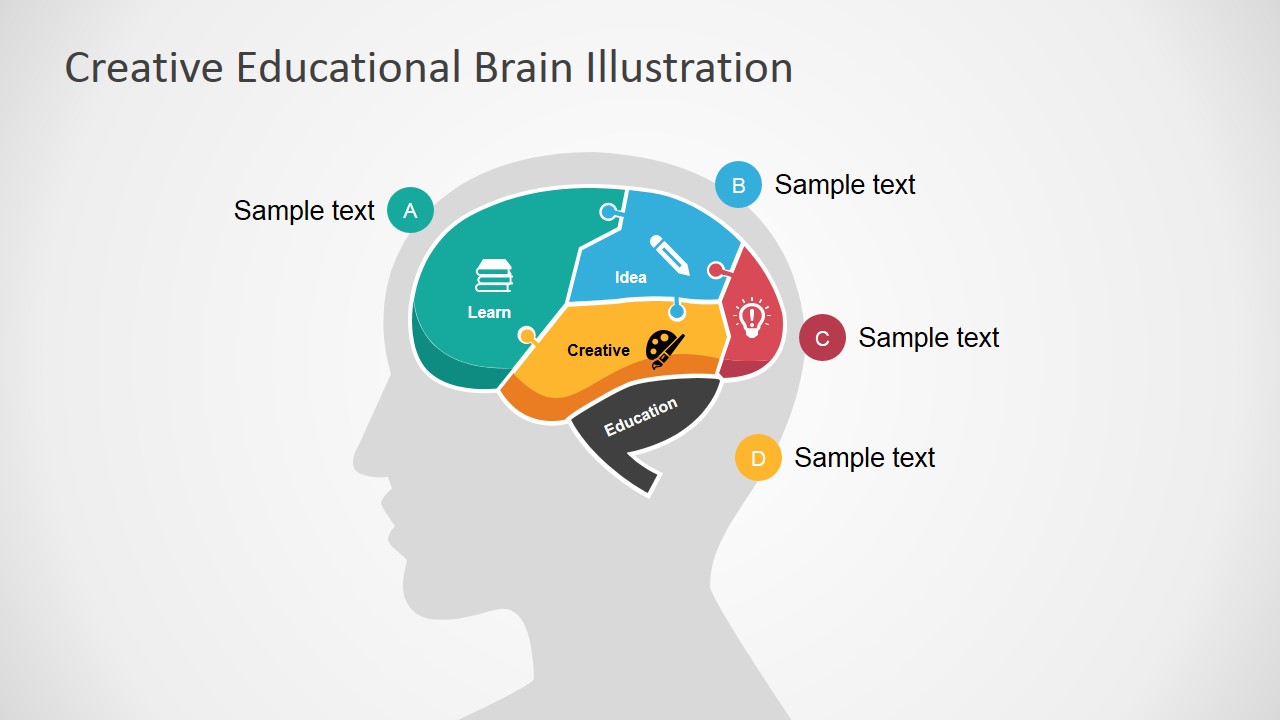
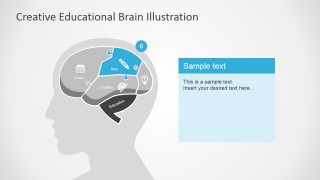
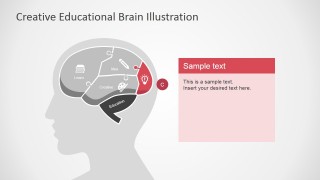
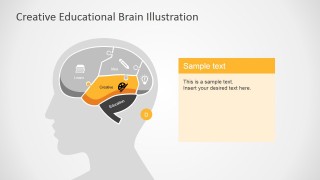
The slide design feature a human head silhouette with a cross-section illustration of the brain. The presentation itself presents the brain as the foremost mechanism in absorbing information. The brain is a complicated organ that controls everything from the involuntary heart beat to the conscious movement of the limbs. In biology, the brain is divided into several sections called lobes. Each lobe has a specific purpose in the thought and memory process.
The PowerPoint template contains a relatively easy method of introducing the lobes to a general audience. By relating the lobes themselves to specific characteristics and components – such as idea and education – the presenter begins a word-to-concept relationship that improves memory retention. By relating the complex biological processes of the brain to common terms, the presenter makes it easier for the audience to understand the function of each lobe. The template itself can be applied as an educational tool for various science presentations. In a business context, the template can serve as a way to show the roles of different departments in an organization, as represented by the brain. Each department can be related to a lobe. For example, marketing teams can be referred to as the temporal lobe of the brain; that is, the creative part of the system.
The principal feature of the template is the head and brain clipart. The brain is divided into five sections, referring to the five lobes of the brain. These lobes are the frontal lobe, the parietal lobe, the temporal lobe, the occipital lobe, and the brain stem, which is the term for the combined forced of the cerebellum and the medulla oblongata. The frontal lobe is labeled as “learn” and contains an image of a stack of books. The parietal lobe is symbolized by the drawing of a pencil and the label “idea”. A paint palette, labeled “creative”, represents the temporal lobe. A lightbulb icon emphasises the occipital lobe. Finally, the brain stem is shown as “education”.
The Creative Educational Brain PowerPoint Template is suitable for presentations which can be related to the biology of the brain. Alude metaphorically to the thinking mechanism of an individual or an entity. The slides contain fully customizable PowerPoint objects that can be edited to suit the preferences of the presenter. Complement the presentation with additional clipart from our PowerPoint Shapes gallery.
What’s inside this template
Example presentation scenarios
- A teacher can introduce a cognition lesson by using the overview brain diagram to connect learning, ideas, creativity, and education before moving into detailed discussion.
- A corporate trainer can present the brain sections as a metaphor for workplace skills, using the focused note-panel slides to explain each capability in sequence.
- An education consultant can use the lettered callout layout to map program components to learning behaviors and keep the discussion visually anchored.
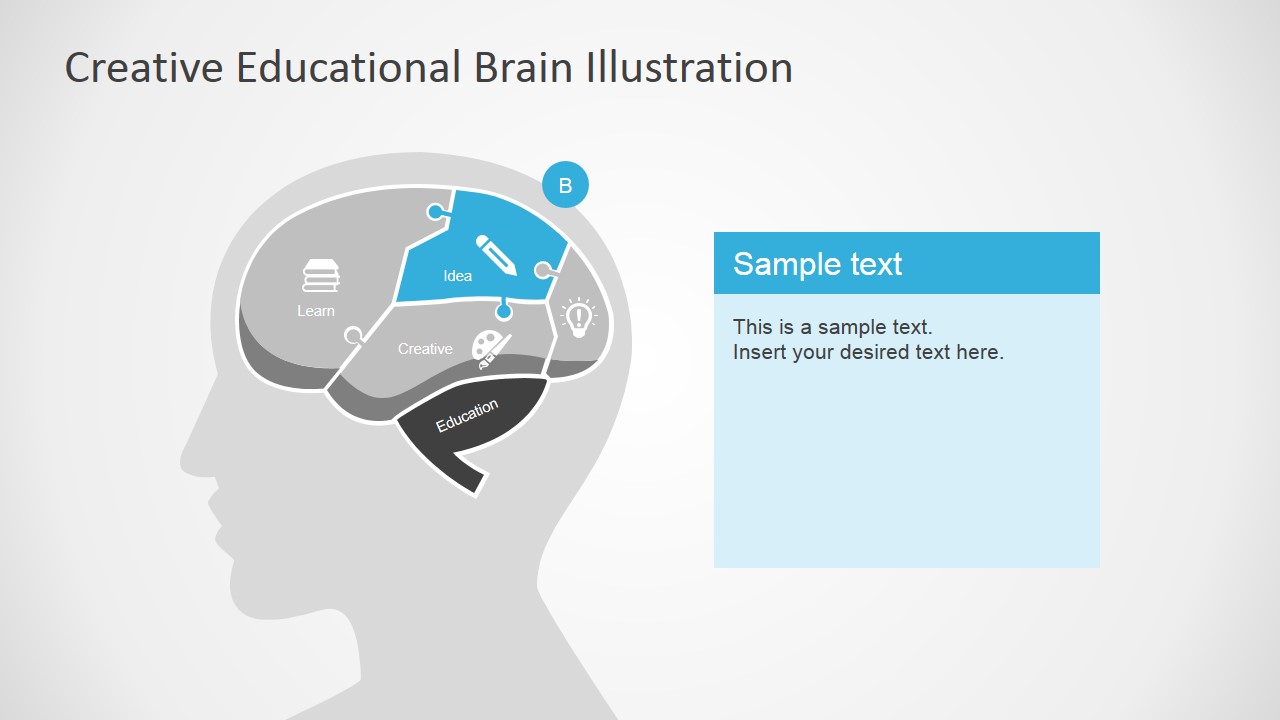
- A science presenter can simplify an introductory brain topic by highlighting one colored section at a time and adding plain-language notes in the right-side text panel.
Features
- 100% editable presentation template
- Compatible with Microsoft PowerPoint and Google Slides
- 16:9 aspect ratio slides
- Scalable vector shapes, icons and illustrations
- AI-Ready for Microsoft Copilot and Claude
- Instant access and download
Frequently asked questions
Q: How should a presenter explain the brain metaphor without oversimplifying the topic?
A: Start with Slide 1 as a conceptual map, not a medical diagram. Name each visible section as a learning-related idea, then use Slides 2 through 5 to define one concept at a time. Keep the note panel short: one meaning, one example, and one implication for the audience.
Q: Who is this template best suited for?
A: This template fits educators, trainers, and consultants who need to make abstract thinking processes visible. It works best for introductory lessons, learning strategy briefings, creativity workshops, or business capability discussions where the brain diagram can represent how people absorb, create, and apply information.
Q: Why does the segmented brain design help the audience follow the explanation?
A: The head silhouette gives the audience an immediate human context, while the colored brain sections act as memory anchors. The repeated focus slides keep orientation consistent: the brain stays on the left, the selected section changes color, and the explanation stays in a clean note panel on the right.



Creative Educational Brain PowerPoint Template
5-slide educational brain presentation template with head silhouette, labeled brain sections, and callout note layouts.
Creative Educational Brain PowerPoint Template is a 5-slide diagram set for teaching brain concepts or using the brain as an idea metaphor. It includes a head silhouette, segmented brain illustration, lettered callouts, and note-panel layouts for PowerPoint and Google Slides. The visuals suit educators, trainers, and business presenters.
- Category
- Shapes
- Rating


 Loading...
- Aspect ratio
- 16:9, 4:3
- Item ID
- 7080-02
- Colors
 Microsoft PowerPoint
  Microsoft Copilot
  Claude for PowerPoint
 Other formats supported
Subscribe today and get immediate
access to download our PowerPoint templates.