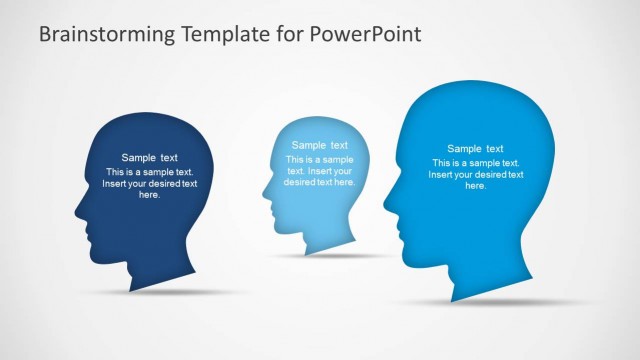
Slide 7 of 15 from Brainstorming PowerPoint Template
Idea Metaphor PowerPoint Shapes Scene
Idea Generation Slide for Brainstorming
- Text Layout
- Single Statement
- Concept Explanation Slide
- 16:9
- 100% Editable
The Idea Generation Layout from the Brainstorming PowerPoint Template offers a clear and engaging design ideal for business presentations focused on creative workshops and project discussions. Featuring editable shapes like a blue head silhouette and a light bulb icon, this slide template supports effective idea sharing and audience participation within a slide deck. Its structured text placeholders help organize thoughts during brainstorming sessions, making it a practical choice for corporate presentations and pitch deck templates.
What’s on This Slide
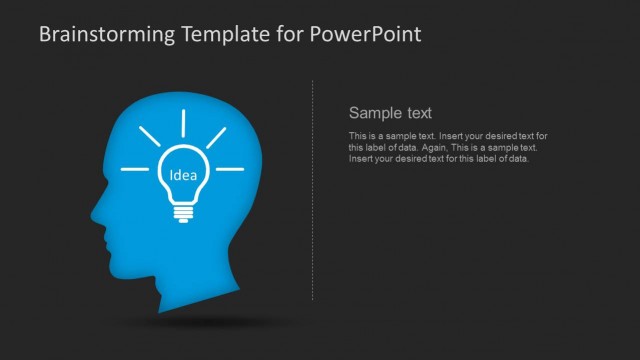
The layout features a blue head silhouette on the left side, with a light bulb icon emitting lines representing ideas. The bulb contains the word 'Idea' in the center. To the right, there are two text placeholders stacked vertically, aligned to the top and bottom. The first placeholder is labeled 'Insert Your Ideas Here' and the second contains sample text. The background is light gray, providing contrast to the blue elements. The overall composition emphasizes the head silhouette and light bulb, creating a clear visual hierarchy.
How to Use It
This layout serves as an idea generation slide, suitable for brainstorming sessions or creative workshops. It fits well in a sequence following a problem statement or introduction, guiding the audience to focus on solutions. This structure is particularly useful for business presentations where collaborative input is encouraged, such as project discussions or innovation meetings. It allows for the clear presentation of ideas and encourages audience engagement.
Text Placeholders & Capacity
Keep your copy within these limits so it fits without resizing. Body slots can hold approximately 20-30 words each.
| Placeholder | Count | Max characters (approx.) |
|---|---|---|
| Slide title | 1 | 30 |
| Body paragraph | 2 | 150 |
Slide Keywords
Download unlimited PowerPoint templates, charts and graphics for your presentations with our annual plan.
DOWNLOADReturn to Brainstorming PowerPoint Template.