Slide 8 of 15 from Brainstorming PowerPoint Template
Brainstorming Ideas PowerPoint Scene Design
Brainstorming Template with Gears for Ideas
- Diagram
- Mind Map
- Concept Explanation Slide
- 16:9
- 100% Editable
The Brainstorming Template with Gears from the Brainstorming PowerPoint Template offers a structured diagram layout ideal for business presentation workshops and project planning. Featuring editable shapes and vector icons, this slide facilitates collaborative idea generation and clear concept explanation within a corporate presentation or pitch deck template.
What’s on This Slide
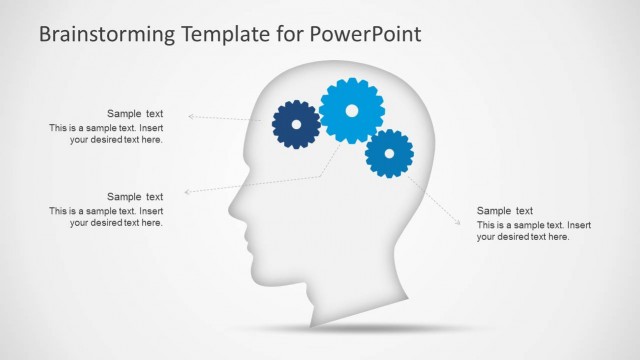
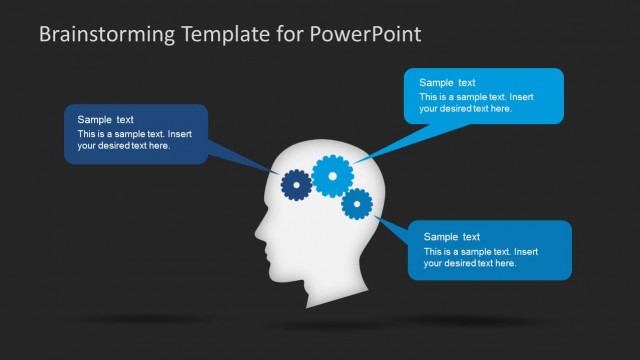
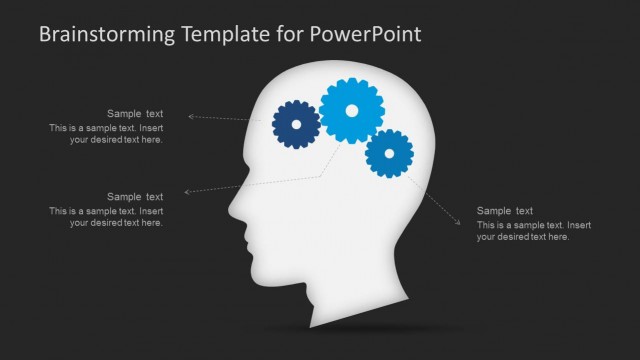
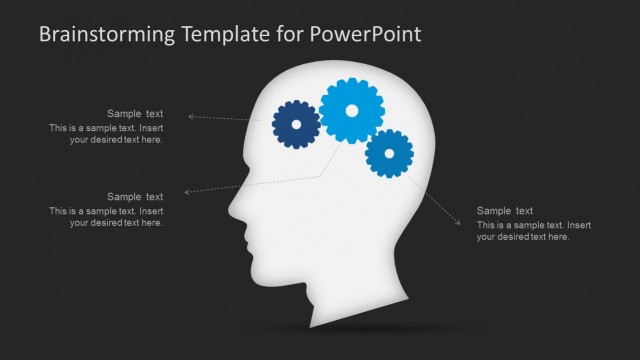
The layout features a head silhouette positioned centrally, with three blue gear icons placed within the head. Text placeholders are aligned to the left, right, and bottom of the head, each connected to the gears by arrows. The placeholders are rectangular, with a consistent style and size, allowing for text insertion. The background is a light gradient, enhancing the visibility of the elements. The overall composition emphasizes the relationship between the gears and the text, creating a cohesive visual hierarchy.
How to Use It
This layout serves as a brainstorming tool, ideal for presenting ideas and concepts in a structured format. It fits well in a sequence following problem identification, leading into solution discussions. Suitable for workshops or team meetings, it encourages collaborative thinking and idea generation. The design allows for flexibility in content, making it applicable for various business scenarios, such as project planning or creative sessions.
Text Placeholders & Capacity
Keep your copy within these limits so it fits without resizing. Node labels can hold about 10 words each, while body text can accommodate roughly 20 words each.
| Placeholder | Count | Max characters (approx.) |
|---|---|---|
| Item heading | 3 | 50 |
| Item body | 3 | 100 |
| Slide title | 1 | 50 |
Slide Keywords
Download unlimited PowerPoint templates, charts and graphics for your presentations with our annual plan.
DOWNLOADReturn to Brainstorming PowerPoint Template.