Dark Brainstorming PowerPoint Template is another version of brainstorming PowerPoint template with dark background color.
With this presentation template you can quickly create mind maps for official presentations, as well as for personal use.
The diverse slide layouts provide the option to craft professional looking slides in a thought–provoking manner, where you can connect various ideas and sequential elements with the aid of helpful diagrams.
What’s inside this template
Example presentation scenarios
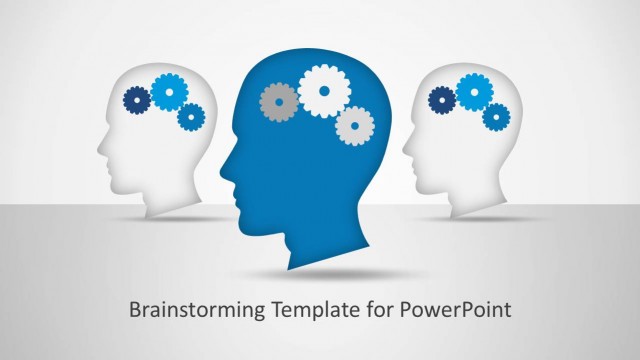
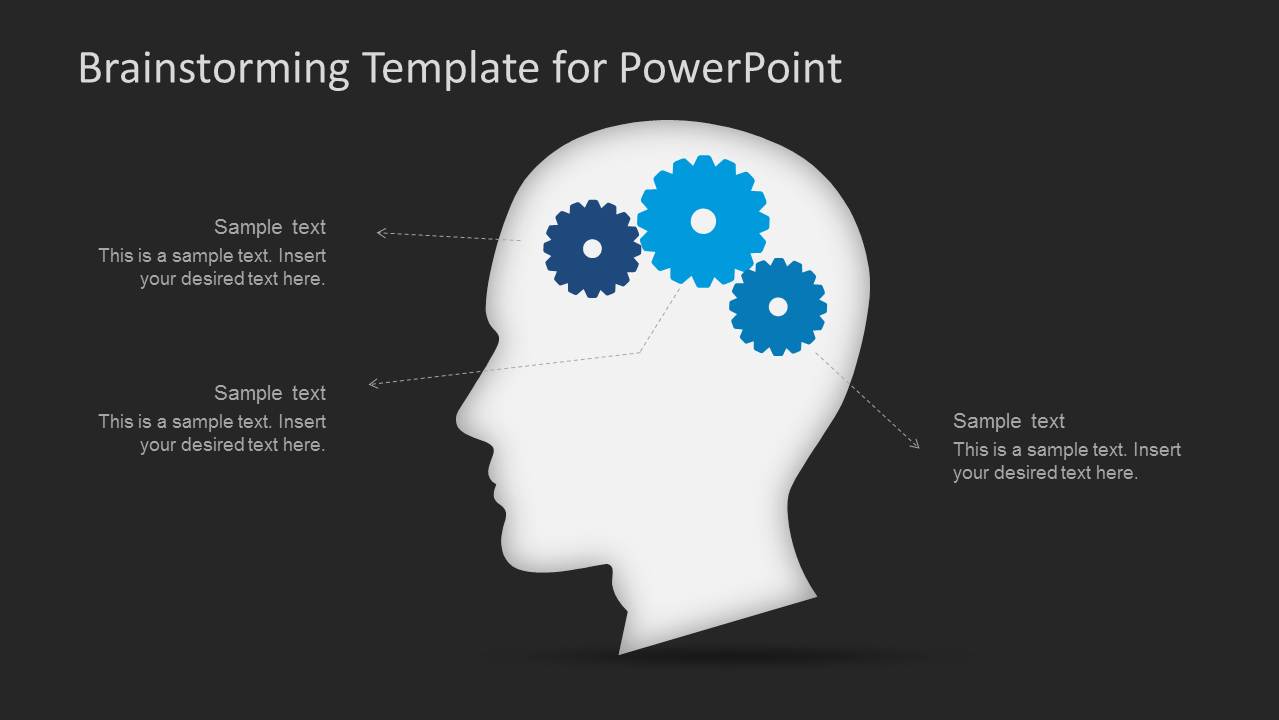
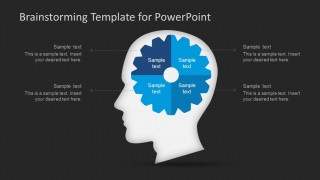
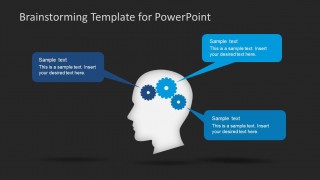
- A workshop facilitator can use the gear-in-head callout slide to collect and organize participant ideas during an innovation session.
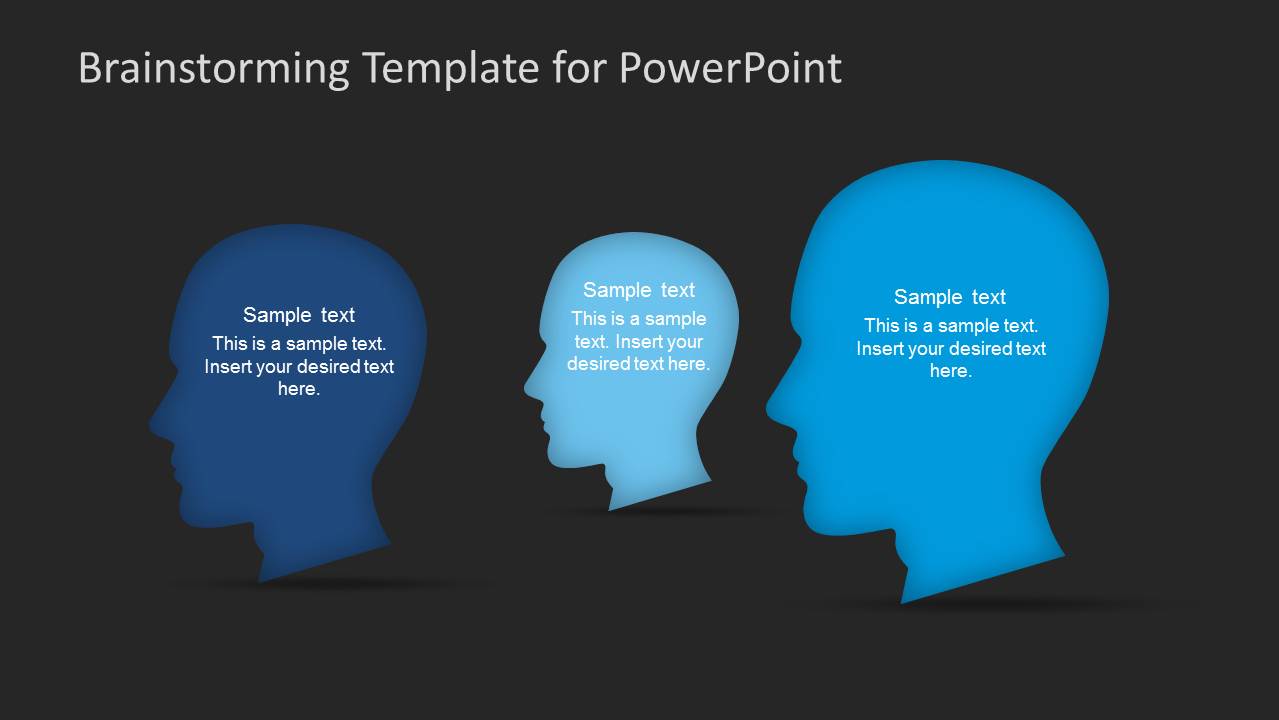
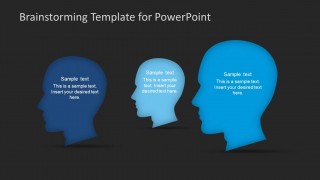
- A startup founder can use the three-head comparison slide to explain different customer viewpoints, team roles, or concept directions before choosing a path.
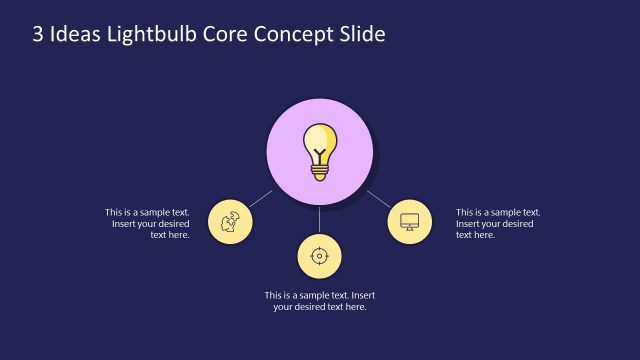
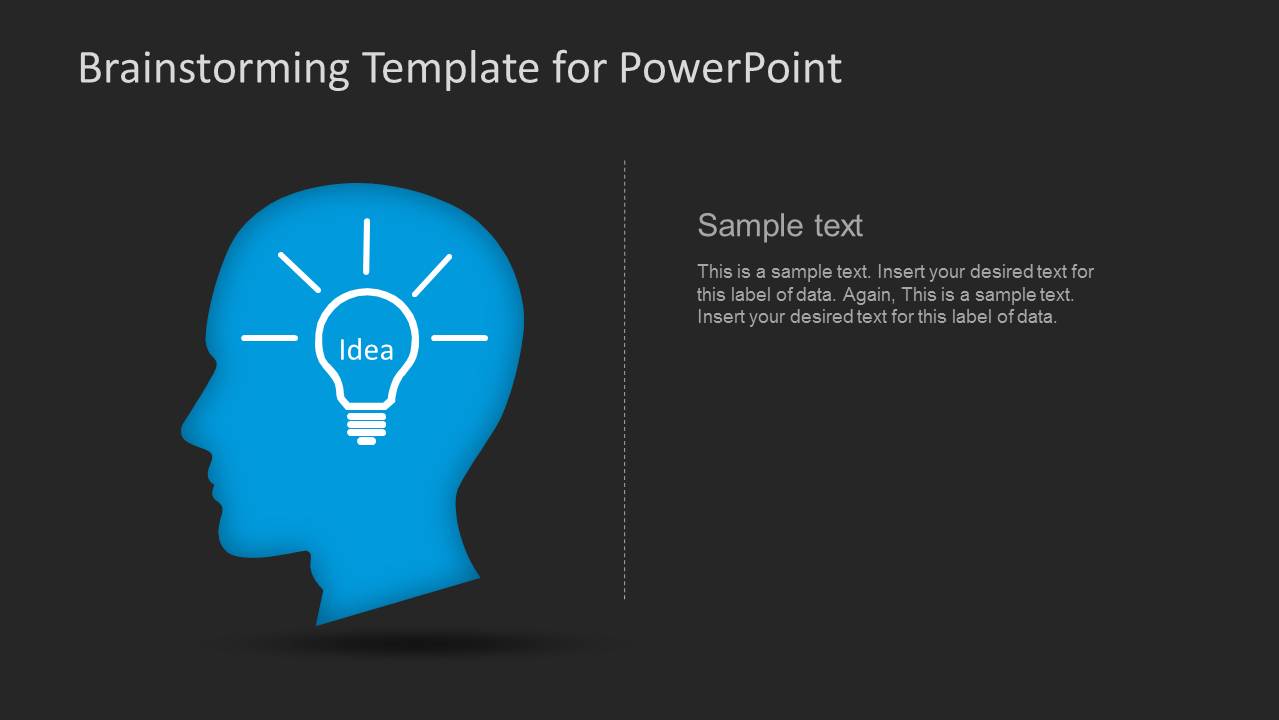
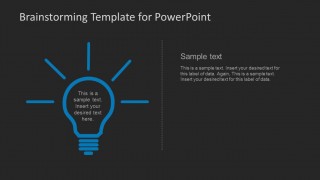
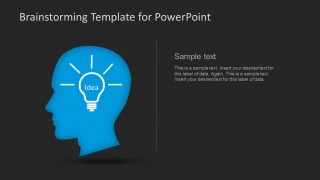
- A product manager can use the light bulb and text-divider slide to introduce a new feature idea and describe its rationale in a focused format.
- A business trainer can use the head with gears and speech callouts to teach how ideas connect across research, assumptions, and next steps.
Features
- 100% editable presentation template
- Compatible with Microsoft PowerPoint and Google Slides
- Scalable vector shapes, icons and illustrations
- AI-Ready for Microsoft Copilot and Claude
- Instant access and download
Frequently asked questions
Q: How should a presenter structure a brainstorming message with this template?
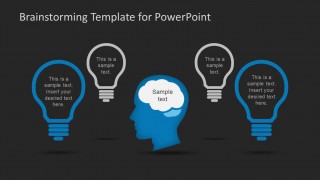
A: Start with one central question, then assign each visible metaphor a job. Use the gear-in-head layouts for how thinking works, the three-head layout for comparing perspectives, and the light bulb layouts for selected ideas. Keep each text area short so the audience focuses on relationships between ideas rather than reading dense notes.
Q: Who is this template best suited for in a business setting?
A: This template fits facilitators, product leads, consultants, and entrepreneurs who need to explain early-stage thinking before decisions are final. It works well in discovery workshops, ideation meetings, and concept reviews because the slides show thoughts, connections, and alternatives without requiring charts, tables, or formal reporting structure.
Q: Why do the head, gear, and light bulb metaphors help communicate brainstorming?
A: The design uses familiar visual metaphors for thinking and invention: gears suggest mental mechanics, heads suggest perspectives, and light bulbs signal ideas. These visuals help an audience separate idea generation from decision-making. The dark background also creates strong contrast, making the blue and white idea elements stand out during discussion.




Dark Brainstorming PowerPoint Template
7-slide PowerPoint presentation template for brainstorming, mind maps, gears, and light bulb idea diagrams
Dark Brainstorming PowerPoint Template is a 7-slide PowerPoint deck for idea generation and workshop discussions. It includes gear-in-head diagrams, segmented gear labels, three-head comparison, light bulb idea slides, and callout mind map layouts. It is built for facilitators, entrepreneurs, product teams, and trainers using editable business presentation visuals.
- Category
- Business PowerPoint Templates
- Rating


 Loading...
- Item ID
- 6133-02
- Colors
 Microsoft PowerPoint
  Microsoft Copilot
  Claude for PowerPoint
 Other formats supported
Subscribe today and get immediate
access to download our PowerPoint templates.