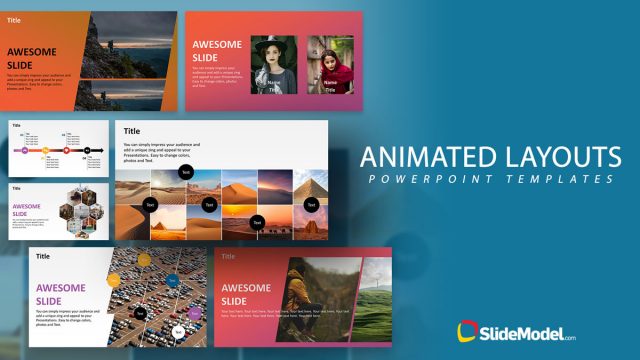
Animated PowerPoint Template is a creative Microsoft PowerPoint design that you can download to make presentations in PowerPoint with animated objects and shapes.
Inside this creative PowerPoint slide template for presentations you can find useful slide layouts including timelines and cool shapes created as PowerPoint objects so you can easily edit the shape properties like colors and shadows to fit your own presentation needs.
If you need cool ideas for PowerPoint presentations then this animated template can be helpful. You can see a live preview here:
What’s inside this template
Example presentation scenarios
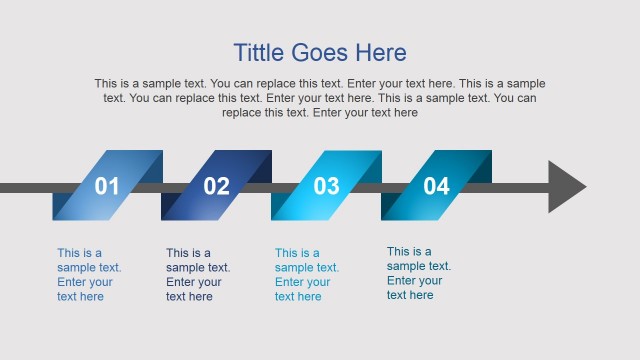
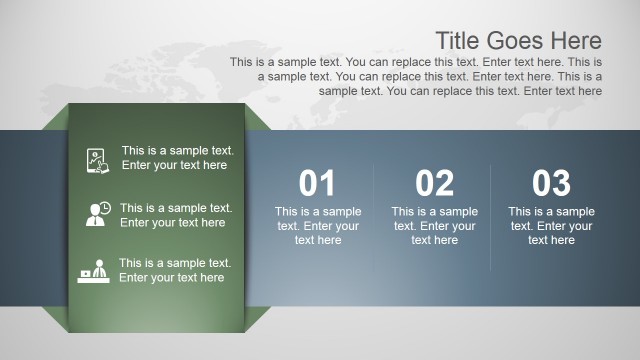
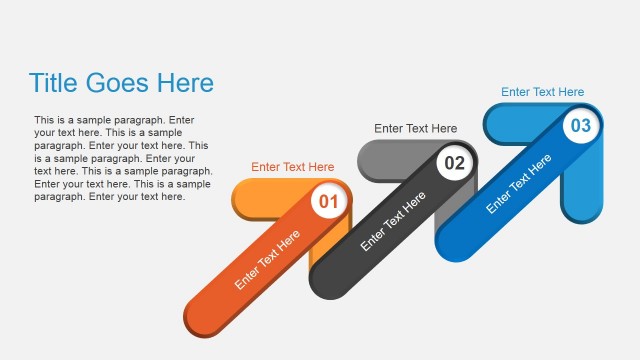
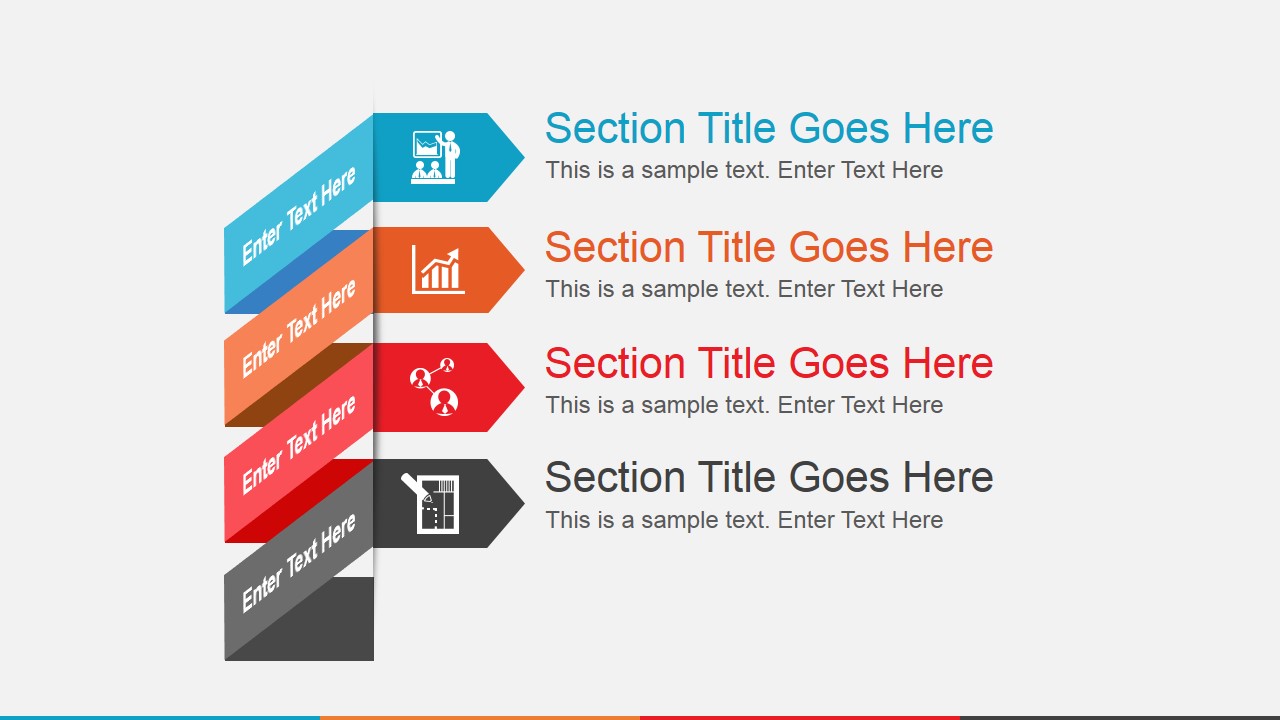
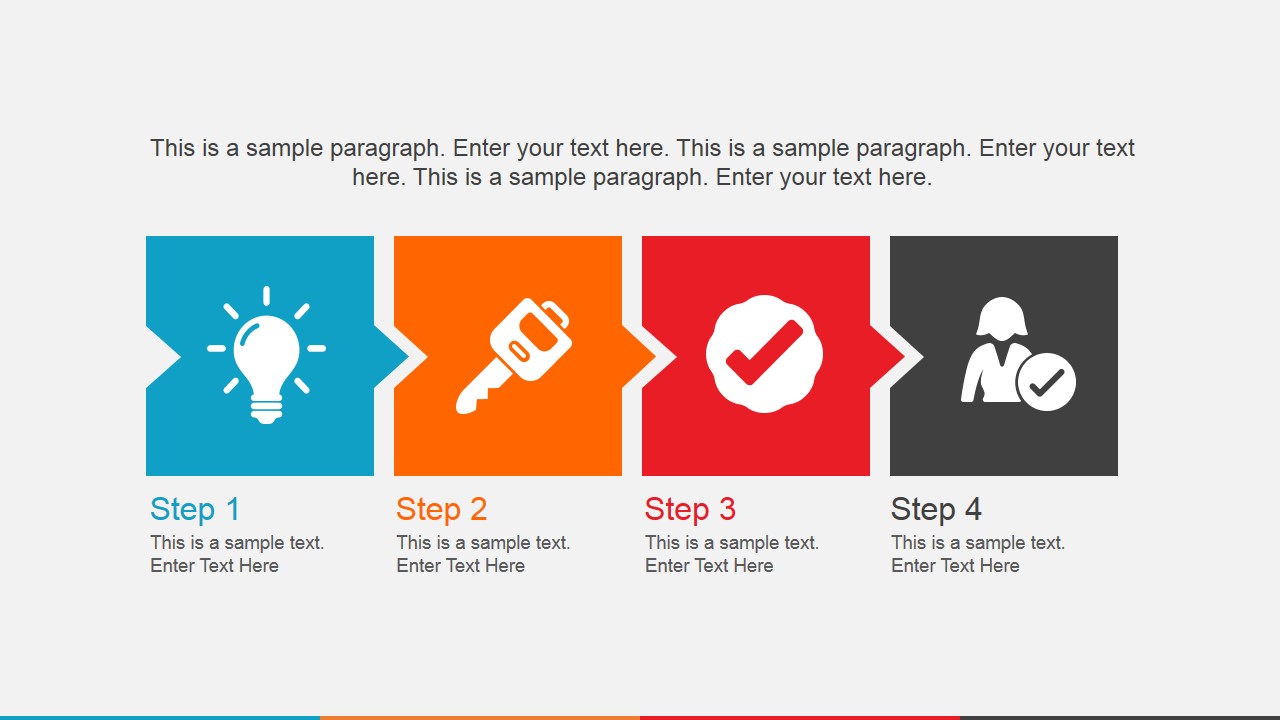
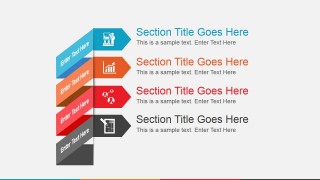
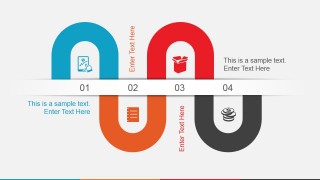
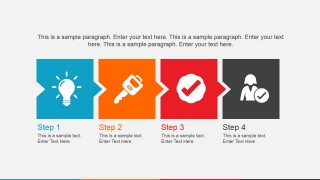
- A project manager can use the agenda ribbon and four-step process to introduce a kickoff meeting, define discussion sections, and explain the first work phases.
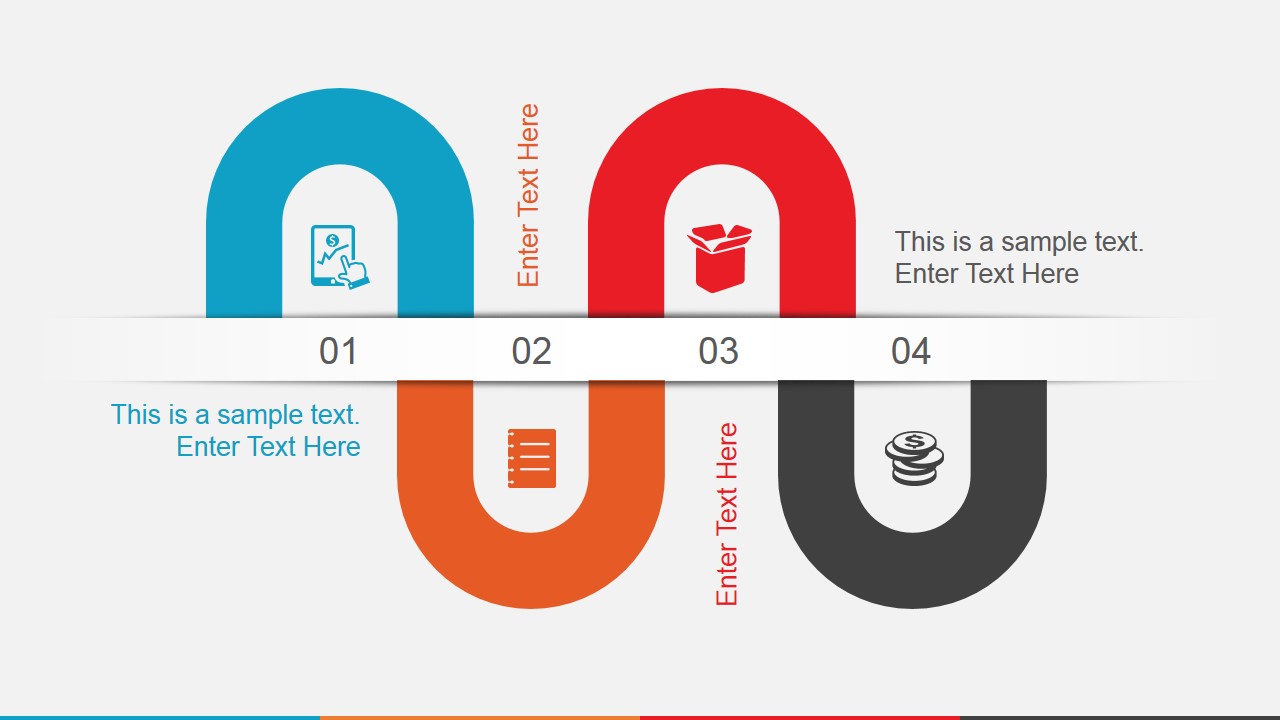
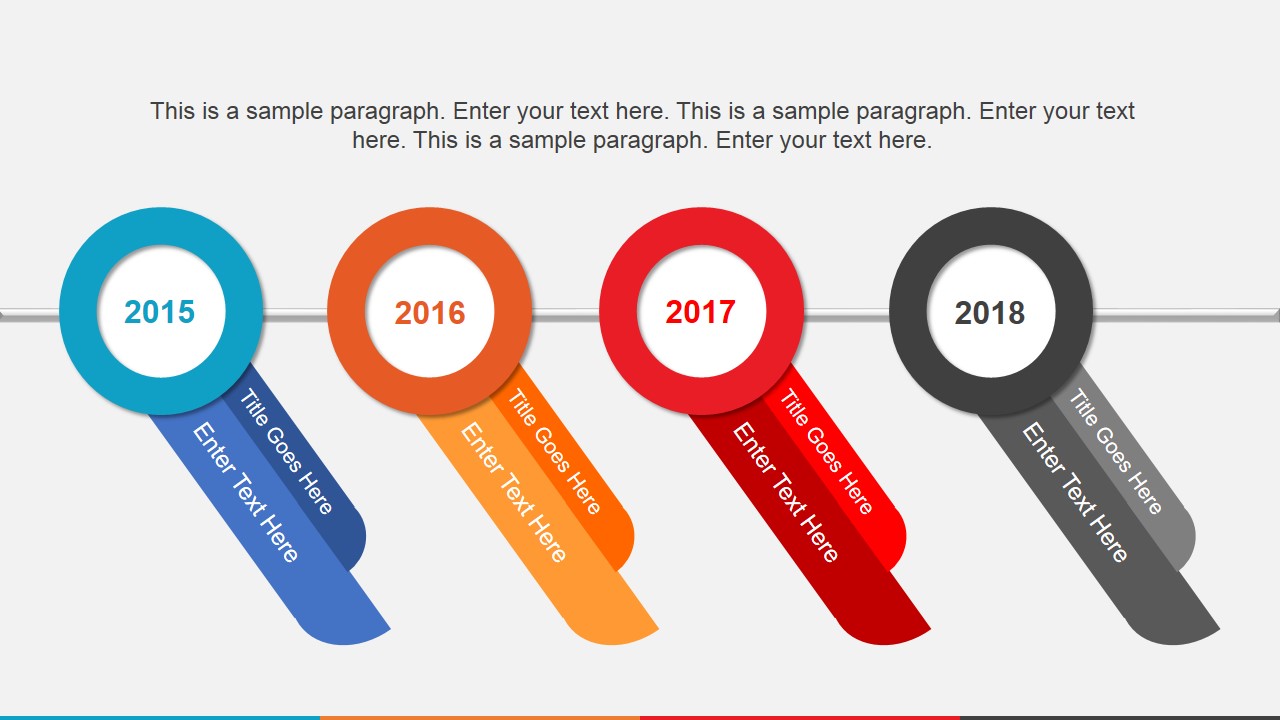
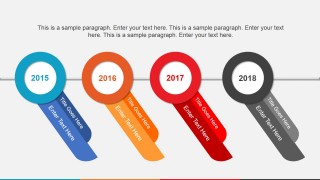
- A consultant can use the magnet roadmap and timeline layouts to present strategic milestones, show dependencies, and make a concept easier for executives to scan.
- A marketing presenter can use the world map callouts to discuss regional activity, market focus, or campaign locations with distinct icon-based markers.
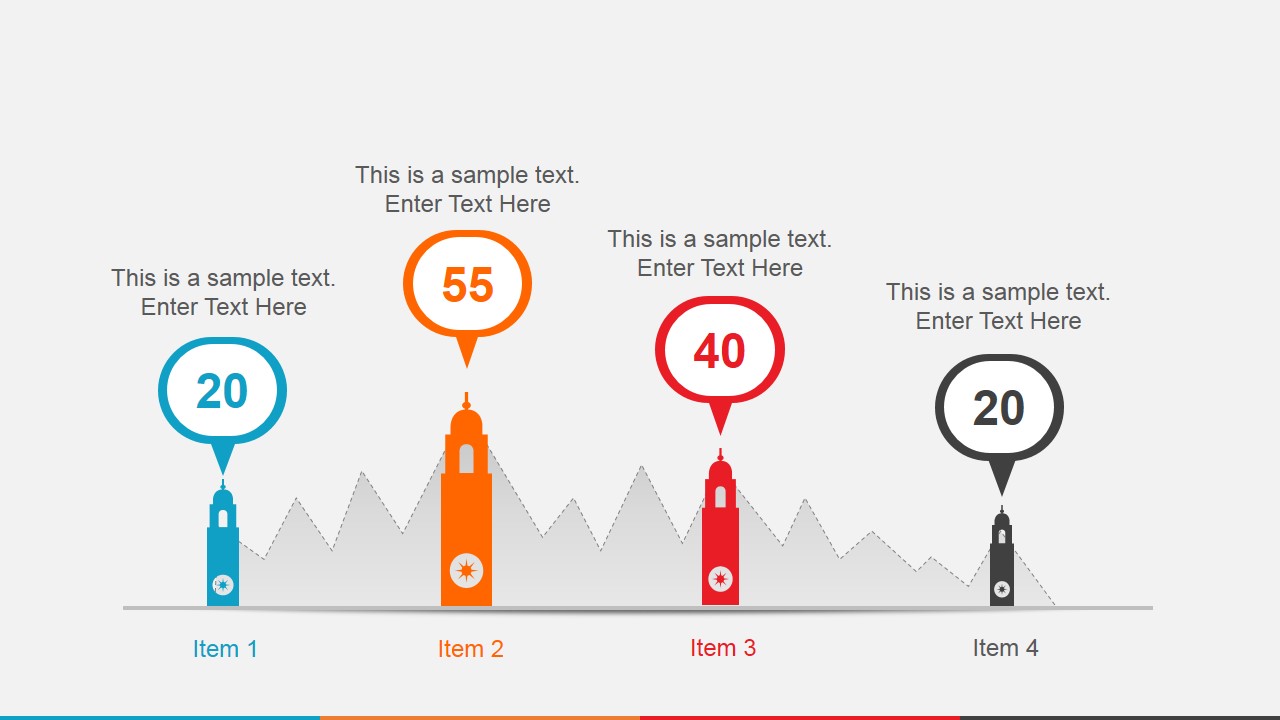
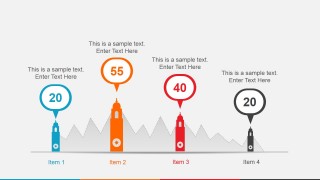
- An operations lead can use the metric marker slide to compare four performance areas or priorities while keeping numeric values and labels visually separated.
- A trainer can use the process blocks and thank-you slide to close a short workshop module after explaining steps, examples, and next actions.
Features
- 100% editable presentation template
- Compatible with Microsoft PowerPoint and Google Slides
- 16:9 aspect ratio slides
- Scalable vector shapes, icons and illustrations
- Ready with Animations & Transitions in PowerPoint
- AI-Ready for Microsoft Copilot and Claude
- Instant access and download
Frequently asked questions
Q: How should a presenter organize a short message with this template?
A: Start with the ribbon agenda to preview the four main ideas, then use one visual per point rather than filling every slide with text. The timeline should carry dates or milestones, the map should carry location-specific notes, and the four-step slide should translate the message into action. Keep each placeholder to one clear claim.
Q: Who is this template best suited for?
A: This template works best for project leads, consultants, marketers, and trainers who need a brief animated explanation rather than a dense report. It is useful when the audience must understand a plan, route, sequence, or regional picture quickly. The layouts favor meeting-room updates, concept pitches, and workshop recaps.
Q: Why do the magnet, pin, and marker metaphors help communication?
A: The visual metaphors give abstract business content a physical cue. Magnets suggest attraction or connected forces, map pins signal location, and vertical markers frame measured points. Because each metaphor is paired with icons and short text, the audience can identify the role of each section before reading details.




Animated PowerPoint Template
7-slide animated presentation template with timeline, roadmap, process, map, and agenda layouts
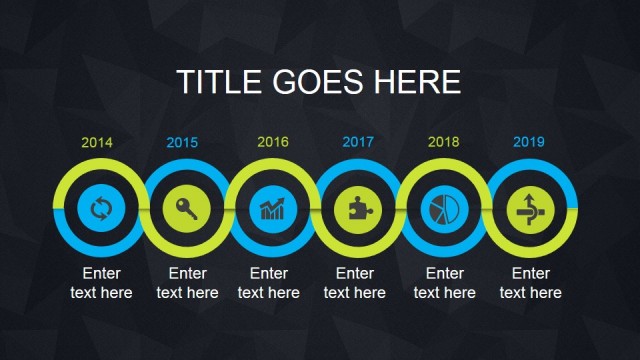
Animated PowerPoint Template is a 7-slide presentation template for Microsoft PowerPoint and Google Slides. It includes an agenda ribbon list, magnet roadmap, year timeline, world map callouts, four-step process, metric marker layout, and thank-you slide for project, concept, or planning presentations.
- Category
- Template Backgrounds
- Rating


 Loading...
- Aspect ratio
- 16:9
- Item ID
- 4010-01
- Colors
 Microsoft PowerPoint
  Microsoft Copilot
  Claude for PowerPoint
 Other formats supported
Subscribe today and get immediate
access to download our PowerPoint templates.