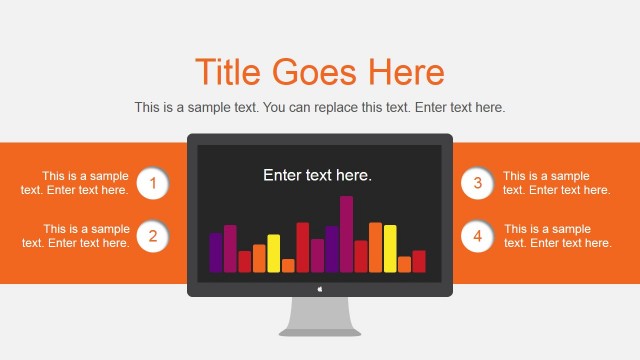
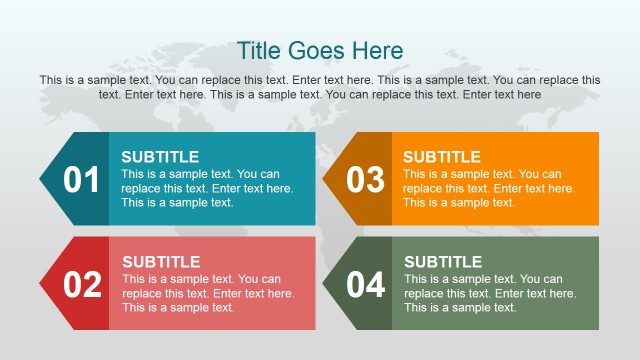
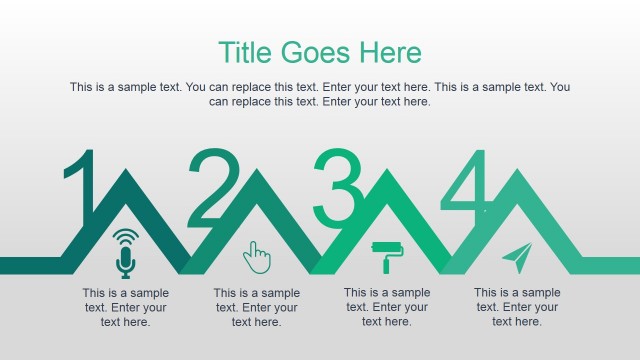
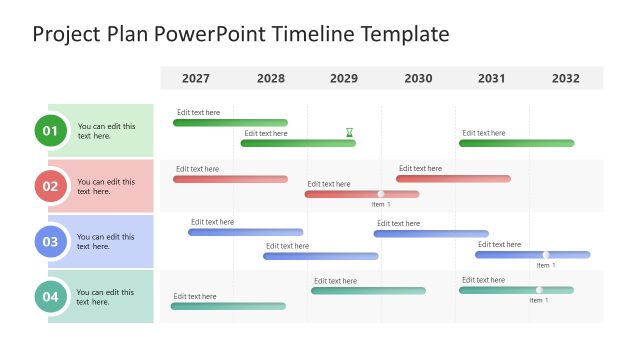
Animated Project Plan PowerPoint Template is a presentation design that you can download and use to make effective project planning PowerPoint presentations for business. This project plan template for Microsoft Office contains many different slide layouts and diagrams with subtle animations.
Inside this project plan template you can find creative business slides such as:
- Comparison slides that you can use to compare properties or features.
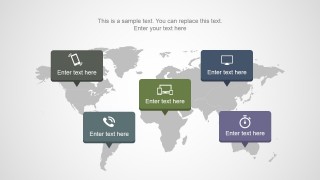
- World map slides with callouts.
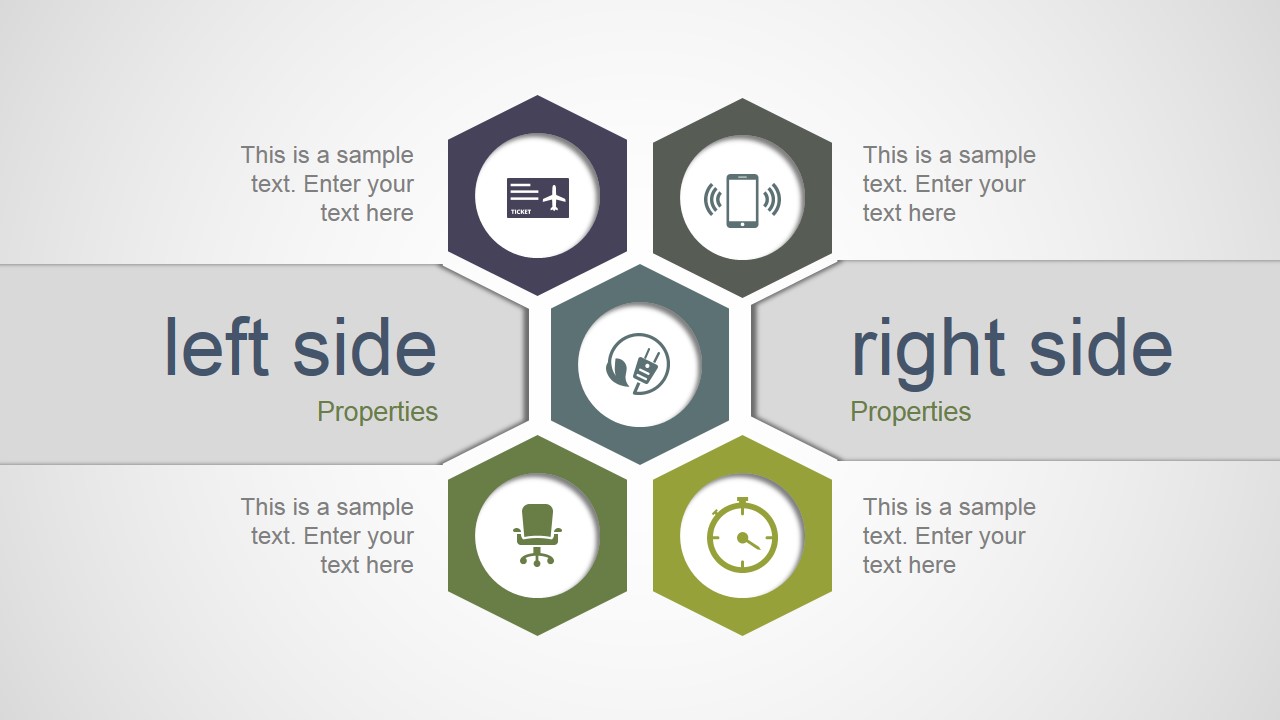
- PowerPoint diagram having hexagon shapes and left & right text placeholders.
- Structure and animated hierarchical diagrams.
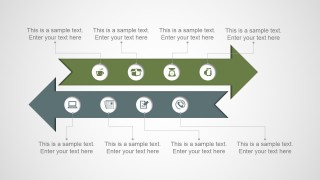
- Arrows diagram with arrows in opposite directions.
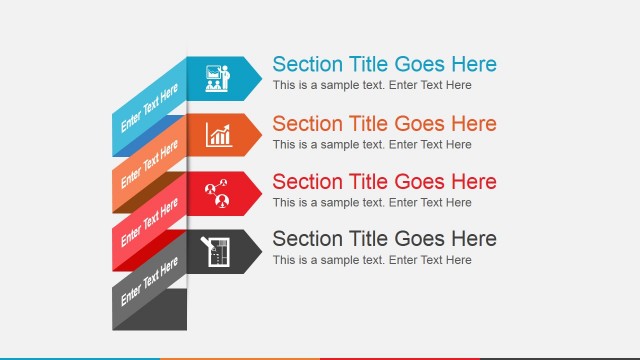
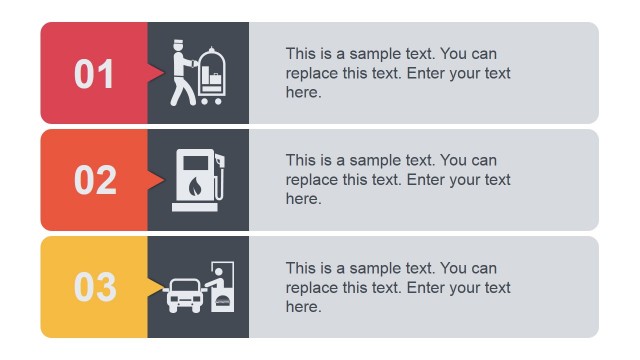
- Concept slide designs for presentation agenda and content.
Here you can see a live preview of this animated PowerPoint template.
Alternatively you can download other project planning PowerPoint templates, animated PowerPoint templates and free presentation slides from our weekly free products.
What’s inside this template
Example presentation scenarios
- A project manager can use the left-right comparison slide to compare workstream properties, priorities, or options during a kickoff meeting.
- A consultant can use the world map callout slide to explain regional project scope, site locations, or distributed stakeholder coverage to a client team.
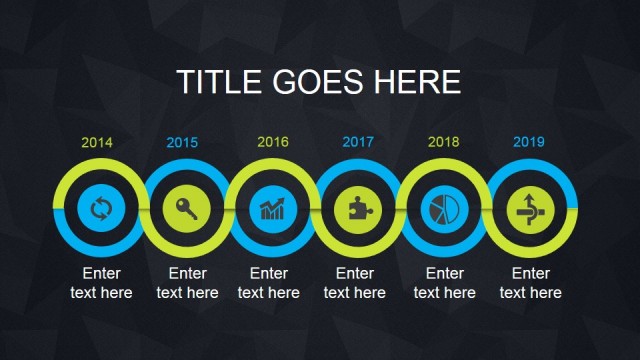
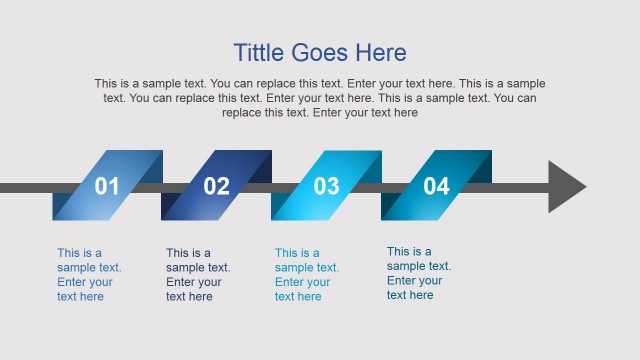
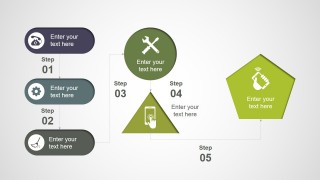
- An operations leader can use the opposing arrow timeline and five-step process flow to show parallel activities, handoffs, and implementation stages.
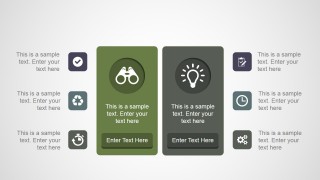
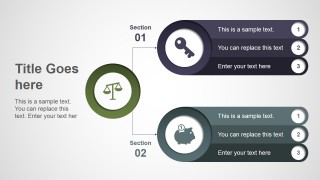
- A program lead can use the hierarchical section diagram to summarize two major work packages, each with numbered action points and owner notes.
Features
- 100% editable presentation template
- Compatible with Microsoft PowerPoint and Google Slides
- 16:9 aspect ratio slides
- Scalable vector shapes, icons and illustrations
- Ready with Animations & Transitions in PowerPoint
- AI-Ready for Microsoft Copilot and Claude
- Instant access and download
Frequently asked questions
Q: How should a presenter build a clear project plan story with these slides?
A: Start with the comparison slide to frame the main alternatives or project dimensions, then move to the world map if location matters. Use the arrow timeline or five-step flow to explain movement over time. Keep each placeholder brief so the geometric shapes guide the discussion instead of becoming decorative containers for long notes.
Q: Who is this template best suited for in a planning meeting?
A: This template fits project managers, consultants, and operations leaders who need to explain how a plan is organized before the team reviews detailed schedules. The section hierarchy, process flow, and workstream arrows make it useful when the presenter must align stakeholders on scope, responsibilities, sequence, or regional coverage.
Q: Why do the geometric shapes help communicate project planning content?
A: The design uses familiar planning metaphors: arrows for direction, map pins for geographic scope, hexagons for grouped components, and numbered steps for sequence. These visual cues let the audience recognize the type of information quickly. The result is a faster read than a paragraph-based project plan slide.


Animated Project Plan PowerPoint Template
8-slide animated presentation template for project plans, world maps, timelines, and process diagrams
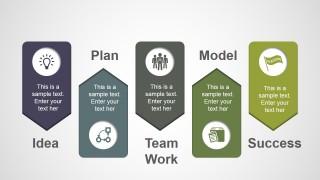
Animated Project Plan PowerPoint Template is an 8-slide project planning deck for Microsoft PowerPoint and Google Slides. It includes a left-right comparison, world map callouts, opposing arrow timeline, and five-step process flow for managers, consultants, and project teams who need to present planning content with editable diagrams.
- Category
- Template Backgrounds
- Rating


 Loading...
- Aspect ratio
- 16:9
- Item ID
- 4100-01
- Colors
 Microsoft PowerPoint
  Microsoft Copilot
  Claude for PowerPoint
 Other formats supported
Subscribe today and get immediate
access to download our PowerPoint templates.