The Animated General Purpose PowerPoint Template is a universal slide deck available for all types of presentations. Whether it is a business presentation, educational content, startup story, or motivational speech. This slide deck offers a range of layouts featuring high-quality adventure pictures in cutout frames and professional layouts. These PowerPoint animations are designed to steal the spotlight with cutting-edge designs. They also give a dramatic look with fresh color combinations. The template contains 50 unique and editable cool slides that are easy to customize. For example, you can edit the text placeholders, vector graphics, colors, and fonts.
The all-purpose presentation template will come in handy on many occasions. Its minimalist design will fit into all kinds of presentations without major changes in design. A range of content layouts and concept diagrams are available to produce businesslike effective PowerPoint. It is an impressive tool for both personal and corporate use by turning ideas into presentations. Moreover, animated PowerPoint templates will engage the audience, increasing the chances of success.
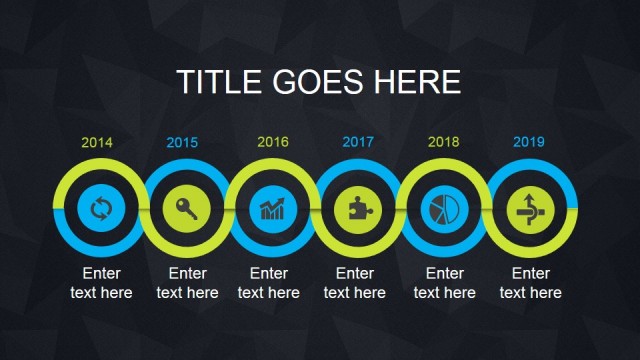
The Animated General Purpose PowerPoint Template has a clean and modern design to showcase your content. These are animated templates in highly visual design to display presentation topic with lots of images. For example, a selection of customizable cutout frame designs and graphic portfolios. The addition slides such as timeline templates and custom charts are useful for visualizing data.
The Animated General Purpose PowerPoint is ideal for marketing agencies, entrepreneurs, creative people, and businesses. The SlideModel catalog offers a large collection of professional PowerPoint templates to accommodate all types of businesses. The industry-specific PowerPoint templates are also available in our premium catalog. Like Marketing Plan PowerPoint and Human Resources Presentation.
What’s inside this template
Example presentation scenarios
- A startup founder can introduce a concept to partners using the photo title slides for context, the timeline layouts for milestones, and the team cards for people behind the idea.
- A marketing presenter can frame a campaign overview with image mosaics, icon section dividers, and percentage indicators to separate ideas while keeping the deck visually consistent.
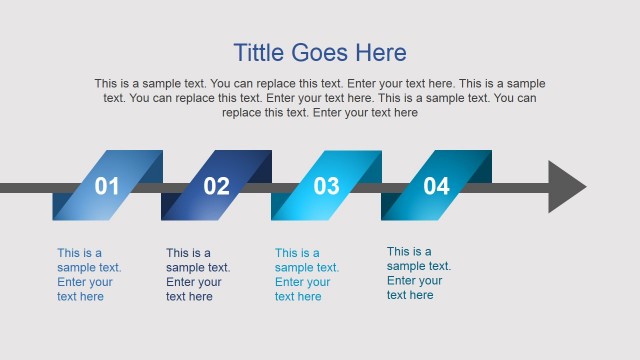
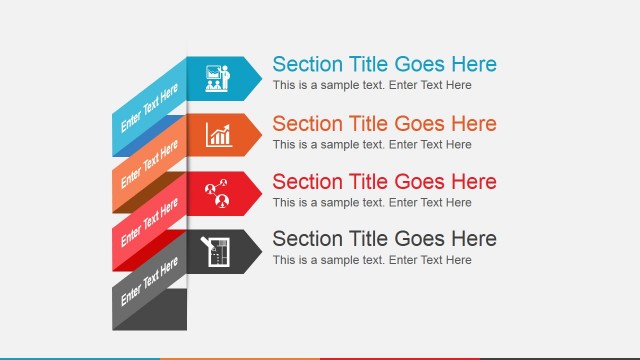
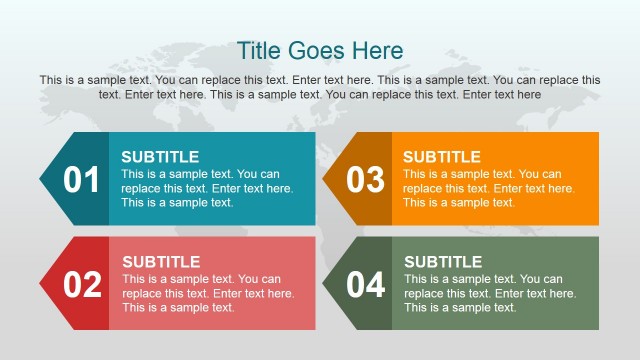
- An educator or workshop leader can use the numbered list slide, four-stage process timeline, and image grid layouts to explain lessons, steps, or examples in a clear sequence.
- A creative professional can present a portfolio using the collage slides, hexagon photo cluster, and profile card layouts to show work samples and introduce collaborators.
Features
- 100% editable presentation template
- Compatible with Microsoft PowerPoint and Google Slides
- 16:9 aspect ratio slides
- Scalable vector shapes, icons and illustrations
- Ready with Animations & Transitions in PowerPoint
- AI-Ready for Microsoft Copilot and Claude
- Instant access and download
Frequently asked questions
Q: How should a presenter organize the message with this general purpose deck?
A: Start with one of the bold photo title slides to set the topic, then use the numbered list or icon divider to define sections. Place the timeline where the audience needs sequence or progress, and reserve the team cards or portfolio grid for credibility near the end. This keeps a broad deck from feeling like unrelated visuals.
Q: Who is this template best suited for?
A: This template works best for presenters with visual material to show, such as campaign images, product photos, workshop examples, travel scenes, or portfolio samples. Entrepreneurs, marketers, educators, and creative teams can use the same deck because it mixes narrative slides, icon explanations, timelines, and people profiles without forcing a narrow business framework.
Q: Why do the photo masks and geometric frames improve the presentation?
A: The angled frames, diamond grids, hexagons, and image strips create visual focus without requiring long text blocks. They turn photos into structured evidence, so the audience can connect examples to the speaker's point. The repeated orange, purple, teal, and gray accents also make separate sections feel related.


Animated General Purpose PowerPoint Template
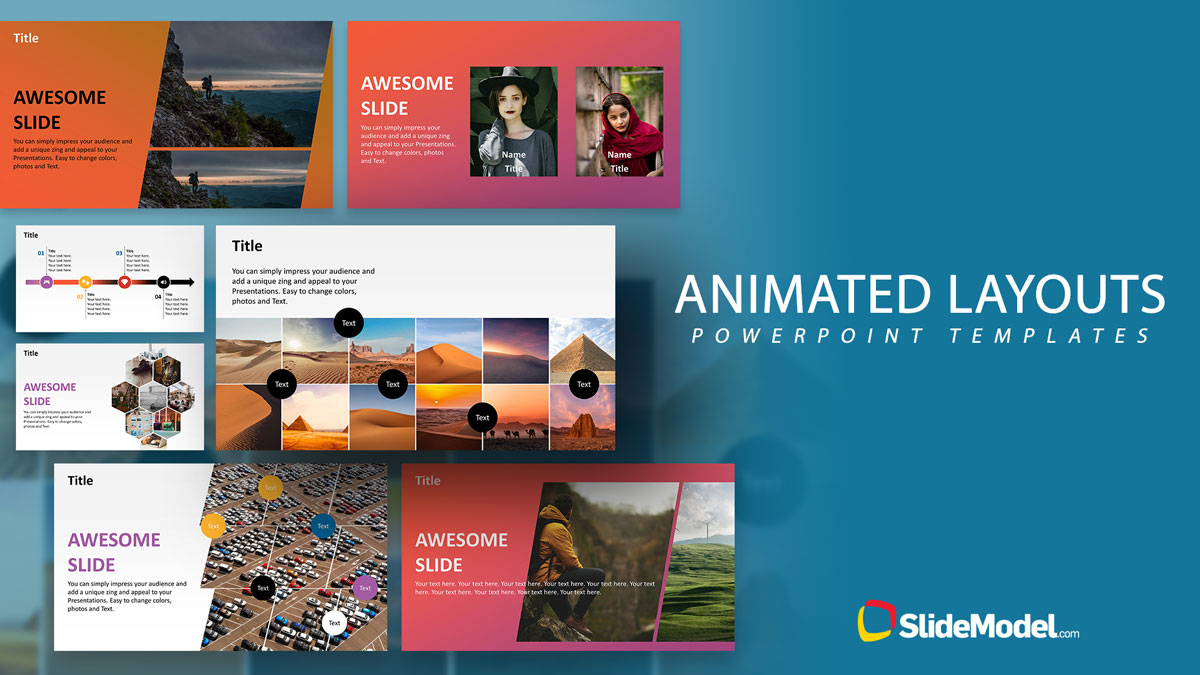
26-slide animated presentation template with photo layouts, timelines, icons, and team sections
Animated General Purpose PowerPoint Template is a 26-slide 16:9 presentation template for business, education, creative portfolios, and general talks. Visible layouts include photo cover slides, timeline diagrams, icon feature grids, percentage progress indicators, and team member cards. It is built for Microsoft PowerPoint and Google Slides.
- Category
- Template Backgrounds
- Rating


 Loading...
- Aspect ratio
- 16:9
- Item ID
- 13188-01
- Colors
 Microsoft PowerPoint
 Microsoft Copilot
 Claude for PowerPoint
Other formats supported
Subscribe today and get immediate
access to download our PowerPoint templates.