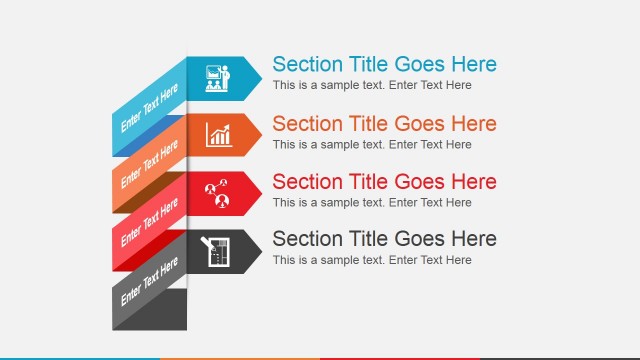
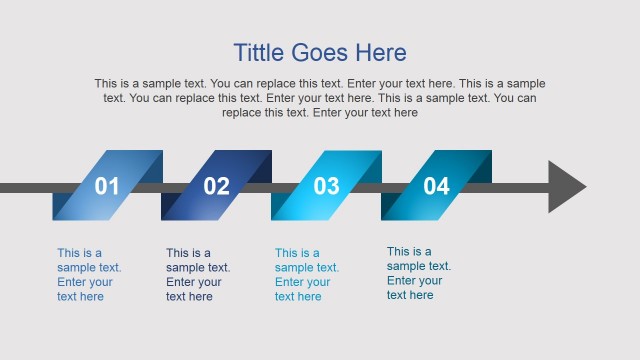
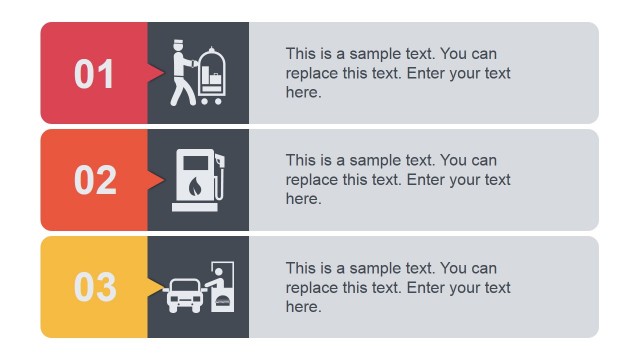
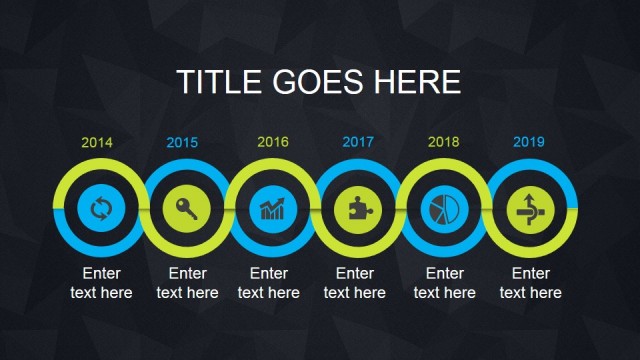
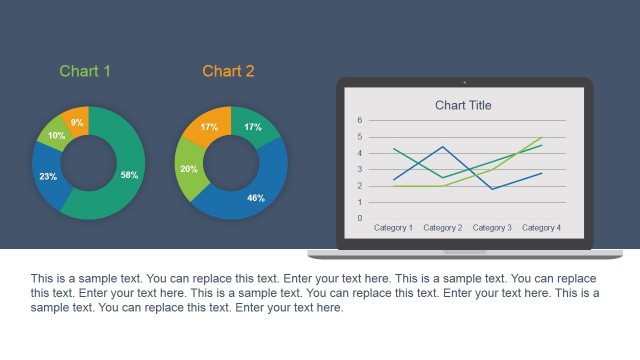
Animated Research PowerPoint Template is a creative presentation design for Microsoft PowerPoint that you can download and use to make modern & dynamic presentations with original slide layouts. This research presentation template contains useful slide designs with subtle animation effects in PowerPoint and transitions that can help you engage your audience and convey a message.
Easily you can copy and paste the slides into your existing presentations and preserve the animations using Animation Pane available in Microsoft PowerPoint editor. You can see a live preview of this animated PowerPoint template here:
Alternatively you can download other animated PowerPoint templates or even free slides for PowerPoint to see how slides by SlideModel.com are created using editable objects and elements.
What’s inside this template
Example presentation scenarios
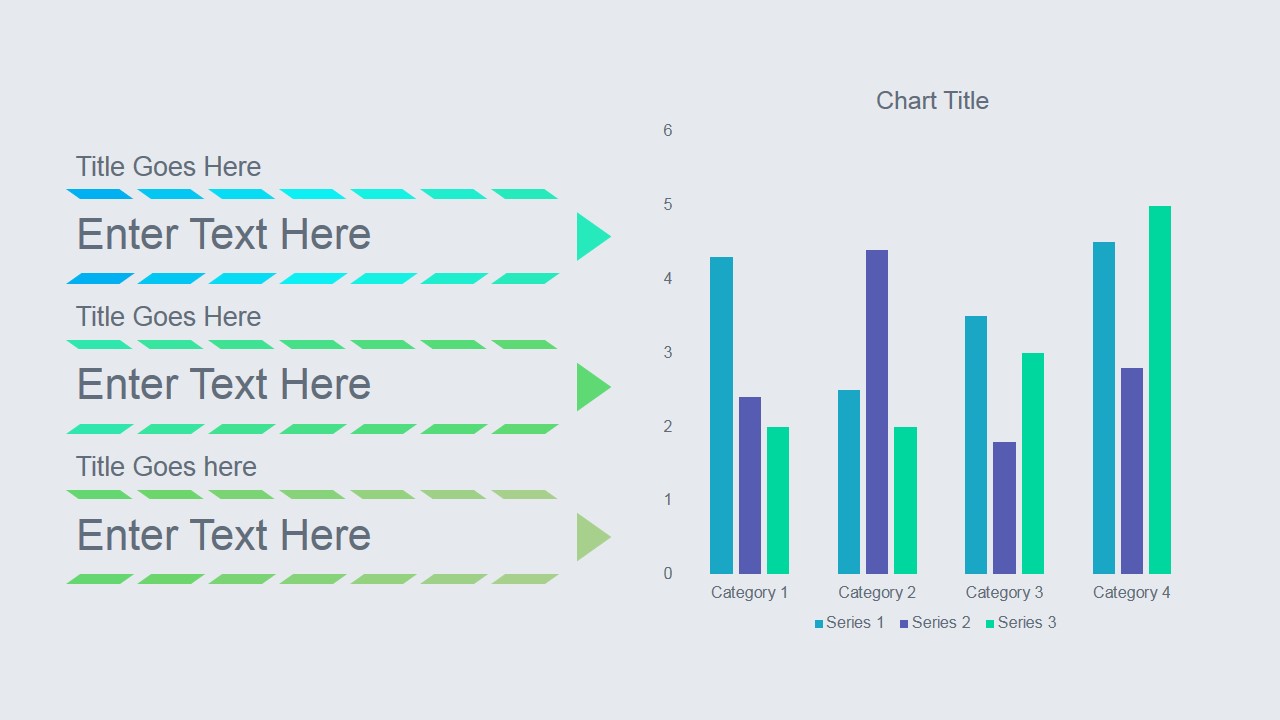
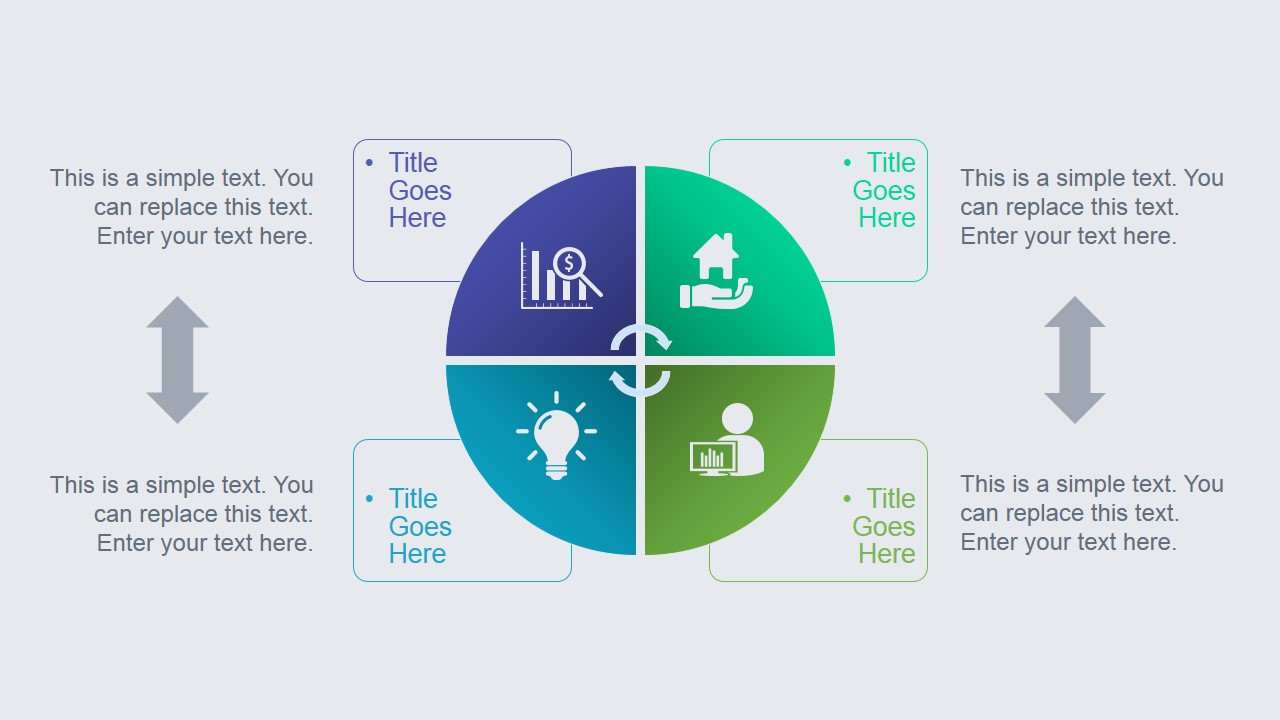
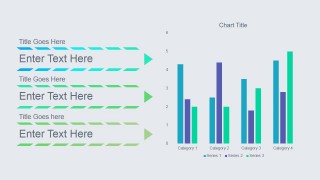
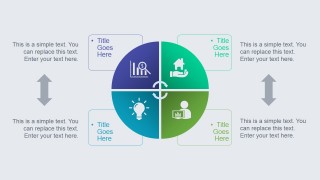
- A market research analyst can summarize survey findings by using the bar chart slide for grouped results and the circular quadrant slide to separate insights into four themes.
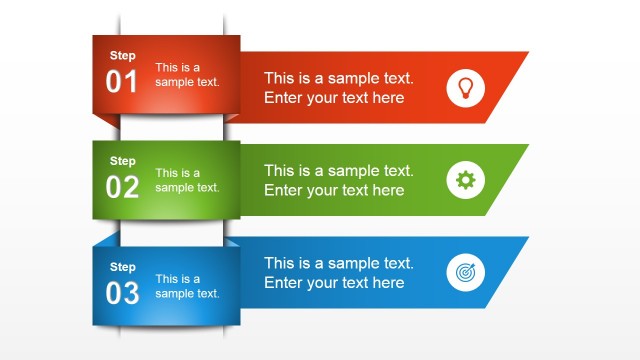
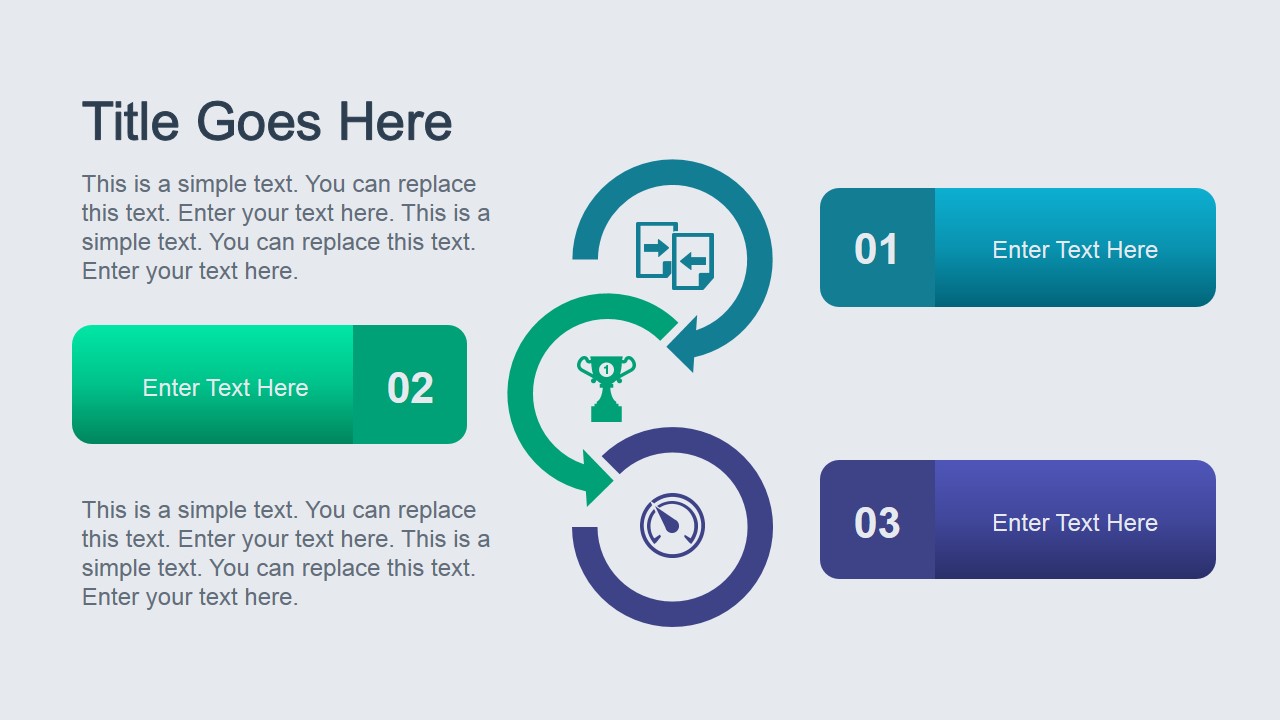
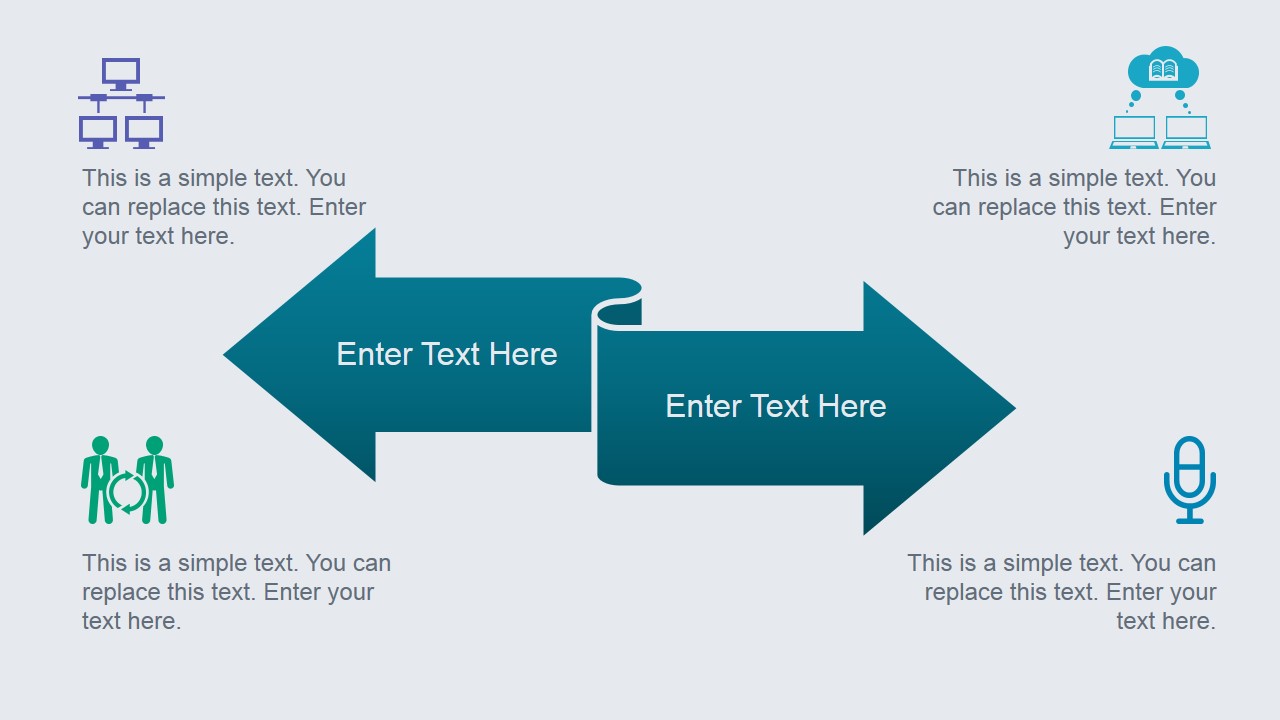
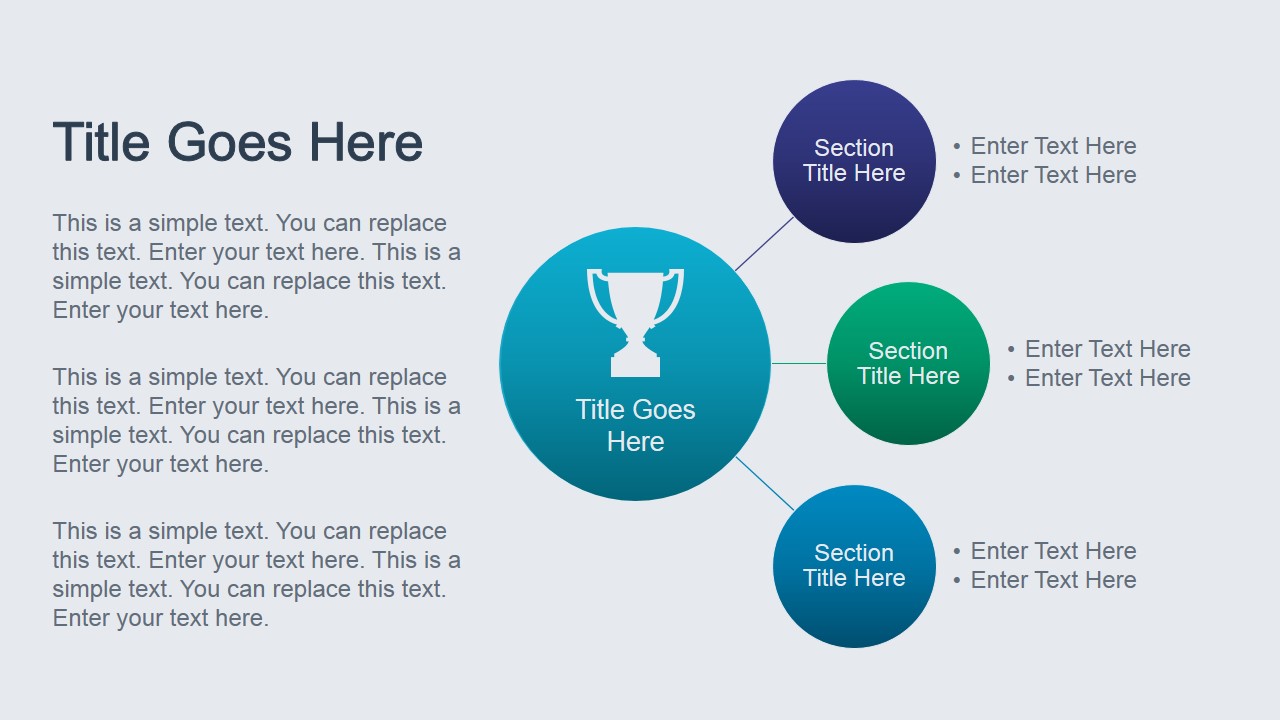
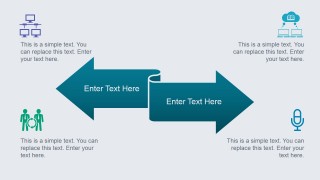
- A consultant can explain a recommendation by using the three-step process slide to show method, the opposing arrows slide to compare alternatives, and the hub-and-spoke slide to connect supporting sections.
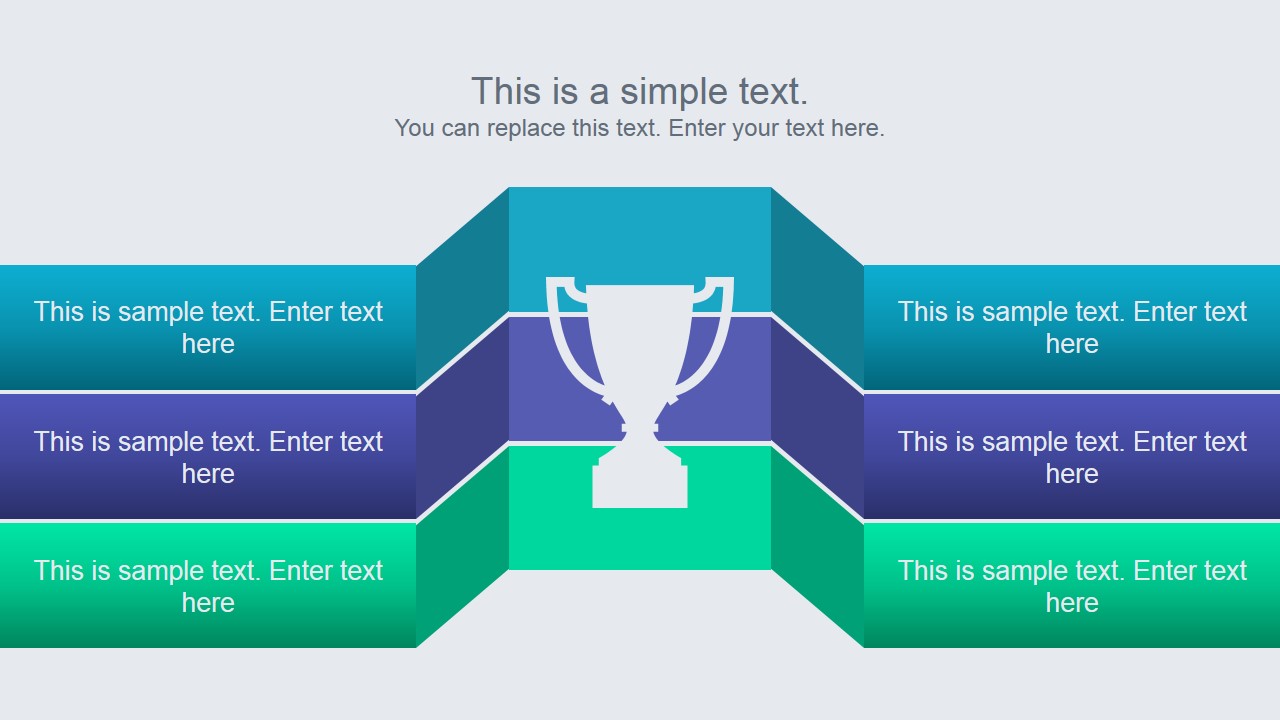
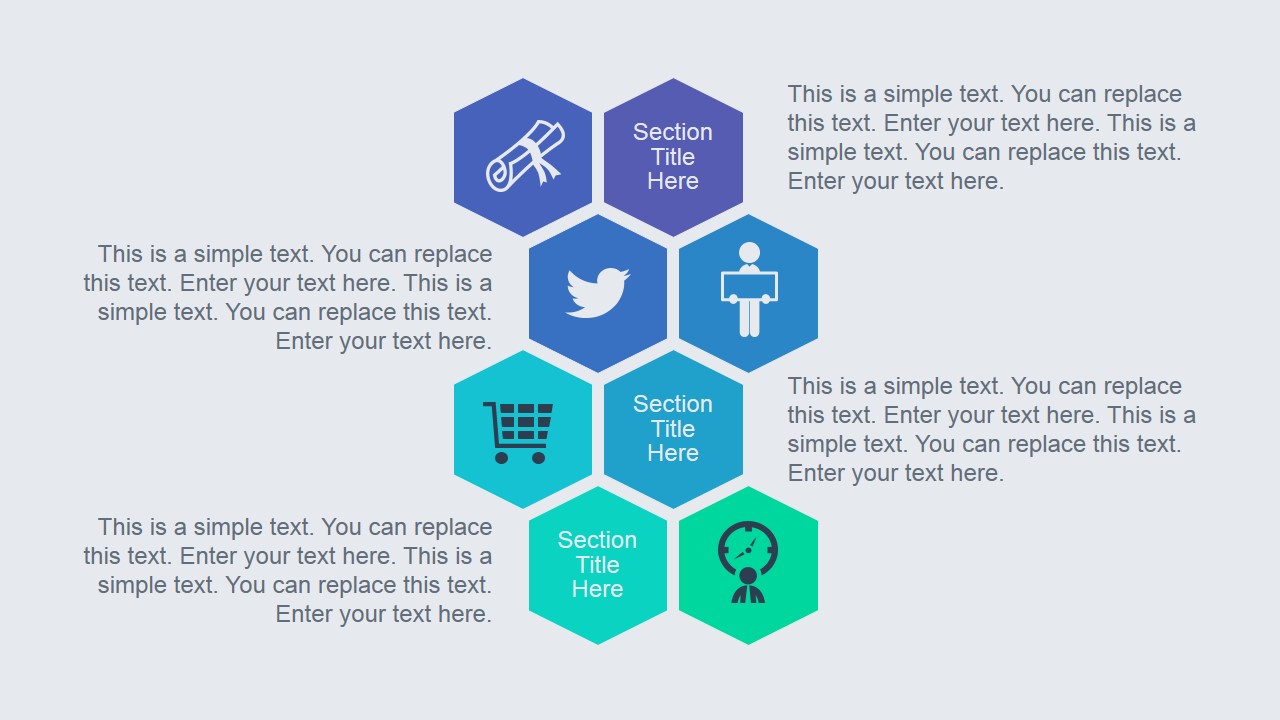
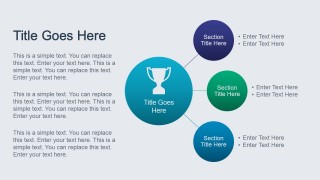
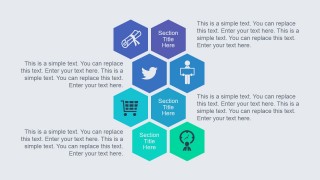
- An academic presenter can organize a research paper discussion by using the trophy comparison slide for key outcomes and the honeycomb icon slide for related concepts or literature themes.
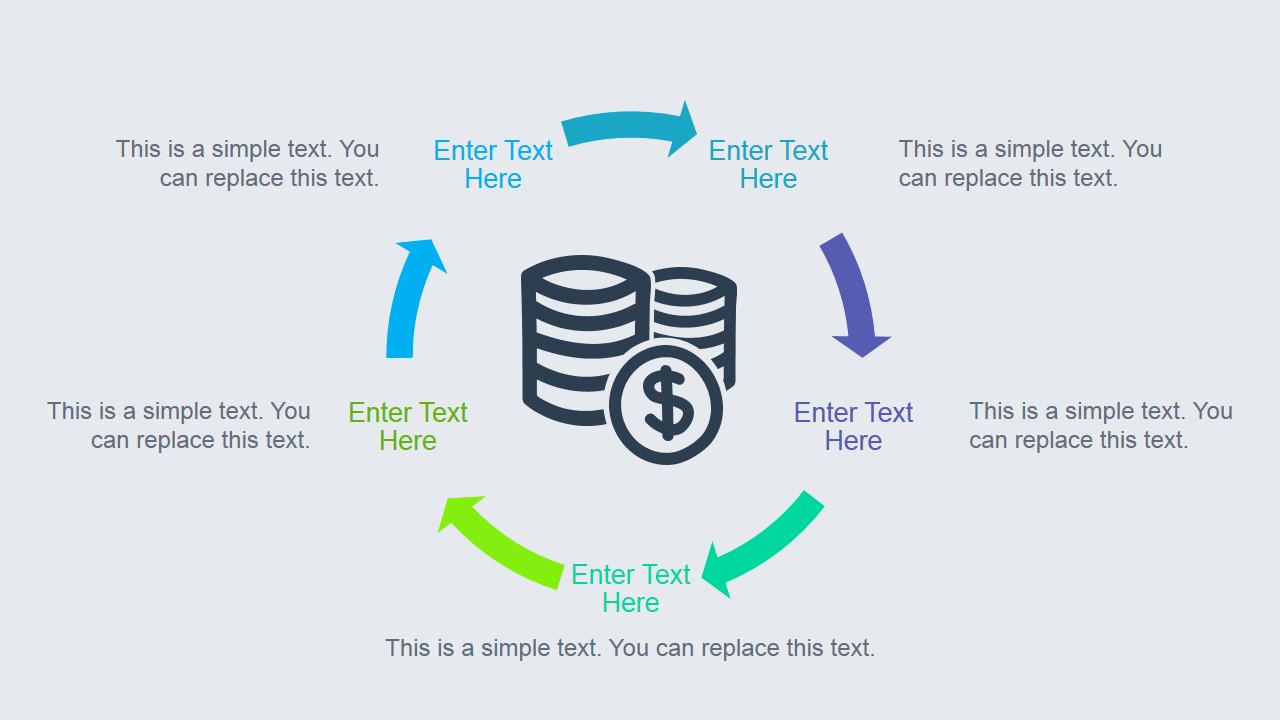
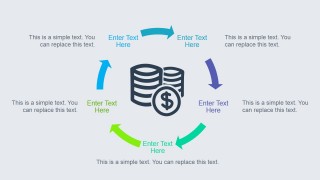
- A project manager can brief stakeholders on a completed investigation by using the cycle diagram for recurring activities and the arrow timeline rows to show staged workstreams.
Features
- 100% editable presentation template
- Compatible with Microsoft PowerPoint and Google Slides
- 16:9 aspect ratio slides
- Scalable vector shapes, icons and illustrations
- Ready with Animations & Transitions in PowerPoint
- AI-Ready for Microsoft Copilot and Claude
- Instant access and download
Frequently asked questions
Q: How should a presenter organize research findings with this template?
A: Start with the chart or quadrant slide to establish the evidence, then use the process and cycle diagrams to explain how the findings were produced or how the work continues. Reserve the trophy comparison or hub-and-spoke layout for the conclusion, where the audience needs to see the main result and its supporting reasons.
Q: Who is this template best suited for in a research presentation?
A: It fits analysts, consultants, educators, and project leads who need to convert research content into a short visual briefing. The slides work best when the message has distinct findings, categories, comparisons, or process steps, rather than a long written paper that must be read word for word.
Q: Why do the arrows, cycle, and trophy metaphors help explain research content?
A: The visual metaphors make abstract research points easier to classify. Arrows show movement or contrast, the cycle shows repeated analysis or feedback, and the trophy signals a winning result or primary conclusion. These cues help the audience understand the role of each idea before reading the supporting text.

Animated Research PowerPoint Template
8-slide animated research presentation template with process diagrams, charts, arrows, and icon layouts
Animated Research PowerPoint Template is an 8-slide presentation template for research-style business communication in Microsoft PowerPoint and Google Slides. It includes a trophy comparison layout, numbered process diagram, opposing arrows, bar chart, circular quadrants, hub-and-spoke diagram, cycle graphic, and honeycomb icon layout for organizing findings and ideas.
- Category
- Template Backgrounds
- Rating


 Loading...
- Aspect ratio
- 16:9
- Item ID
- 4029-01
- Colors
 Microsoft PowerPoint
  Microsoft Copilot
  Claude for PowerPoint
 Other formats supported
Subscribe today and get immediate
access to download our PowerPoint templates.