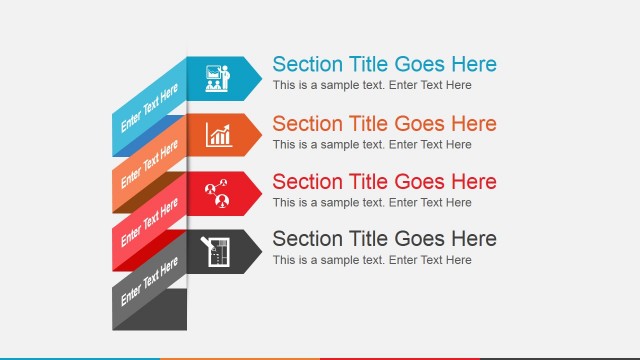
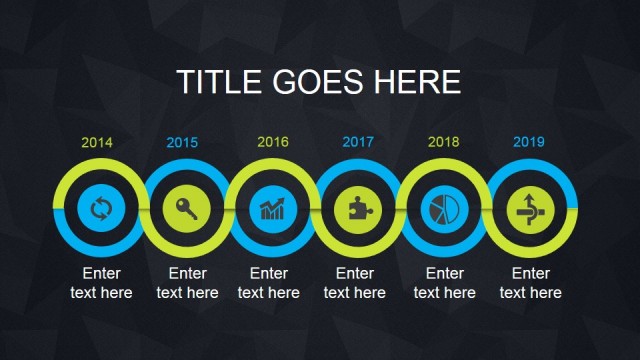
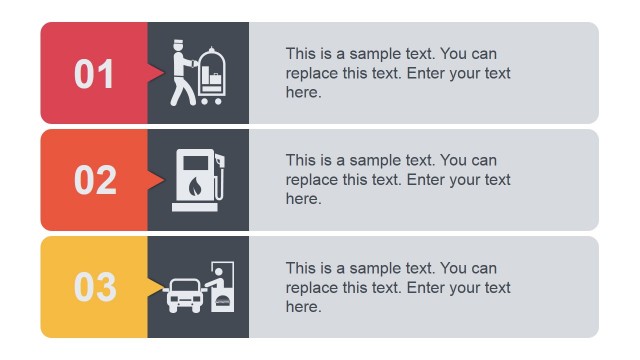
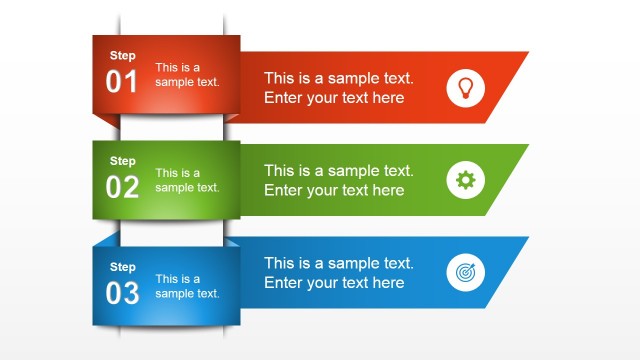
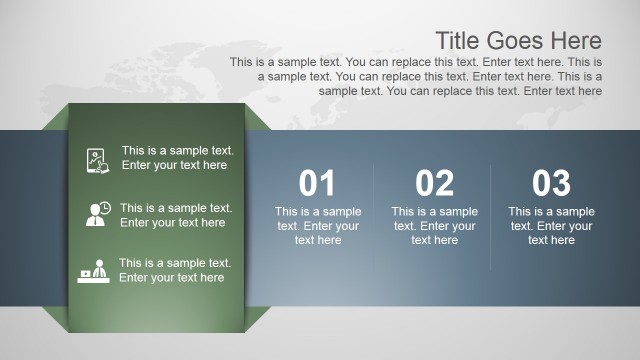
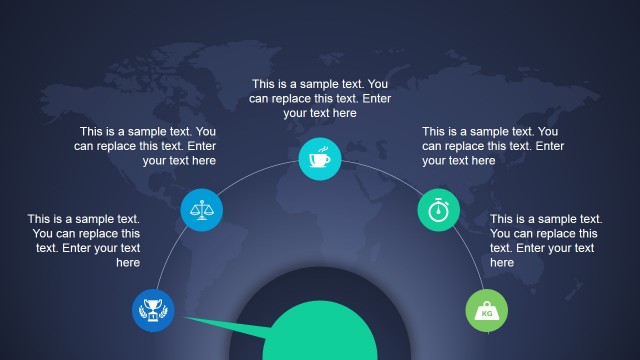
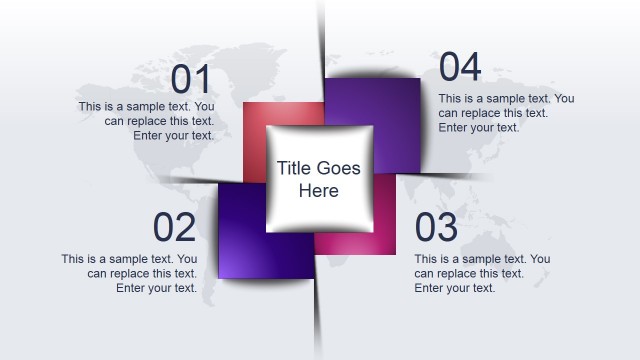
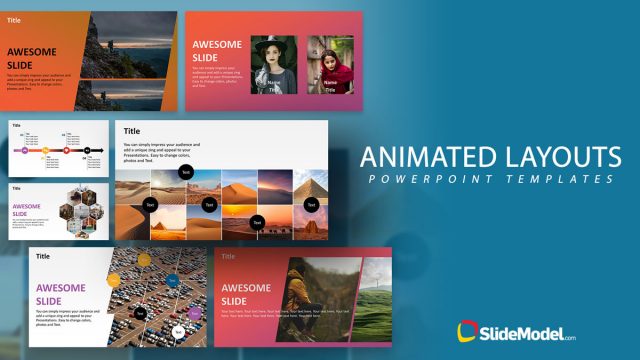
Animated Amazing PowerPoint Template is a presentation template for Microsoft PowerPoint that you can use to decorate your business slides and present your data with fresh and modern styles. The animated PowerPoint template contains several slide designs that you can use either in business presentations but also in other presentations for education, marketing, science or social ventures.
This animated PowerPoint template with amazing shapes can easily be edited and customized to match your presentation needs and contains multiple slide designs including: presentation timelines & roadmap slides, agenda slides, conceptual slides that you can use to present your key points and presentation topics, component slides with diagrams, circular diagram layouts, slides with text boxes and other creative slides.
Here you can see a live preview of this animated PowerPoint template for presentations:
Alternatively you can download other creative backgrounds and slide designs for PowerPoint or download our free PowerPoint templates.
What’s inside this template
Example presentation scenarios
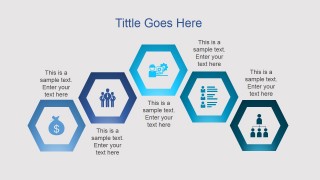
- A marketing manager can use the hexagon icon process to group campaign priorities and explain how audience, content, data, and conversion activities connect.
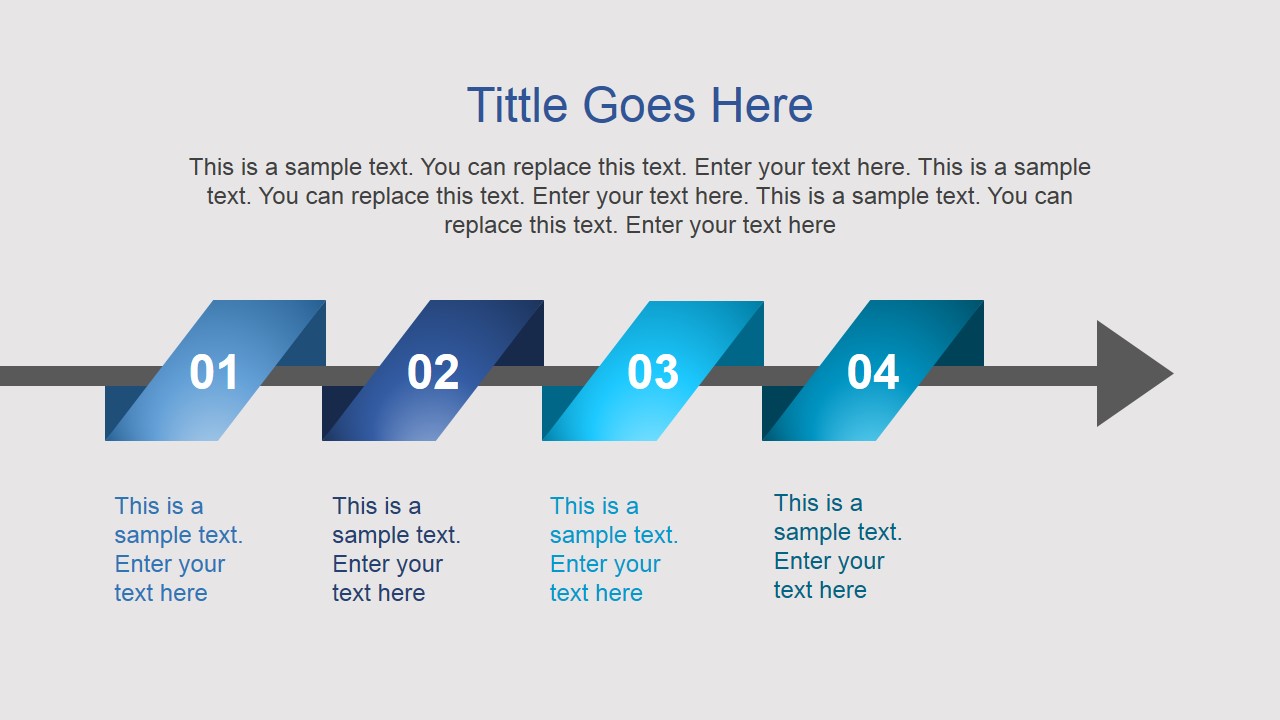
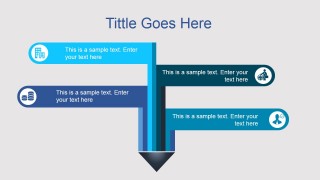
- A consultant can use the four-step arrow timeline and branching roadmap to present a project plan, milestone sequence, or implementation path to a client team.
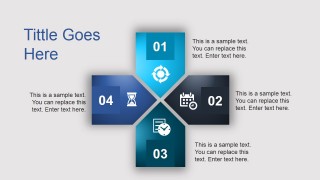
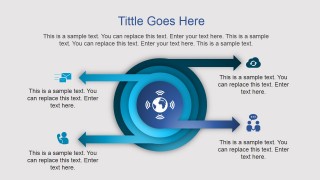
- An educator can use the four-way hub diagram and circular target slide to introduce a topic, define related concepts, and show how the concepts interact.
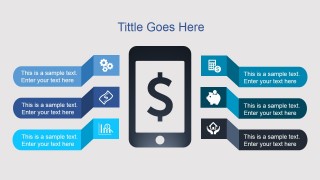
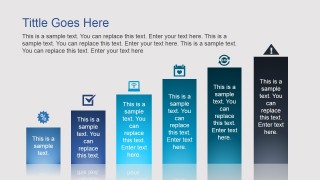
- A startup founder can use the mobile value slide and growth pillar graphic to present product benefits, revenue themes, or traction signals in a concise investor update.
Features
- 100% editable presentation template
- Compatible with Microsoft PowerPoint and Google Slides
- 16:9 aspect ratio slides
- Scalable vector shapes, icons and illustrations
- Ready with Animations & Transitions in PowerPoint
- AI-Ready for Microsoft Copilot and Claude
- Instant access and download
Frequently asked questions
Q: How should a presenter organize a message with these creative layouts?
A: Start with the clearest structure for the idea, then match the slide to that structure. Use the arrow timeline for sequence, the hexagon layout for related themes, and the circular target for an ecosystem or audience-centered message. Keep each placeholder short so the geometric shapes carry the organization instead of competing with long paragraphs.
Q: Who is this template best suited for in a business presentation?
A: It fits presenters who need to explain ideas quickly without building a full corporate report. Marketing managers, trainers, consultants, and founders can use the callout slides, hub diagram, and growth pillar to turn agenda items, product themes, or progress points into a visual conversation for a mixed business audience.
Q: Why do the arrows, hexagons, and target metaphor help communication?
A: The deck uses familiar visual metaphors: arrows imply movement, hexagons imply connected modules, and the target suggests focus around a central idea. These cues help audiences understand whether the presenter is describing a sequence, a set of related parts, or a central concept with supporting signals.


Animated Amazing PowerPoint Template
8-slide animated presentation template with timelines, hexagon diagrams, and business icon callouts
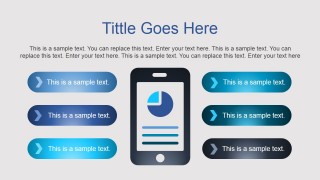
The Animated Amazing PowerPoint Template is an 8-slide presentation template for business, education, marketing, and social venture decks in Microsoft PowerPoint and Google Slides. It includes a four-step arrow timeline, branching roadmap, hexagon icon process, four-way hub diagram, mobile callout layout, value slide, growth pillar graphic, and circular target diagram.
- Category
- Template Backgrounds
- Rating


 Loading...
- Aspect ratio
- 16:9
- Item ID
- 4063-01
- Colors
 Microsoft PowerPoint
  Microsoft Copilot
  Claude for PowerPoint
 Other formats supported
Subscribe today and get immediate
access to download our PowerPoint templates.