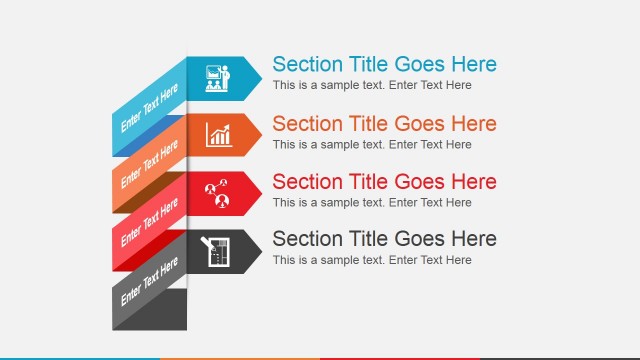
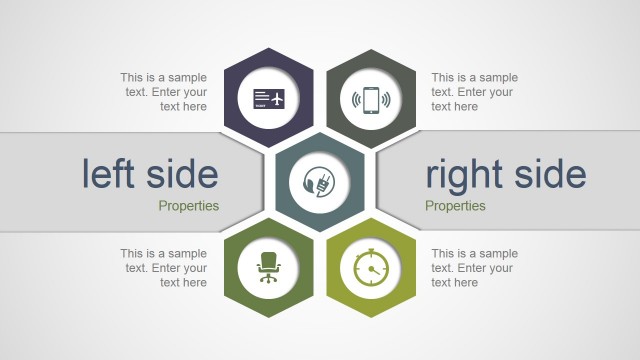
Animated Flat Analysis PowerPoint Template is a creative animated presentation design that you can use to make compelling presentations in Microsoft PowerPoint 2010, 2011 and 2013 and effectively convey a message to an audience. This presentation design contains animated slides and editable objects created with Microsoft PowerPoint shapes.
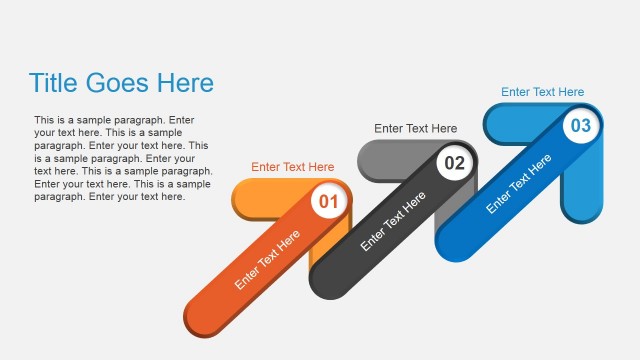
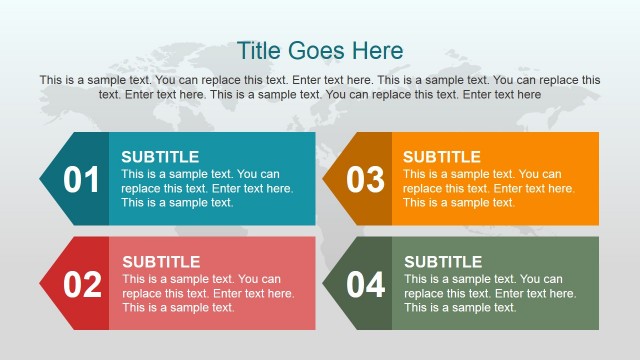
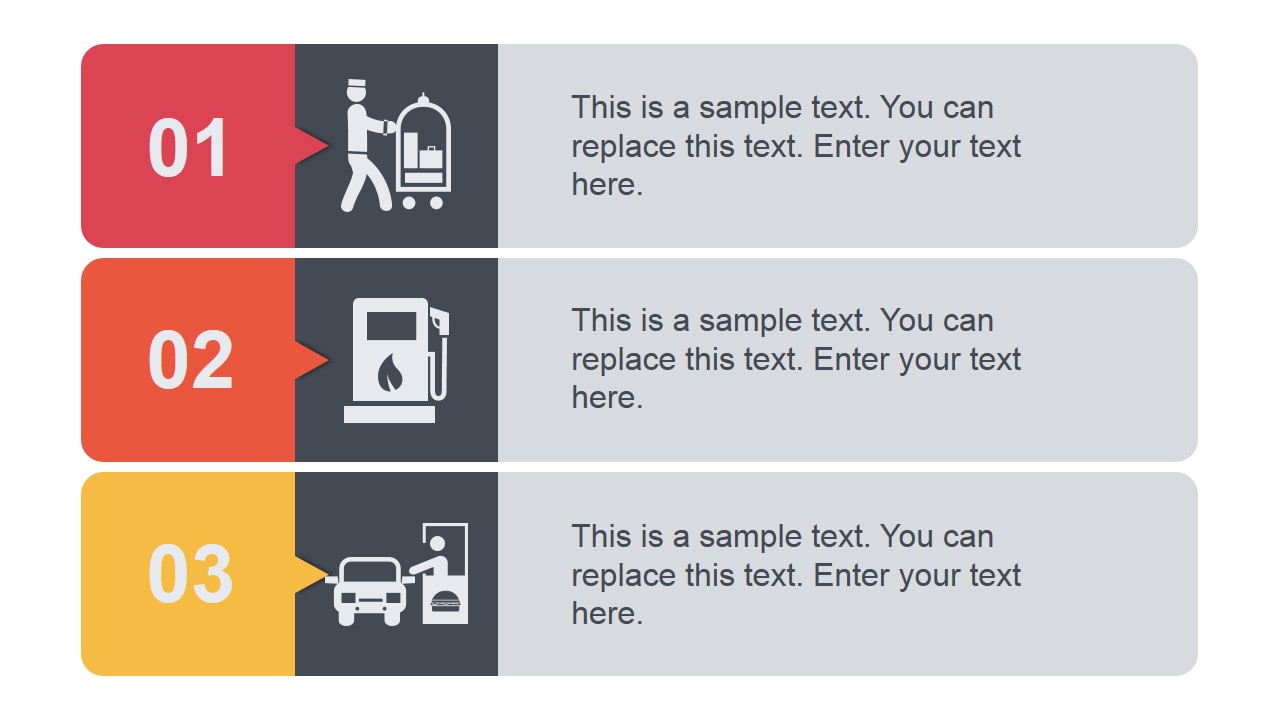
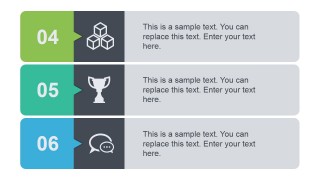
You can start presenting the Agenda by using the pre-designed agenda slide with space to add up to three concepts from 1 to 3. If you need to present more concepts then you can use the additional agenda slide with numbered steps from 4 to 6.
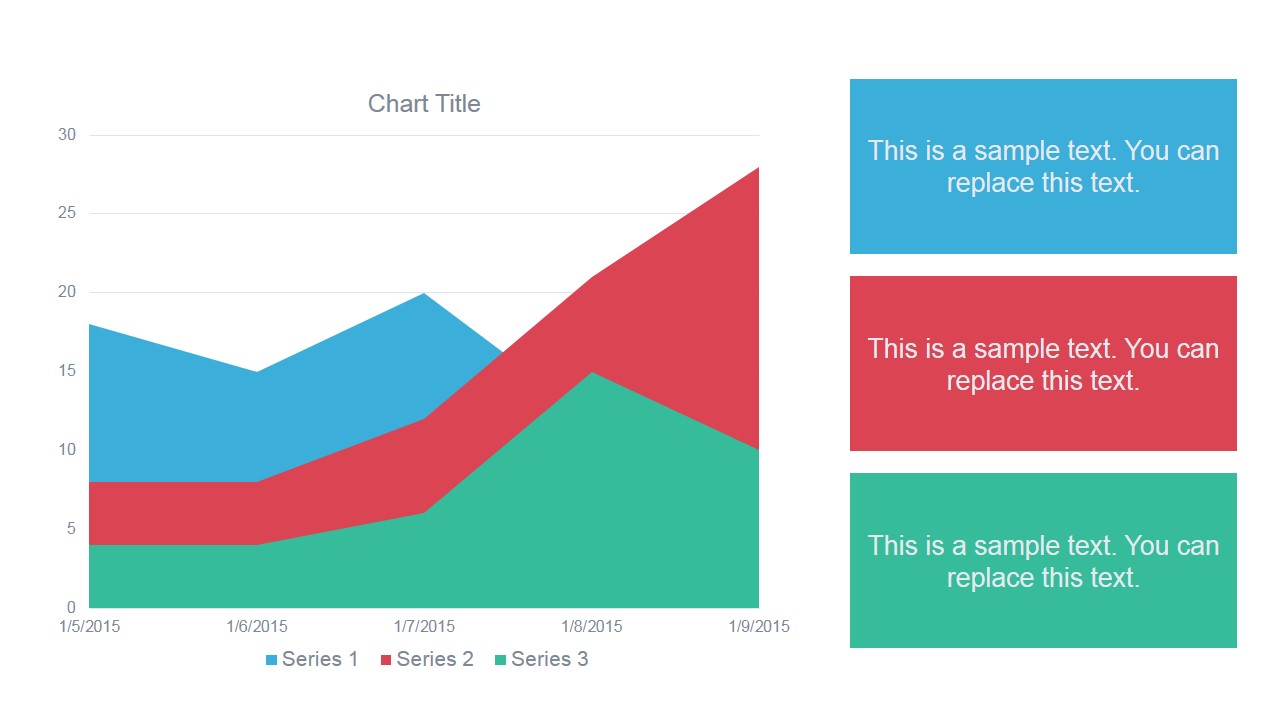
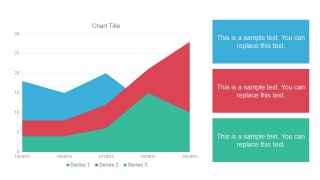
Inside this presentation template there are data-driven chart slides available that you can use to present your data. You can easily change the data chart type in PowerPoint and import the data from Excel.
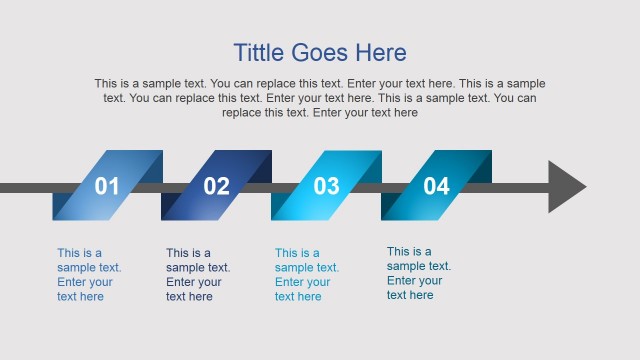
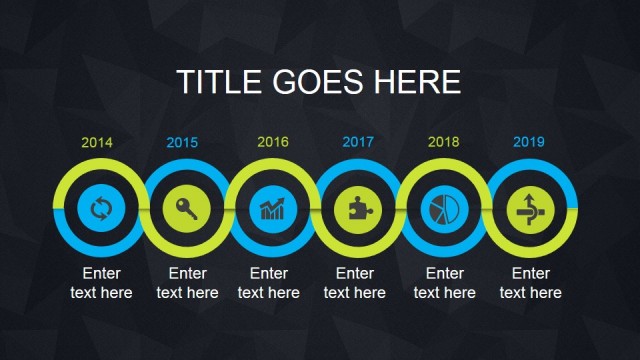
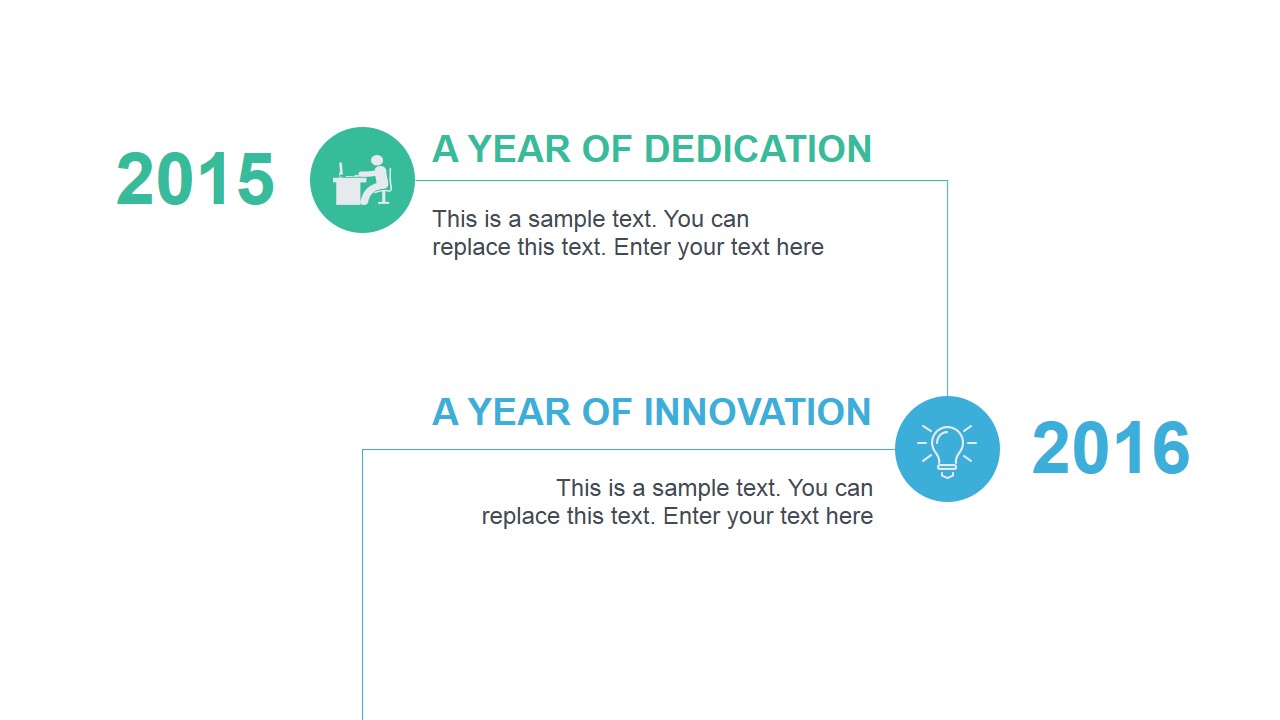
Additionally, this creative presentation template for PowerPoint contains handy diagrams that you can use to decorate your slides and present your data to an audience. Animated slide layouts let you keep the audience attention while you are presenting and the timeline slides with transitions let you present your most important milestones in a project plan presentation.
See a live example here:
Alternatively you can download other animated PowerPoint templates with catchy backgrounds or our free PowerPoint template collection of slides.
What’s inside this template
Example presentation scenarios
- A project manager can use the numbered agenda slides to open a steering committee update and frame the six topics that will be covered.
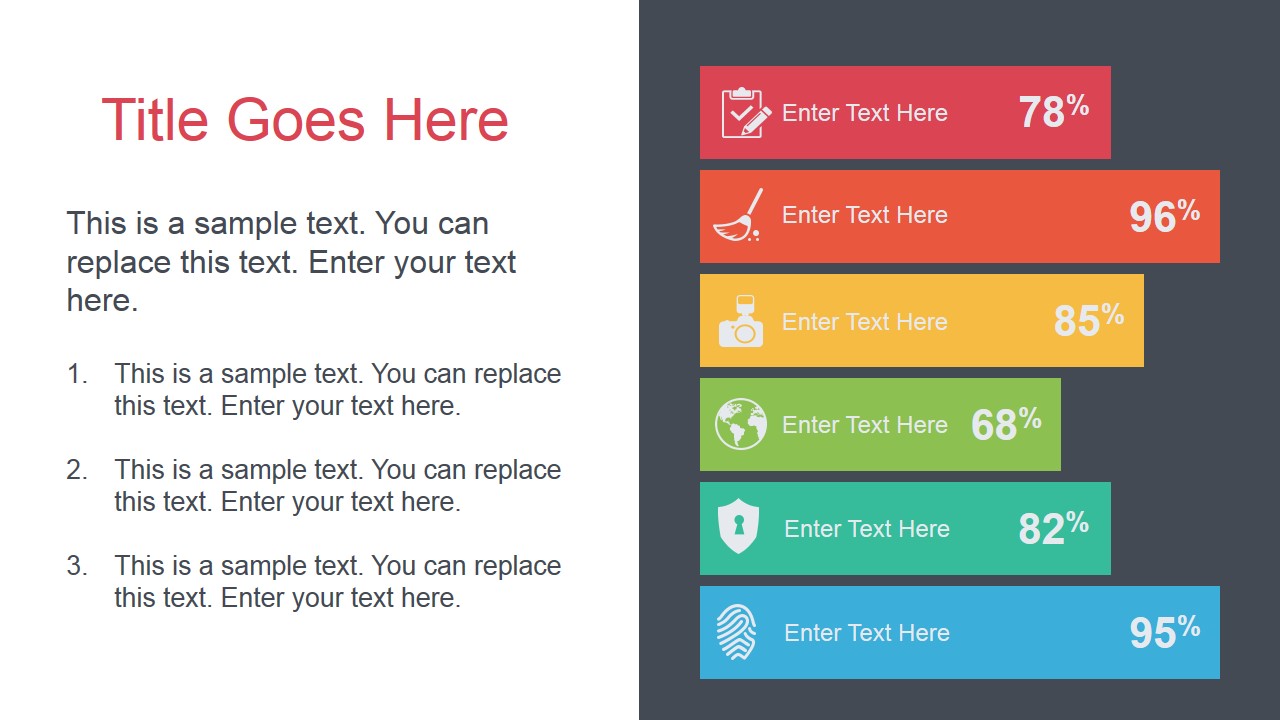
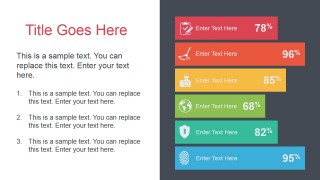
- An operations analyst can use the area chart and progress-bar slide to report metric trends, completion rates, and performance gaps to department leaders.
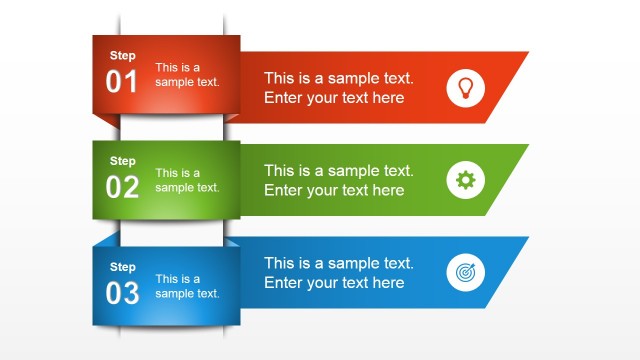
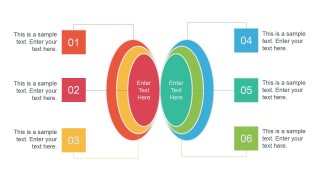
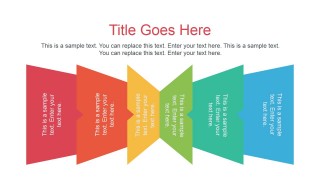
- A consultant can use the concentric-circle diagram and zigzag process ribbon to explain a diagnostic model, transformation path, or phased recommendation.
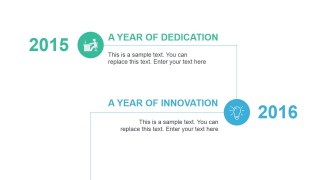
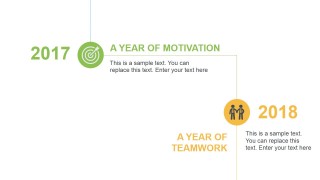
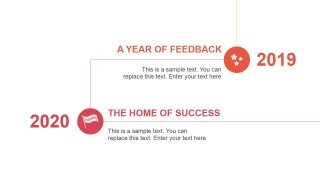
- A team lead can use the three milestone timeline slides to summarize progress from 2015 through 2020 and connect prior work to the current plan.
Features
- 100% editable presentation template
- Compatible with Microsoft PowerPoint and Google Slides
- 16:9 aspect ratio slides
- Scalable vector shapes, icons and illustrations
- Ready with Animations & Transitions in PowerPoint
- AI-Ready for Microsoft Copilot and Claude
- Instant access and download
Frequently asked questions
Q: How should I guide an audience through the analysis without overcrowding the deck?
A: Start with the numbered agenda slides to define the discussion scope, then move to the area chart as the main evidence slide. Use the progress bars for only the strongest supporting metrics, not every measure. Close the analytical section with the concentric-circle or ribbon process so the audience can see what actions follow from the data.
Q: When is this template a good choice for a business presentation?
A: This template fits presenters who need a concise update rather than a long report. Project managers, analysts, and consultants can combine agenda blocks, metric bars, an area chart, and milestone timelines to explain status, progress, and next steps in one short business review.
Q: Why do the flat ribbons, rings, and timeline markers help explain analysis content?
A: The design uses simple visual metaphors that reduce interpretation time. Rings suggest related components around a core idea, the zigzag ribbon suggests movement through steps, and the timeline markers anchor milestones to years. These cues help an audience understand structure before reading detailed text.





Animated Flat Analysis PowerPoint Template
9-slide animated flat analysis presentation template with agenda, charts, and milestone timelines
The Animated Flat Analysis PowerPoint Template is a 9-slide business presentation template for Microsoft PowerPoint and Google Slides. It includes numbered agenda blocks, a data-driven area chart, progress-bar metric slide, concentric-circle diagram, zigzag process ribbon, and three milestone timeline layouts for analysis updates, project reports, and team reviews.
- Category
- Template Backgrounds
- Rating


 Loading...
- Aspect ratio
- 16:9
- Item ID
- 4033-02
- Colors
 Microsoft PowerPoint
  Microsoft Copilot
  Claude for PowerPoint
 Other formats supported
Subscribe today and get immediate
access to download our PowerPoint templates.