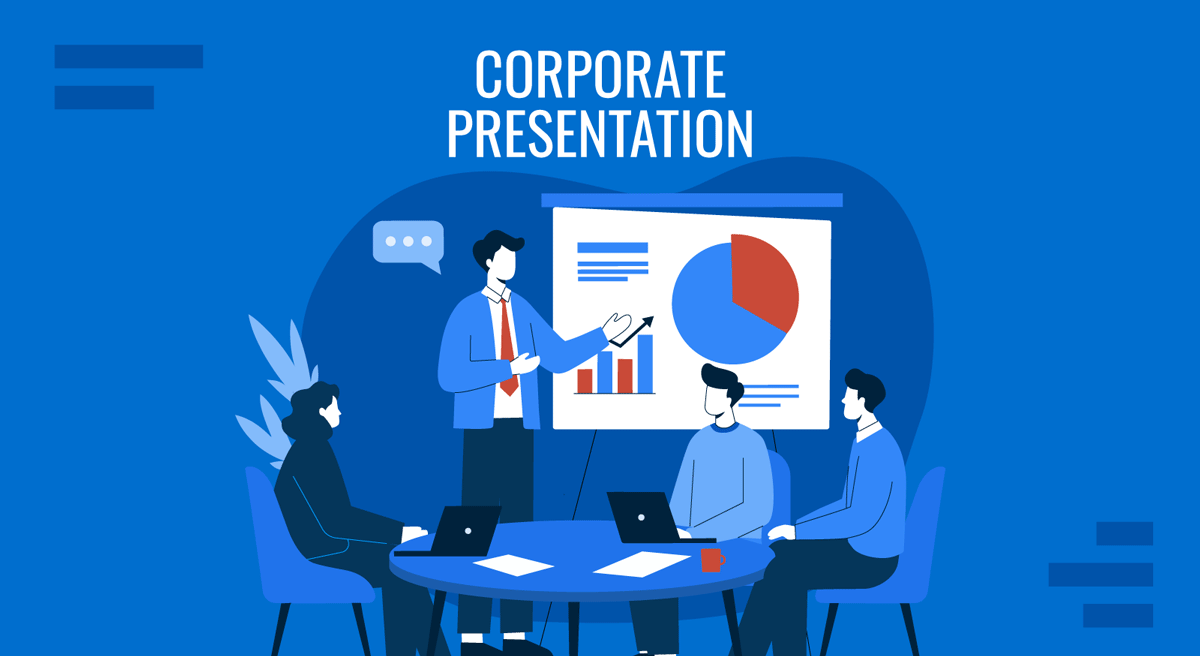
A corporate presentation is one of the few documents that speaks for your entire organization. Investors read it before they fund you, partners read it before they sign, and new hires read it before they believe in you. Get it right, and it opens doors; get it wrong, and it quietly closes them.
This guide explains what a corporate presentation is, the main types you will encounter, the standard structure that works across all of them, how many slides you actually need, the mistakes that cost credibility, and where to find templates that keep everything on-brand.
Key Takeaways
- A corporate presentation is a formal company deck used to communicate identity, performance, and strategy to stakeholders.
- Common types include the company profile, investor presentation, annual report, quarterly business review, corporate strategy deck, and executive presentation.
- A standard structure runs from cover to company overview, mission and values, offerings, market position, financials, strategy and roadmap, and contact.
- Most corporate presentations run 10 to 20 slides, depending on type and audience.
- The most common failures are structural rather than visual: no defined audience, no ask, and unsupported claims.
- Templates enforce brand consistency and reduce build time, so you can focus your effort on the message rather than the layout.
What Is a Corporate Presentation?
A corporate presentation is a formal slide deck a company uses to communicate its identity, performance, strategy, and value to stakeholders, investors, partners, clients, and employees, representing the organization as a whole rather than a single project, product, or pitch. That last distinction matters, as a corporate presentation speaks for the organization, not for one initiative. The job of a corporate presentation is usually a mix of three things: to inform (here is who we are and how we are performing), to persuade (here is why you should invest, partner, or buy), and to align (here is where we are going and what it means for you). The audience can be external, such as investors in a funding round, prospective partners, or prospective clients, or internal, such as employees in an all-hands meeting or the board in a governance review. If your deck is aimed inward, it is worth reviewing other internal presentation examples before you start building.
You will see corporate presentations in investor meetings, board reviews, partnership discussions, corporate reporting events, sales conversations, and onboarding sessions. Because the slide deck represents the whole company, it carries more weight than a typical topic-specific presentation and usually needs to withstand scrutiny long after you have left the room. Assume it will be forwarded, read without you, and quoted out of context. That assumption should shape how much you write on each slide and how carefully you source every number.
Corporate vs. Business vs. Investor Presentation
These terms are often used interchangeably, but they are not the same thing. Being clear about the difference helps you choose the right structure and presentation template.
| Term | What it is | Scope |
|---|---|---|
| Corporate presentation | The company presenting itself as a whole | Organization-wide |
| Business presentation | The general act or skill of presenting in a business setting | Any business topic |
| Investor presentation | A deck built to raise capital or update investors | Financing-focused |
| Company profile | A concise “who we are” overview deck | An introductory subset |
If you are looking for the broader craft of presenting in a business context, including persuasion, delivery, and real-world cases, our guide on business presentations covers it. If your goal is specifically to raise money, an investor presentation is the narrower, financing-focused format, and the rules around traction, market sizing, and financial detail are considerably stricter. A company profile sits at the opposite end: shorter, less numerical, and written to introduce rather than to close.
Types of Corporate Presentations
“Corporate presentation” is an umbrella term. Underneath it sit several distinct formats, each with its own audience and goal. Choosing the right one is the first design decision you make, and it determines roughly 70% of what ends up on your slides.
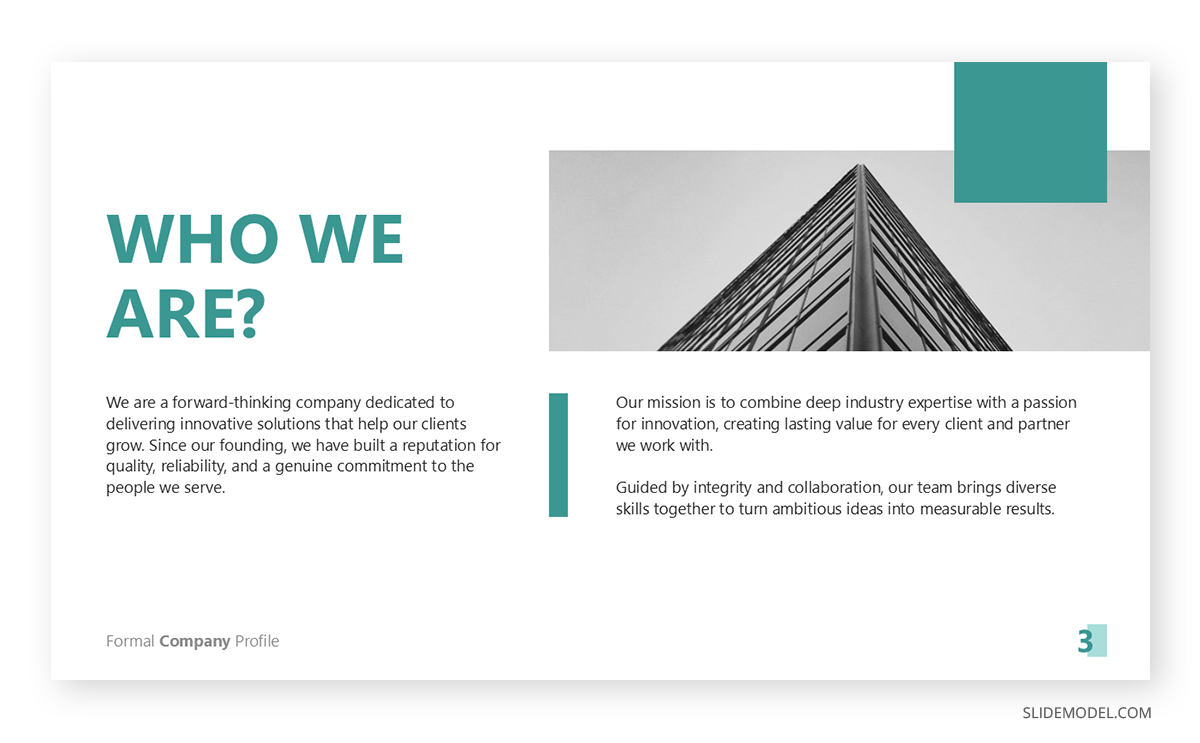
Company profile presentation: A concise introduction to who your company is, covering mission, offerings, team, and track record. It is the deck you send before a first meeting or hand to a new prospect.
Investor / IR presentation: A deck aimed at raising capital or updating existing investors, heavy on market opportunity, business model, traction, and financials. The mechanics of building an investor pitch deck differ enough from a general corporate deck that it deserves its own treatment.
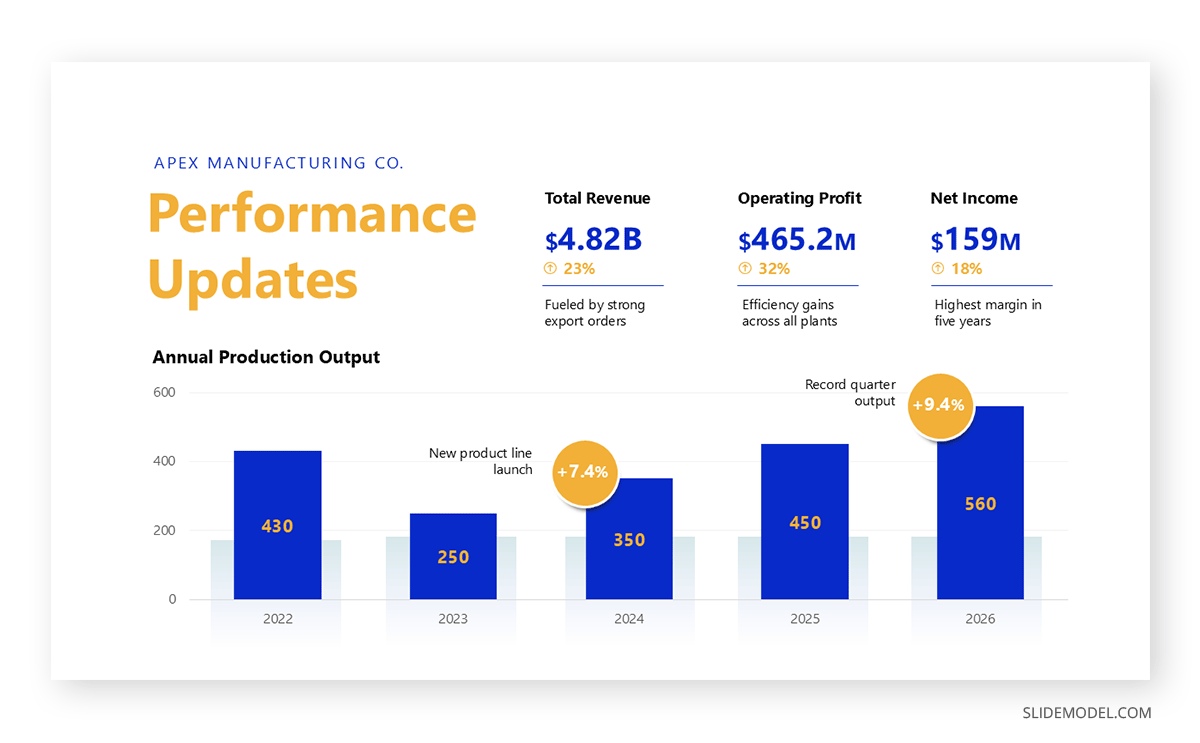
Annual report presentation: A yearly summary of performance, milestones, and outlook for shareholders and stakeholders. It is the most document-like of the formats, and often lives as a PDF longer than it lives on a screen. See how to structure an annual report presentation for the reporting conventions that apply.
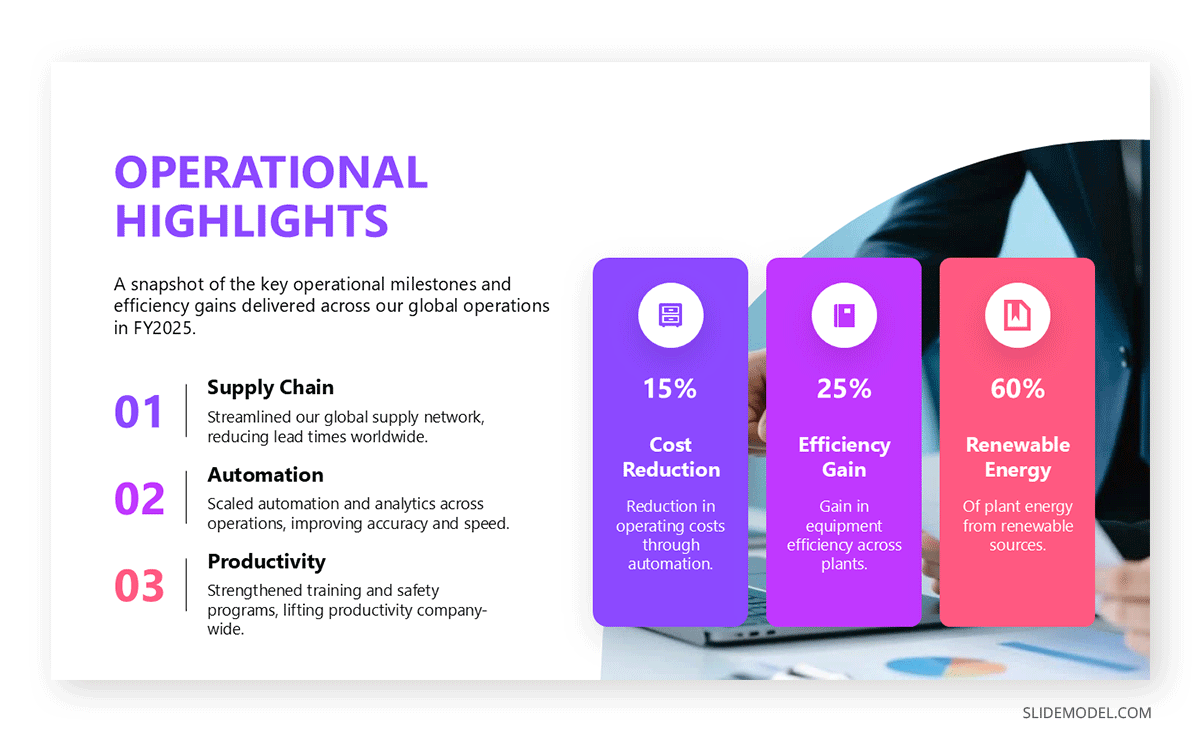
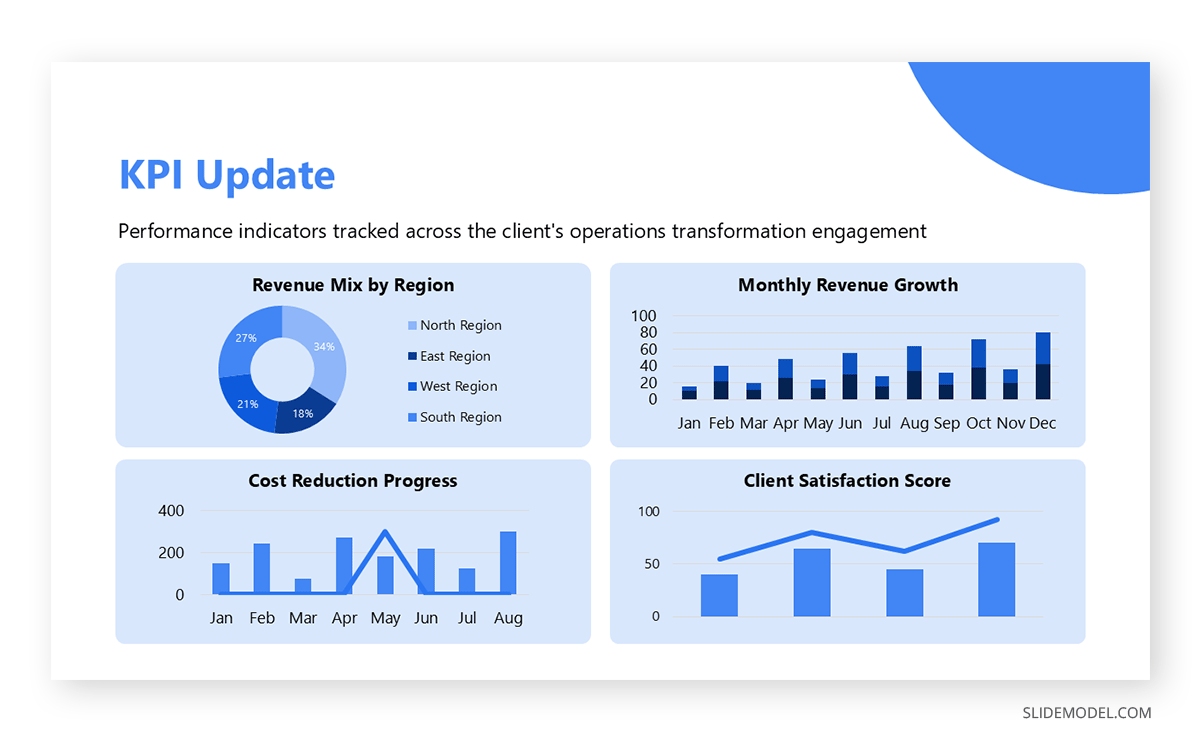
Quarterly business review (QBR): A recurring internal or client-facing review of results against goals for the last quarter. Because it repeats, consistency matters more than novelty; a fixed template makes quarter-to-quarter comparison possible. Our article on writing an effective quarterly business review walks through the cadence of the review.
Corporate strategy presentation: A forward-looking deck that lays out where the organization is headed and how it will get there. Pair it with a solid strategic planning process so the deck reflects a real plan rather than a wish list.
Executive (C-suite) presentation: A tightly focused deck built for senior leaders who want the conclusion first and the detail on demand. The conventions for presenting to the C-suite reward brevity and punish preamble.
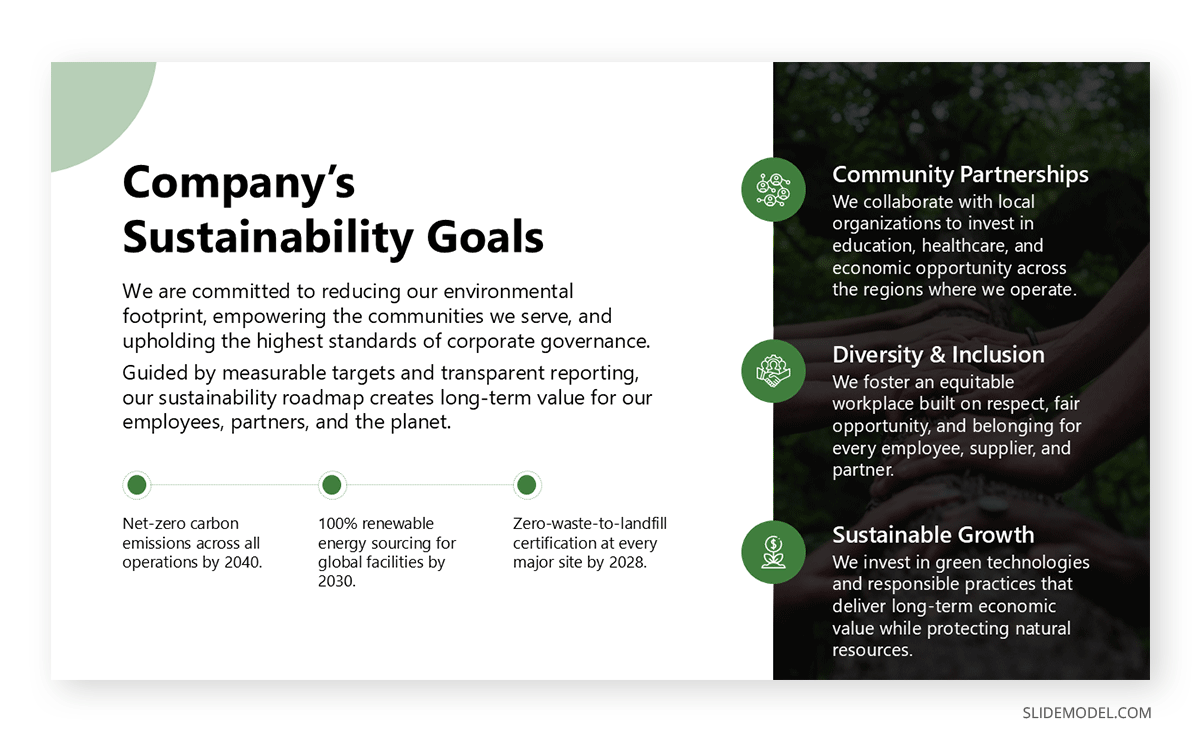
Board and governance presentations and CSR / ESG presentations round out the set. Board decks emphasize oversight, risk, and the specific decisions being requested. CSR and sustainability decks are increasingly expected by regulators and institutional investors alike, and report on environmental and social impact against stated targets.
| Type | Primary audience | Typical goal |
|---|---|---|
| Company profile | Prospects, partners | Introduce the company |
| Investor/IR | Investors | Raise or retain capital |
| Annual report | Shareholders | Report yearly performance |
| Quarterly business review | Clients, internal teams | Review results vs. goals |
| Corporate strategy | Leadership, teams | Align on direction |
| Executive | C-suite | Support a decision |
| Board/Governance | Directors | Approve or oversee |
A Standard Corporate Presentation Structure
Most corporate presentations follow a recognizable slide order that moves from who the company is to where it is going. You will adapt the emphasis for each type, but this sequence is a reliable backbone:
- Cover or Title slide: Company name, logo, and the presentation’s purpose, plus the date and audience if the deck will circulate.
- Company overview slide: A one-slide answer to “who are we?” Include founding year, headquarters, headcount, and the market you serve.
- Mission, vision, and values: What the company stands for and why it exists. A well-drafted mission statement and a clear vision statement do more work here than a page of adjectives.
- History and milestones slide: The journey so far, best shown on a timeline slide that marks funding rounds, product launches, and market entries. Build one with our timeline and planning templates.
- Leadership and team: The people behind the company and their credibility. Leadership presentations often feature photographs plus one line of relevant background, rather than long biographies; there are established conventions for presenting a team to an audience.
- Products and services: What you offer and the problem it solves, framed from the customer’s position rather than your feature list.
- Market position and competition: Where you sit in the landscape, often framed with a SWOT analysis or a positioning map.
- Business model: How the company creates and captures value. A business model canvas is a clean way to show it on one slide.
- Financial performance: Results and key metrics. Build this from actual financial statements rather than rounded recollections, and label every axis. You can speed up this part of the presentation by using professionally designed data and chart templates.
- Clients, case studies, and testimonials: Proof that others trust you, ideally with a number attached to each logo.
- Strategy and roadmap: Where the company is heading next, with time horizons a reader can hold you to.
- CSR & Sustainability: Environmental and social commitments, reported against targets rather than described in general terms.
- Contact & Call-to-action slide: The specific next step you want the audience to take. A purposeful call-to-action slide is the difference between a meeting that ends and a meeting that continues.
Not every deck needs all thirteen slides. A company profile may condense financials into a single highlight; an investor deck will expand them into several highlights. Use the backbone as a checklist, then cut what your audience does not need or expand it based on your specific requirements.
How Many Slides Should a Corporate Presentation Have?
Most corporate presentations run 10 to 20 slides, though the right number depends on the type and the audience. Investor decks trend shorter. Guy Kawasaki’s well-known 10/20/30 rule recommends about 10 slides, because investors want the essentials fast and the detail in an appendix.
Annual report presentations run longer because they document a full year of performance. The rule of thumb: prioritize clarity over completeness, and move supporting detail into an appendix rather than crowding your core slides. An appendix is not a dumping ground either; label each appendix slide so you can find it in seconds when a question lands.
| Type | Typical slide count |
|---|---|
| Investor/IR | 10-15 |
| Company profile | 12-20 |
| Annual report | 15-30 |
| Quarterly business review | 10-20 |
| Corporate strategy | 10-15 |
| Board/Governance | 8-15 |
A useful sanity check is time, not count. If you have 30 minutes and expect 10 minutes for questions, you have 20 minutes of speaking time, which, at a comfortable pace, is roughly 15 slides. Counting backward from the calendar invitation is more reliable than counting forward from your outline.
How to Make a Corporate Presentation (Step by Step)
There are some essential ingredients you need to build a credible corporate presentation: a clear audience, the right structure, and the appropriate design.
Define the audience and objective
Decide who is in the room and the single action you want them to take. Mapping your target audience before you open PowerPoint prevents the most expensive kind of rework. An investor deck and an all-hands deck can share slides, but their emphasis is completely different.
Choose the right type and structure
Pick a format from the types above and adapt the standard structure to fit it. Work on detailing the tentative presentation structure that follows an appropriate flow for your speech and the message you wish to convey. Narrative frameworks such as SCQA help when the deck needs to argue rather than simply report.
Apply your brand identity
Add your logo, brand colors, and fonts from the first slide to keep the deck on-brand. Consistency here is what makes a presentation look corporate rather than improvised. Our article on brand identity for presentations can guide you on this.
Design clean, focused slides
One idea per slide, generous white space, and imagery that supports the point instead of decorating it. The fundamentals of how to make a presentation apply at every level of seniority.
Visualize data credibly
Turn numbers into charts your audience can read in seconds. Knowing the difference between a chart and a graph, and picking the right one, matters more than the color palette you apply to it.
Open strong and close with a clear ask
Lead with your most important point, following the principles behind strong opening slides, and finish with a specific next step, as covered in this guide on how to end a presentation.
Rehearse and tailor to the room
Practice out loud, time yourself using rehearsal timings, and prepare to trim on the fly. The best corporate presenters adapt depth to the audience without touching the core narrative.
Designing Corporate Presentations Aligned with Your Company’s Visual Identity
To ensure every presentation is on-brand and professional, you can centralize your assets in a Brand Kit. In PowerPoint Copilot, defining a brand style guide helps keep the organization’s visual identity consistent across all presentations.
The Brand Kit acts as a repository of your organization’s core visual and verbal identity, enabling anyone on your team to build decks without deviating from your established standards. Presentation templates help enforce those guidelines, and a well-documented brand identity gives the templates something to enforce.
Key elements to include in your Brand Kit:
- Logo system: Primary logos, secondary icons, and strict usage guidelines covering clearance space, monochrome versus color, and minimum sizes. You can learn more in our article on logo presentations.
- Color palette: Specific HEX, RGB, and CMYK values for primary, secondary, and accent colors to ensure consistent reproduction across digital and print formats. If you are building the palette from scratch, the principles of color theory for presentations will keep contrast readable on a projector as well as on a laptop.
- Typography: Font families for headings and body text, including approved styles for bold, italic, and hierarchy. Choosing quality PowerPoint fonts helps avoid the substitution issues that arise when a deck opens on someone else’s machine.
- Imagery guidelines: Standards for photography style, illustration techniques, and color grading to ensure all visual assets feel unified.
The Brand Kit pays for itself the first time a regional team builds a client deck without having to ask marketing for the logo file.
Common Corporate Presentation Mistakes
Most corporate decks fail for structural reasons rather than visual ones. These are the patterns that show up most often in review.
Writing for everyone
A deck built to satisfy investors, employees, and prospects at once satisfies none of them. Build one master deck, then maintain audience-specific versions that cut and reorder rather than rewrite.
Leading with history
Founding stories are comfortable to present and rarely what the audience came for. Unless the history is the argument, such as a heritage brand or a turnaround story, move it past the point where you have already established relevance.
Claims without evidence
“Market leader,” “trusted by hundreds,” and “best-in-class” carry no weight without a number, a source, or a named client behind them. Every superlative on a corporate slide invites a question you may not want to answer.
Financial slides that hide the trend
A table of figures makes the reader do arithmetic. A chart makes the trend visible in two seconds. If your revenue chart needs a paragraph of explanation, the wrong metric is on the axis. A dashboard-style layout works well when several metrics need to be read together.
Text density
Corporate decks accumulate text because they get emailed. The fix is not smaller font: it is a separate leave-behind version with speaker notes converted into readable paragraphs, while the presented deck stays sparse.
No stated ask
A surprising number of corporate presentations end with “thank you” and a logo. Close with the decision, meeting, or signature you want, and put it in writing on the slide.
Delivering a Corporate Presentation
Building the deck is half the work. The delivery determines whether the content lands.
Adapt depth, not narrative
Senior audiences want the conclusion first, and supporting details only if asked. Operational audiences want the reverse. The same deck can serve both if you know which slides are core and which are elaboration, and you rehearse a short version alongside the full one. Applying storytelling technique to the core narrative makes the short version hold together on its own.
Prepare the leave-behind separately
A presented deck and an emailed deck are different products. The presented version carries the minimum text needed on screen; the emailed version carries an executive summary at the front and enough written context to survive without a narrator. Sending the presentation version to someone who missed the meeting is one of the most common ways good work gets misread.
Plan the question period
In corporate settings, questions are where credibility is won or lost. Anticipate the five hardest questions, build appendix slides for three of them, and be honest about the two you cannot answer yet. Structured approaches to moderating a Q&A session help when the audience is large or the topic is contentious.
Control the room’s attention
Long corporate decks lose people around the twelve-minute mark. Section dividers, a visible agenda, and deliberate pauses at transition points reset attention. Broader public-speaking techniques matter more here than in most business settings because the audience often evaluates the presenter as a proxy for the organization.
Corporate Presentation Templates
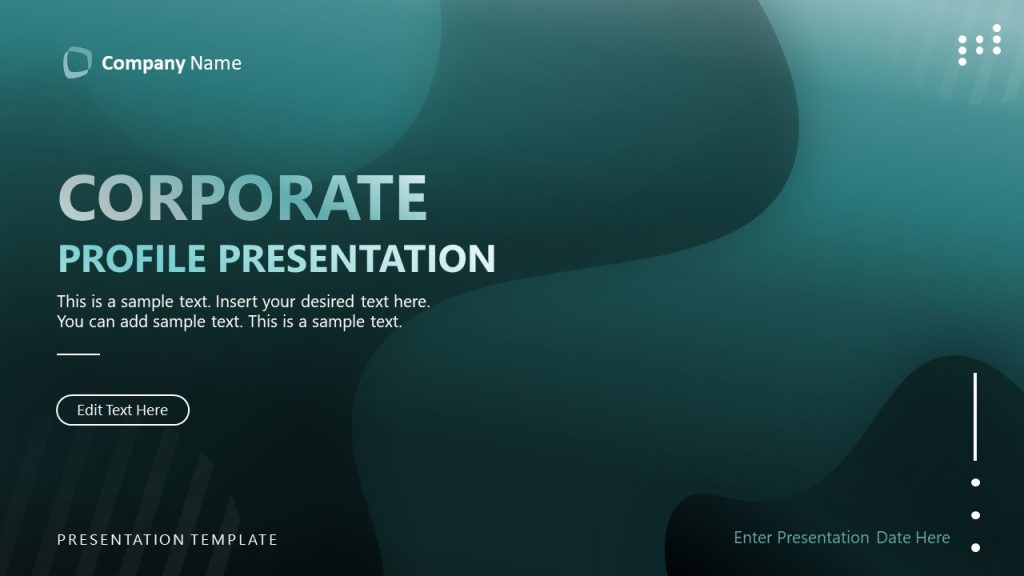
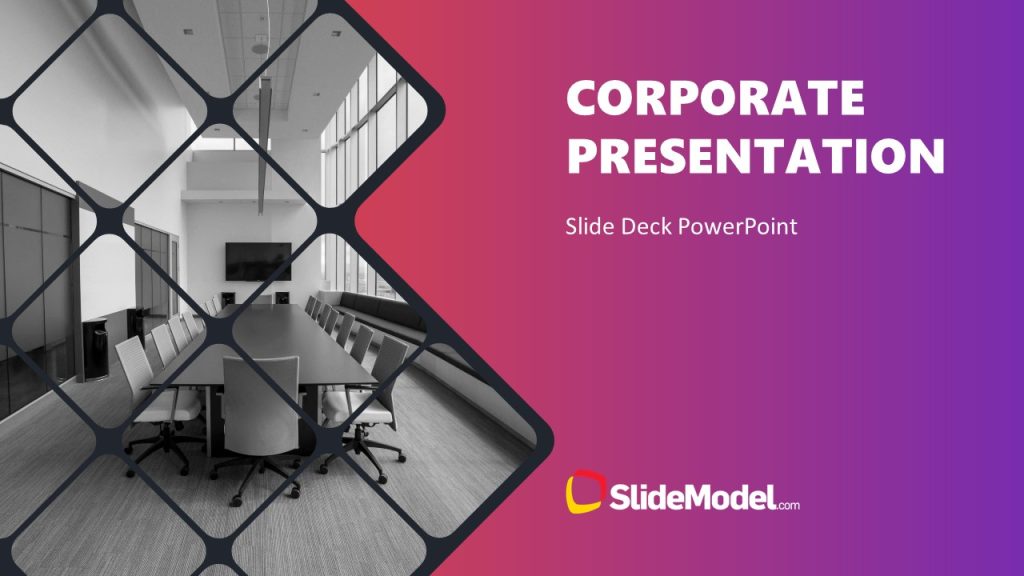
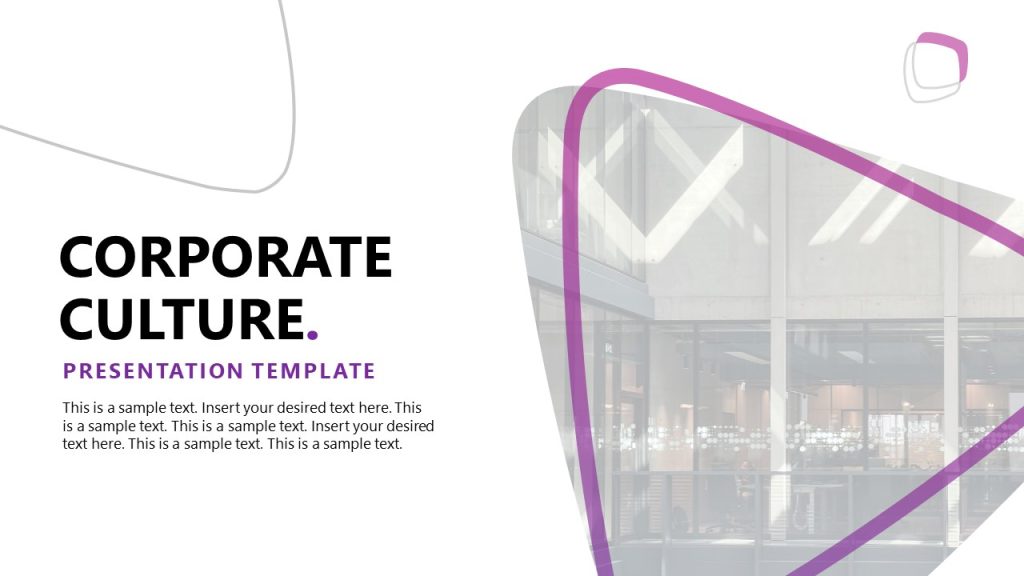
Presentation templates are the fastest way to a professional, on-brand corporate presentation. They enforce consistency across every slide, save hours of manual formatting, and let you focus your energy on the message instead of the layout. Rather than start from a blank slide, begin with a structure that has already been designed for the job. At SlideModel, we offer thousands of editable presentation templates to help you create on-brand presentations. Update the styles and colors to match your corporate identity and create on-brand presentations much faster.
For the formats covered in this guide, explore investor presentation templates, annual report templates, and strategy PPT templates, each 100% editable for PowerPoint and Google Slides. If you would rather generate a first draft automatically, the Corporate AI Presentation Maker builds an editable deck from your inputs, and the Company Profile maker does the same for introductory decks.








FAQs
What is a corporate presentation?
A corporate presentation is a formal slide deck a company uses to communicate its identity, performance, strategy, and value to stakeholders such as investors, partners, clients, and employees. Unlike a general business presentation, it represents the organization as a whole rather than a single project or pitch.
What should a corporate presentation include?
A standard corporate presentation includes a cover slide, company overview, mission and values, history and milestones, leadership team, products and services, market position, business model, financial performance, client proof, strategy and roadmap, and a closing contact or call-to-action slide.
How many slides should a corporate presentation have?
Most corporate presentations run 10 to 20 slides, depending on type and audience. Investor decks tend to be shorter, at 10 to 15 slides, per Guy Kawasaki’s 10/20/30 rule, while annual reports can reach 15 to 30 slides. Prioritize clarity over length and move detail to an appendix.
How is a corporate presentation different from a business presentation?
A business presentation is any presentation delivered in a business context on a specific topic. A corporate presentation is a specific type that represents the whole organization, its identity, performance, and strategy, to internal and external stakeholders.
How do you start a corporate presentation?
Open with a clear title slide and a concise statement of who the company is and why the presentation matters to the audience. Lead with your strongest point or headline result, then preview the structure so stakeholders know what to expect.
How do you cite a corporate presentation?
Cite it by author or organization, year, title, format label such as “Corporate presentation,” and source or URL, following your required style (APA, MLA, or Chicago). For internal decks, include the company name and date of delivery.
How long should a corporate presentation last?
Plan for 20 to 30 minutes of speaking time in most corporate settings, leaving at least a third of the scheduled slot for questions. Board and investor meetings often allocate less than you expect once earlier agenda items overrun, so rehearse a 10-minute version you can switch to without losing the argument.
What is the difference between a corporate presentation and a company profile?
A company profile is one type of corporate presentation, specifically the introductory version used to explain who the company is to a new prospect or partner. It is shorter, lighter on financial detail, and usually sent ahead of a meeting rather than presented live.
Should a corporate presentation be sent as PowerPoint or PDF?
Send a PDF when the deck will be forwarded or archived, since it locks fonts, layout, and version. Send the editable PowerPoint or Google Slides file only when the recipient needs to adapt it, such as a partner co-branding the content or a colleague building on your slides.
How often should a corporate presentation be updated?
Refresh financial figures and client proof every quarter, and review the strategy and roadmap sections at least annually or whenever the company changes direction. An outdated headcount or a departed executive on the team slide costs more credibility than a plain design ever will.
Final Words
A corporate presentation carries more responsibility than almost any other deck you will build, because it speaks for the whole organization. Start by choosing the right type, follow the standard structure, keep the slide count disciplined, and hold every slide to a consistent brand standard. Do that, and the slide deck stops being a formatting chore and becomes what it should be: a clear, credible case for your company. When you are ready to build, start from a professional corporate template so your effort goes into the message, not the margins.