Download and create your investor reports with this Investor Report PowerPoint Template. This slide deck is produced using visuals and diagrams that are 100% editable and can be modified to meet the user requirements. An investor report is a presentation to update investors about the changes made at the company in terms of team, processes, operations, etc. In this thorough presentation about the performance, company representatives ensure their investors that their investments are in the right hands and what they can expect in the coming time. To cover all aspects of an investor’s report, we have included all the essential slides with appropriate diagrams, text boxes, and placeholders. Users can edit the slides and prepare their presentations without any design efforts. The theme of this slide deck is blue & white contrasting mustard shades.
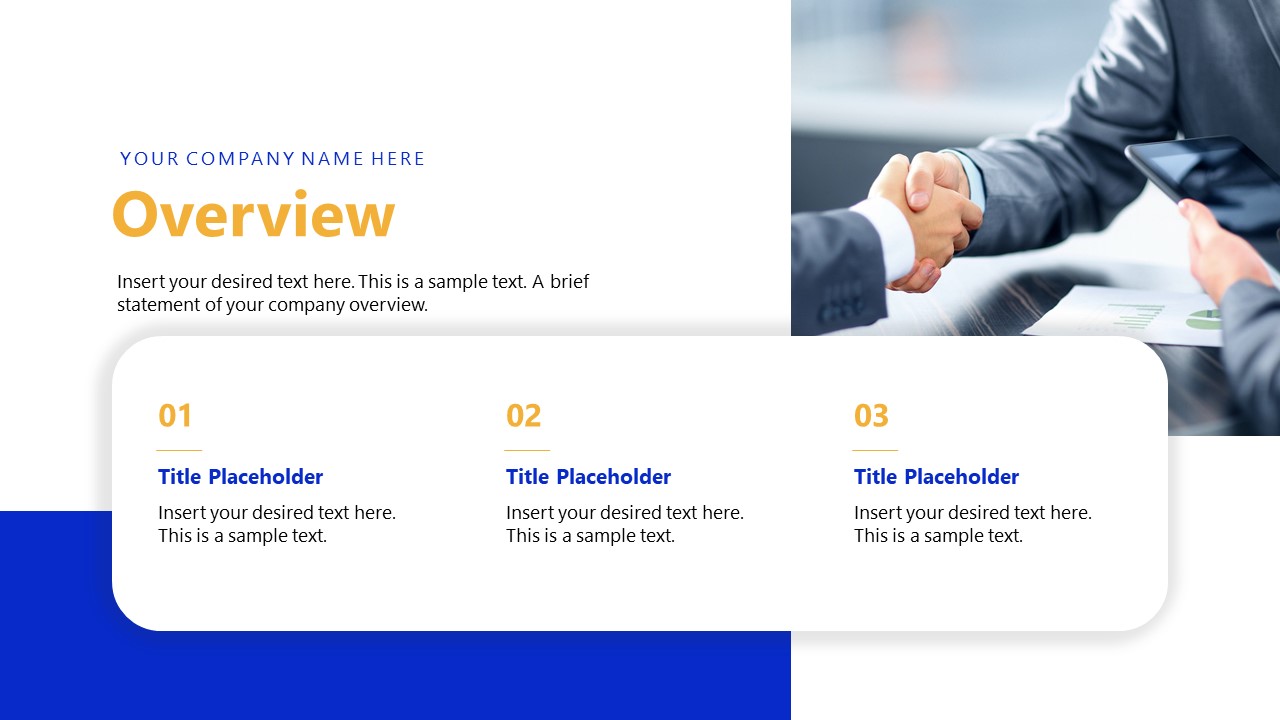
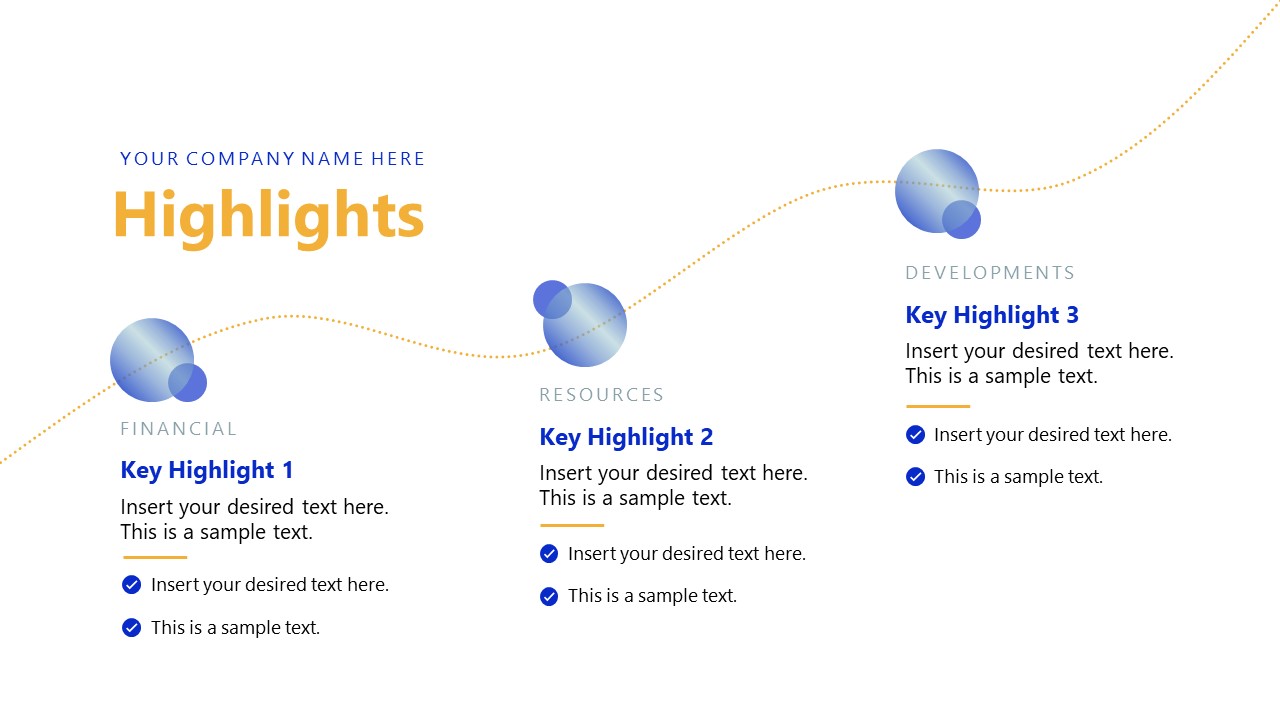
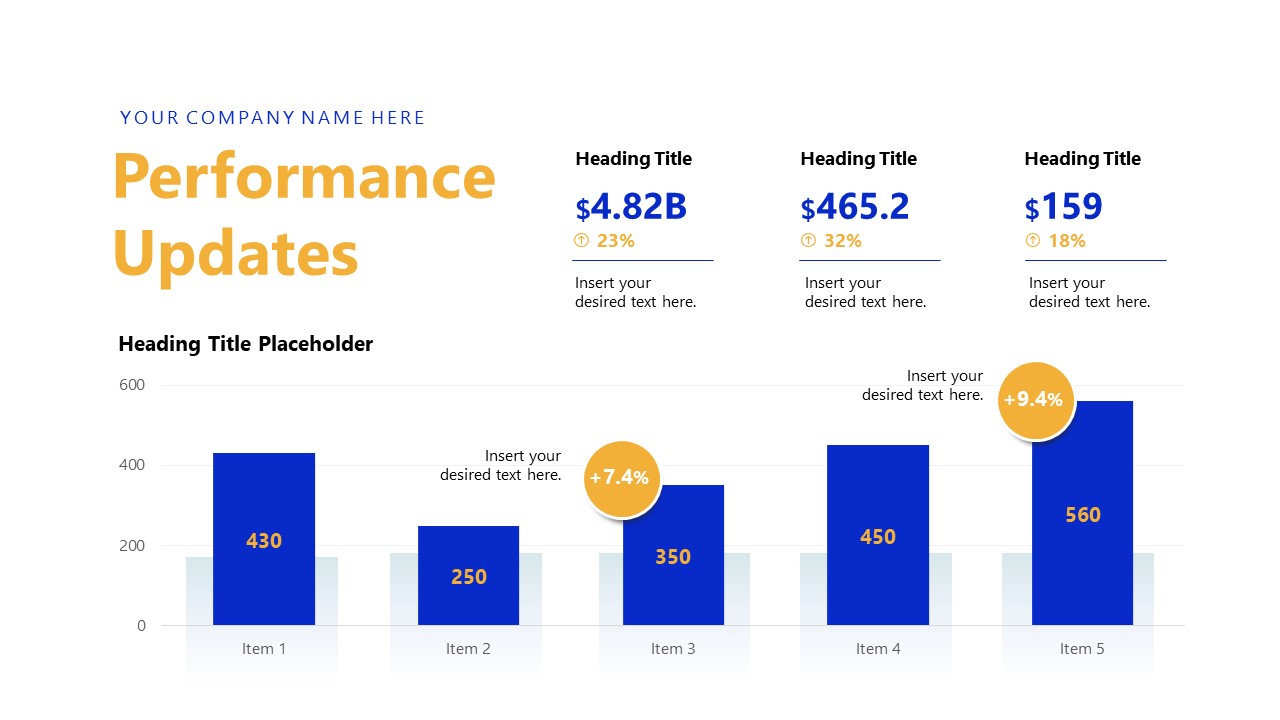
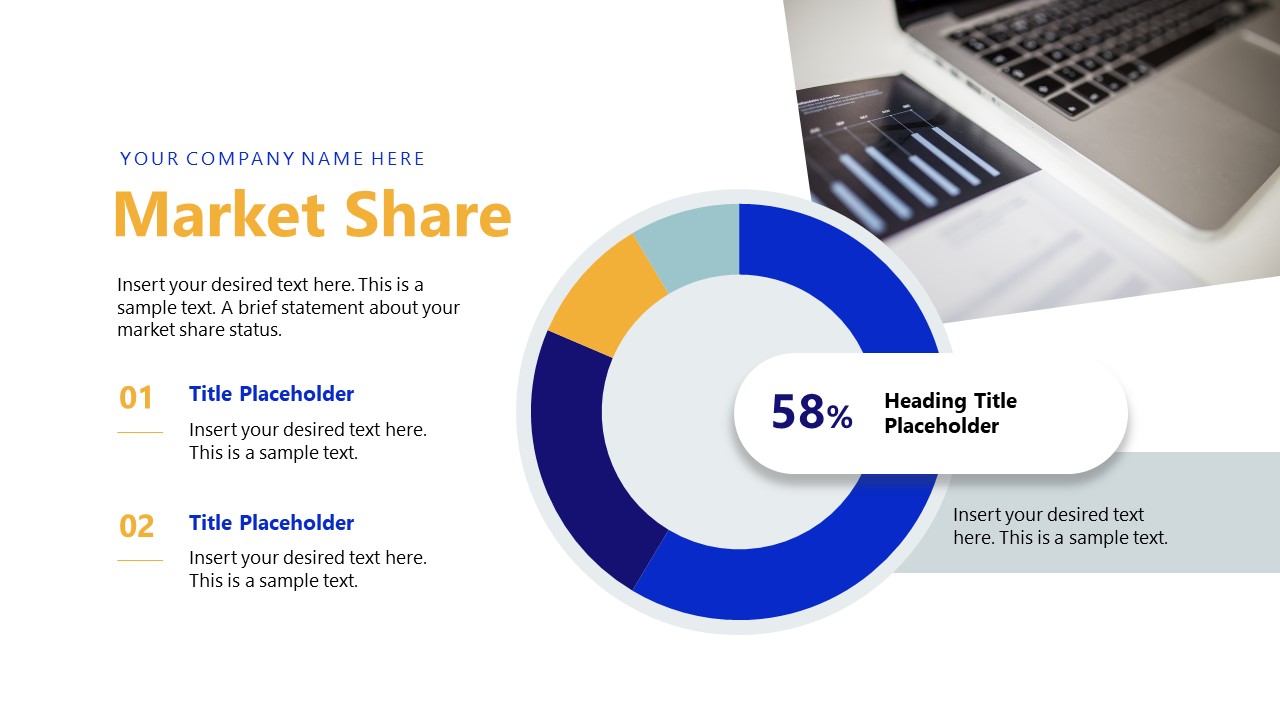
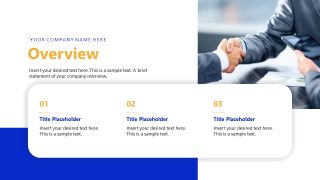
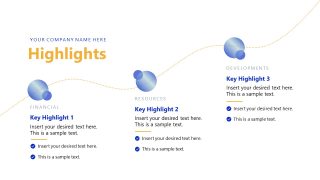
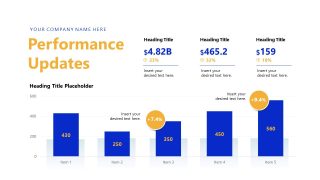
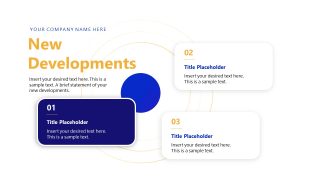
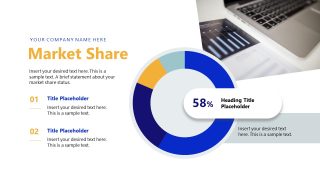
It begins with a cover slide followed by the essential intro slides of the agenda, overview, and presentation highlights. Next to the curved three-step figure of the key highlights slide is a slide with data-driven bar graphs to showcase the performance highlights. Likewise, on the next slide, we have added a circular diagram to present the new developments. It provides a slide with an image placeholder and circular creative to show the market share details. Professionals can conveniently add their relevant points to prepare their slides. In addition, this Investor Report PowerPoint Template includes the creative slides for:
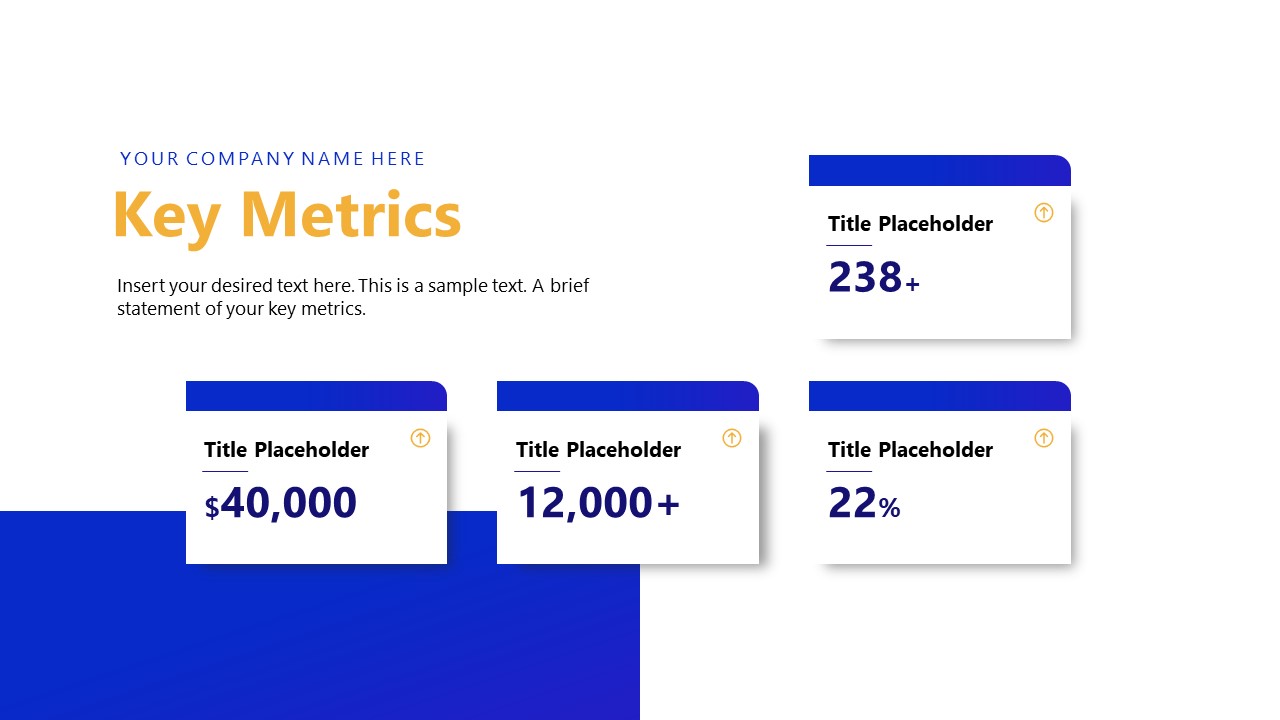
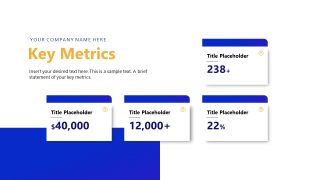
- Key metrics
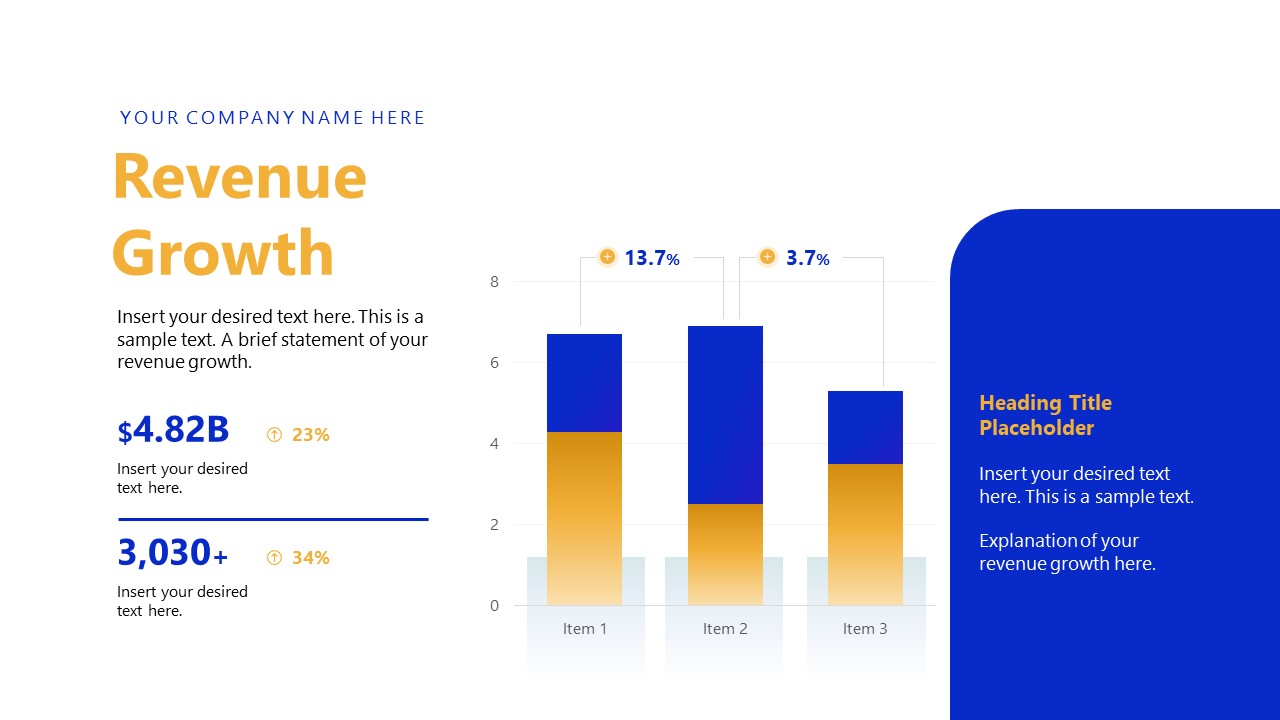
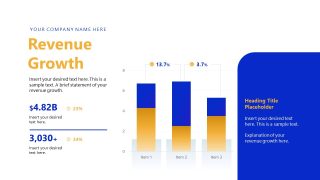
- Revenue growth
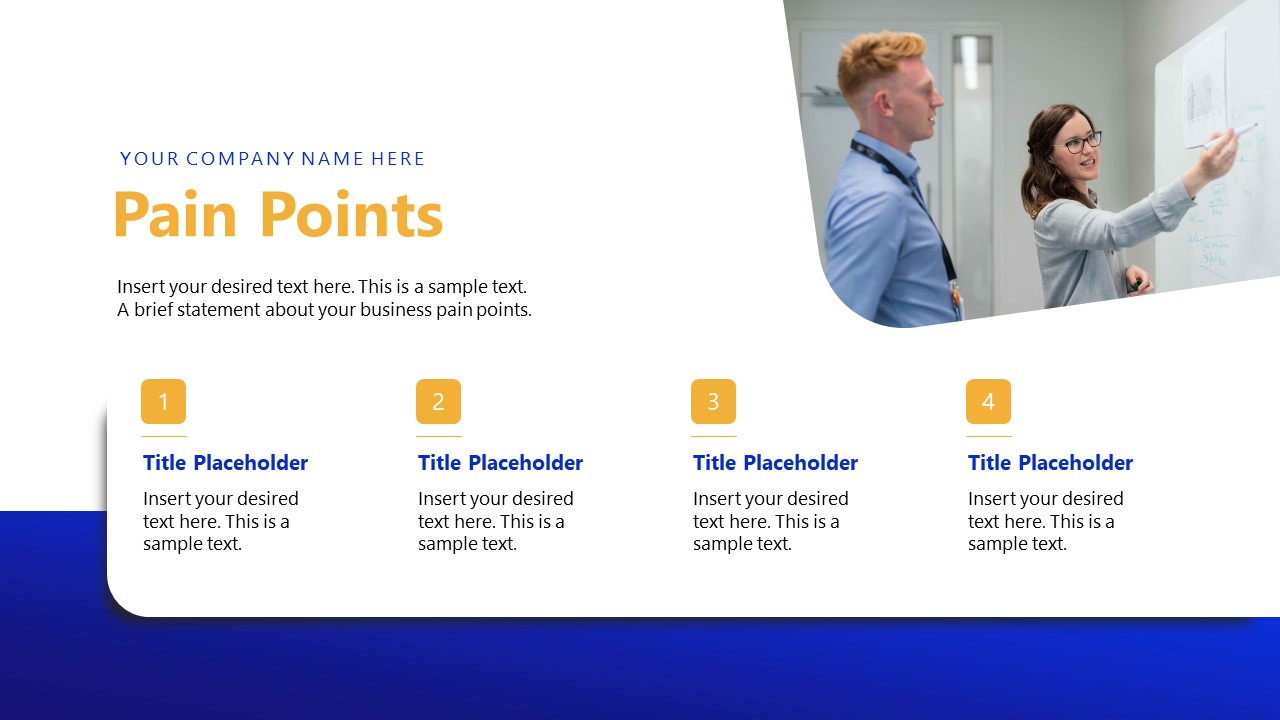
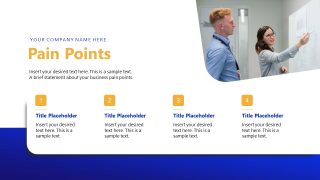
- Pain points
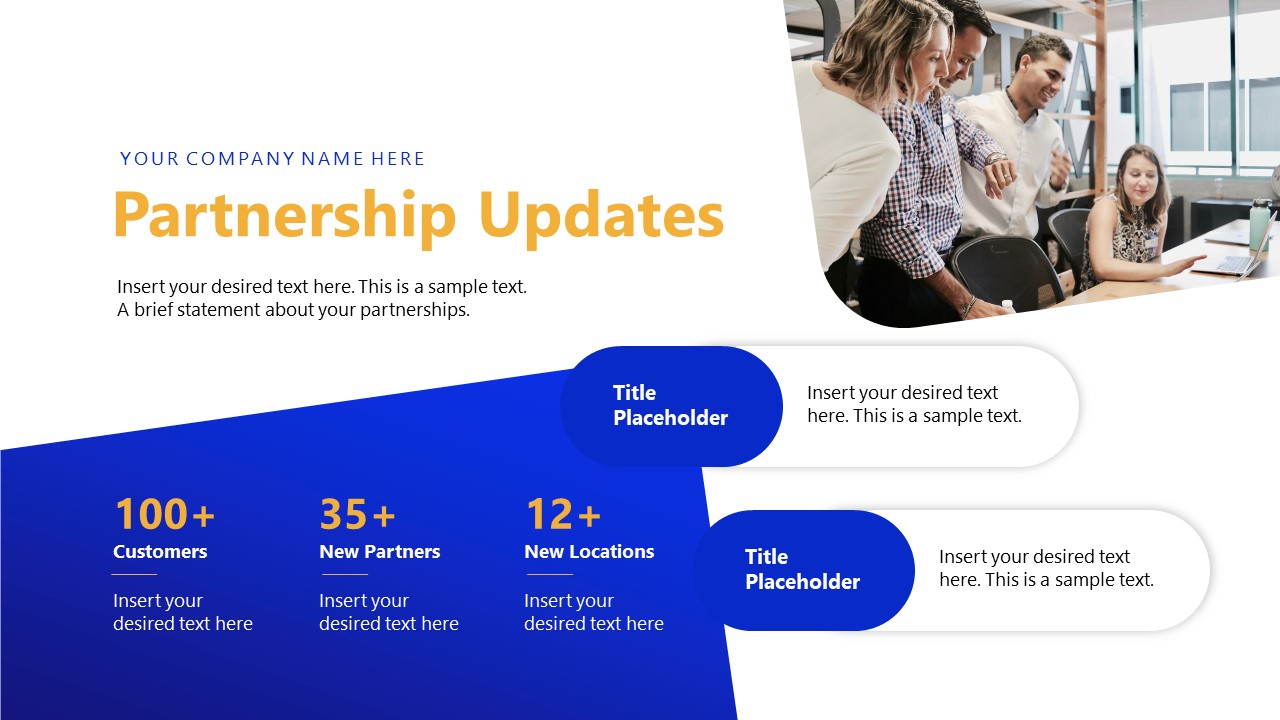
- Partnership updates
- Leadership updates
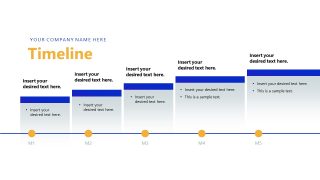
- Timeline
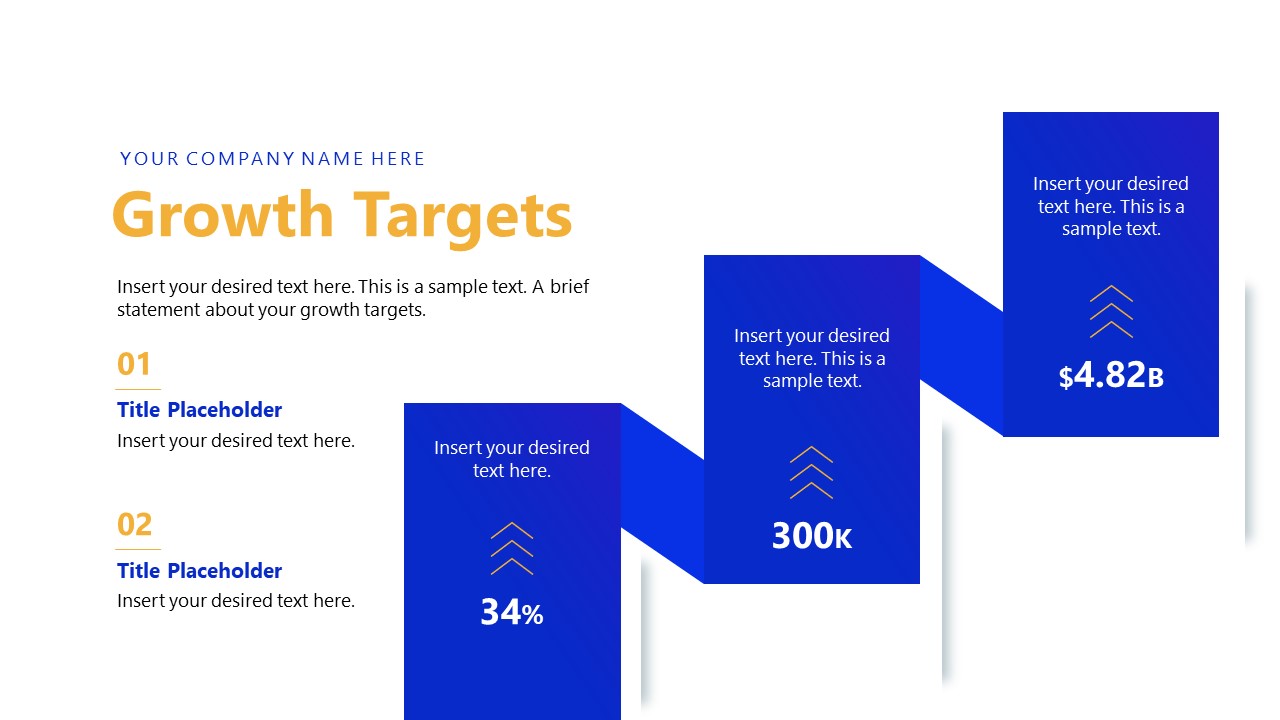
- Growth targets
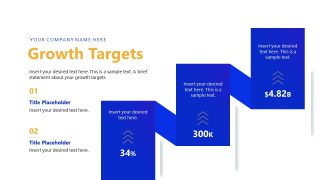
These slides have elements based on the topic’s needs. For example, the metrics slide has sticky note illustrations, and the growth targets slide carries three notes arranged in a diagonal pattern. Also, the revenue growth slide provides data-driven charts and bold values for presenting the data. So, users can design their investor report presentation with this template or choose from other investor PPT templates or business presentation templates. Download our editable template and personalize it today!
What’s inside this template
Example presentation scenarios
- A CFO can use the performance update and revenue growth slides to report quarterly results to existing investors with metric callouts and bar chart evidence.
- A founder can use the overview, highlights, and new developments slides to brief seed or Series A investors on what changed since the last update.
- An investor relations manager can use the market share donut chart, key metrics cards, and partnership updates slide to organize a concise stakeholder meeting.
- A CEO can use the leadership updates, timeline, growth targets, and next steps slides to connect team progress with future operating priorities.
Features
- 100% editable presentation template
- Compatible with Microsoft PowerPoint
- 16:9 aspect ratio slides
- Scalable vector shapes, icons and illustrations
- Ready with Animations & Transitions in PowerPoint
- AI-Ready for Microsoft Copilot and Claude
- Instant access and download
Frequently asked questions
Q: How should a presenter turn this deck into a clear investor update?
A: Start with the agenda and overview to frame the reporting period, then move quickly into performance, market share, and key metrics. Use the highlights slide to name the top three takeaways before showing data. Close with timeline, growth targets, and next steps so investors understand both current status and management priorities.
Q: For whom is this investor report format the best fit?
A: This format works best for founders, CFOs, and investor relations teams who already have stakeholder attention and need to report progress. The mix of KPI cards, revenue growth chart, partnership updates, and leadership updates fits recurring investor meetings, quarterly reviews, and board briefings more than first-time company introductions.
Q: Why does the deck combine charts, cards, and milestone visuals instead of using only financial tables?
A: Investor reporting needs more than numbers. The bar charts and donut chart show performance evidence, while KPI cards make headline values easy to scan. Timeline and growth target slides convert that evidence into direction. This mix helps executives move from data to decisions without forcing the audience through dense tables.













Investor Report PowerPoint Template
16-slide investor report presentation template with KPI metrics, revenue charts, and timeline updates
Investor Report PowerPoint Template is a 16-slide Microsoft PowerPoint deck for investor updates and business performance reporting. It includes an agenda, overview, performance update bar chart, market share donut chart, KPI cards, revenue growth chart, timeline, leadership update, conclusion, and Q&A close for executive communication.
- Category
- Business PowerPoint Templates
- Rating

 Loading...
- Aspect ratio
- 16:9
- Item ID
- 85212-02
- Colors
 Microsoft PowerPoint
 Microsoft Copilot
 Claude for PowerPoint
Other formats supported
Subscribe today and get immediate
access to download our PowerPoint templates.