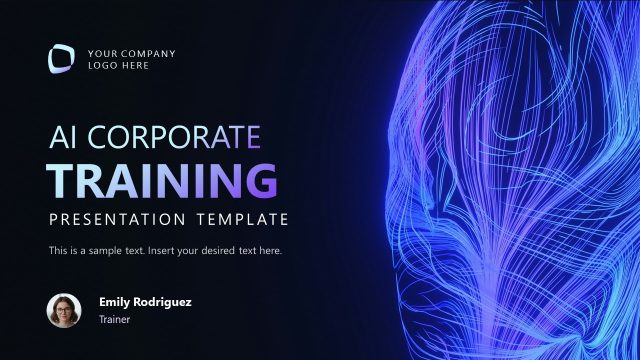
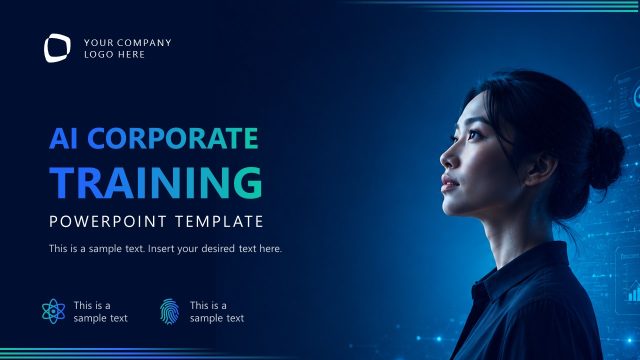
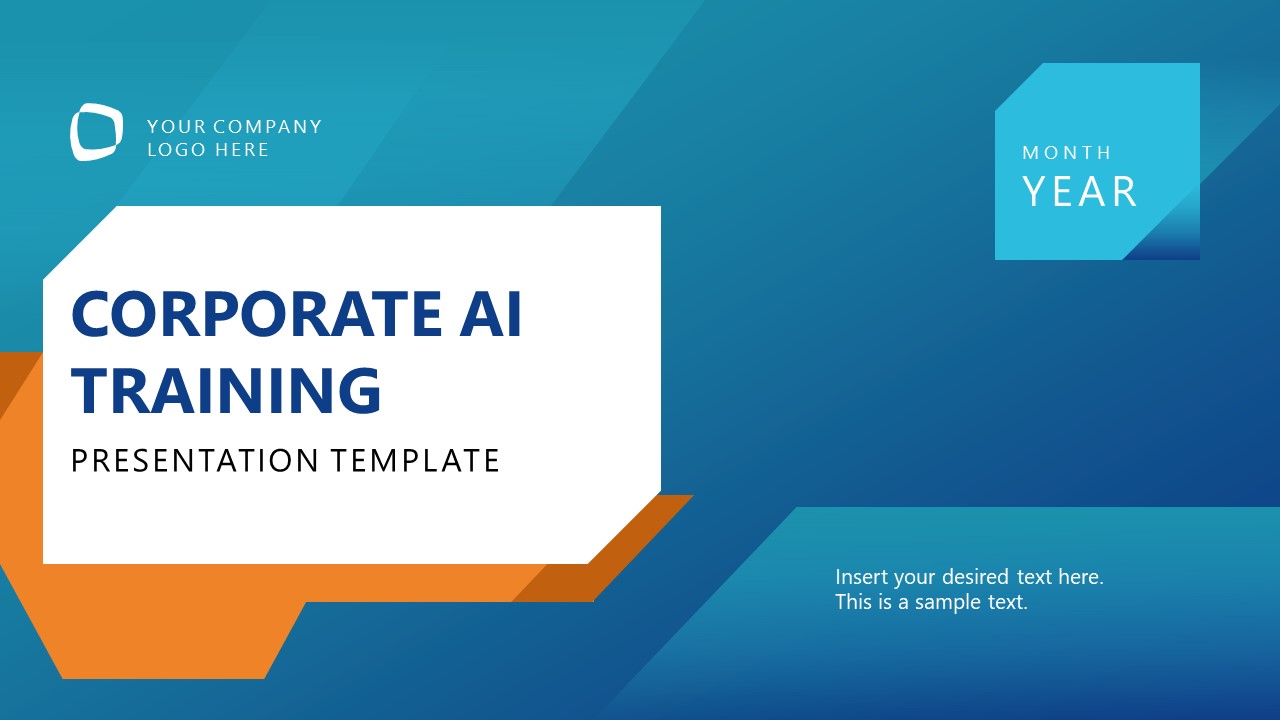
Present the strategy for implementing AI in the workplace with our Corporate AI Training PowerPoint Template. Today, AI is important for staying relevant in the industry, as it boosts productivity and automates workflows. Organizations implement AI systems to automate mundane tasks, enabling human capabilities to be utilized for major business decisions and actions. This corporate AI training template is useful for communicating how AI works and how employees can use it for daily productivity tasks. AI consultants use this template in their client presentations to present AI security, privacy, and corporate rules. They demonstrate the ways to spot AI mistakes and hallucinations to achieve better outcomes.
The AI trainers edit the corporate AI training template for employee training to highlight the human-AI collaboration process. They explain the framework for designing the workflow that meets modern-day needs. Starting from the clean title and agenda presentation, this layout features the following slides for AI engineers to communicate their thoughts effectively:
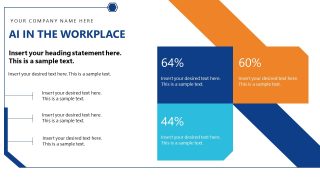
- AI in the Workplace
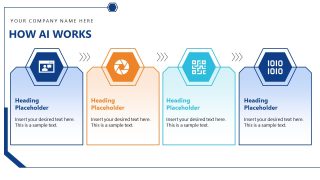
- How AI Works
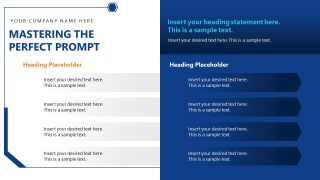
- Mastering the Perfect Prompt
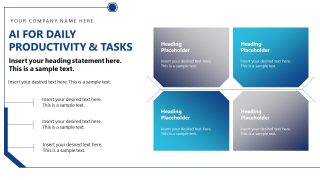
- AI for Daily Productivity & Tasks
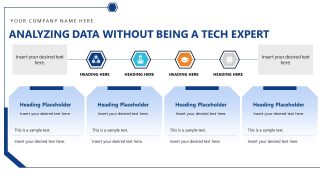
- Analyzing Data Without Being a Tech Expert
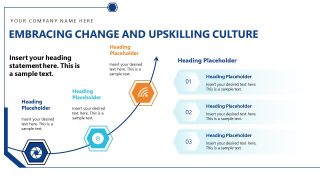
- Embracing Change and Upskilling Culture
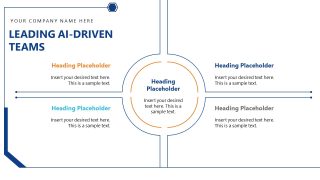
- Leading AI-Driven Teams
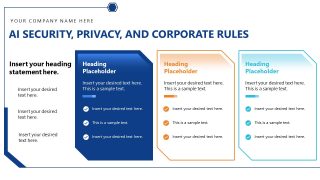
- AI Security, Privacy, and Corporate Rules
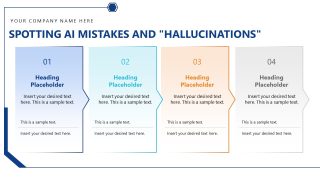
- Spotting AI Mistakes and “Hallucinations”
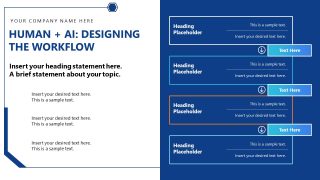
- Human + AI: Designing the Workflow
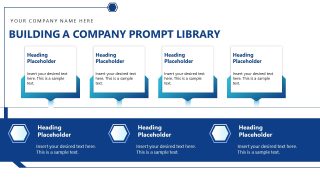
- Building a Company Prompt Library
- Q&A
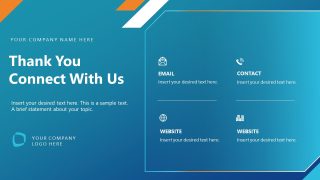
- Thank You & Connect With Us
The Corporate AI Training PowerPoint Template features a professional design and a blue-and-white color scheme with gradient accents. This animated PPT template is compatible with all versions of PowerPoint. Users can change the colors or other graphical elements to match their themes. Download the corporate AI training presentation deck to showcase ways to increase business performance using AI systems.
What’s inside this template
Example presentation scenarios
- A learning and development manager can use the agenda, AI in the Workplace slide, and Q&A layout to run an internal introduction to workplace AI for nontechnical employees.
- An AI consultant can use the How AI Works process cards, prompt mastery layout, and hallucination comparison cards to teach clients practical AI behavior and risk checks.
- A department leader can use the productivity tasks matrix, data analysis workflow, and human plus AI workflow slide to show how teams can redesign daily work with AI support.
- A compliance or security presenter can use the AI Security, Privacy, and Corporate Rules slide with checklist cards to explain safe AI use policies to staff.
Features
- 100% editable presentation template
- Compatible with Microsoft PowerPoint
- 16:9 aspect ratio slides
- Scalable vector shapes, icons and illustrations
- Ready with Animations & Transitions in PowerPoint
- AI-Ready for Microsoft Copilot and Claude
- Instant access and download
Frequently asked questions
Q: How should a trainer pace this deck so the AI topic feels practical instead of abstract?
A: Start with the agenda, then use AI in the Workplace and How AI Works to set shared vocabulary before moving into prompting, productivity, and data analysis. Reserve the security, hallucination, and workflow slides for applied discussion. End with the prompt library and Q&A so participants leave with reusable habits, not just concepts.
Q: Who is this template best suited for in a corporate AI rollout?
A: This template fits AI consultants, learning teams, HR leaders, and managers who need to introduce AI practices to business users. The slides cover basic AI mechanics, prompts, productivity, culture, team leadership, security rules, and workflow design, making it useful for awareness sessions, onboarding, or department-level enablement.
Q: Why do the process cards, rising path, and hub-and-spoke layouts help explain AI adoption?
A: The design turns abstract AI behaviors into visible decision paths. Process cards break technical ideas into steps, the rising path supports the change and upskilling message, and the hub-and-spoke leadership slide centers the team around one common goal. These metaphors help business audiences follow the training without technical overload.


Corporate AI Training PowerPoint Template
15-slide corporate AI training presentation template with agenda, workflow, prompt library, and Q&A layouts
The Corporate AI Training PowerPoint Template is a 15-slide training deck for workplace AI adoption. It includes a cover, agenda, four-step process cards, prompt mastery layout, productivity matrix, workflow sequence, prompt library, Q&A, and closing contact slide. It is built for corporate trainers, AI consultants, and managers using Microsoft PowerPoint.
- Category
- Business PowerPoint Templates
- Rating

 Loading...
- Aspect ratio
- 16:9
- Item ID
- 85342-01
- Colors
 Microsoft PowerPoint
  Microsoft Copilot
  Claude for PowerPoint
 Other formats supported
Subscribe today and get immediate
access to download our PowerPoint templates.