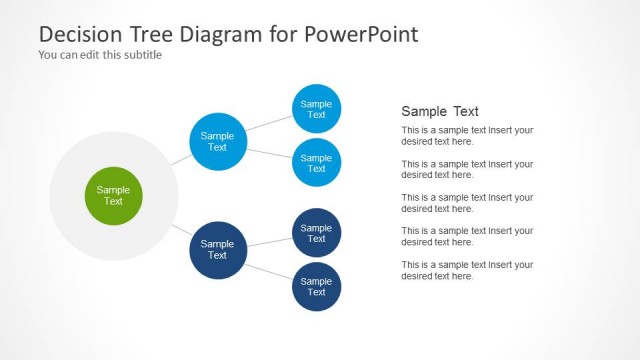
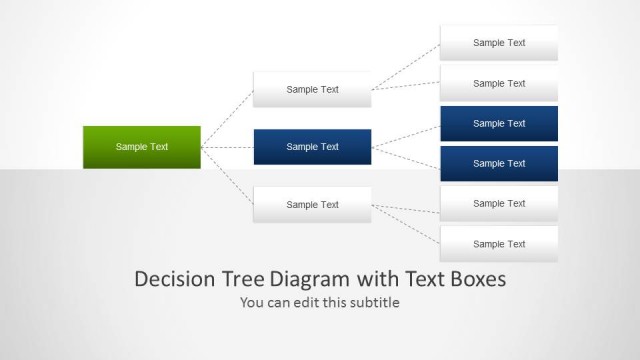
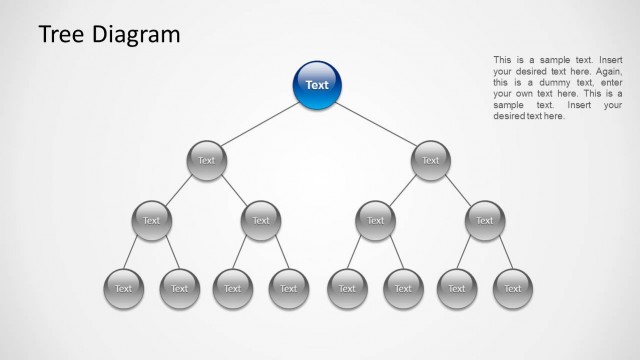
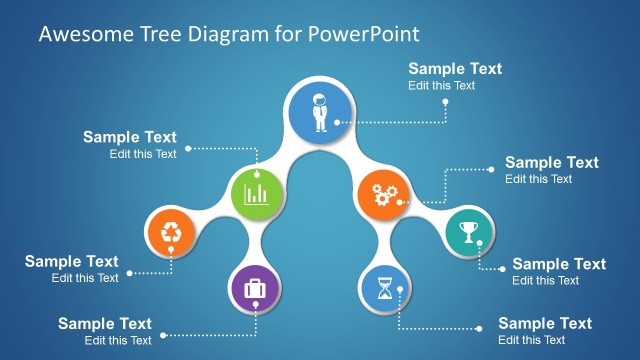
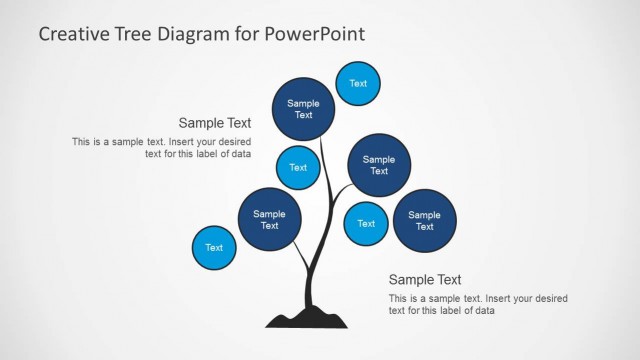
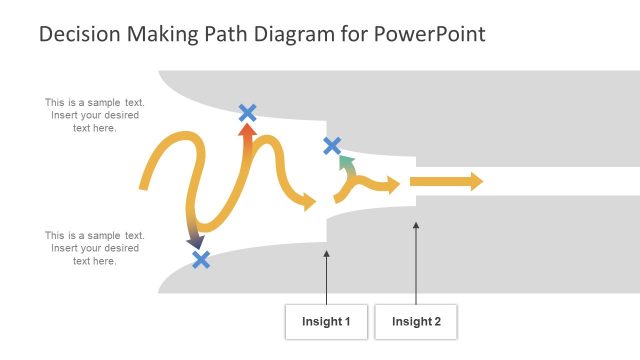
Decision Tree & Matrix Template is a presentation design template created for presenters who must prepare slides on decision making, problem solving or root cause analysis. You can use this decision matrix template for PowerPoint to describe the process required to make decisions in an organization.
The decision tree matrix PPT template is compatible with Microsoft PowerPoint & Google Slides presentations and comes with two different color themes, including light theme and dark theme.
Alternatively, you can download other editable templates for PowerPoint & Google Slides presentations, including the editable matrix PPT templates, or you can browse our collection of business presentation templates.
What’s inside this template
Example presentation scenarios
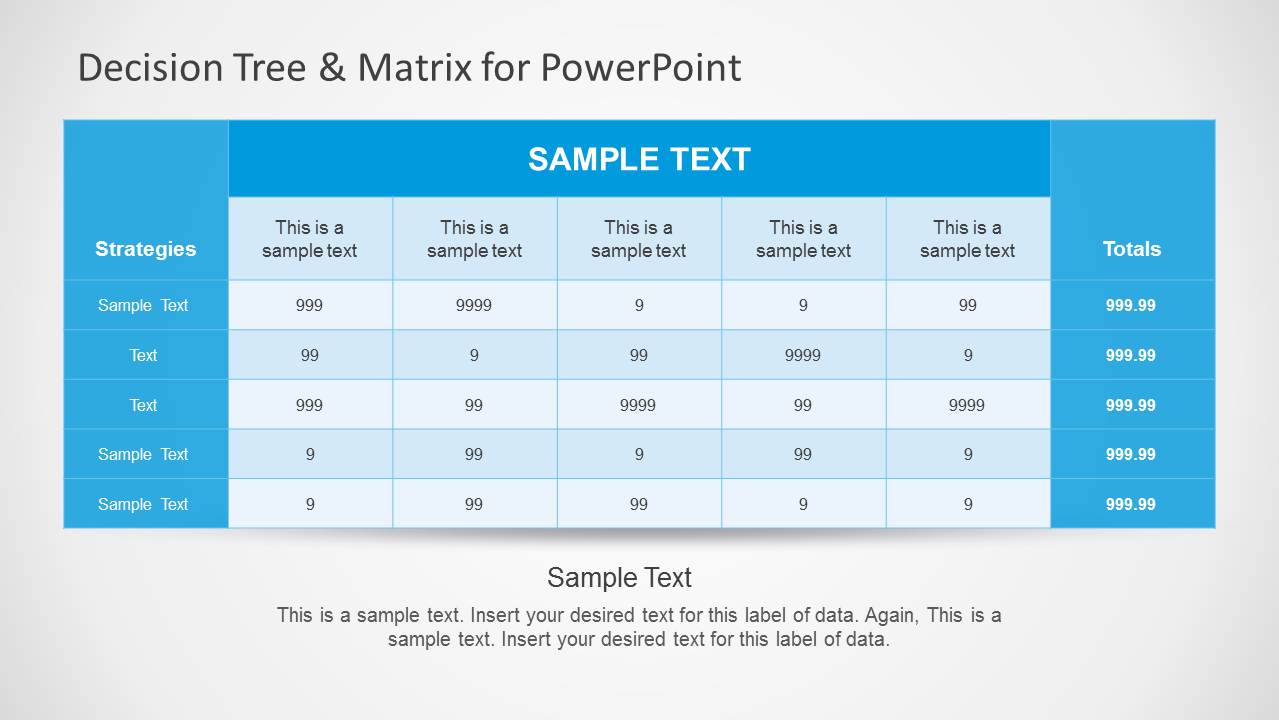
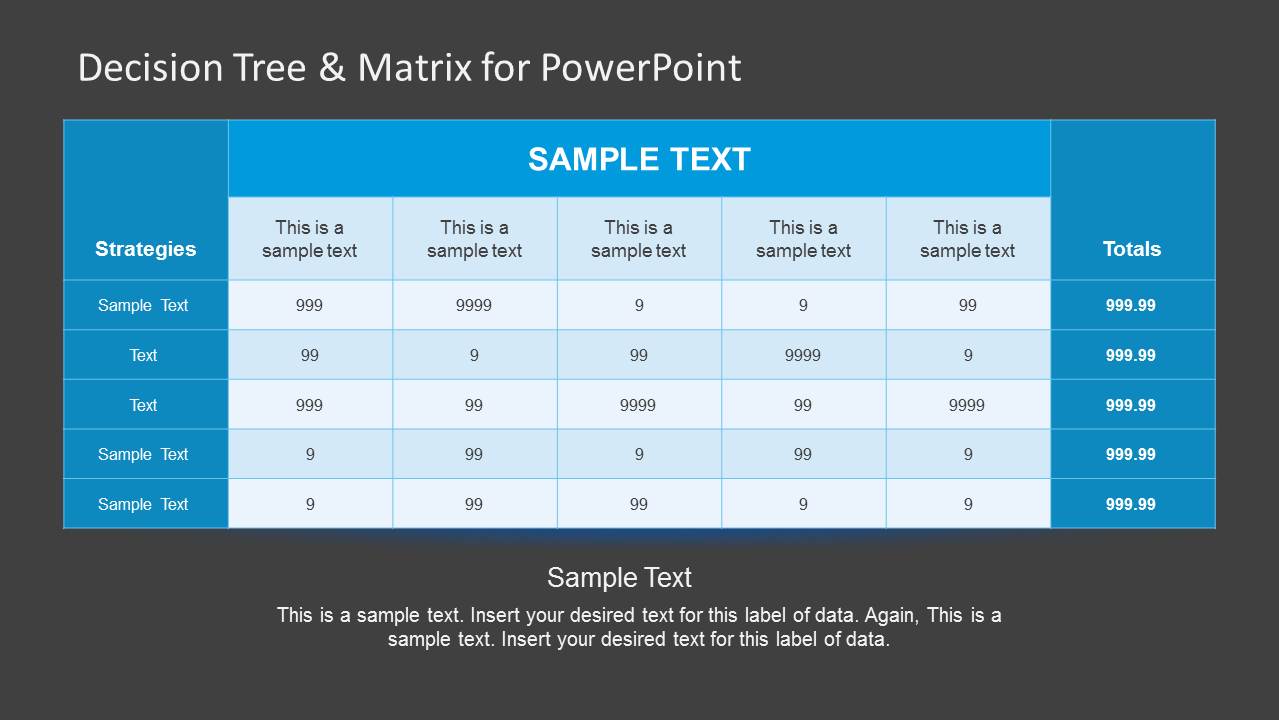
- A business analyst can use the decision matrix tables to compare strategies against criteria and explain why one option ranks higher than another.
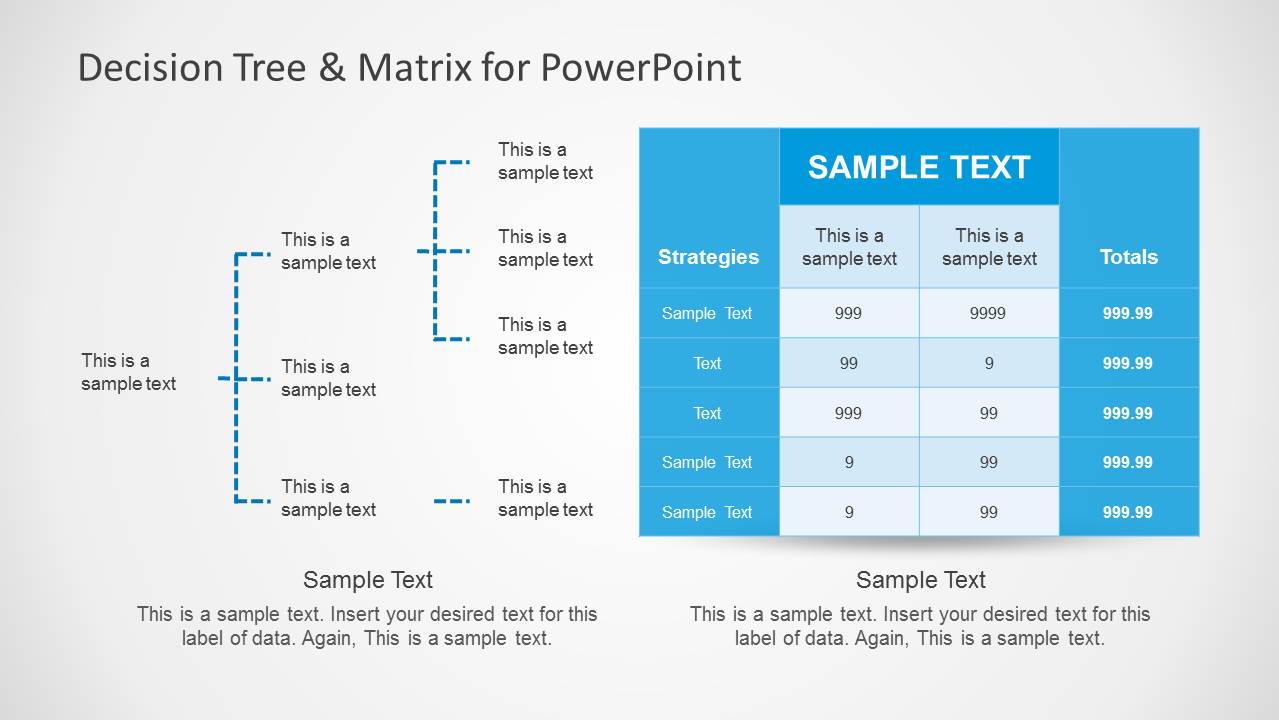
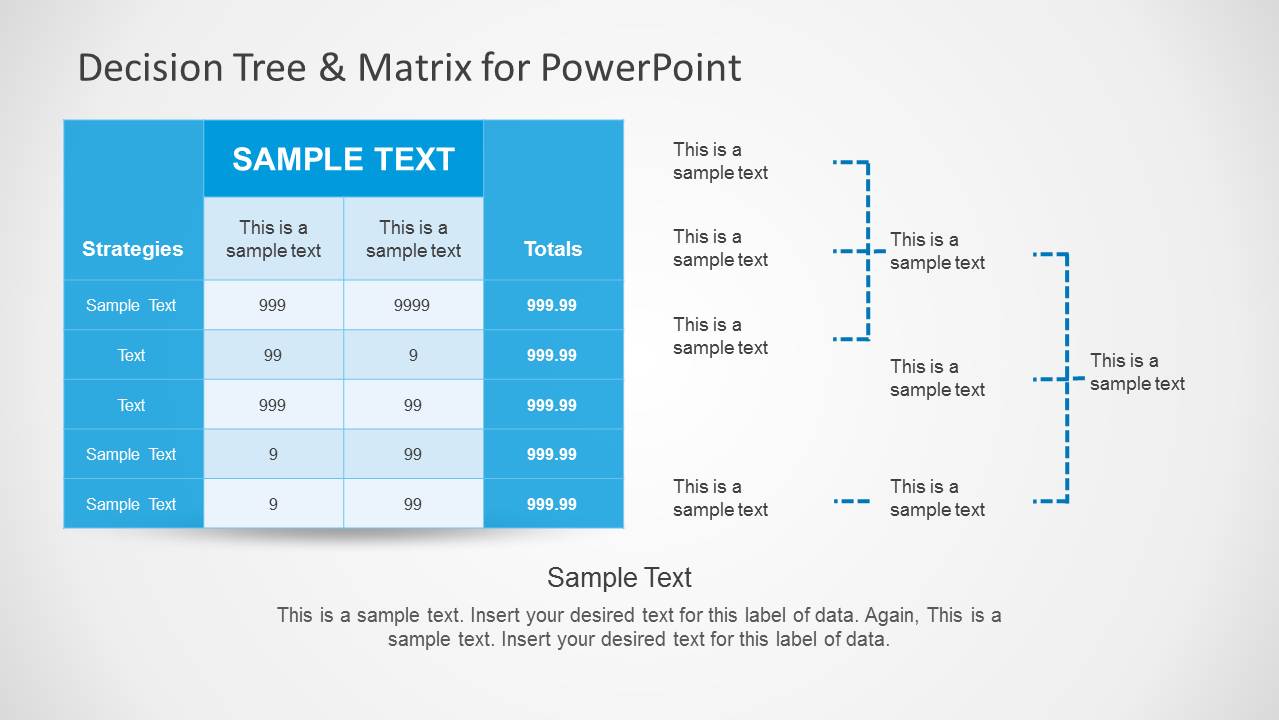
- A consultant can use the combined tree-and-matrix slides to connect qualitative decision paths with a structured scoring table during a client workshop.
- A project manager can use the branching decision tree diagrams to show alternative routes, dependencies, and possible outcomes before a steering committee decision.
- A sales leader can adapt the tree layout to map qualification paths and use the matrix table to compare account strategies or response options.
Features
- 100% editable presentation template
- Compatible with Microsoft PowerPoint
- 16:9 aspect ratio slides
- Scalable vector shapes, icons and illustrations
- AI-Ready for Microsoft Copilot and Claude
- Instant access and download
Frequently asked questions
Q: How should a presenter explain a decision clearly with this template?
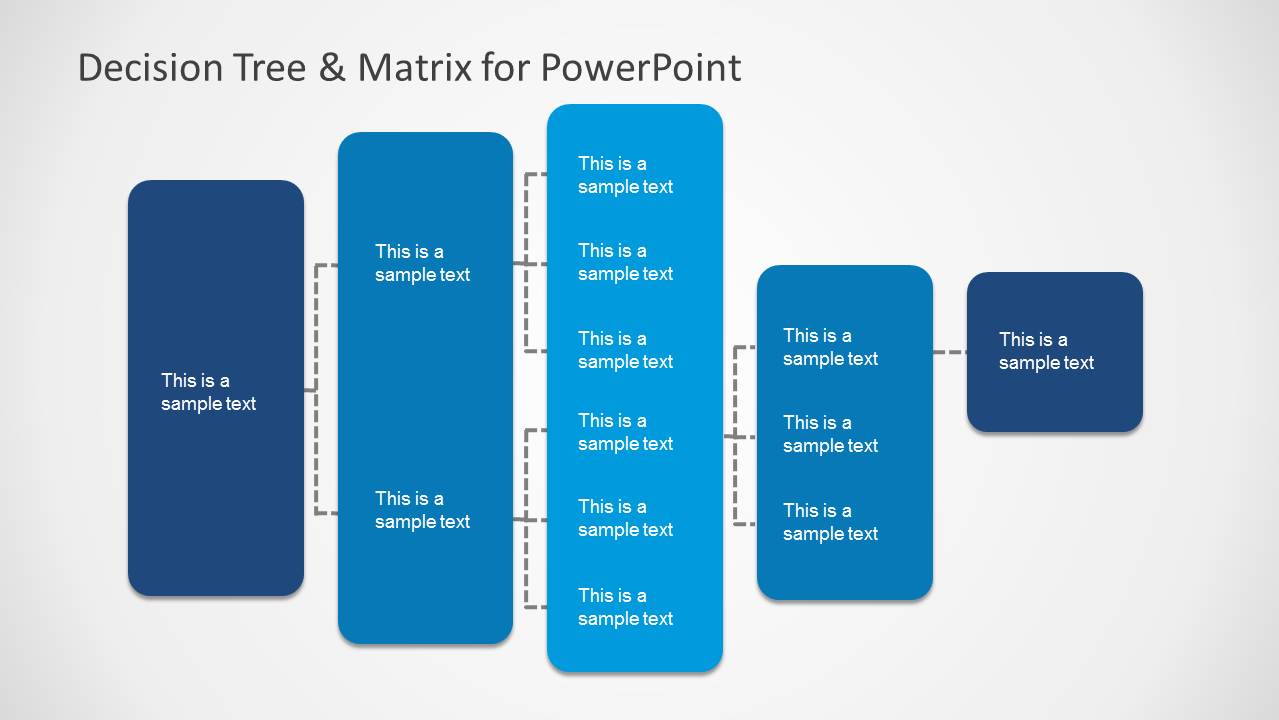
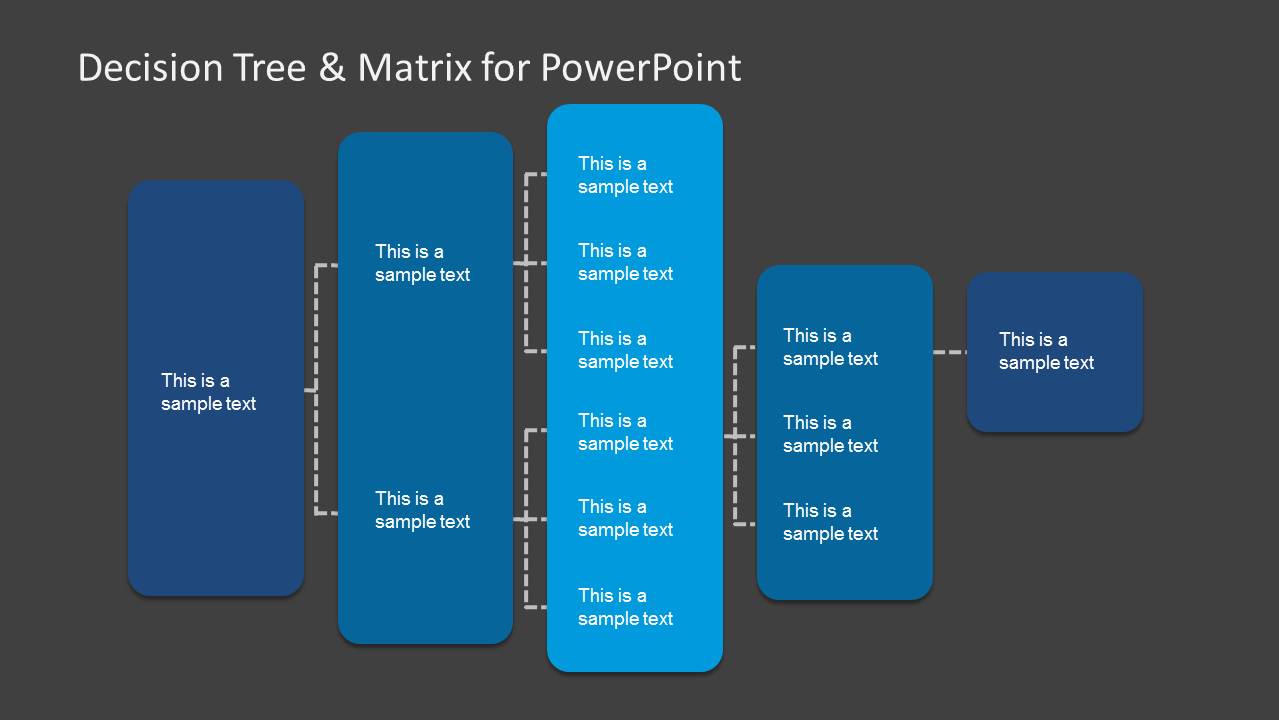
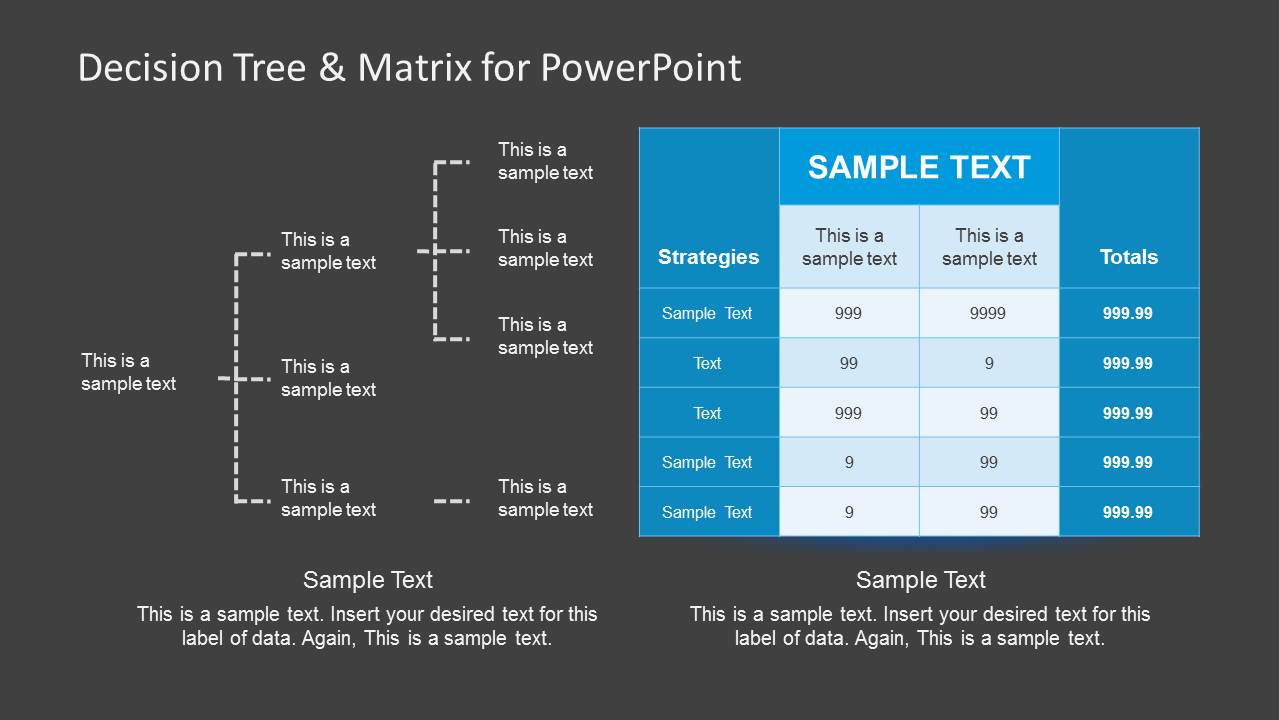
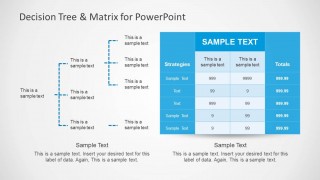
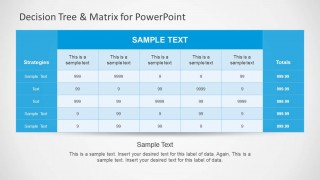
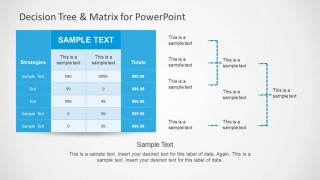
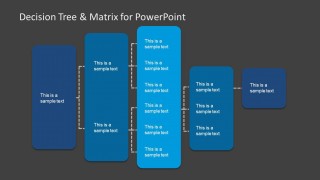
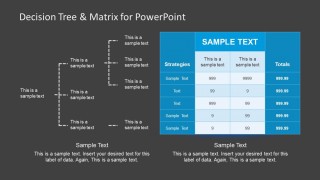
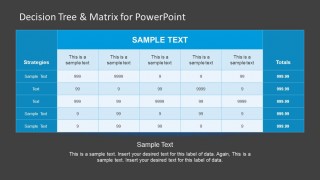
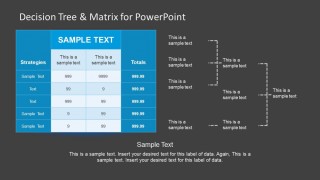
A: Start with the tree diagram to make the decision logic visible: the first block states the initial choice, each branch names an option, and the final blocks summarize outcomes. Then move to the matrix table to compare those options against consistent criteria. This order helps the audience understand both the path and the rationale.
Q: Who is this template best suited for?
A: This template fits analysts, consultants, managers, and sales leaders who need to make an option review easier to follow. It is strongest when the discussion includes a small set of alternatives, a defined evaluation method, and a decision meeting where stakeholders need to see branches, tradeoffs, and totals together.
Q: Why combine a decision tree with a matrix table?
A: The tree works as a visual metaphor for branching choices, while the matrix turns those choices into a side-by-side comparison. Together, they prevent the audience from seeing the recommendation as a single unexplained answer. The layout first shows how options emerge, then shows how criteria support the final decision.

Decision Tree & Matrix Template for PowerPoint
8-slide PowerPoint presentation template for decision trees, decision matrices, and problem solving
This 8-slide PowerPoint template provides decision tree and decision matrix layouts for explaining choices, criteria, and outcomes. Visible slides include branching tree diagrams, strategy matrix tables, combined tree-and-matrix pages, and light and dark theme variants for business analysts, consultants, and managers preparing decision-making presentations.
- Category
- Tree Diagrams
- Rating

 Loading...
- Aspect ratio
- 16:9
- Item ID
- 6173-01
- Colors
 Microsoft PowerPoint
  Microsoft Copilot
  Claude for PowerPoint
 Other formats supported
Subscribe today and get immediate
access to download our PowerPoint templates.