Slide 2 of 8 from Decision Tree & Matrix Template for PowerPoint
Decision Tree Matrix for PowerPoint Presentations
Decision Tree and Matrix Layout for Presentations
- Diagram
- Decision Tree
- Strategic Analysis Slide
- 16:9
- 100% Editable
The Decision Tree and Matrix Layout from the Decision Tree & Matrix Template for PowerPoint provides a clear visual tool for strategic analysis by combining branching decision paths with a comparative matrix. This slide layout is ideal for business presentations that require detailed project evaluation or sales analysis, utilizing editable shapes and vector icons to enhance clarity. It supports effective decision-making within corporate presentations and pitch deck templates by illustrating options and outcomes in a balanced slide deck format.
About This Slide
This is an example of slide design that you can find in the decision tree template for PowerPoint with decision matrix.
What’s on This Slide
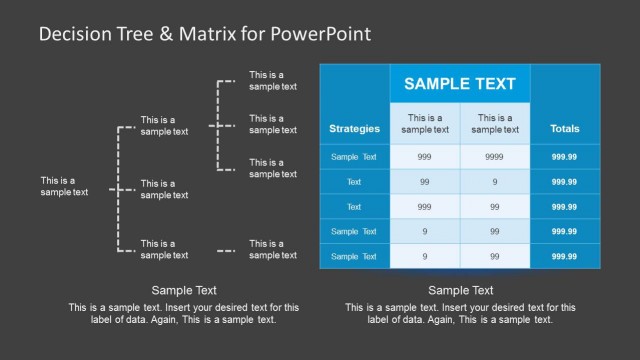
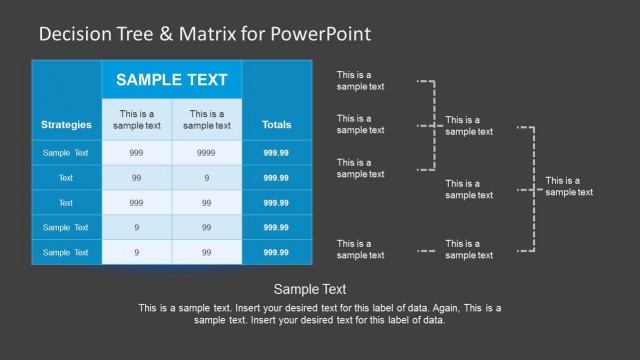
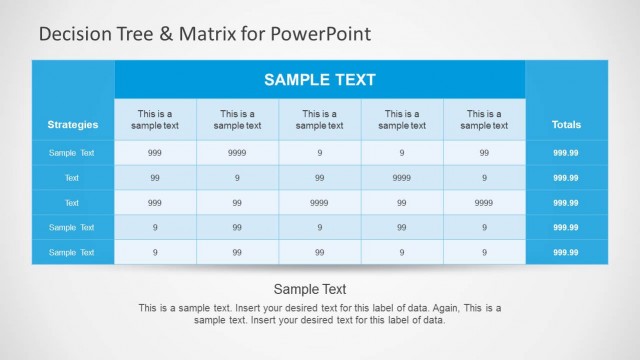
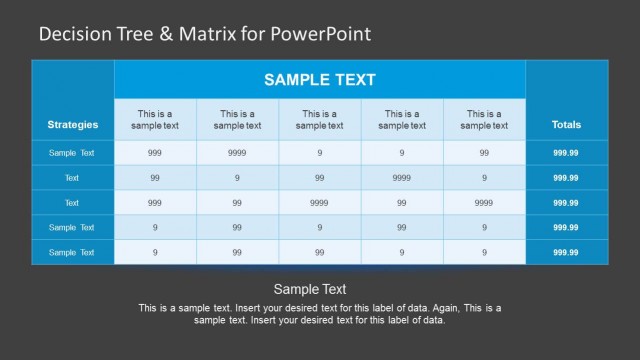
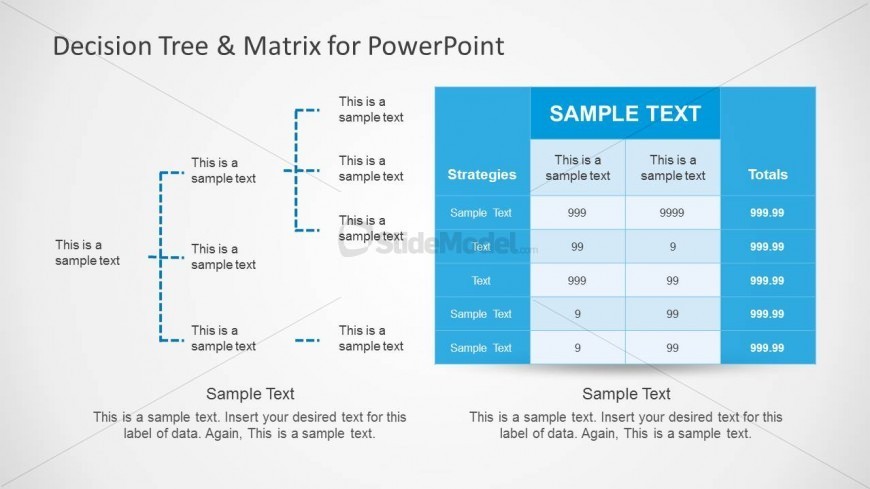
The layout features a decision tree on the left side and a matrix on the right. The tree consists of vertical and horizontal lines connecting text placeholders, arranged in a branching format. The matrix contains a table with headers for strategies and totals, along with several rows for data entries. Text placeholders are aligned left and right within their respective sections. The overall composition is balanced, with clear separation between the tree and matrix elements. Background is light with subtle gradients, enhancing readability.
How to Use It
This layout serves as a decision-making tool, combining a decision tree and a matrix for analysis. It fits well in presentations that require a visual representation of choices and their outcomes. Ideal for business scenarios such as strategic planning, project evaluation, or sales analysis. The layout can be used to compare options and visualize decision paths effectively, making it suitable for consultants and managers.
Text Placeholders & Capacity
Keep your copy within these limits so it fits without resizing. Text slots are moderate, allowing for concise entries.
| Placeholder | Count | Max characters (approx.) |
|---|---|---|
| Item heading | 5 | 20 |
| Item body | 5 | 30 |
| Chart title | 1 | 30 |
| Column header | 3 | 20 |
| Row label | 5 | 20 |
| Cell | 15 | 10 |
Slide Keywords
Download unlimited PowerPoint templates, charts and graphics for your presentations with our annual plan.
DOWNLOAD