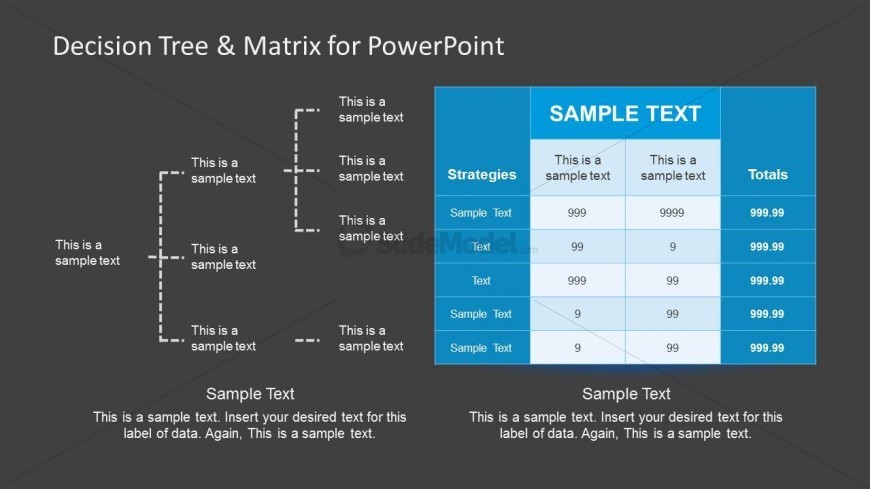
Slide 6 of 8 from Decision Tree & Matrix Template for PowerPoint
6173-01-decision-tree-and-matrix-6
Decision Tree and Matrix Layout for Presentations
- Diagram
- Matrix Grid
- Strategic Analysis Slide
- 16:9
- 100% Editable
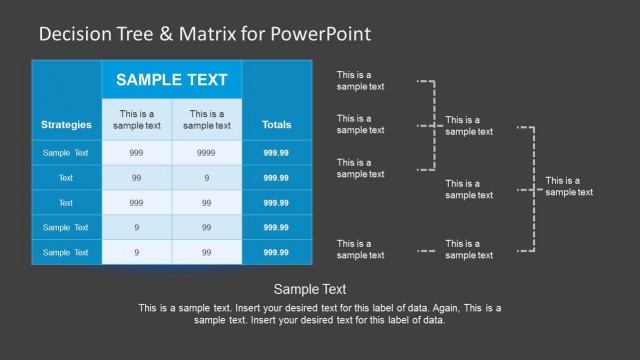
The Decision Tree and Matrix Layout from the Decision Tree & Matrix Template for PowerPoint offers a structured approach to strategic analysis by combining a decision tree with a matrix table. This slide layout is ideal for business presentations requiring clear comparison of multiple strategies and evaluation of outcomes. It supports data-driven decision-making with editable slides that maintain visual clarity through distinct yet cohesive diagram and matrix elements, suitable for corporate presentation and pitch deck templates.
What’s on This Slide
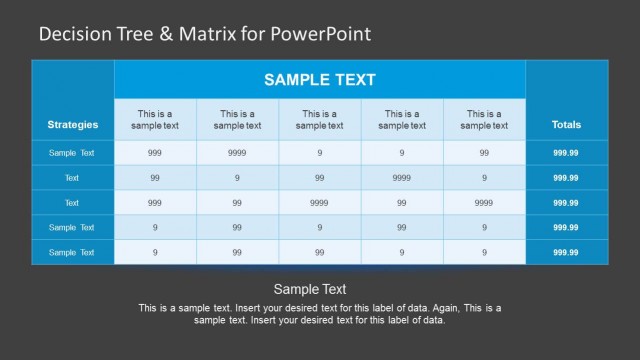
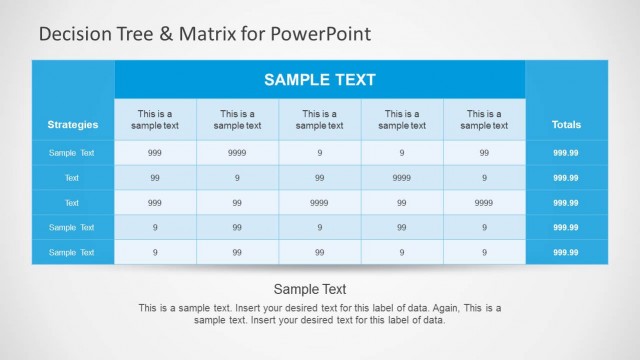
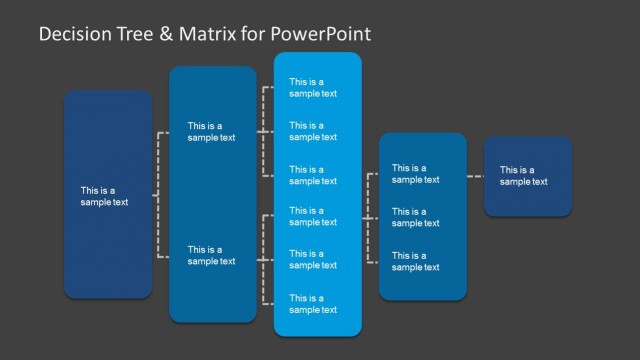
The layout features a decision tree structure on the left with dashed lines connecting nodes labeled 'This is a sample text.' The right side contains a matrix table with three columns: 'Strategies,' 'Sample Text,' and 'Totals.' The table has five rows, each with placeholder text for data entries. The overall background is dark, enhancing the visibility of the white and blue elements. Text placeholders are centered and aligned within their respective sections, contributing to a clear visual hierarchy. The decision tree and matrix elements are distinctly separated yet visually cohesive.
How to Use It
This layout serves as a decision-making tool, combining a decision tree with a matrix for evaluating strategies. It fits well in presentations focused on problem-solving or analysis, particularly in business contexts. Suitable scenarios include comparing multiple strategies, assessing outcomes, or visualizing decision paths. This slide can be used to illustrate complex decisions in a structured manner, making it effective for consultants and analysts presenting data-driven choices.
Text Placeholders & Capacity
Keep your copy within these limits so it fits without resizing. Cell slots can accommodate approximately 3-5 words each.
| Placeholder | Count | Max characters (approx.) |
|---|---|---|
| Item heading | 5 | 20 |
| Column header | 3 | 20 |
| Cell | 15 | 20 |
| Body paragraph | 2 | 100 |
Slide Keywords
Download unlimited PowerPoint templates, charts and graphics for your presentations with our annual plan.
DOWNLOAD