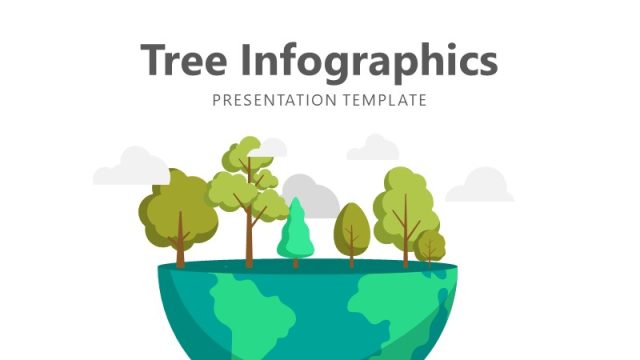
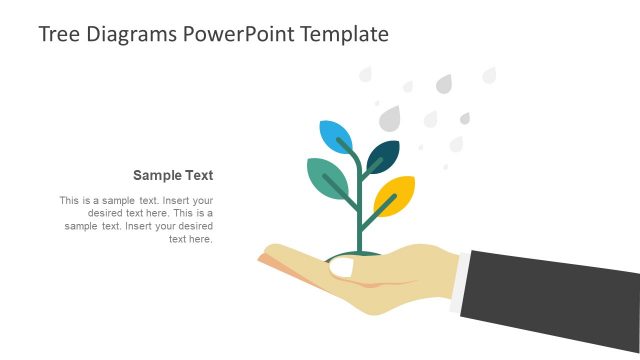
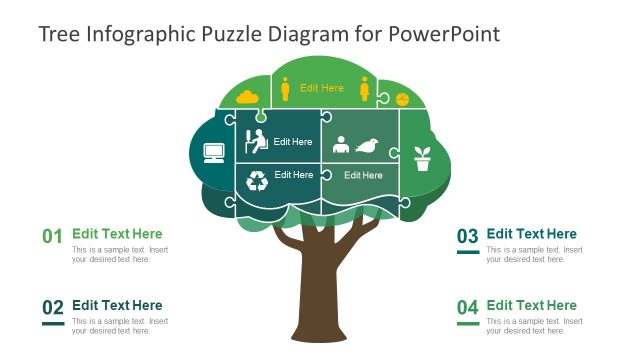
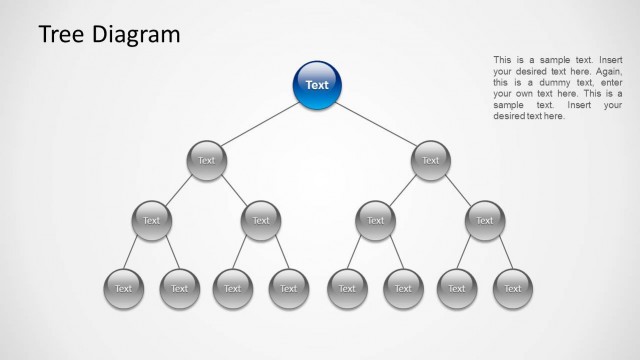
Construct a minimalist presentation using the Tree Illustration Diagrams for PowerPoint. The PowerPoint slides are designed for reports on the environment and related projects. The light and dark color scheme uses green to complete the nature design.
The environment is a major concern for companies. This is especially true in large corporations. These have factories, which, in turn, rely heavily on natural resources for their raw materials. In light of this, marketing and management teams have to consider the environment during project planning. Some companies resort to developing eco-friendly products. These products help lessen production costs, while allowing the company to meet its social responsibilities.
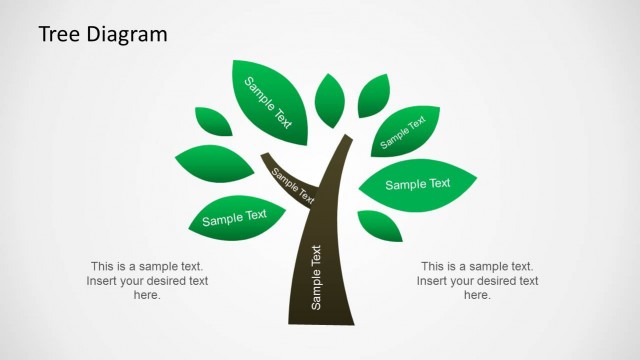
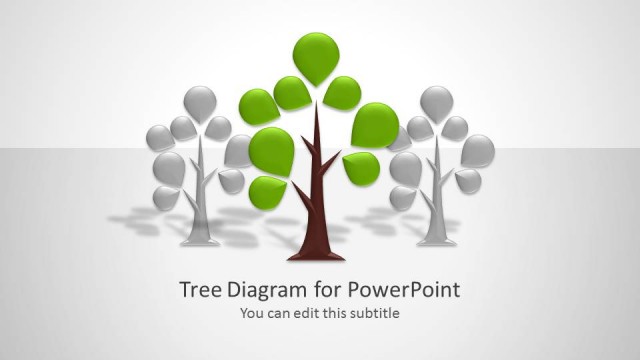
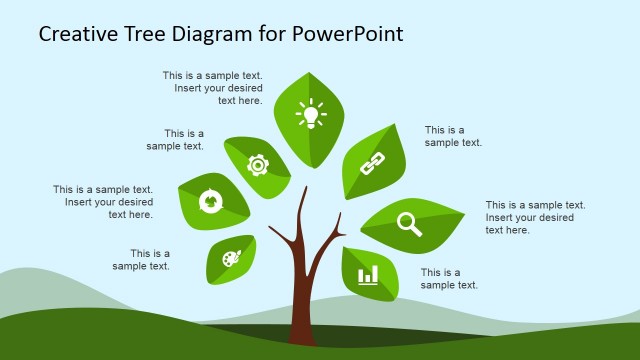
Elements and features of the eco-friendly product can be shown using this PowerPoint template. The highlighted leaves of the tree diagram can represent these elements. Users can choose to highlight the elements individually using another of the slide designs. The visual aid extends to representations of growth. A trio of tree drawings, with decreasing heights, presents this concept.
The Tree Illustration can be applied as Decision Tree Template. Each leaf can be described a decision to analyze, while the branches the different paths to that decision.
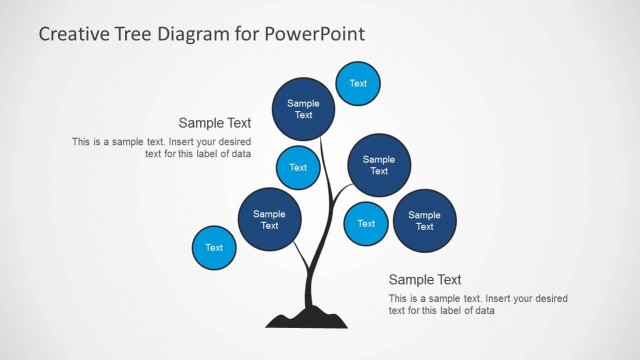
The template design is divided in two layouts. The lower portion of the slides is colored in green. It contains white text boxes that allow the placement of descriptions and labels. The upper part of the slides uses a tree diagram design. The PowerPoint Clip Art is made in a minimalist design against a light green presentation background. The template includes a tree diagram with dark encircled leaves. Individual slides with plain tree drawings are found in the design. These are useful for elaborating the topic for discussion.
The Tree Illustration Diagrams for PowerPoint are appropriate for environment-based presentations. The green tree illustrations are familiar and can be understood easily by the professional audience. The user can edit the position or arrangement of the PowerPoint icons. Any modification will not affect the image resolution of the design. Additional PowerPoint templates with environment themes are downloadable from the SlideModel Gallery.
What’s inside this template
Example presentation scenarios
- A sustainability manager can present an eco-friendly product initiative by using the leaf callout decision tree to label product attributes, environmental benefits, and trade-off points.
- A project manager can explain program maturity by using the three-tree growth comparison to show current state, developing capability, and target state.
- A corporate communications team can build an internal awareness section with the two-column bullet layouts, pairing a nature visual with concise policy or campaign messages.
- A trainer can teach decision mapping by assigning each highlighted leaf to a choice, condition, or evaluation factor and then using the footer caption for the main takeaway.
Features
- 100% editable presentation template
- Compatible with Microsoft PowerPoint and Google Slides
- 16:9 aspect ratio slides
- Scalable vector shapes, icons and illustrations
- AI-Ready for Microsoft Copilot and Claude
- Instant access and download
Frequently asked questions
Q: How should a presenter use the leaf callouts without making the slide feel decorative?
A: Treat each highlighted leaf as a specific decision point, factor, or product attribute. Keep the callout labels short, then use the footer caption for the single conclusion the audience should remember. This keeps attention on the tree metaphor while preventing the slide from becoming a list pasted onto an illustration.
Q: Who is this template best suited for in a business presentation?
A: It fits presenters who need a clear nature-based metaphor, such as sustainability managers, product teams, educators, and project leads. The decision tree and growth comparison layouts work best when the message is about environmental responsibility, development stages, causes, outcomes, or choices rather than dense financial reporting.
Q: Why does the tree metaphor help explain growth and decision topics?
A: The tree gives the audience an immediate visual structure: roots suggest foundations, branches suggest paths, and leaves suggest individual outcomes or choices. The repeated green footer band separates summary text from the illustration, so the metaphor carries the idea while the caption states the business takeaway.


Tree Illustration Diagrams for PowerPoint
6-slide presentation template with tree diagrams, decision leaves, and growth comparison layouts
Tree Illustration Diagrams for PowerPoint is a 6-slide diagram template for Microsoft PowerPoint and Google Slides. It uses green tree artwork to show decision paths, environmental topics, and growth stages through a leaf callout decision tree, three-tree growth comparison, two-column bullet notes, and root-based tree comparison layouts.
- Category
- Shapes
- Rating


 Loading...
- Aspect ratio
- 16:9, 4:3
- Item ID
- 7097-01
- Colors
 Microsoft PowerPoint
 Microsoft Copilot
 Claude for PowerPoint
Other formats supported
Subscribe today and get immediate
access to download our PowerPoint templates.