Slide 7 of 8 from Decision Tree & Matrix Template for PowerPoint
6173-01-decision-tree-and-matrix-7
Decision Matrix Table for PowerPoint
- Table
- Comparison Table
- Evaluation Slide
- 16:9
- 100% Editable
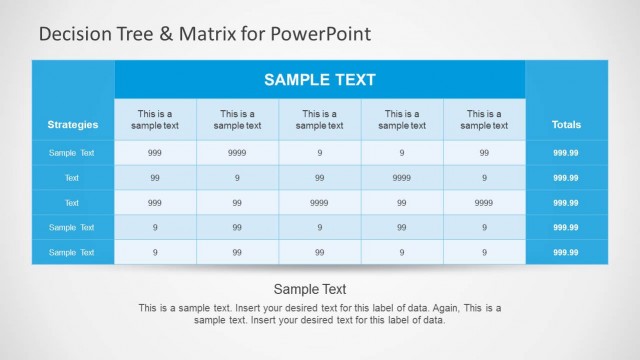
The Decision Matrix Table slide from the Decision Tree & Matrix Template for PowerPoint offers a structured layout for comparing strategies and evaluating options. This slide template features editable shapes and a clear table design that supports business presentations and strategic planning. It is ideal for performance assessments and decision-making processes, making it a valuable addition to any corporate presentation or pitch deck template.
What’s on This Slide
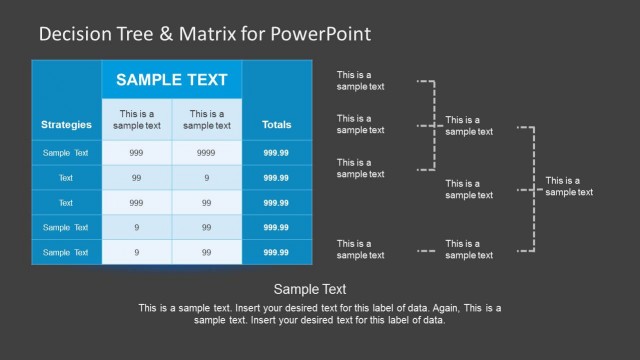
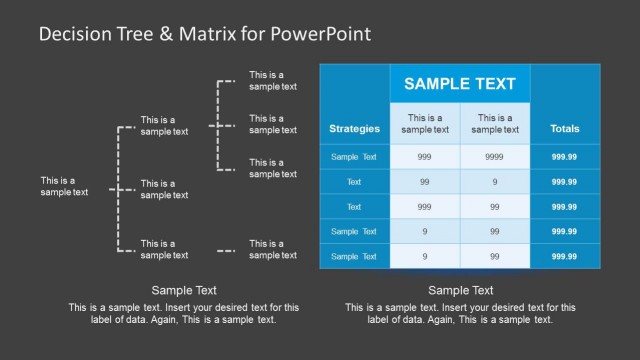
The layout features a central table with multiple columns and rows. The top section contains a header row with bold text indicating categories, while the leftmost column lists strategies. Each cell contains sample text, with numerical values in the subsequent columns. A footer section at the bottom provides additional sample text. The overall color scheme includes a dark background with blue and white accents, enhancing visual hierarchy. The table is structured to allow for clear comparisons across different strategies and their associated values.
How to Use It
This layout serves as a decision matrix, allowing for the comparison of multiple strategies against various criteria. It fits well in a presentation that discusses decision-making processes or evaluations. This format is useful for business analysts and managers when assessing options or outcomes. It can also be applied in scenarios such as project evaluations, performance assessments, or strategic planning discussions, providing a clear visual representation of data-driven decisions.
Text Placeholders & Capacity
Keep your copy within these limits so it fits without resizing. Cell slots are tight, roughly 10 characters each.
| Placeholder | Count | Max characters (approx.) |
|---|---|---|
| Column header | 5 | 30 |
| Row label | 5 | 20 |
| Cell | 20 | 10 |
| Footer | 1 | 100 |
Slide Keywords
Download unlimited PowerPoint templates, charts and graphics for your presentations with our annual plan.
DOWNLOAD