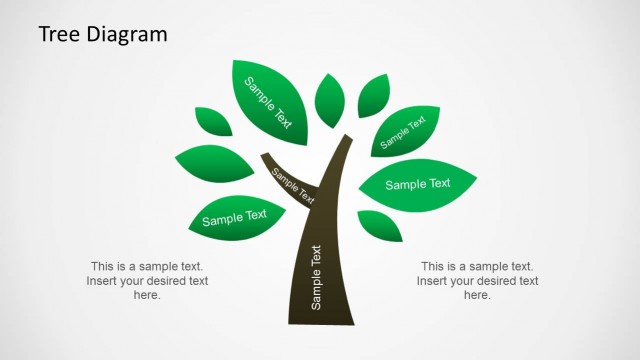
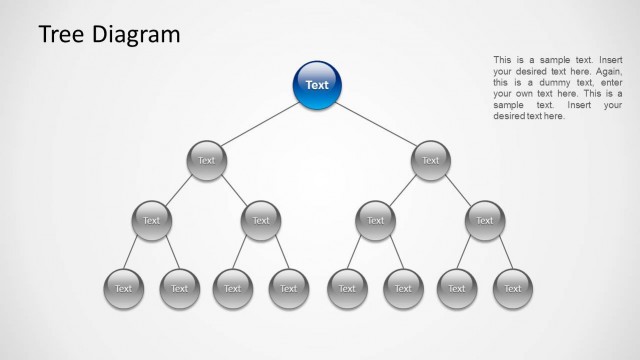
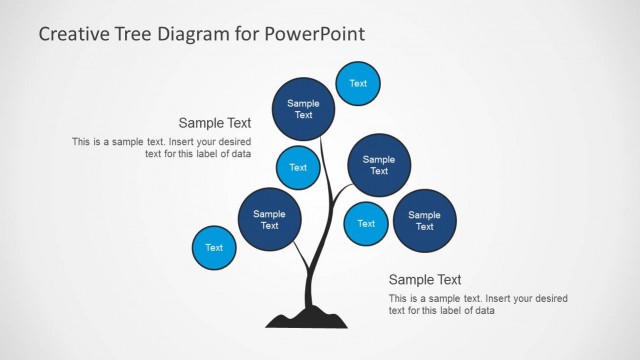
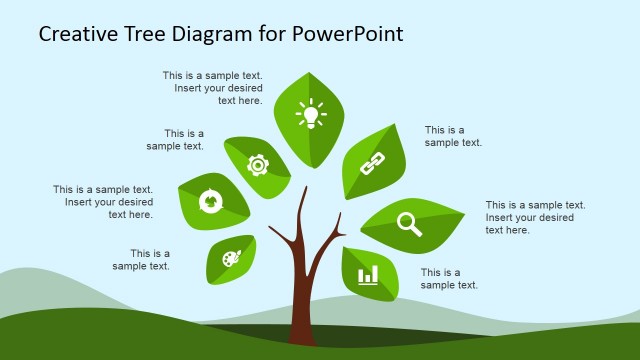
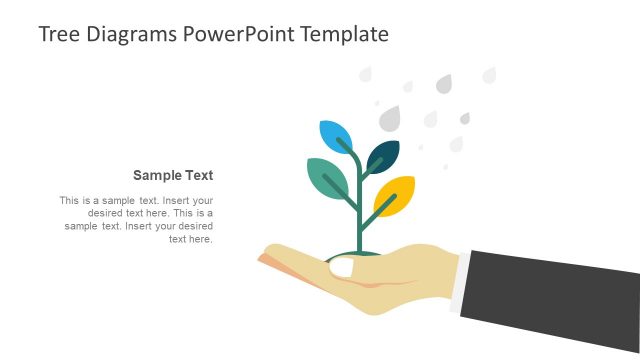
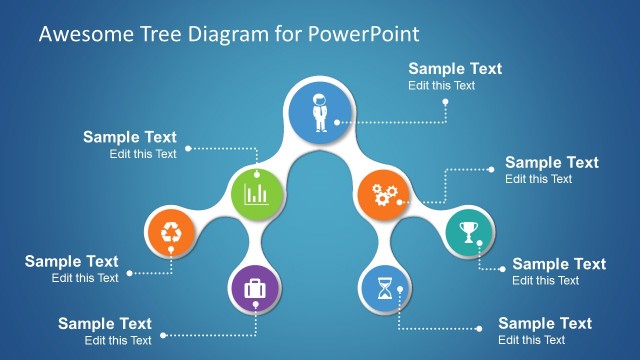
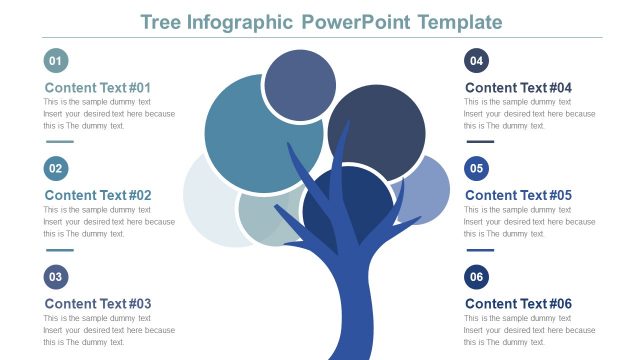
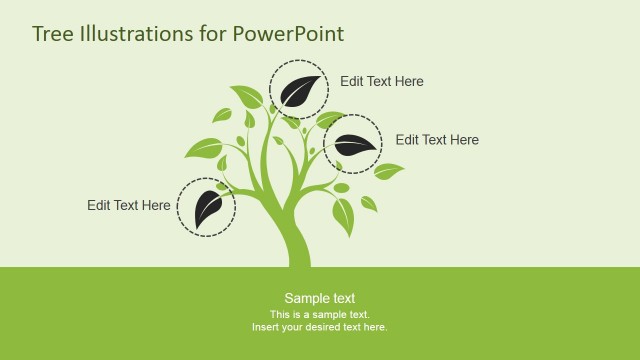
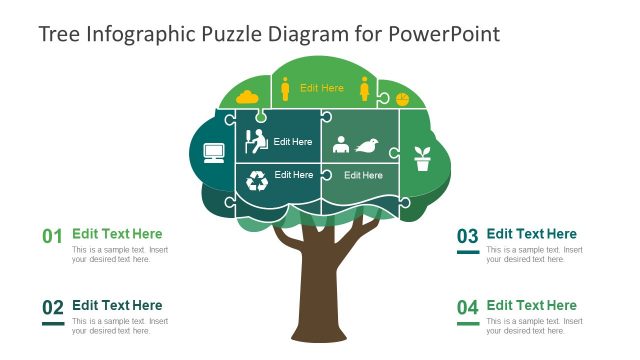
A tree diagram template for PowerPoint is a creative design for Microsoft PowerPoint presentations containing slides with trees and green leaf illustrations.
The different sample layouts can be used to present growth, create tree diagrams, mind maps, and concept maps, and aid your ideas to present different topics by using tree illustrations in a symbolic manner. You can use this tree diagram infographic template for PowerPoint to create visually appealing slides with tree metaphors. For example, you may use it to make a mission statement slide with the visual illustration of a tree diagram.
Also, see our collection of Tree Diagram Templates for PowerPoint.
What’s inside this template
Example presentation scenarios
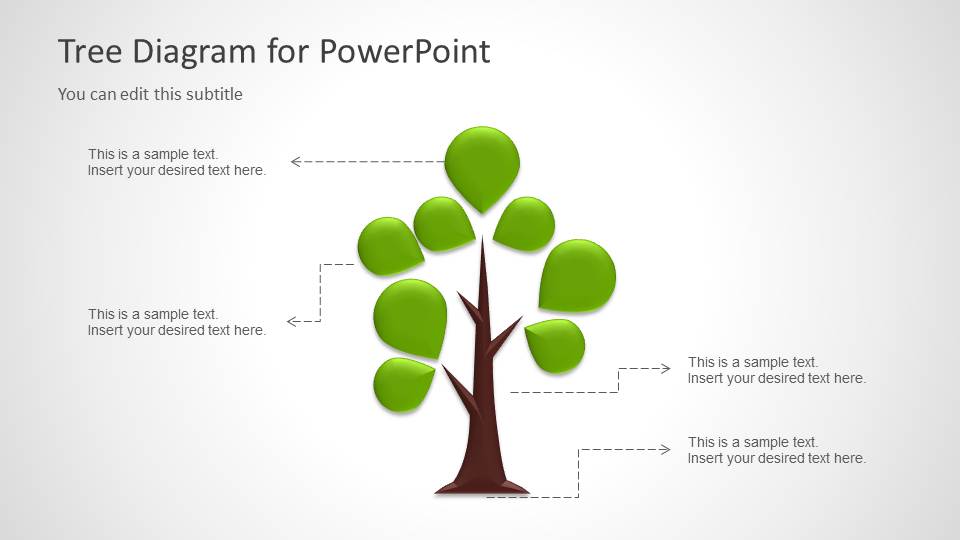
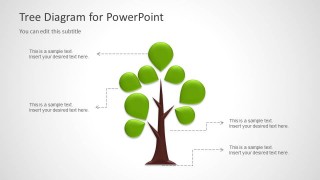
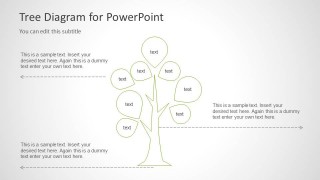
- A strategy manager can use the callout tree diagram to explain how strategic priorities branch from a core business theme during a planning meeting.
- An educator can use the labeled concept map tree to show how topics, subtopics, and examples connect within a lesson or workshop.
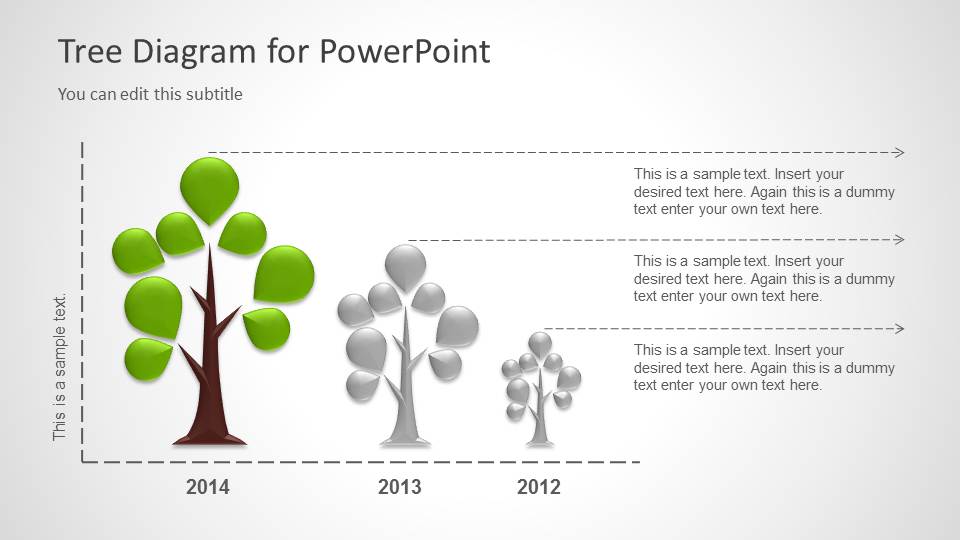
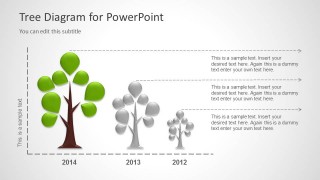
- A consultant can use the year-based tree timeline to compare growth stages across three periods and discuss what changed between them.
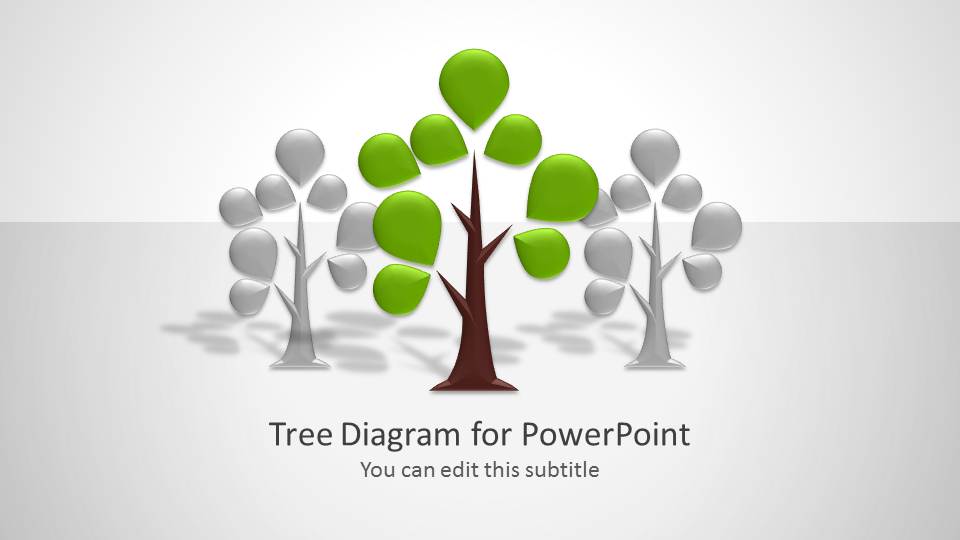
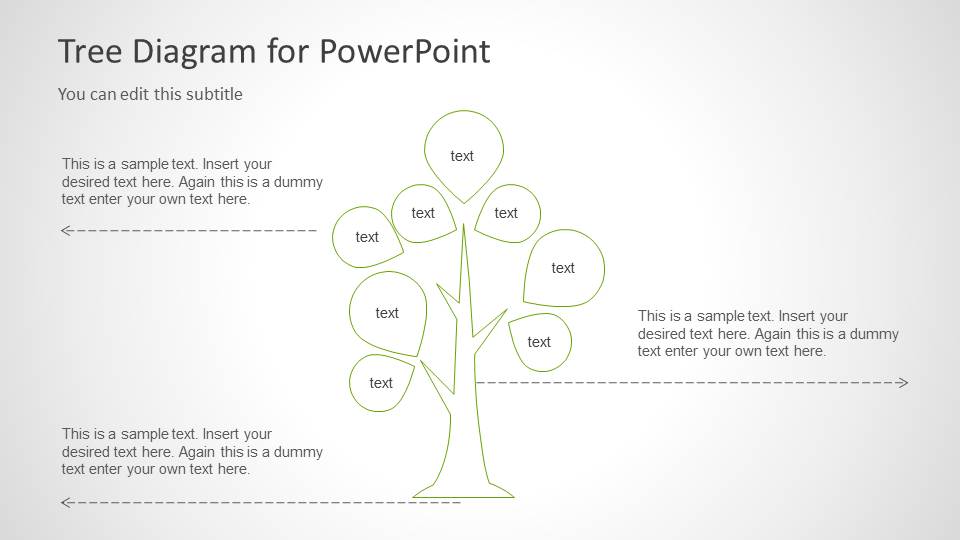
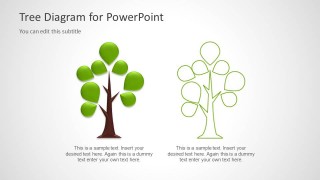
- A nonprofit or sustainability presenter can use the cover and two-tree comparison layouts to introduce a mission statement and contrast current and desired outcomes.
Features
- 100% editable presentation template
- Compatible with Microsoft PowerPoint and Google Slides
- 16:9 aspect ratio slides
- Scalable vector shapes, icons and illustrations
- AI-Ready for Microsoft Copilot and Claude
- Instant access and download
Frequently asked questions
Q: How should a presenter turn the tree metaphor into a clear message?
A: Start by defining what the trunk represents, such as a mission, strategy, or core idea. Then assign each leaf or callout to a branch of that central concept. On the labeled concept map slide, keep node text short so the audience sees the structure first and reads details second.
Q: Who is this tree diagram template best suited for?
A: This template works best for presenters explaining relationships that grow from one source: strategy teams mapping initiatives, educators teaching connected ideas, consultants framing recommendations, or nonprofits presenting mission themes. The tree timeline is especially useful when a growth story needs three dated stages rather than a long chronological roadmap.
Q: Why use trees instead of a standard box diagram?
A: The tree metaphor makes hierarchy and growth easier to understand because the audience already recognizes roots, trunks, branches, and leaves as connected parts. The filled and outline tree styles also create contrast between emphasis and background, helping presenters separate the main idea from supporting context without adding dense text.

Tree Diagram Template for PowerPoint
5-slide presentation template with tree diagrams, growth metaphors, and concept map layouts
The Tree Diagram Template for PowerPoint is a 5-slide diagram template for explaining growth, relationships, and concept hierarchy with tree illustrations. It includes a cover slide, callout tree diagram, year-based tree timeline, labeled mind map tree, and two-tree comparison. It is intended for business, education, and strategy presentations in Microsoft PowerPoint and Google Slides.
- Category
- Shapes
- Rating


 Loading...
- Aspect ratio
- 16:9, 4:3
- Item ID
- 6029-01
- Colors
 Microsoft PowerPoint
  Microsoft Copilot
  Claude for PowerPoint
 Other formats supported
Subscribe today and get immediate
access to download our PowerPoint templates.