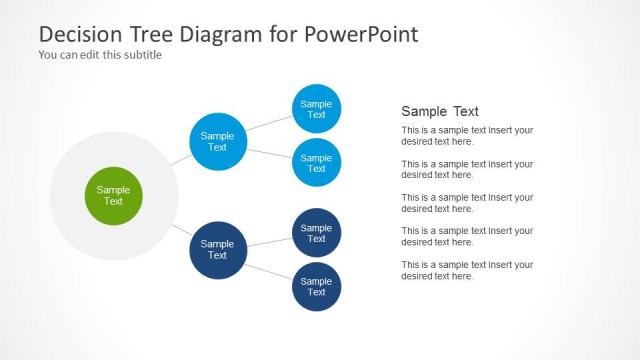
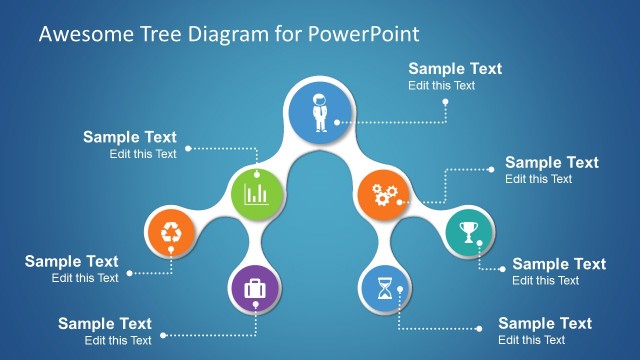
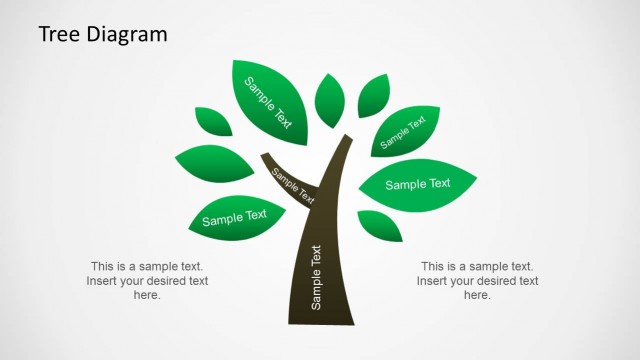
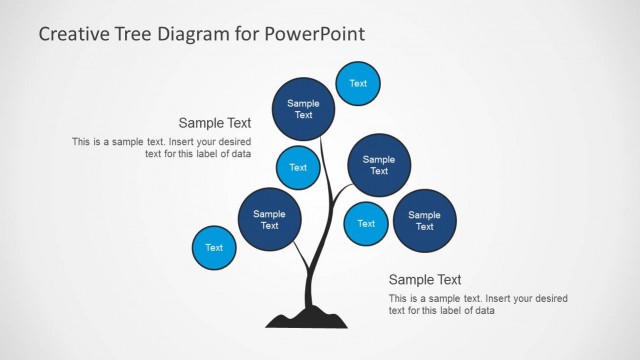
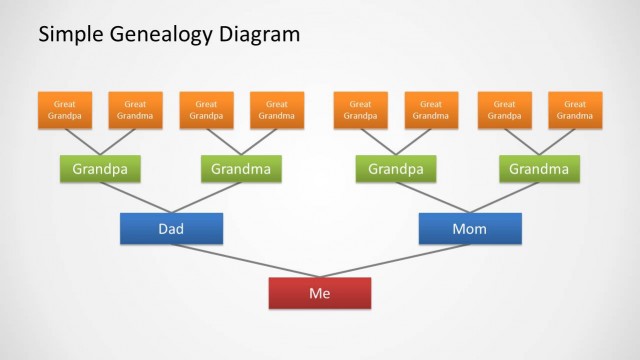
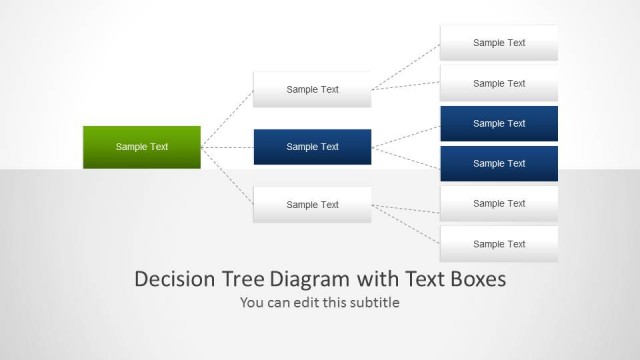
Tree Diagram template for PowerPoint contains simple tree diagram slides in PowerPoint that you can use to represent Org Chart or decision trees for your PowerPoint presentations.
Tree diagrams created with PowerPoint shapes can be easily edited to match your desired org chart structure or highlight nodes and edges in order to help visualize certain areas of the tree. Custom colors can be used to highlight the edges and nodes in order to empathize important nodes that you want people to pay more attention during a PowerPoint presentation.
The tree template for PowerPoint contains five useful slide designs with different tree layouts and structures and containing different levels. You can use the tree diagram to show hierarchical data in a PowerPoint presentation or to make decision trees or probability trees.
What’s inside this template
Example presentation scenarios
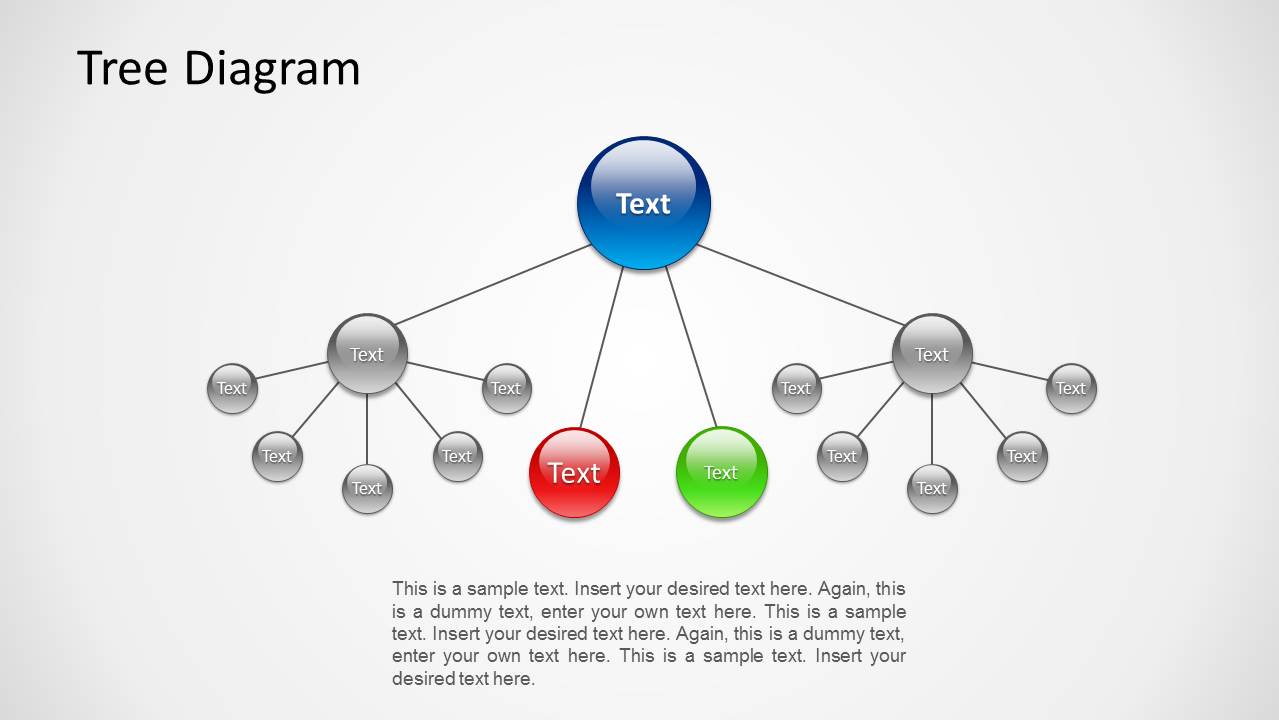
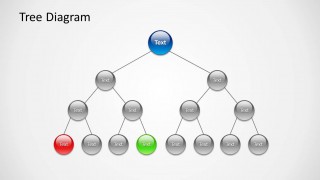
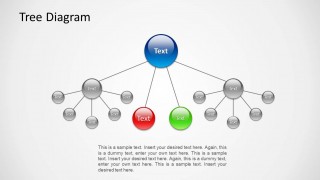
- A business analyst can present a decision path by using the highlighted red and green node layout to compare two possible outcomes under the same root question.
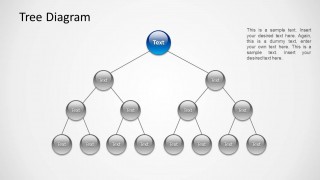
- An HR manager can explain reporting structure with the balanced tree diagram, replacing the node labels with roles, teams, or departments.
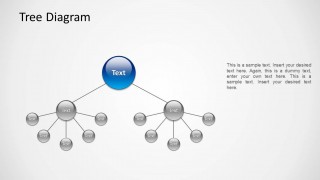
- A consultant can map a root cause breakdown by using the clustered branch slides to separate major causes from sub-causes and supporting details.
- An instructor can teach probability or classification logic with the multi-level tree layouts, showing how each branch leads to smaller categories or end states.
Features
- 100% editable presentation template
- Compatible with Microsoft PowerPoint and Google Slides
- Scalable vector shapes, icons and illustrations
- AI-Ready for Microsoft Copilot and Claude
- Instant access and download
Frequently asked questions
Q: How should a presenter make a tree diagram easy to follow during a meeting?
A: Start with the root node and explain what it represents before moving outward to the first branch level. Use one color for the main path and reserve red or green for exceptions, risks, or preferred outcomes. Avoid filling every node with long text; short labels keep the audience focused on the relationship pattern.
Q: Who is this template best suited for?
A: This template is best for presenters who need to explain structure rather than volume. Business analysts, HR managers, consultants, and instructors can use the tree layouts for decision logic, org chart branches, probability paths, or classification systems where each lower node depends on a higher-level category.
Q: Why does the tree metaphor work well for hierarchy and decisions?
A: The tree metaphor gives the audience a familiar root-to-branch reading pattern. A single top node establishes the starting point, branch lines show dependency, and lower nodes reveal consequences or subgroups. The highlighted red and green nodes help direct attention to key outcomes without changing the overall structure.


Tree Diagram for PowerPoint
5-slide PowerPoint presentation template for decision trees, org charts, and node hierarchy diagrams
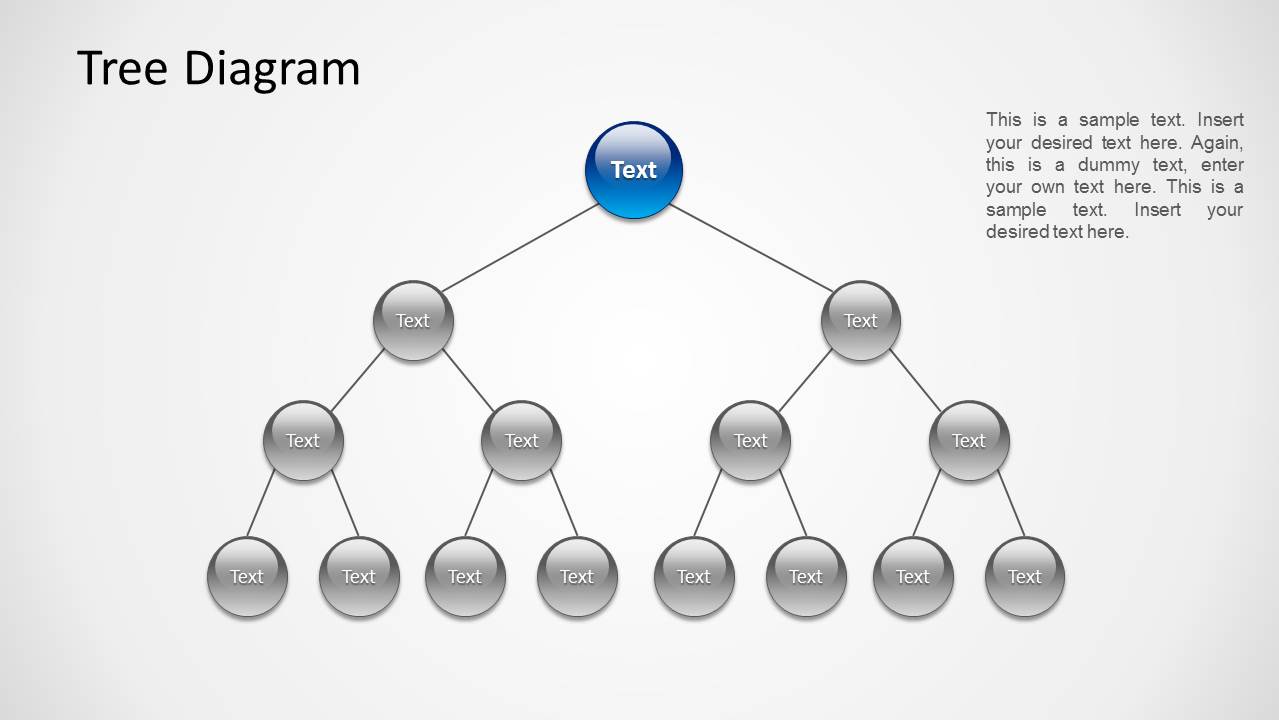
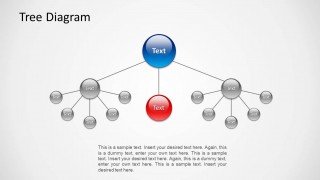
Tree Diagram for PowerPoint is a 5-slide tree diagram template for showing hierarchical relationships, decision branches, probability paths, and organization structures. Visible layouts include a balanced root tree, highlighted leaf nodes, clustered branch groups, and central decision nodes. It is designed for presenters who need editable PowerPoint hierarchy visuals.


 Loading...
 Microsoft PowerPoint
  Microsoft Copilot
  Claude for PowerPoint
 Other formats supported
Subscribe today and get immediate
access to download our PowerPoint templates.