Slide 4 of 8 from Decision Tree & Matrix Template for PowerPoint
6173-01-decision-tree-and-matrix-4
Decision Tree and Matrix Layout for Presentations
- Diagram
- Matrix Grid
- Strategic Analysis Slide
- 16:9
- 100% Editable
The Decision Tree and Matrix Layout from the Decision Tree & Matrix Template for PowerPoint offers a structured approach for strategic planning and decision-making presentations. This slide template combines a matrix grid with branching decision paths, ideal for evaluating options and illustrating complex business strategies. Designed with editable shapes and a clear visual hierarchy, it supports effective communication in corporate presentations and training sessions using professional slide templates.
What’s on This Slide
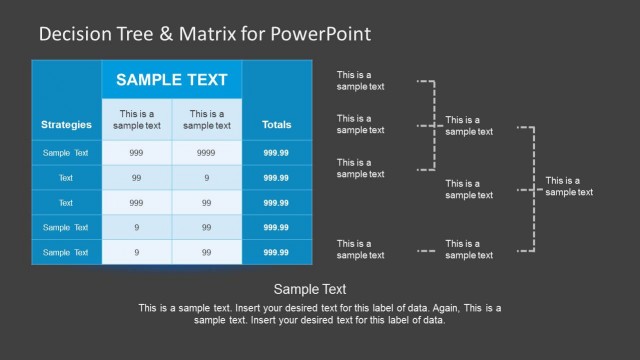
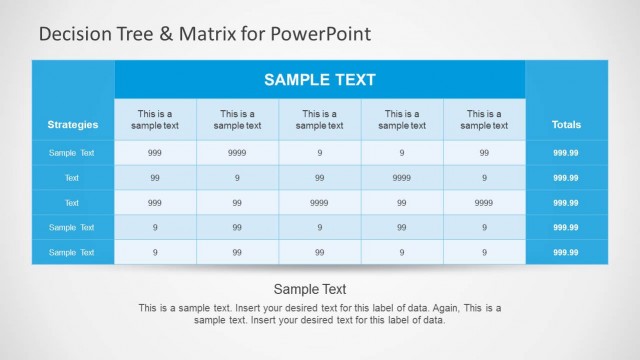
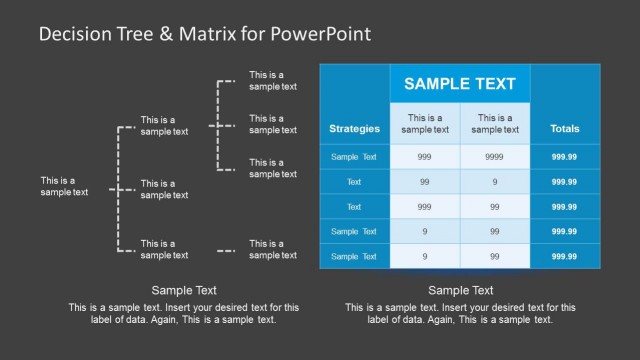
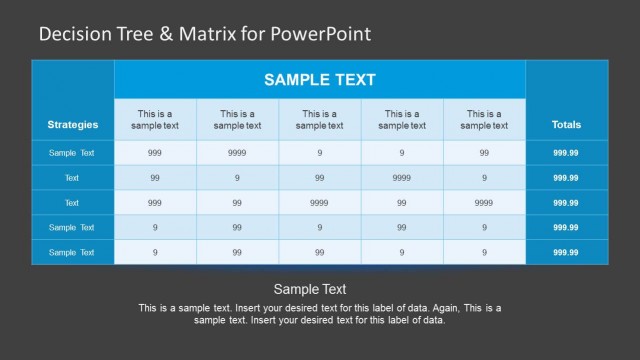
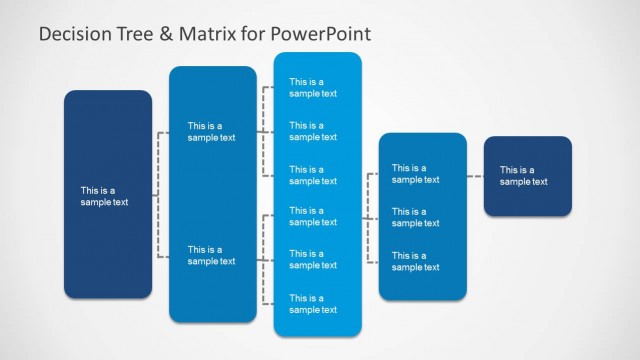
The layout features a table positioned on the left side, containing columns for strategies and totals. The table has five rows, with the first column labeled 'Strategies' and the remaining columns labeled with sample text. To the right, there are two branching decision paths represented by dashed lines connecting to text placeholders. The background is light, enhancing readability, while the table has a blue color scheme. Text placeholders are aligned centrally within their respective cells, maintaining a clear visual hierarchy.
How to Use It
This layout serves as a decision tree and matrix for comparing strategies and outcomes. It fits well in presentations discussing decision-making processes, evaluations, or strategic planning. Ideal for business scenarios where multiple options need to be assessed against criteria, this slide can effectively illustrate complex choices. It can also be used in training sessions to explain decision frameworks or in reports summarizing strategic options.
Text Placeholders & Capacity
Keep your copy within these limits so it fits without resizing. Node labels can hold around 10 words each, while body paragraphs are tighter with roughly 5-7 words each.
| Placeholder | Count | Max characters (approx.) |
|---|---|---|
| Item heading | 5 | 20 |
| Item body | 5 | 10 |
| Chart title | 1 | 30 |
| Body paragraph | 1 | 50 |
Slide Keywords
Download unlimited PowerPoint templates, charts and graphics for your presentations with our annual plan.
DOWNLOAD