Slide 8 of 8 from Decision Tree & Matrix Template for PowerPoint
6173-01-decision-tree-and-matrix-8
Decision Matrix and Tree Slide for Presentations
- Table
- Comparison Table
- Strategy Slide
- 16:9
- 100% Editable
The Decision Matrix with Tree Elements slide from the Decision Tree & Matrix Template for PowerPoint combines a structured comparison table with branching tree visuals, supporting clear evaluation of strategies and outcomes. This layout is suitable for business presentations and strategic discussions, offering editable slides that facilitate organized decision-making and criteria analysis within a corporate presentation or pitch deck template.
What’s on This Slide
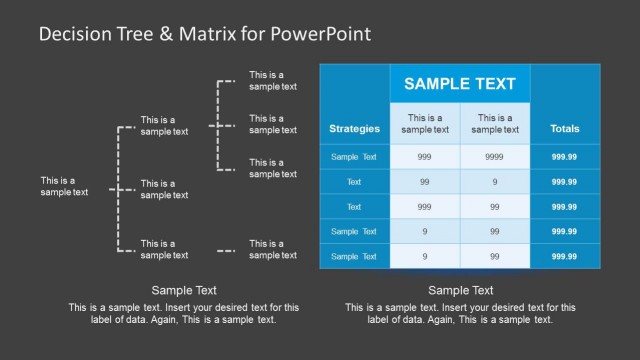
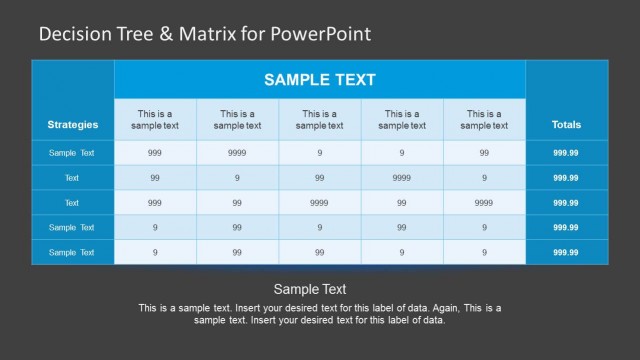
The slide features a structured decision matrix on the left with a blue header labeled 'SAMPLE TEXT.' Below the header, there are five rows for strategies, each containing sample text and numerical values in three columns. To the right, there are branching tree elements with dashed lines connecting various nodes. Each node has placeholders for text. The background is dark gray, creating contrast with the blue matrix. The visual hierarchy emphasizes the matrix on the left and the decision tree on the right, with clear separation between the two sections.
How to Use It
This layout serves as a decision matrix combined with a decision tree, ideal for illustrating choices and their outcomes. It fits well in a presentation sequence after outlining problems or options. This structure is useful for business analysts or consultants needing to present decision-making processes, criteria, and results in a clear, organized manner. It can also be applied in strategic planning and problem-solving contexts.
Text Placeholders & Capacity
Keep your copy within these limits so it fits without resizing. Cell slots can accommodate tight text, roughly 10 characters each.
| Placeholder | Count | Max characters (approx.) |
|---|---|---|
| Column header | 3 | 20 |
| Row label | 5 | 20 |
| Cell | 15 | 10 |
| Item heading | 4 | 20 |
| Item body | 4 | 30 |
| Body paragraph | 1 | 100 |
Slide Keywords
Download unlimited PowerPoint templates, charts and graphics for your presentations with our annual plan.
DOWNLOAD