Slide 5 of 8 from Decision Tree & Matrix Template for PowerPoint
6173-01-decision-tree-and-matrix-5
Decision Tree Layout for Presentations
- Diagram
- Decision Tree
- Strategy Slide
- 16:9
- 100% Editable
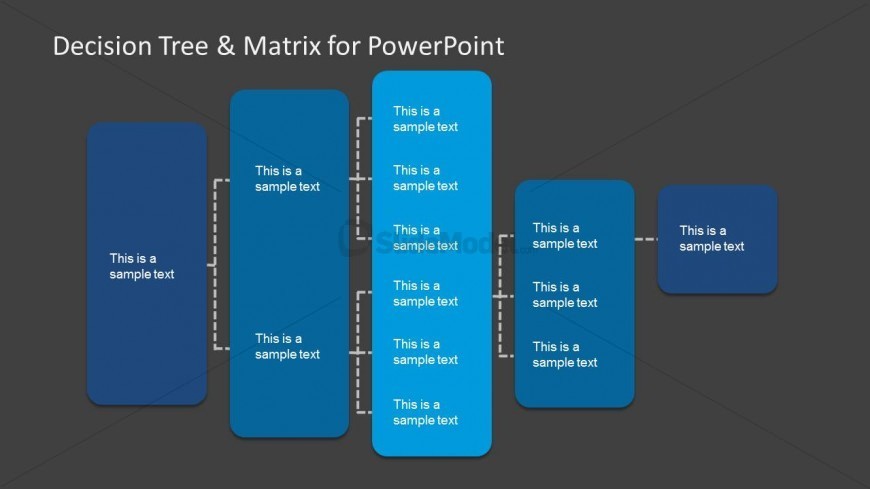
The Decision Tree Layout from the Decision Tree & Matrix Template for PowerPoint offers a structured approach to visualize decision-making processes. This slide template features editable shapes arranged to depict choices and outcomes clearly, making it suitable for strategic planning and project management in business presentations. Its design supports a logical flow that enhances audience comprehension in corporate presentation slide decks.
What’s on This Slide
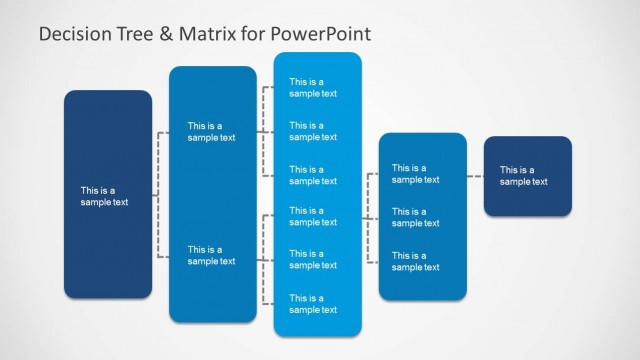
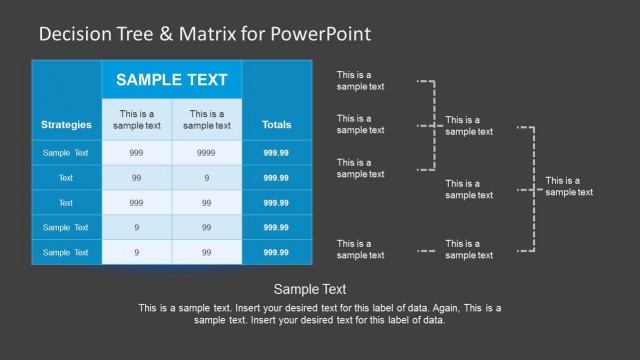
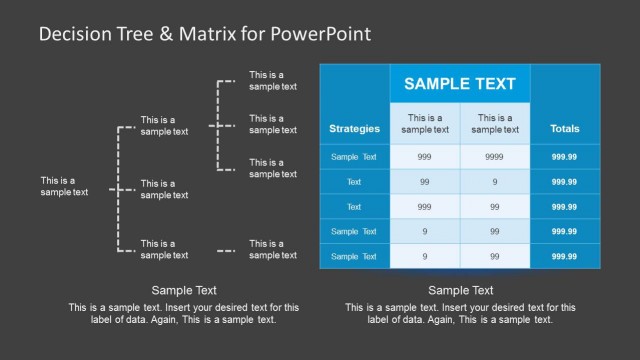
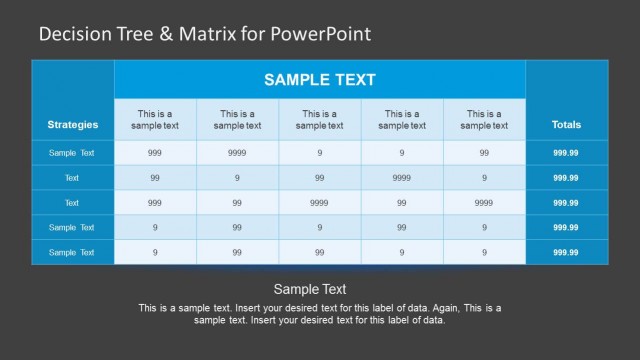
The layout features a series of vertical rectangles arranged in a linear fashion on a dark background. Each rectangle contains a text placeholder aligned centrally, with a consistent size. The first three rectangles are connected by dashed lines, indicating a flow or relationship. The last two rectangles are positioned separately, with one slightly offset. The overall composition emphasizes a clear visual hierarchy, with the text placeholders designed for titles or key points. The layout is structured to facilitate decision-making processes.
How to Use It
This layout serves as a decision tree, ideal for illustrating choices and outcomes in a presentation. It fits well after problem-framing slides, guiding the audience through decision pathways. Use it in business contexts such as project planning, strategic analysis, or sales presentations. The clear flow and separation of options help clarify complex decisions, making it suitable for consultants and managers. It can also adapt to various decision-making scenarios, enhancing understanding and engagement.
Text Placeholders & Capacity
Keep your copy within these limits so it fits without resizing. Each node can hold roughly 5-7 words comfortably.
| Placeholder | Count | Max characters (approx.) |
|---|---|---|
| Item body | 5 | 25 |
Slide Keywords
Download unlimited PowerPoint templates, charts and graphics for your presentations with our annual plan.
DOWNLOAD