Do you encourage people to think outside the box or is your style more suited to inside the box thinking?
Think Inside & Outside the Box Template for PowerPoint is just what you need to encourage your audience to adopt a mode of thinking that can help them achieve desired goals.
Suitable for a variety of presentation topics, you can use this template for making presentations about career coaching, project management, business and production processes, as well as to create custom diagrams.
What’s inside this template
Example presentation scenarios
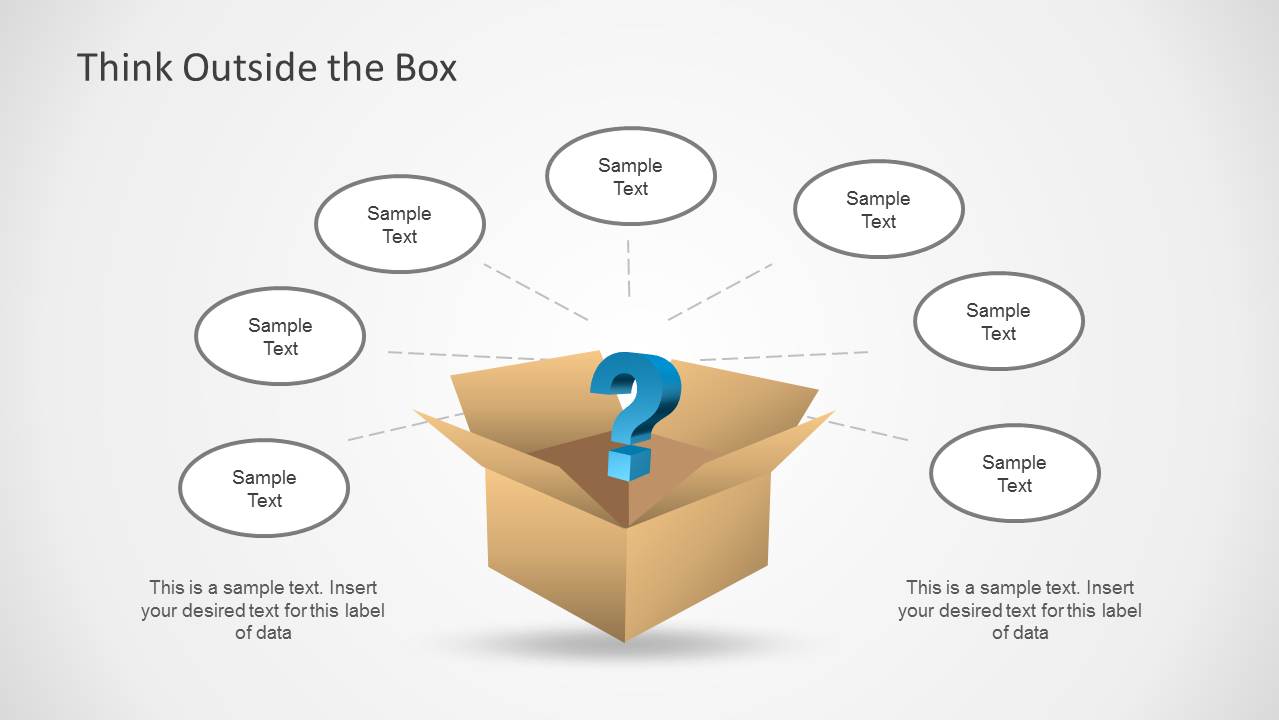
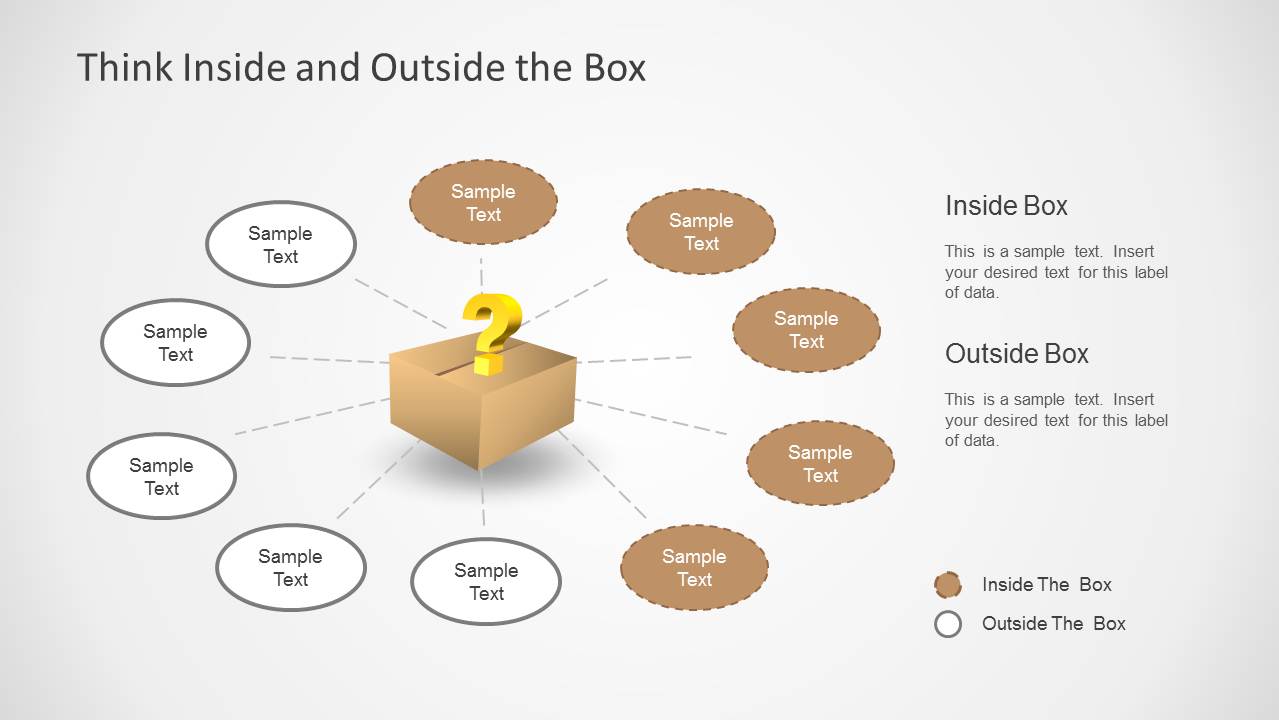
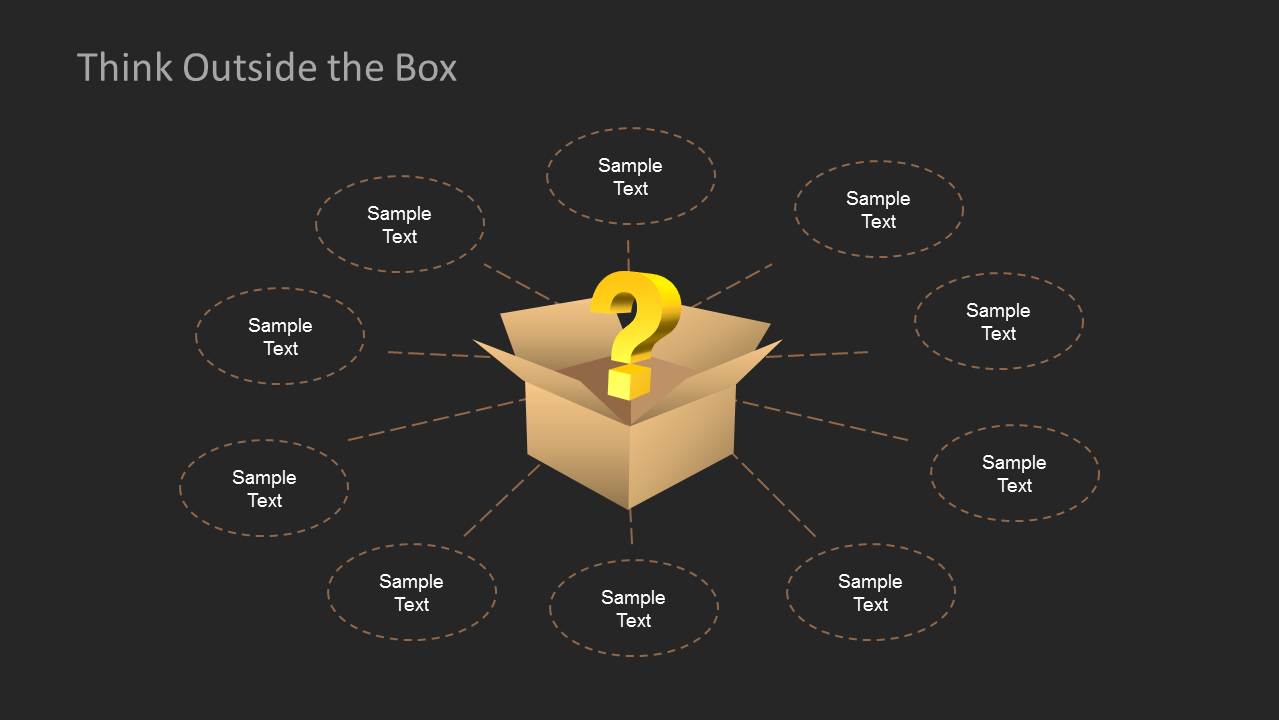
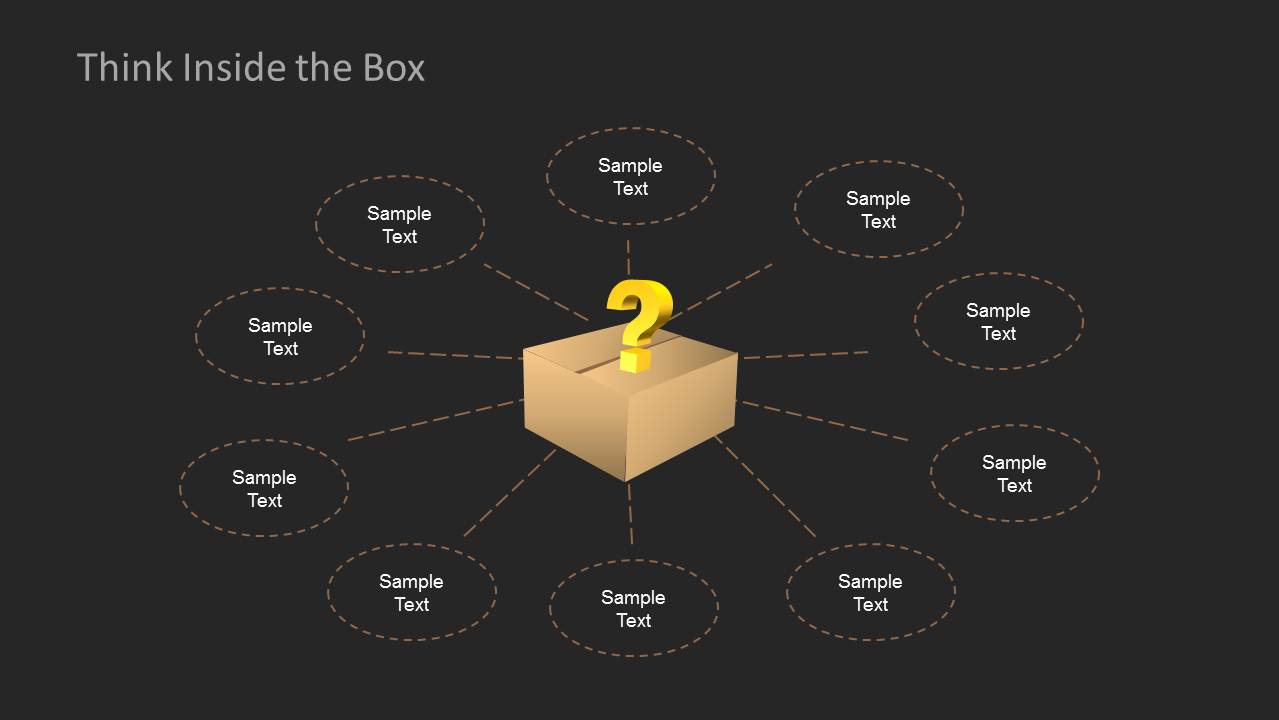
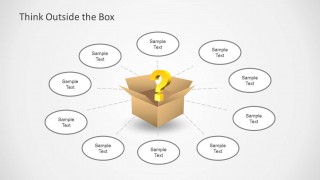
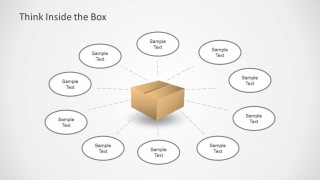
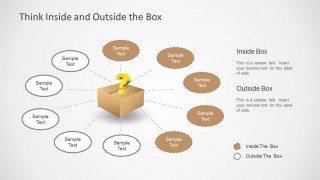
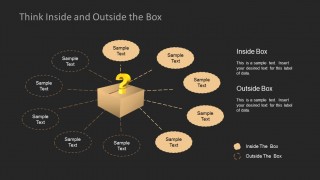
- A facilitator can use the radial idea maps to collect team assumptions and new possibilities during a creative problem solving workshop.
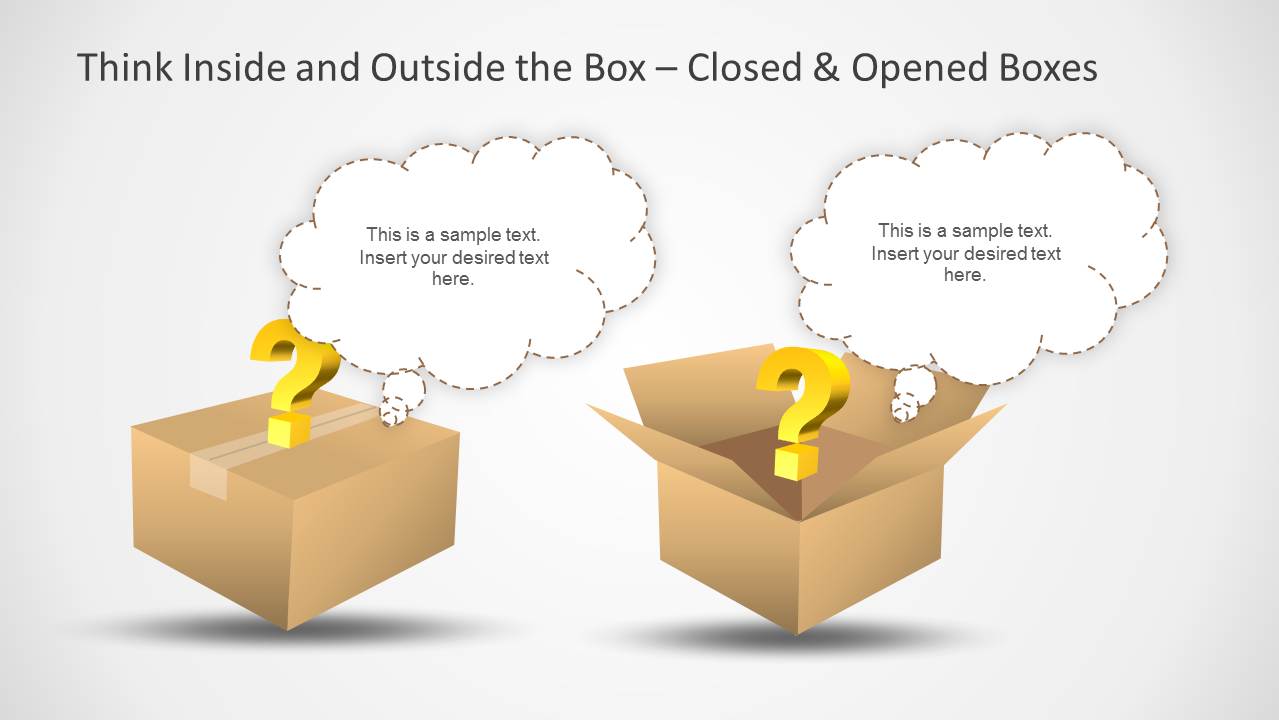
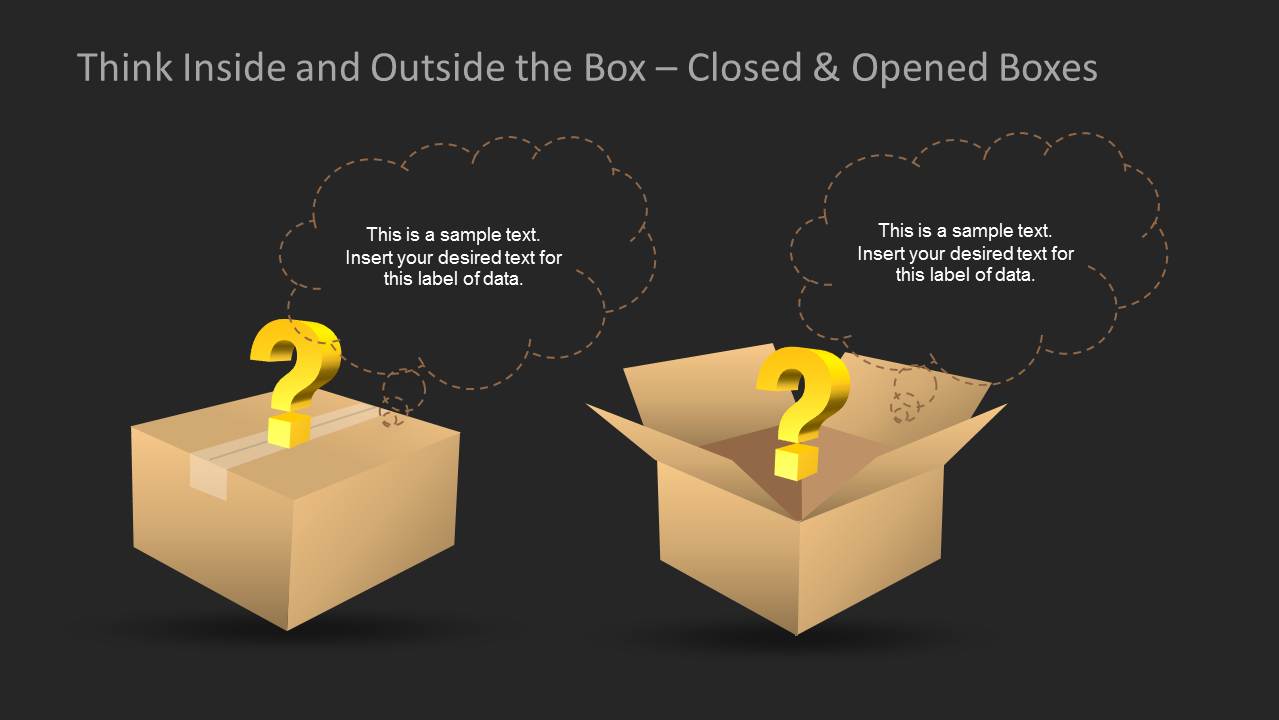
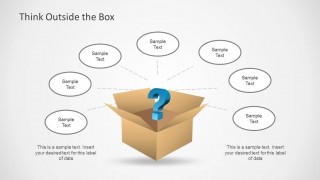
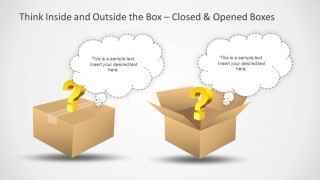
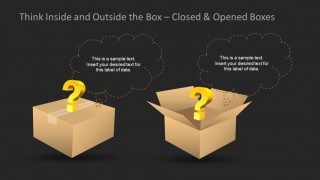
- A career coach can present the closed and opened box thought bubble slides to help clients compare safe choices with unconventional options.
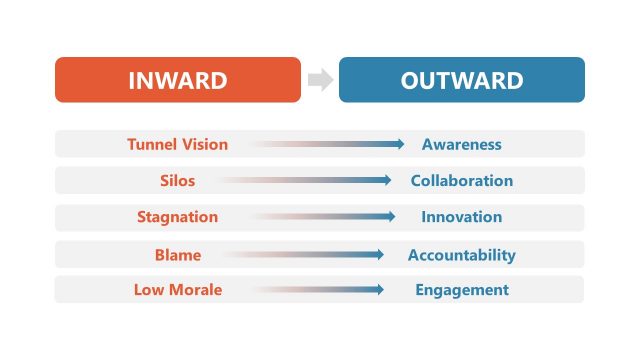
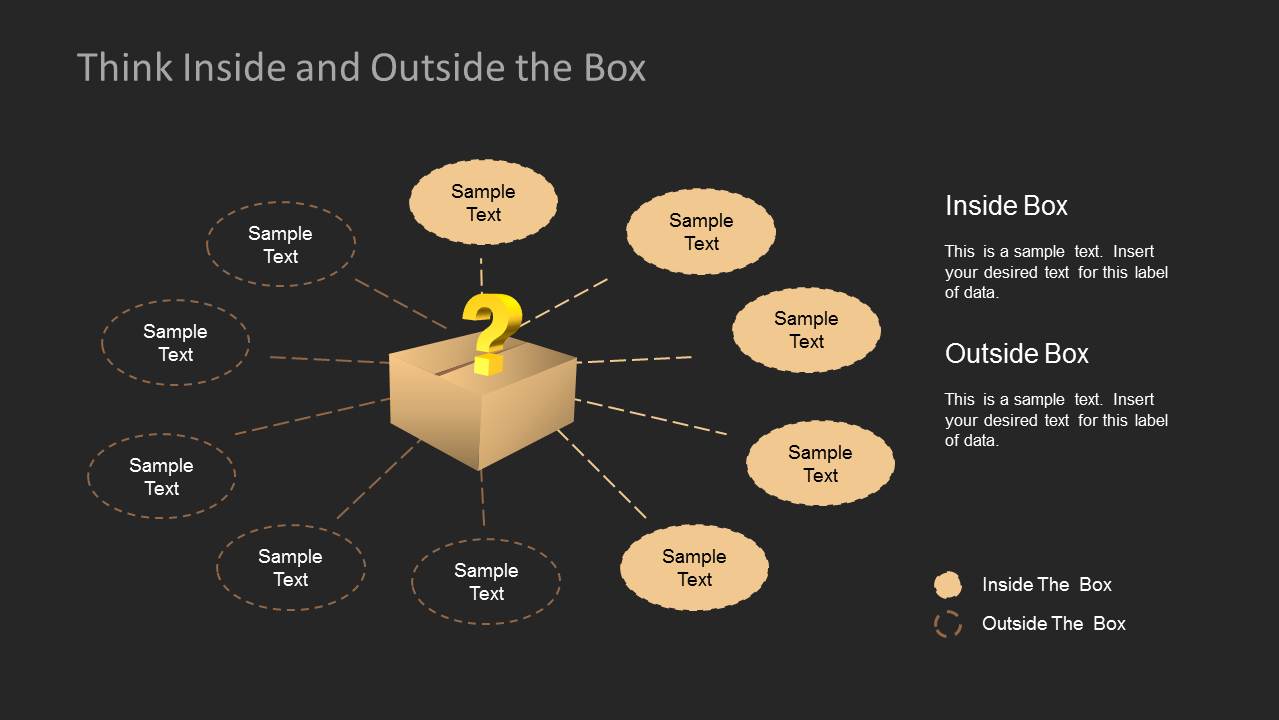
- A project manager can use the inside versus outside comparison slide to sort process ideas into standard practices and experimental improvements.
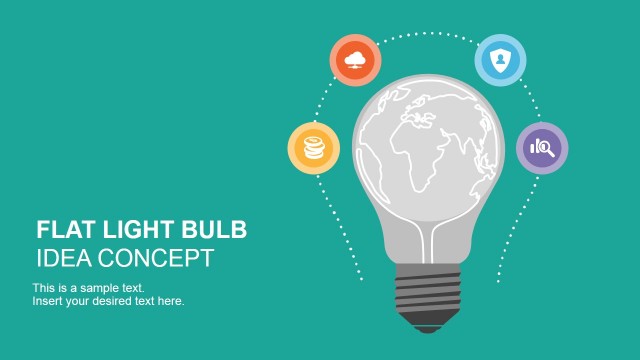
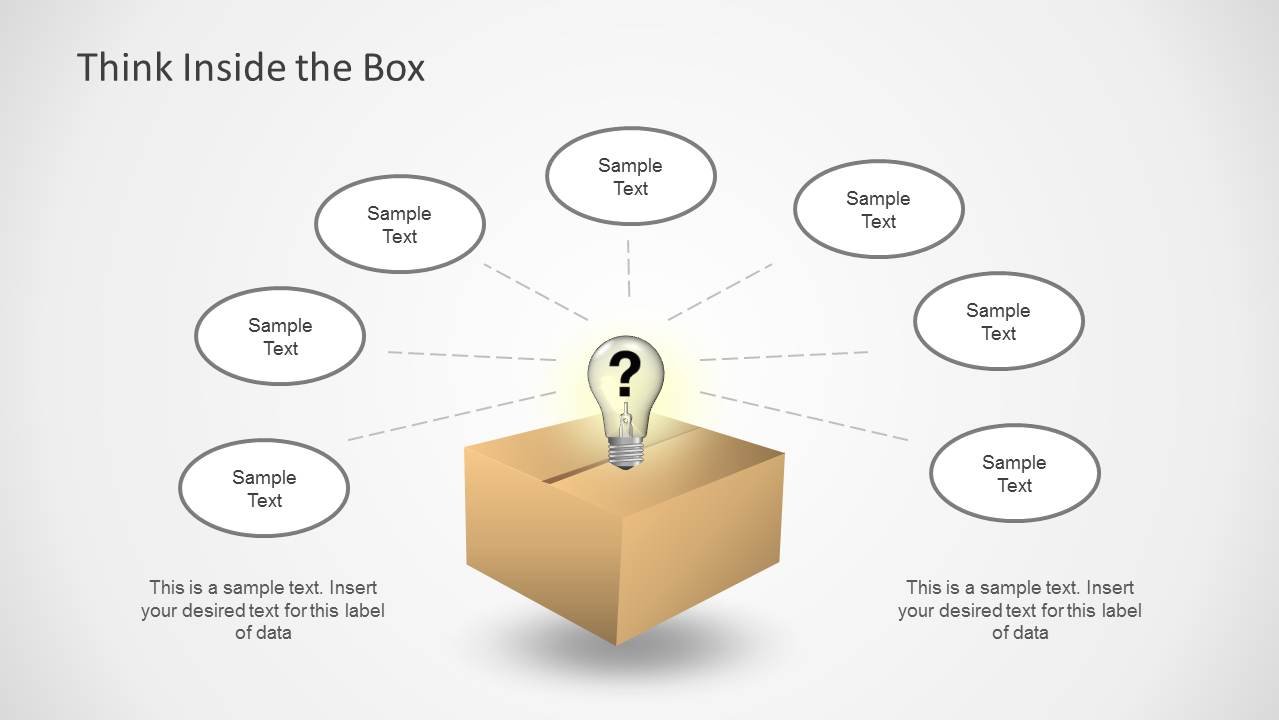
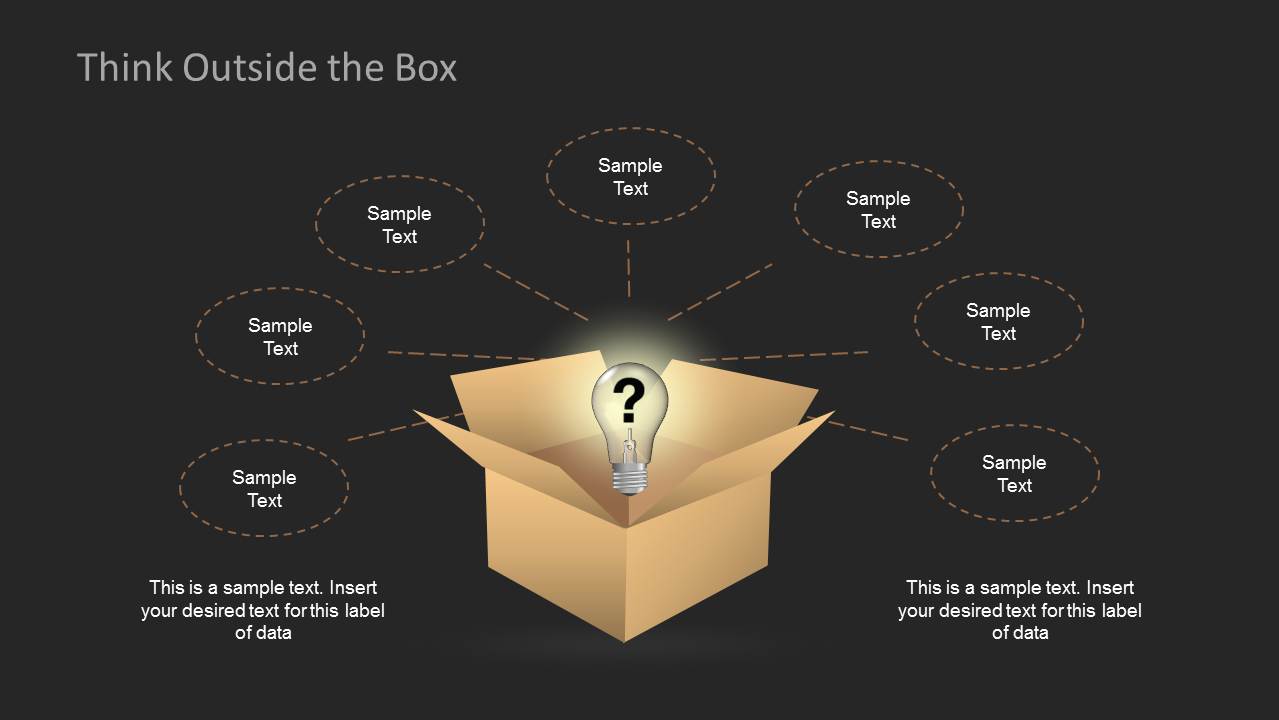
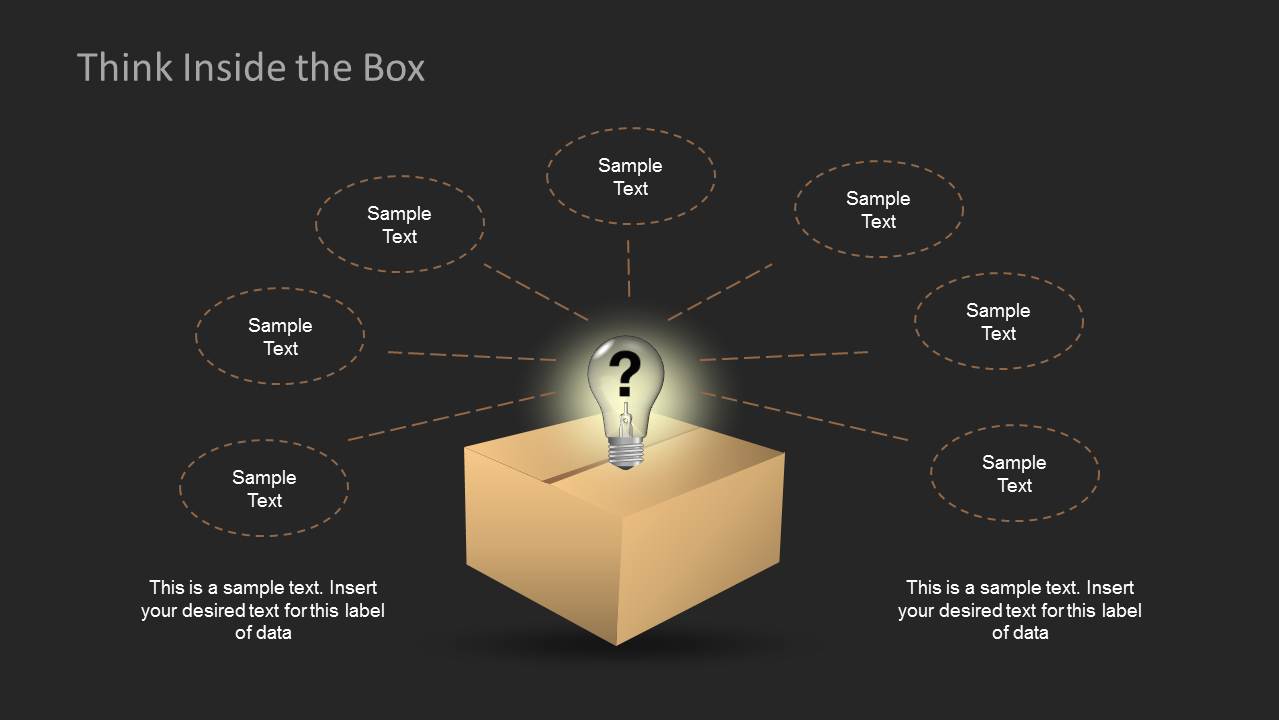
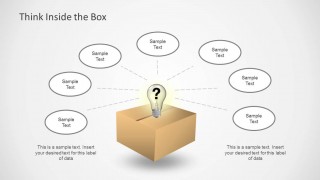
- A consultant can use the lightbulb box diagrams to introduce an innovation mindset before moving into group discussion or planning.
Features
- 100% editable presentation template
- Compatible with Microsoft PowerPoint and Google Slides
- Scalable vector shapes, icons and illustrations
- AI-Ready for Microsoft Copilot and Claude
- Instant access and download
Frequently asked questions
Q: How should I present the inside versus outside the box message without making it feel abstract?
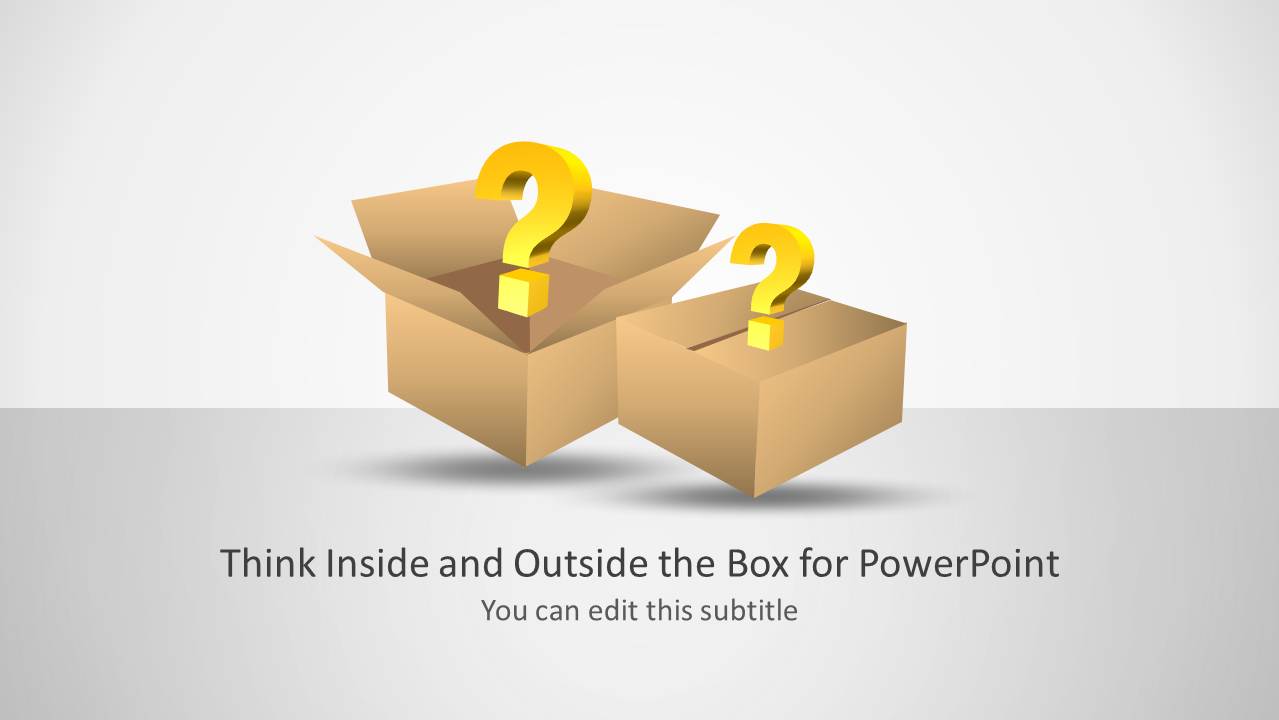
A: Start with the title slide to introduce the metaphor, then use one radial idea map to gather audience input around the box. Move to the inside versus outside comparison slide to sort those ideas into conventional and unconventional categories. Close with a thought bubble slide so the group can name the next action or decision.
Q: Who is this template best suited for in a business presentation?
A: This template fits facilitators, coaches, consultants, and project leads who need to explain thinking styles rather than report data. The box, question mark, and lightbulb visuals work well in workshops, innovation meetings, career coaching, and process improvement sessions where the presenter wants people to compare assumptions with new options.
Q: Why does the box metaphor help communicate the idea generation process?
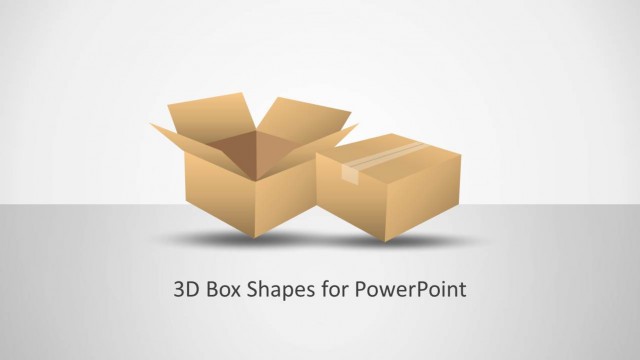
A: The cardboard box gives the audience a concrete visual anchor for constraints, habits, and boundaries. Open boxes, closed boxes, question marks, and lightbulbs show movement from uncertainty to discovery. The radial callouts keep related ideas visibly connected to the central metaphor, while the comparison slides make the contrast easy to discuss.







Think Inside & Outside the Box Template for PowerPoint
13-slide PowerPoint presentation template for box metaphors, question prompts, and idea mapping diagrams
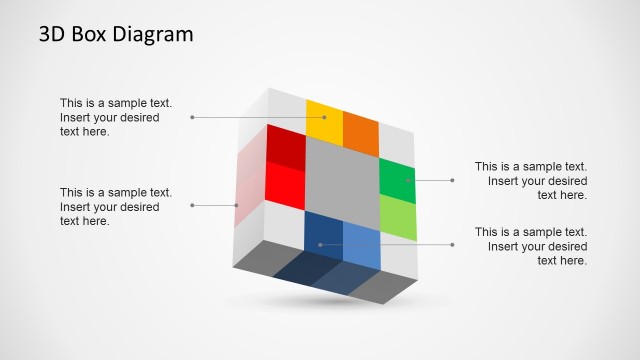
This is a 13-slide PowerPoint presentation template built around inside-the-box and outside-the-box thinking. Visible layouts include a title slide with cardboard boxes, radial idea maps, inside versus outside comparison callouts, lightbulb box diagrams, and closed/open box thought bubbles for facilitators, coaches, project managers, and business presenters.


 Loading...
 Microsoft PowerPoint
  Microsoft Copilot
  Claude for PowerPoint
 Other formats supported
Subscribe today and get immediate
access to download our PowerPoint templates.