Slide 8 of 13 from Think Inside & Outside the Box Template for PowerPoint
6139-01-think-inside-outside-the-box-8
Lightbulb Box Diagram for Ideas
- Diagram
- Other
- Strategy Slide
- 16:9
- 100% Editable
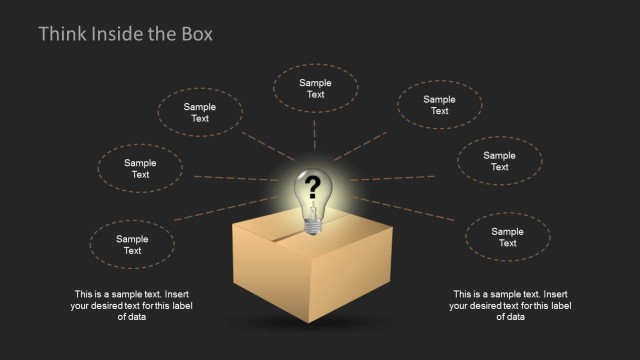
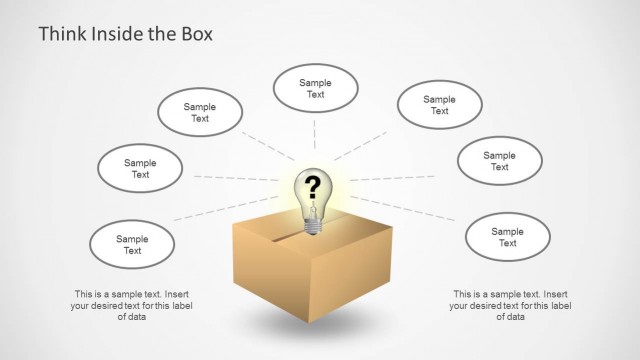
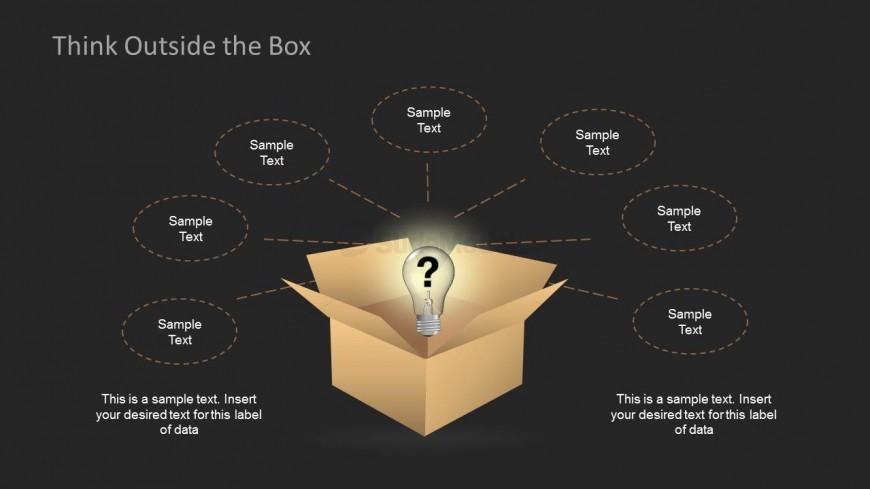
The Lightbulb Box Diagram slide from the Think Inside & Outside the Box Template for PowerPoint offers a strategic layout ideal for brainstorming sessions and creative workshops. This slide template features editable shapes and vector icons that highlight a central idea, making it a useful addition to business presentations and pitch deck templates focused on innovation and strategy development.
What’s on This Slide
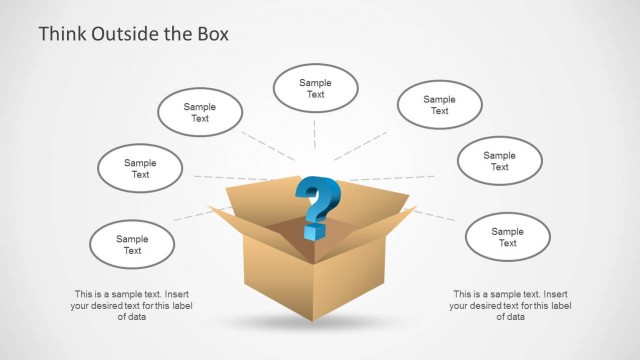
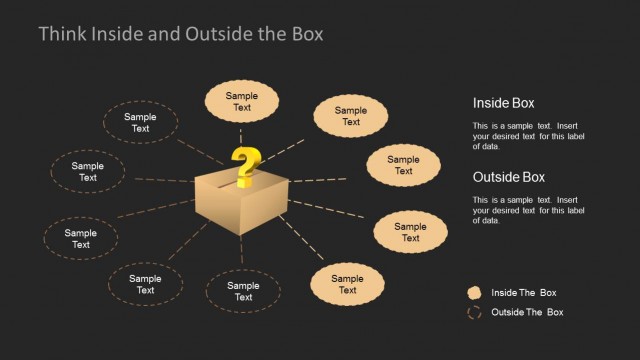
The layout features a central open box with a lightbulb icon and a question mark inside. Surrounding the box are five circular text placeholders, evenly spaced, with dashed outlines. Each placeholder is positioned at the top, left, right, and bottom of the box. The title is centered at the top of the slide, using a large font size. The background is dark, providing contrast to the light-colored box. The overall composition emphasizes the central idea, with visual hierarchy guiding the viewer's focus to the box and lightbulb.
How to Use It
This layout serves as a brainstorming tool, ideal for presenting ideas generated from a central concept. It fits well after problem identification slides, facilitating discussions on potential solutions. Business scenarios include team meetings for creative brainstorming, workshops focused on innovation, or strategy sessions where new ideas are explored. The design encourages thinking beyond conventional boundaries, making it suitable for presentations aimed at fostering creativity.
Text Placeholders & Capacity
Keep your copy within these limits so it fits without resizing. Node slots can hold concise phrases, roughly 3-5 words each.
| Placeholder | Count | Max characters (approx.) |
|---|---|---|
| Slide title | 1 | 30 |
| Item body | 5 | 20 |
| Body paragraph | 2 | 80 |
Slide Keywords
Download unlimited PowerPoint templates, charts and graphics for your presentations with our annual plan.
DOWNLOADReturn to Think Inside & Outside the Box Template for PowerPoint.