Slide 3 of 13 from Think Inside & Outside the Box Template for PowerPoint
Think Outside the Box Diagram for PowerPoint
Think Outside the Box Diagram for Presentations
- Diagram
- Mind Map
- Concept Explanation Slide
- 16:9
- 100% Editable
The Idea Generation Diagram slide from the Think Inside & Outside the Box Template for PowerPoint facilitates collaborative brainstorming with editable shapes arranged around a central concept. This slide layout supports creative strategy meetings by visually organizing ideas in a clear, vector icon-enhanced format, making it suitable for business presentations and pitch deck templates focused on innovation and problem solving.
What’s on This Slide
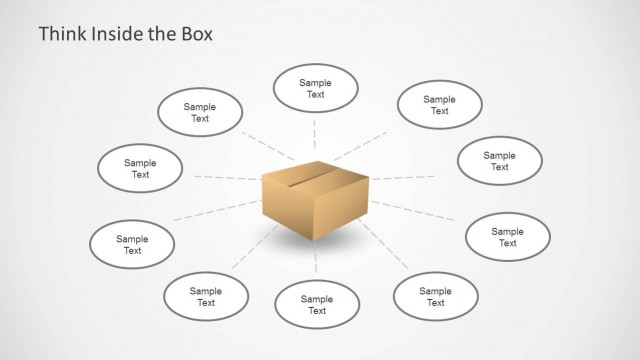
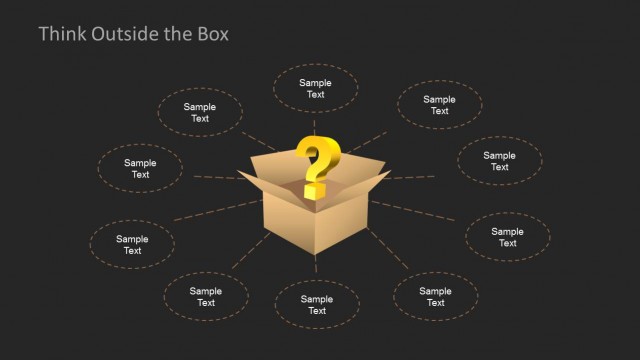
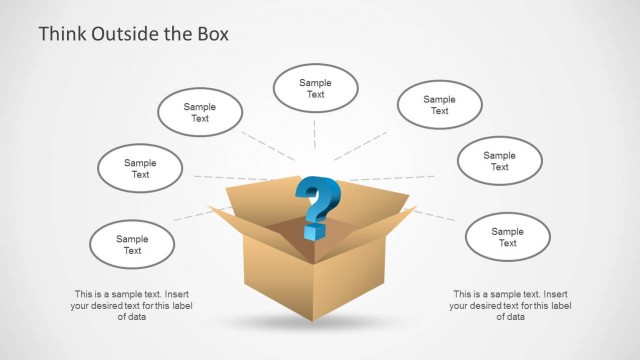
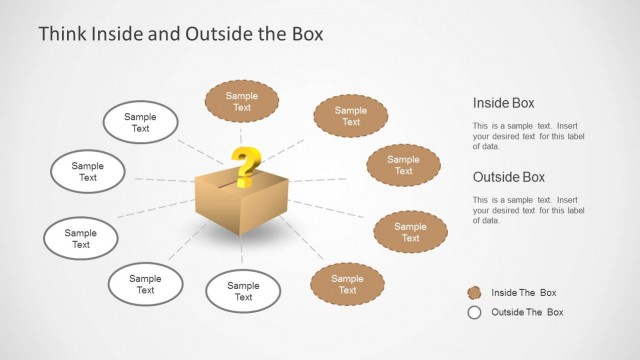
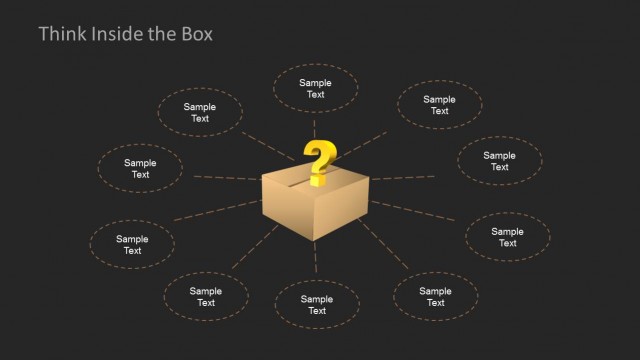
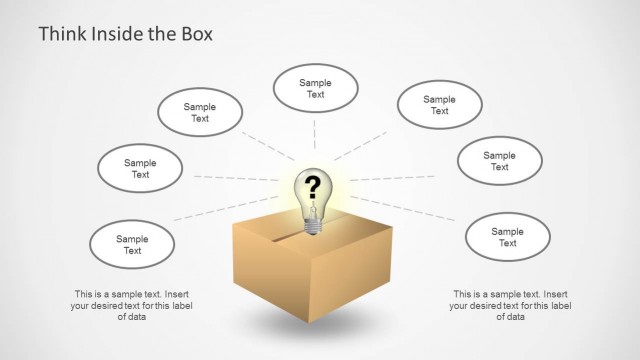
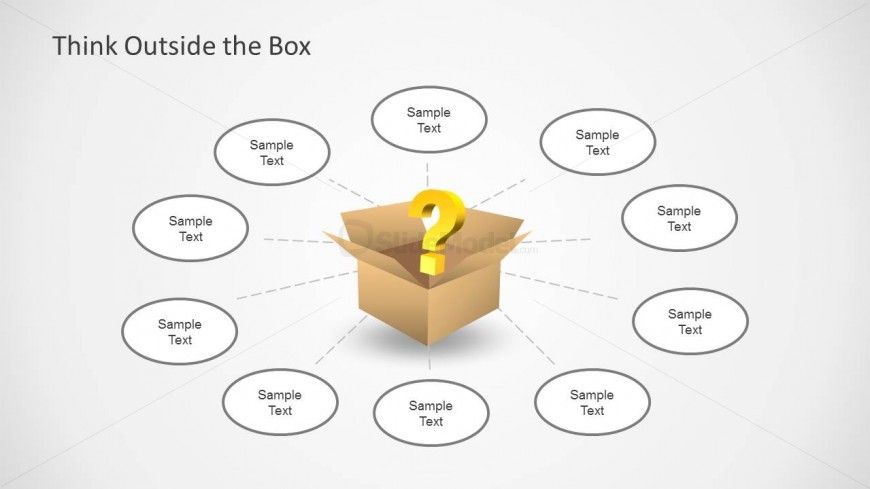
The layout features a central cardboard box with a question mark, symbolizing idea generation. Surrounding the box are eight oval text placeholders arranged in a circular pattern, evenly spaced. Each placeholder is connected to the central box with dashed lines, indicating a flow of ideas. The title 'Think Outside the Box' is positioned at the top center in a bold font. The background is a light gradient, enhancing the visibility of the elements. The overall composition emphasizes the central box as the focal point of the slide.
How to Use It
This layout serves as a brainstorming tool, ideal for generating ideas in a collaborative setting. It fits well after problem identification slides, guiding discussions toward innovative solutions. Suitable for workshops, team meetings, or presentations focused on creativity, this structure encourages participants to think beyond conventional boundaries. It can also be used in strategic planning sessions to explore diverse perspectives on a central theme or challenge.
Text Placeholders & Capacity
Keep your copy within these limits so it fits without resizing. Node slots can accommodate roughly 8-10 words each.
| Placeholder | Count | Max characters (approx.) |
|---|---|---|
| Slide title | 1 | 30 |
| Item body | 8 | 50 |
Slide Keywords
Download unlimited PowerPoint templates, charts and graphics for your presentations with our annual plan.
DOWNLOADReturn to Think Inside & Outside the Box Template for PowerPoint.