Slide 6 of 13 from Think Inside & Outside the Box Template for PowerPoint
6139-01-think-inside-outside-the-box-6
Inside and Outside the Box Diagram for Presentations
- Diagram
- Mind Map
- Concept Explanation Slide
- 16:9
- 100% Editable
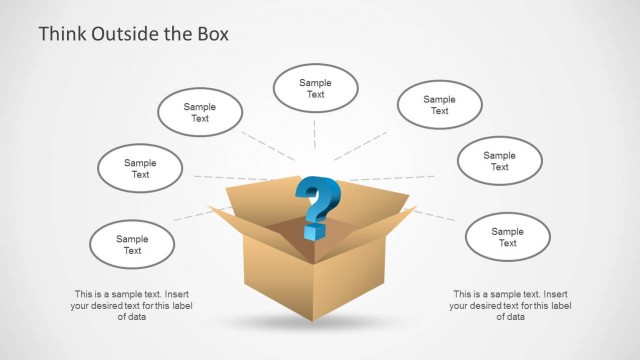
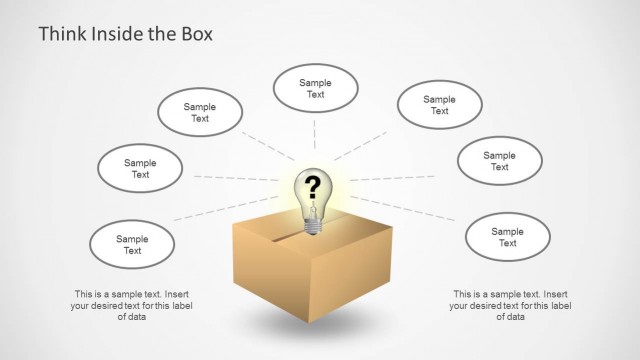
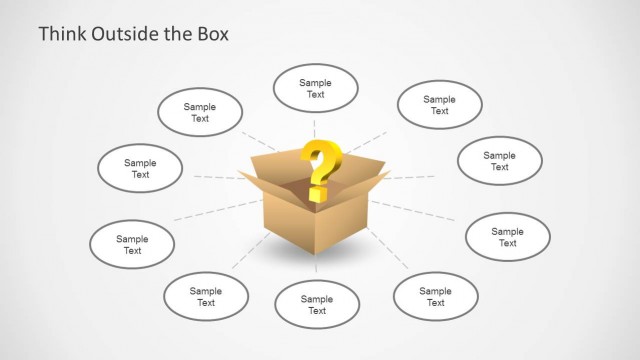
The Inside and Outside the Box Diagram slide from the Think Inside & Outside the Box Template for PowerPoint offers a clear visual tool for illustrating creative thinking and problem-solving concepts. This diagram slide template includes editable shapes and vector icons arranged to facilitate brainstorming sessions and business presentations focused on innovative idea generation. It is designed to help presenters differentiate between conventional and unconventional ideas effectively within a corporate presentation or pitch deck template.
What’s on This Slide
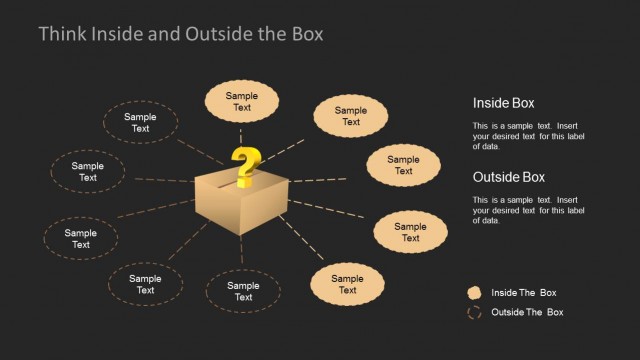
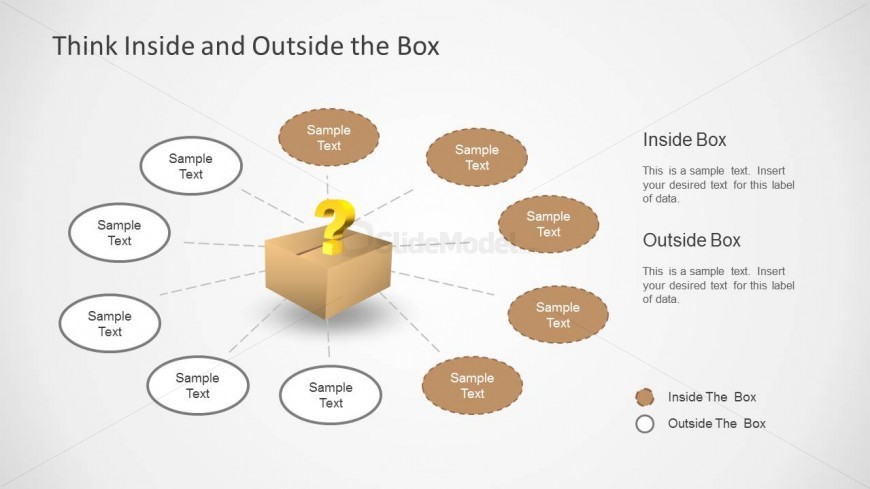
The layout features a central box icon with a question mark, surrounded by six oval nodes representing 'Sample Text.' The nodes are arranged in a circular pattern around the central box, with three nodes on the top and three on the bottom. To the right, there are two text placeholders labeled 'Inside Box' and 'Outside Box,' each with sample text beneath. The overall color scheme includes light backgrounds with brown tones for the box and nodes, creating a clear visual hierarchy. The central box serves as the focal point, connecting to the surrounding nodes.
How to Use It
This layout functions as a comparison diagram, illustrating concepts of thinking inside and outside the box. It fits well in presentations discussing creativity, brainstorming sessions, or problem-solving strategies. It can be used to visually differentiate between conventional and unconventional ideas. This structure is useful for facilitators, coaches, or business presenters aiming to engage audiences in discussions about innovative thinking and idea generation.
Text Placeholders & Capacity
Keep your copy within these limits so it fits without resizing. Node labels can accommodate roughly 3-4 words each.
| Placeholder | Count | Max characters (approx.) |
|---|---|---|
| Slide title | 1 | 30 |
| Item heading | 6 | 20 |
| Body paragraph | 2 | 50 |
Slide Keywords
Download unlimited PowerPoint templates, charts and graphics for your presentations with our annual plan.
DOWNLOADReturn to Think Inside & Outside the Box Template for PowerPoint.