Slide 2 of 13 from Think Inside & Outside the Box Template for PowerPoint
6139-01-think-inside-outside-the-box-2
Think Outside the Box Diagram for Presentations
- Diagram
- Other
- Concept Explanation Slide
- 16:9
- 100% Editable
The Think Outside the Box Diagram slide from the Think Inside & Outside the Box Template for PowerPoint offers an editable slide layout ideal for creative presentations and brainstorming sessions. Featuring vector icons and a balanced design, it supports clear visualization of ideas emerging from a central concept, making it a useful addition to business presentation slide decks and team workshops.
What’s on This Slide
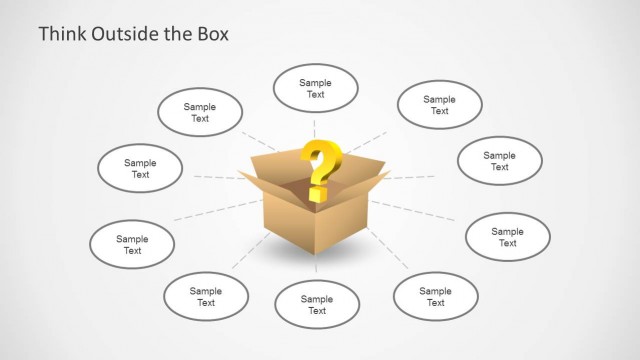
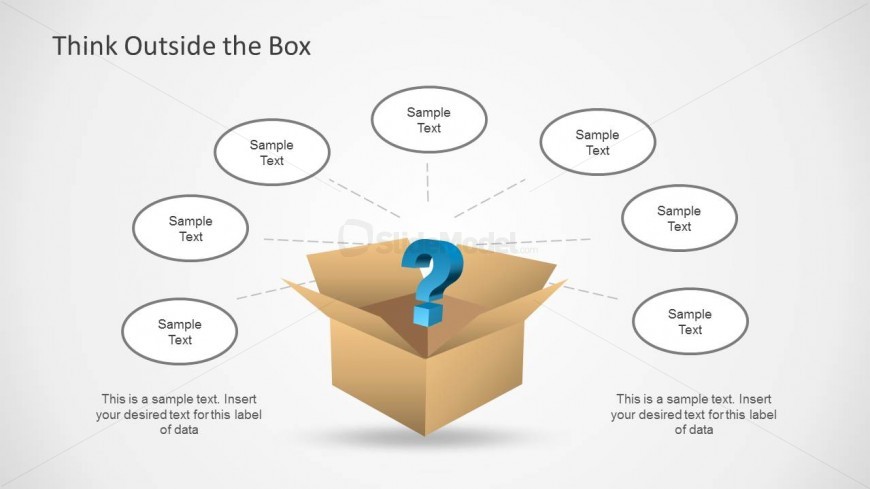
The layout features a central open cardboard box with a question mark above it. Surrounding the box are six oval shapes, each containing text placeholders. The box is positioned at the center bottom of the slide, while the ovals are arranged in a circular pattern around it. The text placeholders are aligned horizontally and vertically, with the central question mark visually emphasized. The background is light, enhancing the visibility of the box and text elements. The overall composition is balanced, with a clear visual hierarchy.
How to Use It
This layout serves as a brainstorming tool, allowing users to present ideas that emerge from 'thinking outside the box.' It fits well after problem identification slides and can be used in workshops or presentations focused on innovation. Ideal for team discussions, it encourages creative thinking and idea generation. The structure supports a central theme with multiple related ideas branching out, making it effective for visualizing concepts in a collaborative setting.
Text Placeholders & Capacity
Keep your copy within these limits so it fits without resizing. Node slots can accommodate concise phrases, roughly 10 words each.
| Placeholder | Count | Max characters (approx.) |
|---|---|---|
| Item body | 6 | 50 |
| Slide title | 1 | 30 |
| Body paragraph | 2 | 100 |
Slide Keywords
Download unlimited PowerPoint templates, charts and graphics for your presentations with our annual plan.
DOWNLOADReturn to Think Inside & Outside the Box Template for PowerPoint.