The Callout Boxes PowerPoint Shapes is a cool template specific for the use of stylish callout boxes. The Microsoft PowerPoint has built-in callout box feature in shapes drop-down menu but SlideModel.com has an advantage. It is providing more visually engaging images which gives presentation the attention it deserves.
The PowerPoint Presentation has colorful variations for all type of callout box PowerPoint shapes. However, the bubble sketch template are quite groovy in style but they also adjust perfectly in any professional and business presentation. The catchy designs of these PowerPoint shapes get the make audience listen attentively.
It is a pre-designed high-quality PowerPoint template which is developed by professionals. This template can be used to decorate a layout easily and boost productivity. The PowerPoint slides are 100% editable. Each item properties are customizable in terms of color, outline, shading and size.
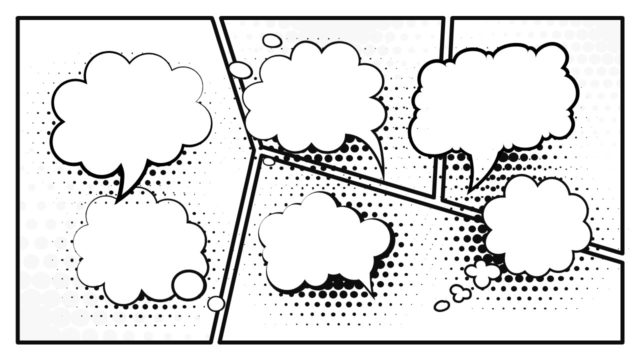
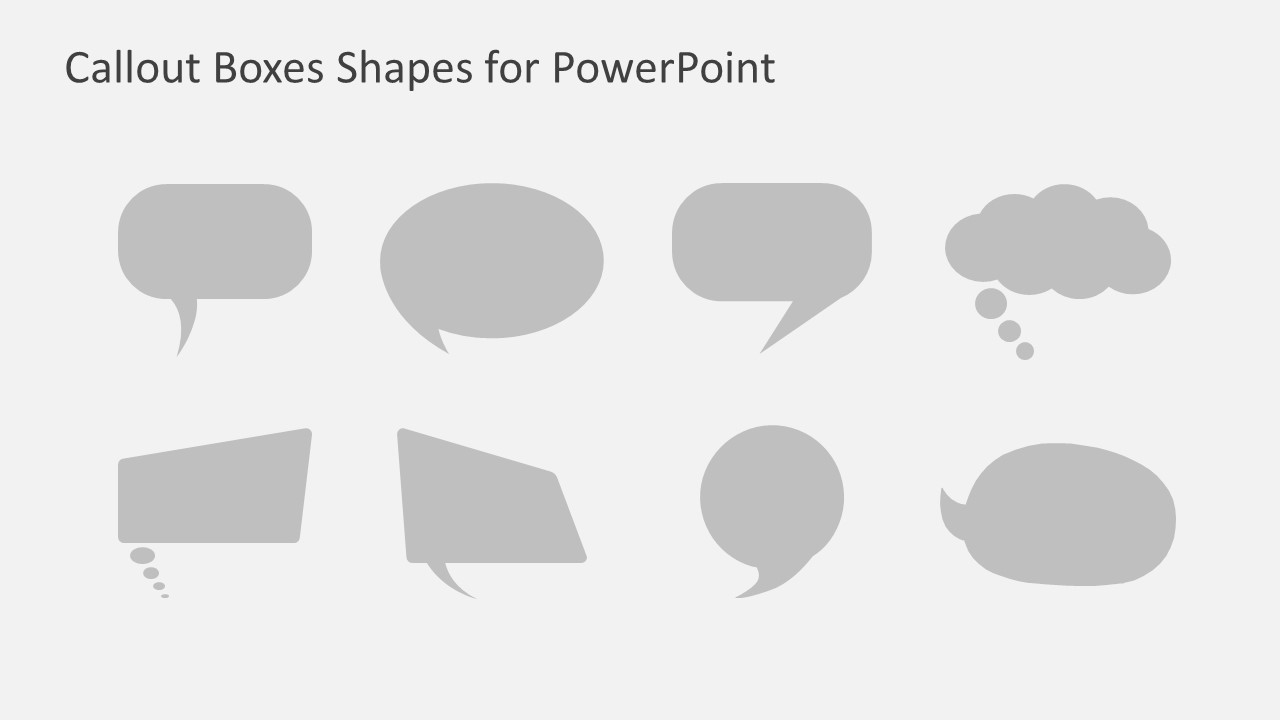
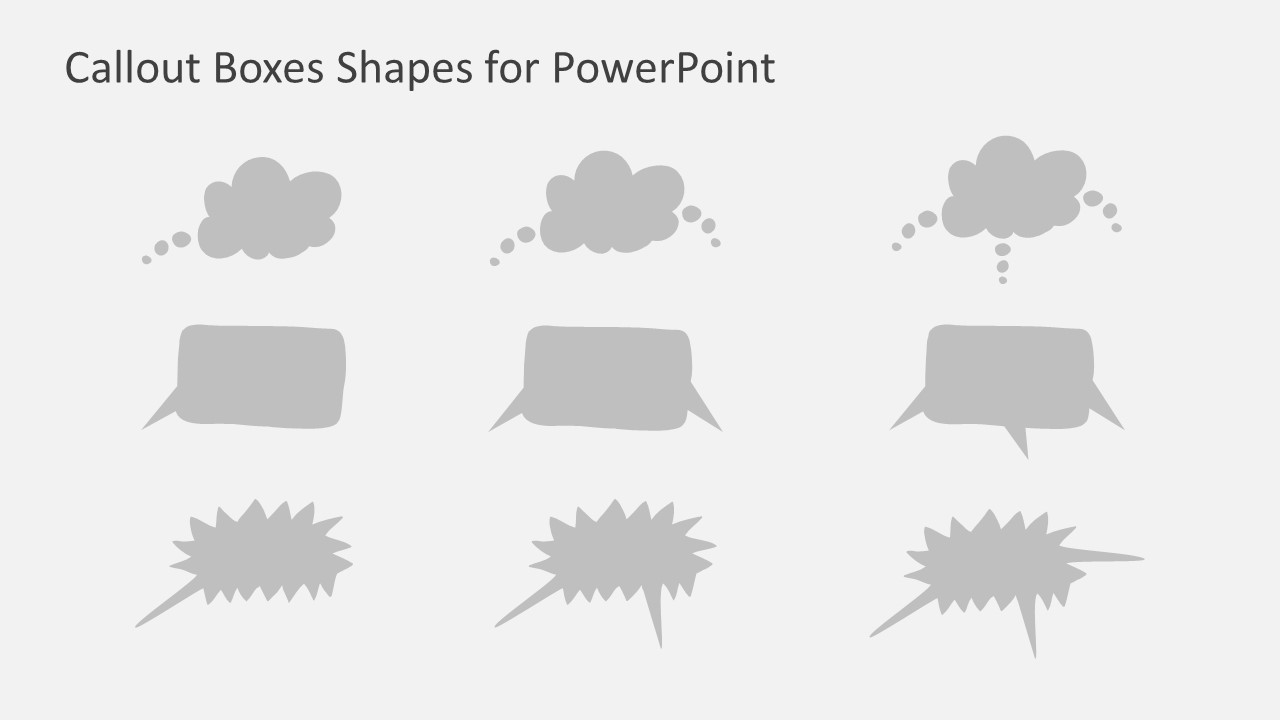
The first slider carries clustered translucent images which also represents ideas or brainstorming sessions. Although, users can edit every callout box in this group but all the icons are separately available in further five slides. All these dialogue boxes are initially grey, but colors are changeable. There is another slide with all the merged shapes with colors associated to the theme of this presentation. The last four slides contain the sample use of few of these shapes. It includes rectangle bubble for chat threads, oval balloon figure which is normally used for quoting. Another two sample are multi-direction cloud shape to show thoughts and two-point box which represents what people say.
The Callout Boxes PowerPoint shapes metaphor is very popular in different business scenarios as human resources, business negotiations and sales pitches referencing customers feedback. This template can be used to prepare awesome comic books in PowerPoint.
The Callout Boxes PowerPoint Shapes is multi-purpose template which can be used for delivering any subject message. The student can use it to discuss certain possibilities in proposed projects whereas, professionals and teaches can use it for remarks and reviews.
What’s inside this template
Example presentation scenarios
- A sales presenter can show customer objections or buying signals by placing short quotes inside the overlapping quote balloons and chat thread bubbles.
- A teacher or trainer can explain student reactions, discussion prompts, or feedback by using the thought cloud layout and grayscale callout library.
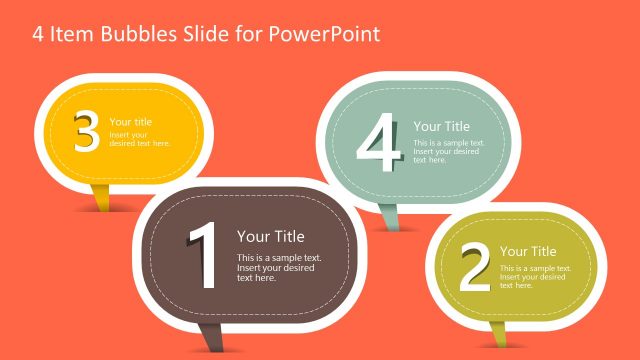
- A marketing team can present campaign messaging options by comparing alternative taglines inside the colored speech bubble cluster.
- A human resources presenter can summarize employee comments from interviews or surveys using the rectangular speech box and thought bubble shapes.
Features
- 100% editable presentation template
- Compatible with Microsoft PowerPoint and Google Slides
- 16:9 aspect ratio slides
- Scalable vector shapes, icons and illustrations
- AI-Ready for Microsoft Copilot and Claude
- Instant access and download
Frequently asked questions
Q: How should a presenter use these callout boxes without making the slide feel noisy?
A: Treat each callout as a spotlight for one short idea, not a container for paragraphs. Use the library slides to pick one bubble style per message type, then repeat it consistently. For example, use rounded chat bubbles for dialogue, cloud shapes for thoughts, and burst shapes only when a point needs emphasis.
Q: What presentation situations fit this template best?
A: This template fits presentations where the message is built around voices, reactions, comments, or short labels. Sales teams can show buyer questions, trainers can frame discussion prompts, and HR presenters can summarize employee feedback. The quote balloons, chat bubbles, and thought cloud layouts make spoken or implied comments easy to recognize.
Q: Why do speech bubbles and thought clouds work as communication metaphors?
A: Speech bubbles signal that a statement belongs to a person, customer, team, or audience group. Thought clouds separate internal ideas from spoken comments, while burst shapes suggest urgency or emphasis. These metaphors help the audience identify the type of message before reading the text.




Callout Boxes PowerPoint Shapes
12-slide presentation template with editable callout boxes, speech bubbles, and thought cloud shapes
Callout Boxes PowerPoint Shapes is a 12-slide presentation template for adding message callouts to business, education, and creative decks. It includes a title cover, grayscale callout shape libraries, a colored bubble cluster, chat thread examples, quote balloons, and thought cloud layouts for Microsoft PowerPoint and Google Slides.
- Category
- Shapes
- Rating


 Loading...
- Aspect ratio
- 16:9, 4:3
- Item ID
- 7214-01
- Colors
 Microsoft PowerPoint
 Microsoft Copilot
 Claude for PowerPoint
Other formats supported
Subscribe today and get immediate
access to download our PowerPoint templates.