3D Cardboard Box Shapes for PowerPoint– Box is a shape generally used as a container enclosed in straight lines. It usually goes in a square or rectangular shape. The PowerPoint template is a collection of raw boxes in brown color scheme. It can be used literally or as a symbol for different concepts. Use the slide designs to deliver stunning and fresh perspectives to the audience.
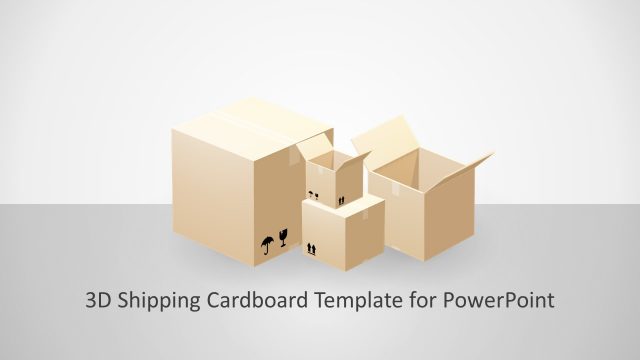
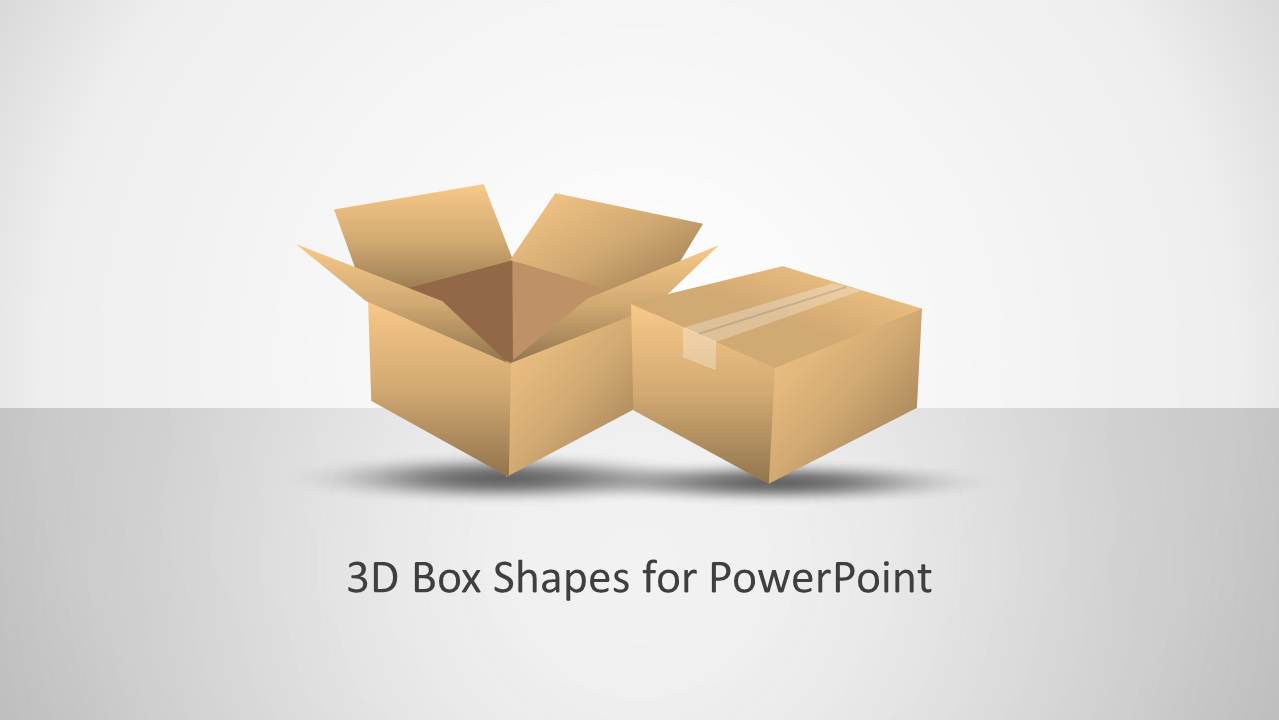
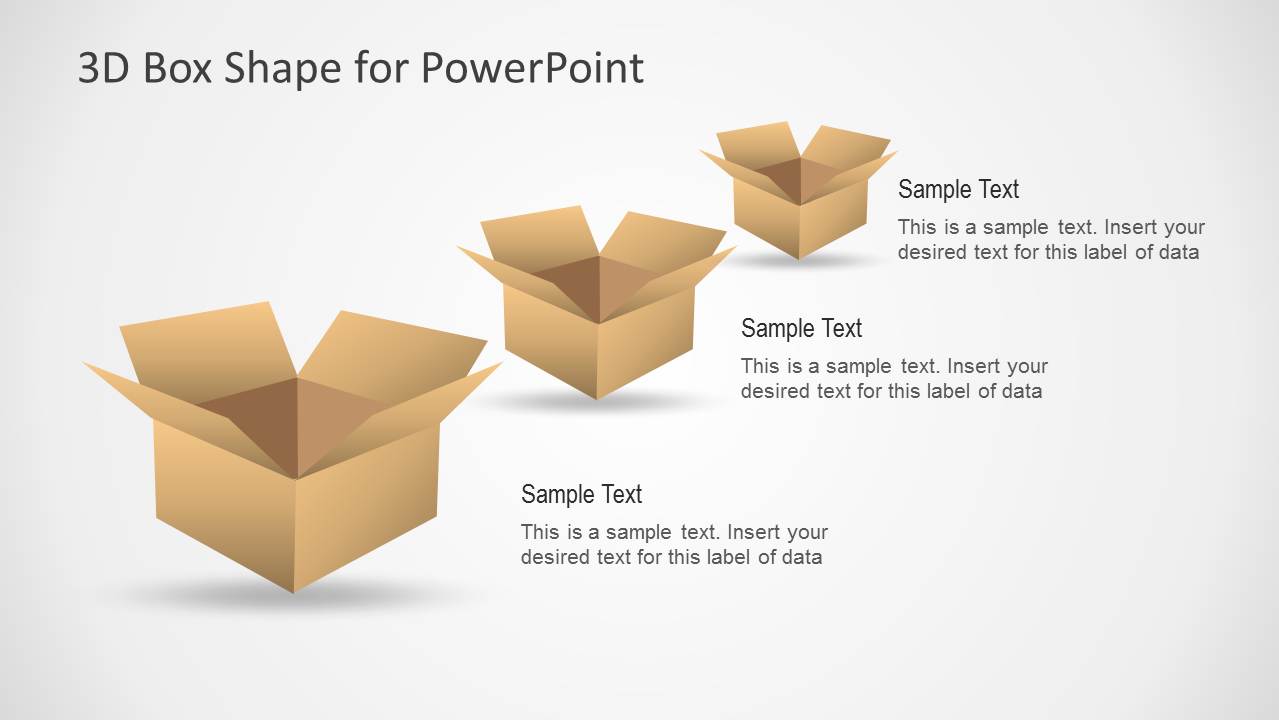
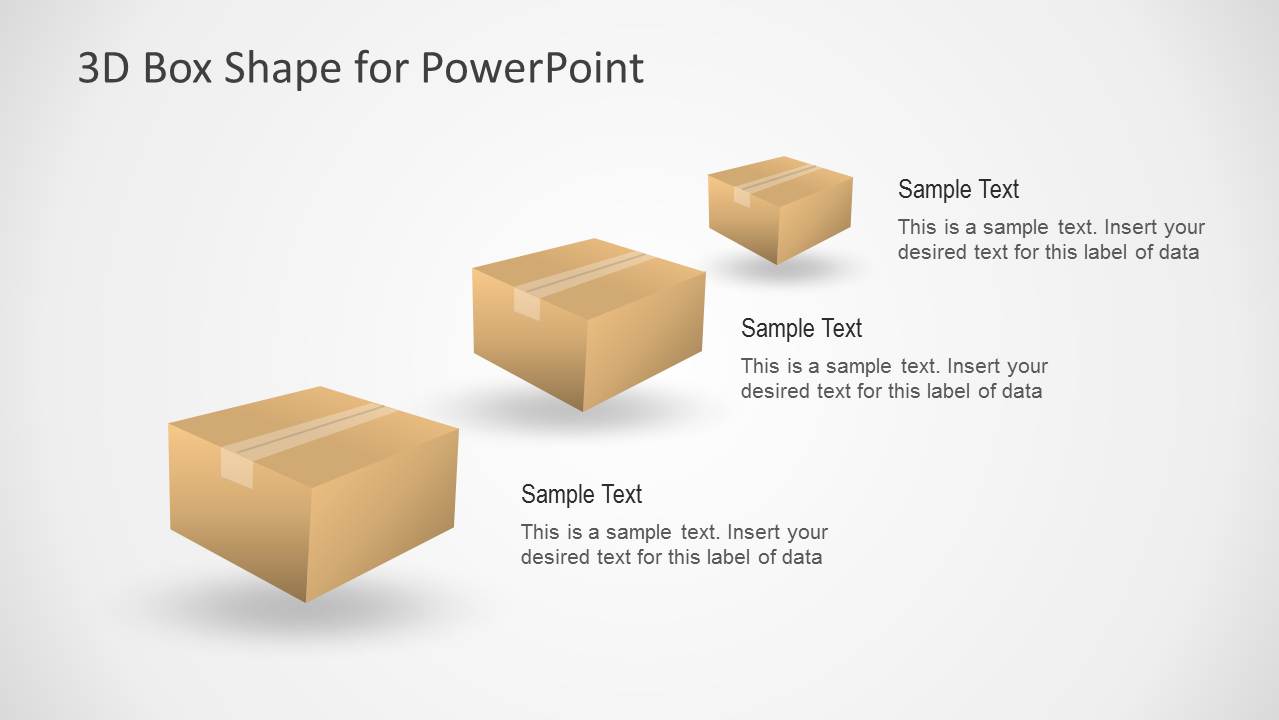
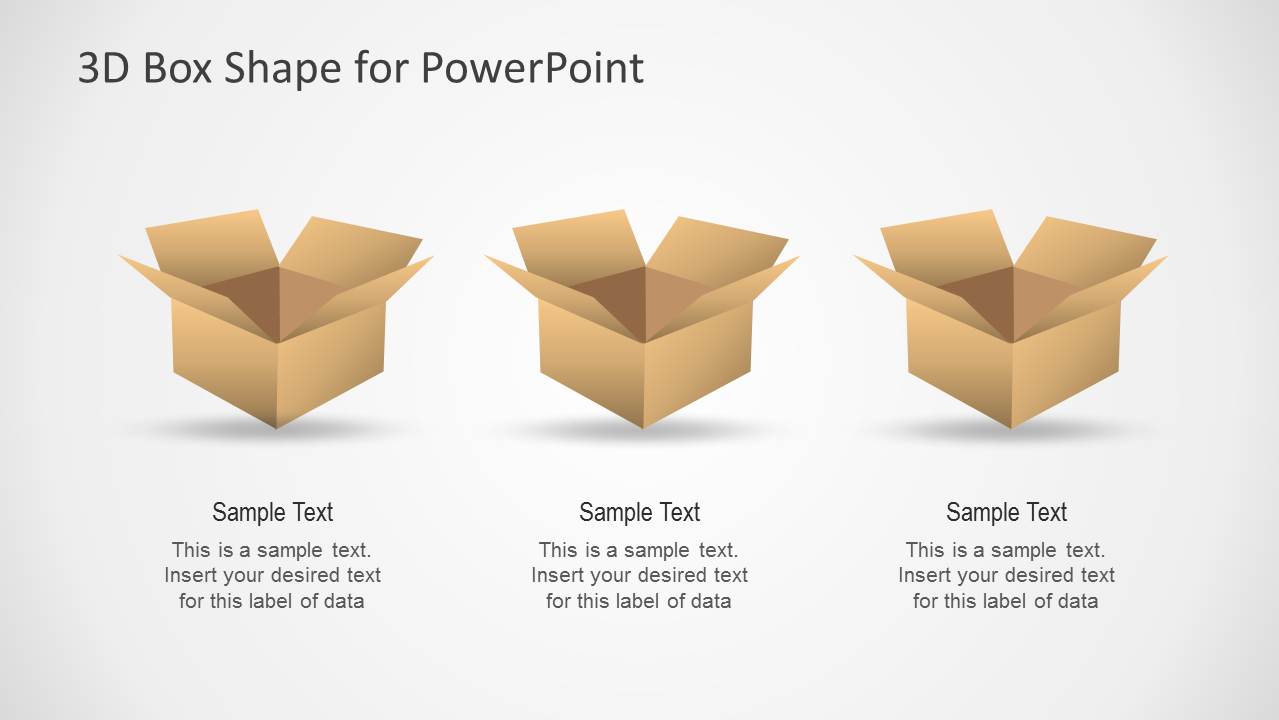
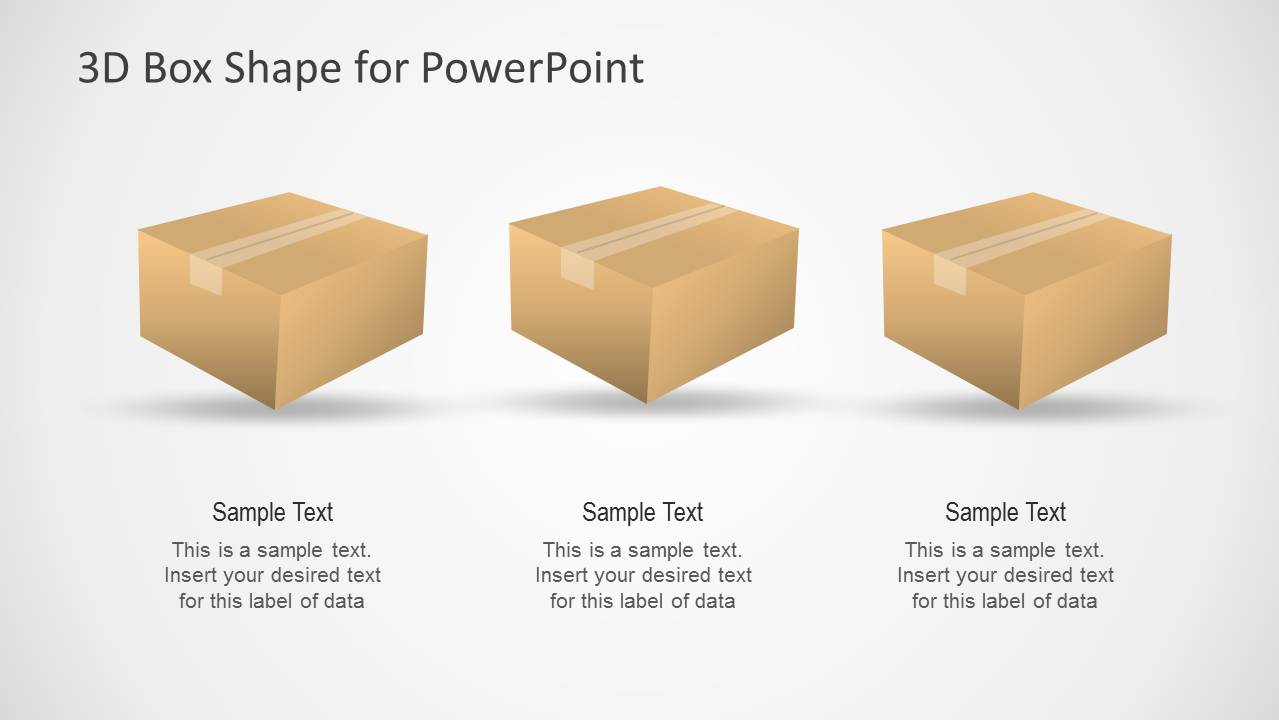
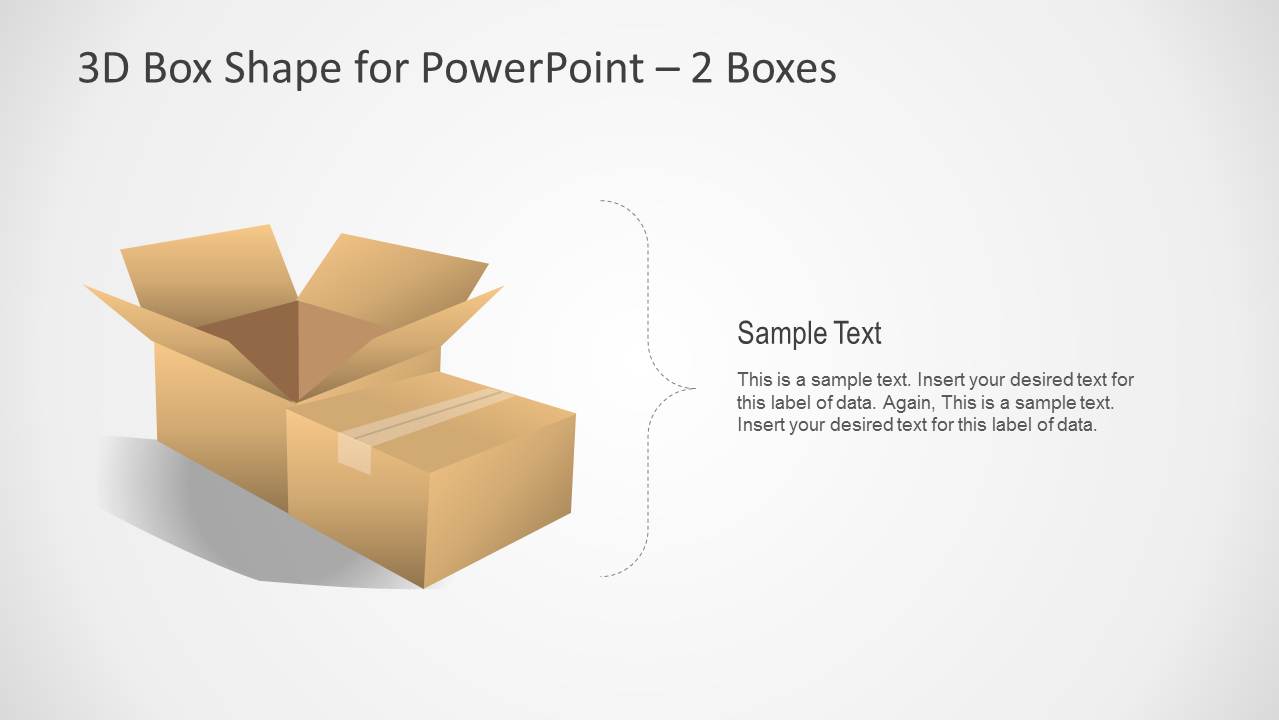
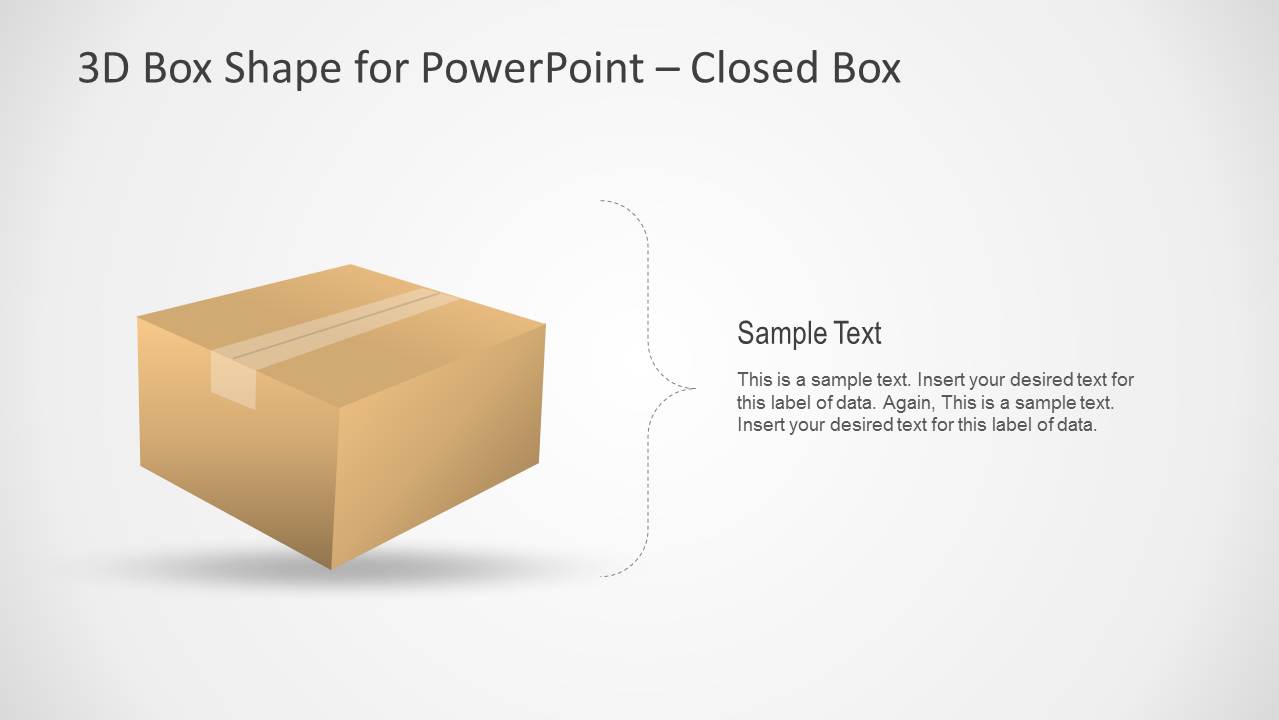
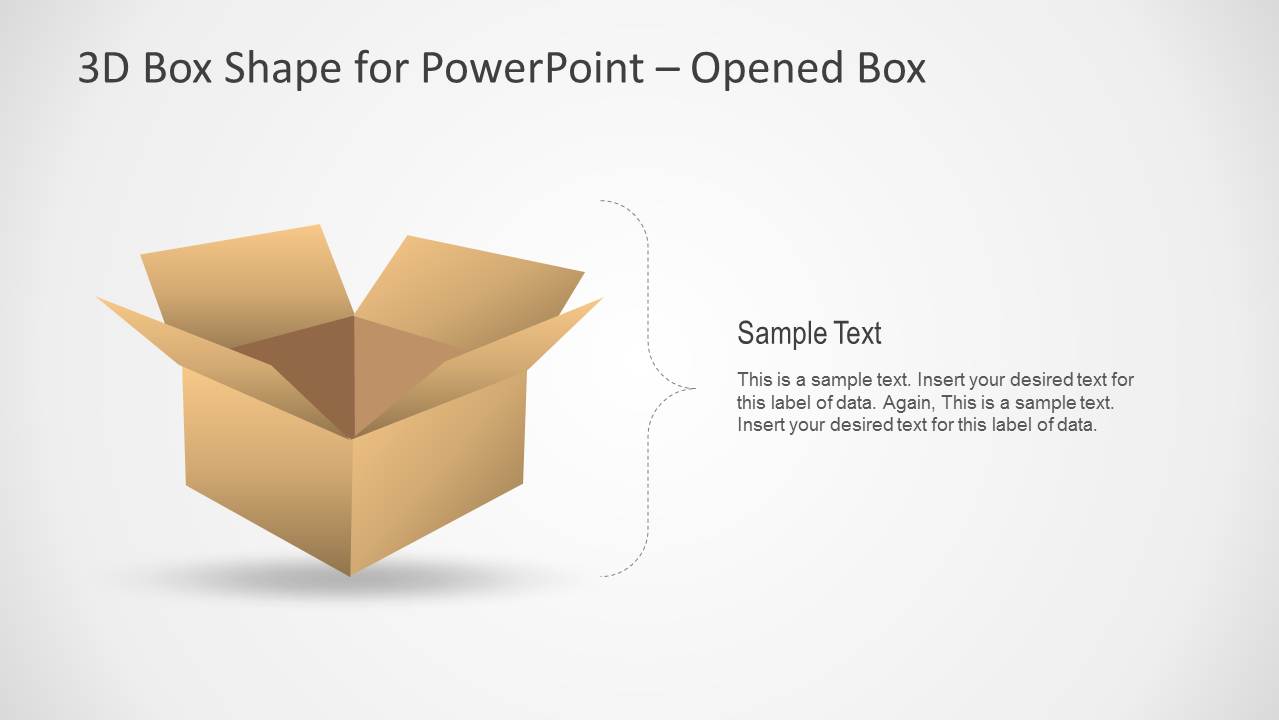
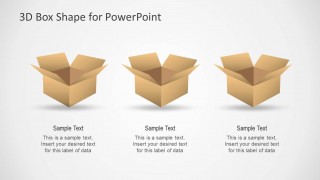
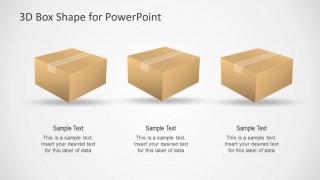
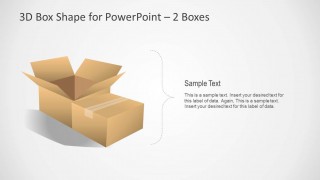
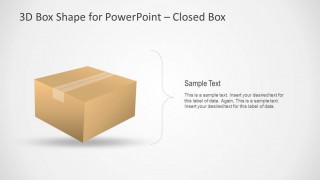
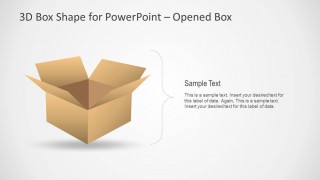
Eight unique sides make up the PowerPoint template. The first slide can serve as the title page and dashboard. It features 2 boxes- one open and one closed. At the bottom part is a text placeholder for the title and subtitle. The 2nd slide presents 3 open boxes shapes and their corresponding textboxes. The user can utilize this to metaphor on “think outside the box” concept. It can also symbolize open mindedness. The third slide show 3 boxes that haves been packed and sealed. The remaining slides are a variation of the initial PowerPoint shapes. The 5th slide can be used to elaborate on the open box and closed box ideas. The 6th slide has a sealed box shape. The last slide displays an open box shape.
The PowerPoint template is ideal for shipping business concepts. The box can represent packages being shipped. It can be used to display the packaging process. It can metaphor multiple business concepts like innovation. It is perfect for both personal and professional use. The slide designs are genuine and flexible. The presenter can reuse them by copy and pasting to different reports.
Cardboard is a kind of paper and material that is used in creating boxes. It is usually utilized for crafting. The layout emphasize on the cardboard use through the brown colors. The 3-dimensional style of the objects gives a realistic look.
For powerful outputs, use 3D Cardboard Box Shapes for PowerPoint. It is a quality choice with awesome visuals. Find more downloadable options from 3D PowerPoint Templates at the SlideModel gallery.
What’s inside this template
Example presentation scenarios
- A logistics manager can explain delivery package states by using the closed box comparison slide and the single closed box callout for status details.
- An operations presenter can compare three storage or fulfillment options with the open box three-column layout and replace each caption with process details.
- A product manager can introduce a packaging concept by opening with the cover slide, then using the two-box callout to compare an unpacked idea with a sealed final offer.
- A consultant can frame outside-the-box thinking for a workshop by using the open box comparison slide as a metaphor for new ideas and exploration.
Features
- 100% editable presentation template
- Compatible with Microsoft PowerPoint and Google Slides
- Scalable vector shapes, icons and illustrations
- AI-Ready for Microsoft Copilot and Claude
- Instant access and download
Frequently asked questions
Q: How should a presenter use the box visuals without making the message feel too literal?
A: Treat each box as a metaphor for a state, choice, or boundary. For example, use open boxes for ideas, discovery, or unpacking a topic, and closed boxes for packaged decisions, shipping status, or constraints. Keep each caption short so the 3D object carries the concept instead of competing with long text.
Q: Who is this template best suited for in a business presentation?
A: It fits presenters who need to explain products, packages, storage, shipping, or contained ideas in a concise visual way. Logistics teams can show delivery states, operations teams can compare handling options, and consultants can use the open versus closed box layouts to discuss exploration, constraints, or packaged recommendations.
Q: Why do the open and closed box variations help the audience understand the message?
A: The open and closed box metaphor gives the audience an immediate visual contrast. Open boxes suggest access, possibility, discovery, or contents being revealed, while sealed boxes suggest completion, containment, delivery, or readiness. The repeated object style keeps the deck consistent while the state of the box signals the meaning.
3D Cardboard Box Shapes for PowerPoint
8-slide presentation template with 3D cardboard box shapes for shipping, packaging, and outside-the-box concepts
3D Cardboard Box Shapes for PowerPoint is an 8-slide PowerPoint shape template with editable 3D cardboard box illustrations. Visible layouts include a title cover, three-box comparison slides, a two-box callout, and single open or closed box callouts. It supports shipping, packaging, storage, product delivery, and business metaphor presentations.


 Loading...
 Microsoft PowerPoint
  Microsoft Copilot
  Claude for PowerPoint
 Other formats supported
Subscribe today and get immediate
access to download our PowerPoint templates.