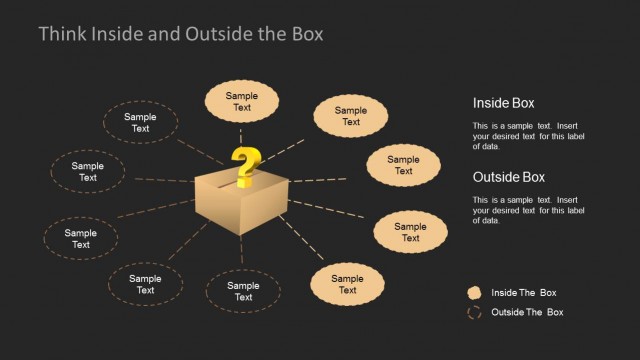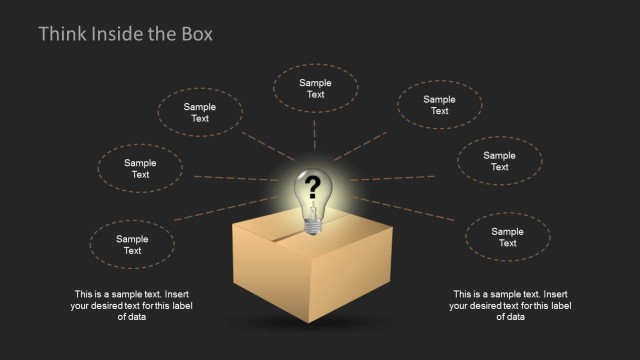
Slide 1 of 13 from Think Inside & Outside the Box Template for PowerPoint
Thinking Inside and Outside the Box
Inside and Outside the Box for PowerPoint
- Diagram
- Other
- Context Slide
- 16:9
- 100% Editable
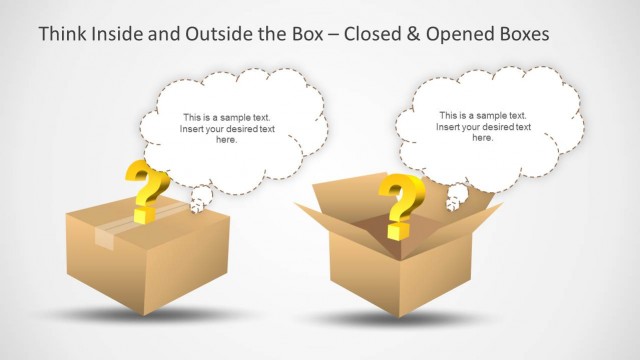
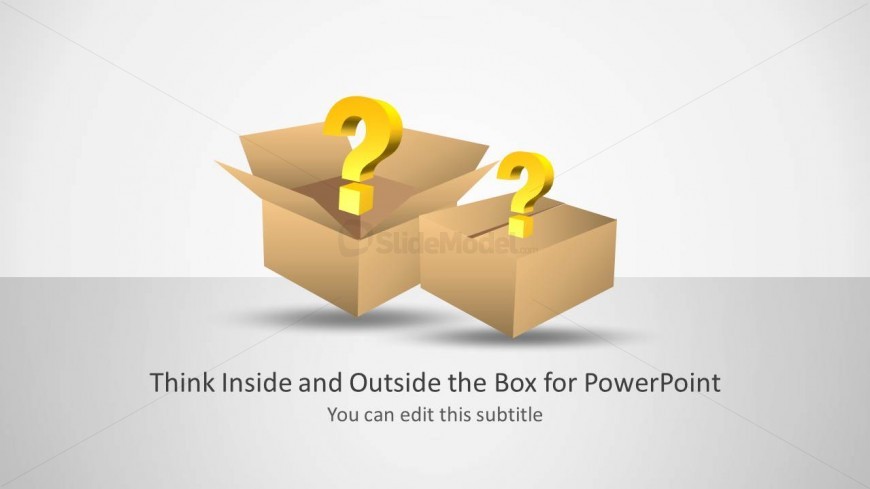
The Inside and Outside the Box slide from the Think Inside & Outside the Box Template for PowerPoint introduces creative thinking concepts through a clear diagram featuring two boxes and question marks. This slide layout is ideal for business presentations or pitch deck templates aiming to engage audiences in brainstorming sessions and innovation discussions. Its design supports effective communication of problem-solving strategies using editable shapes and vector icons within professional slide templates.
What’s on This Slide
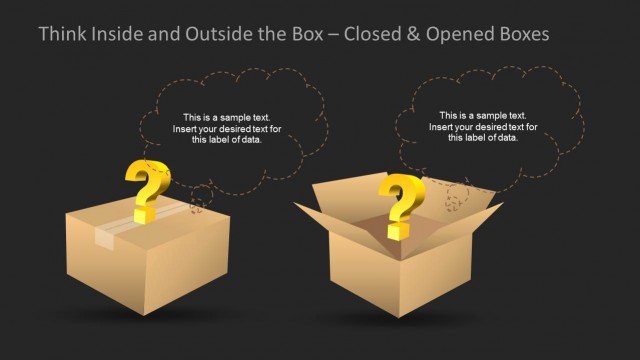
The layout features two cardboard boxes positioned in the center, with question marks above each box. The larger box is on the left, while the smaller box is on the right. The background is a light gradient, transitioning from white to a soft gray. Below the boxes, there are two text placeholders: the main title is centered and bold, while the subtitle is smaller and positioned directly beneath it. The visual hierarchy emphasizes the title, with the boxes and question marks serving as focal points in the design.
How to Use It
This layout serves as an introductory slide, suitable for presentations focusing on creative thinking or brainstorming sessions. It effectively sets the stage for discussions about conventional versus unconventional ideas. This slide can be used at the beginning of a presentation to engage the audience and prompt them to think critically. It fits well in a sequence that explores problem-solving or innovation strategies, making it relevant for workshops or team meetings.
Text Placeholders & Capacity
Keep your copy within these limits so it fits without resizing. Title slot can hold about 8 words, subtitle slot about 5 words.
| Placeholder | Count | Max characters (approx.) |
|---|---|---|
| Slide title | 1 | 40 |
| Subtitle | 1 | 30 |
Slide Keywords
Download unlimited PowerPoint templates, charts and graphics for your presentations with our annual plan.
DOWNLOADReturn to Think Inside & Outside the Box Template for PowerPoint.