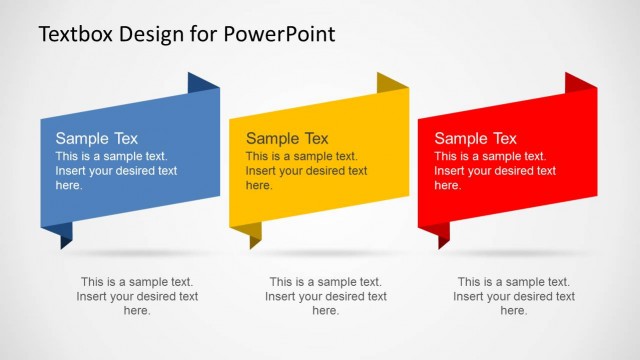
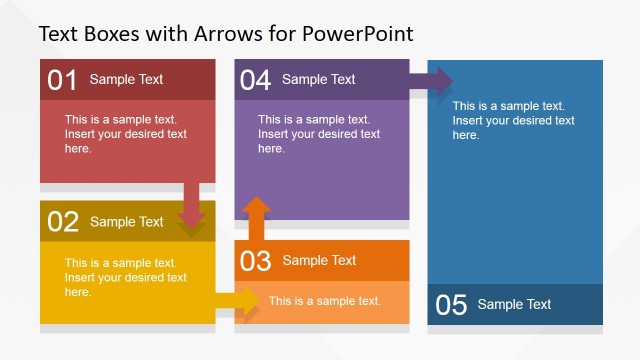
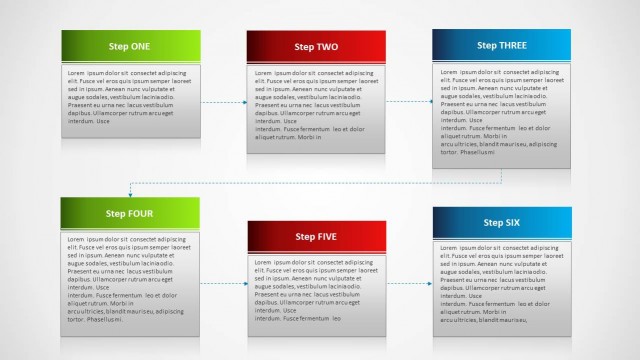
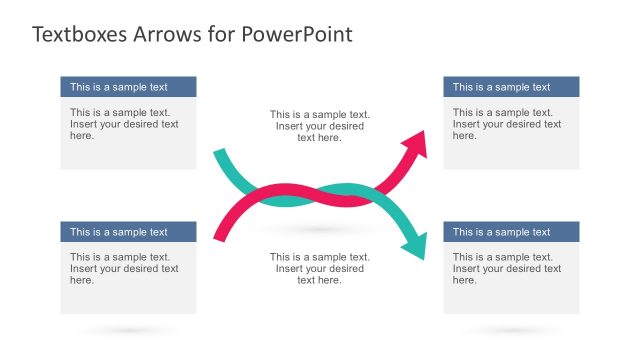
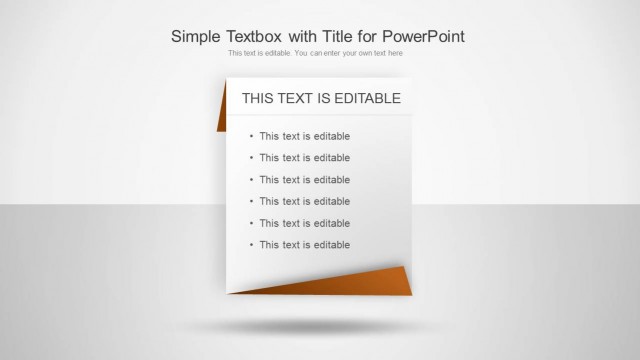
Textbox Layouts for PowerPoint is a presentation template containing useful layouts that you can use in PowerPoint to present text and describe processes.
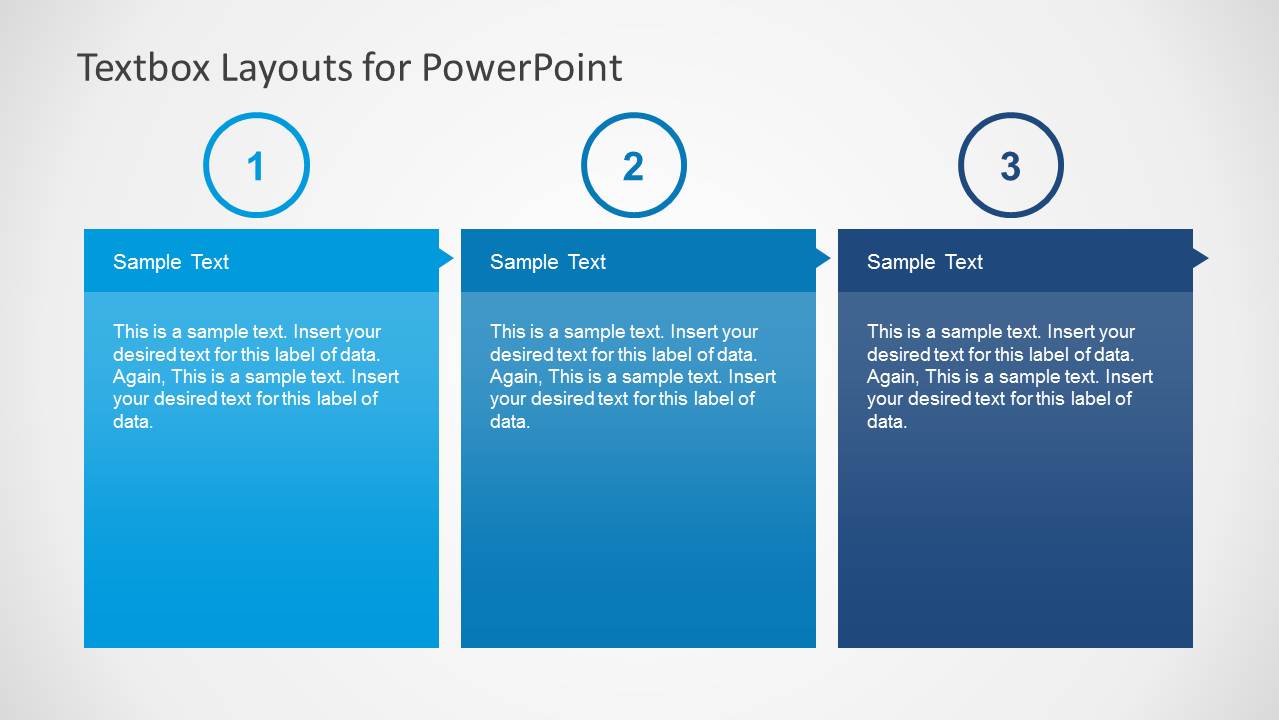
The multiple slides in this template provide editable textbox layouts, which can also be customized from within PowerPoint by changing the color of the textboxes. You can also rearrange textboxes to create custom layouts.
What’s inside this template
Example presentation scenarios
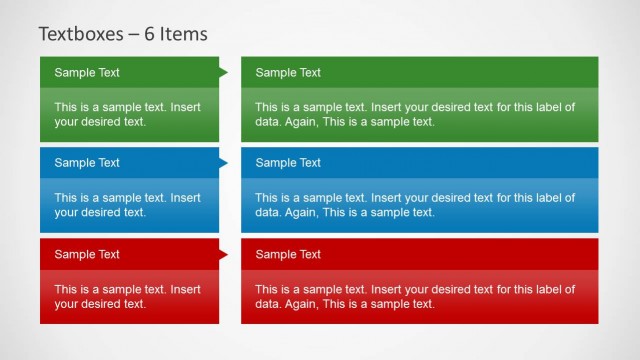
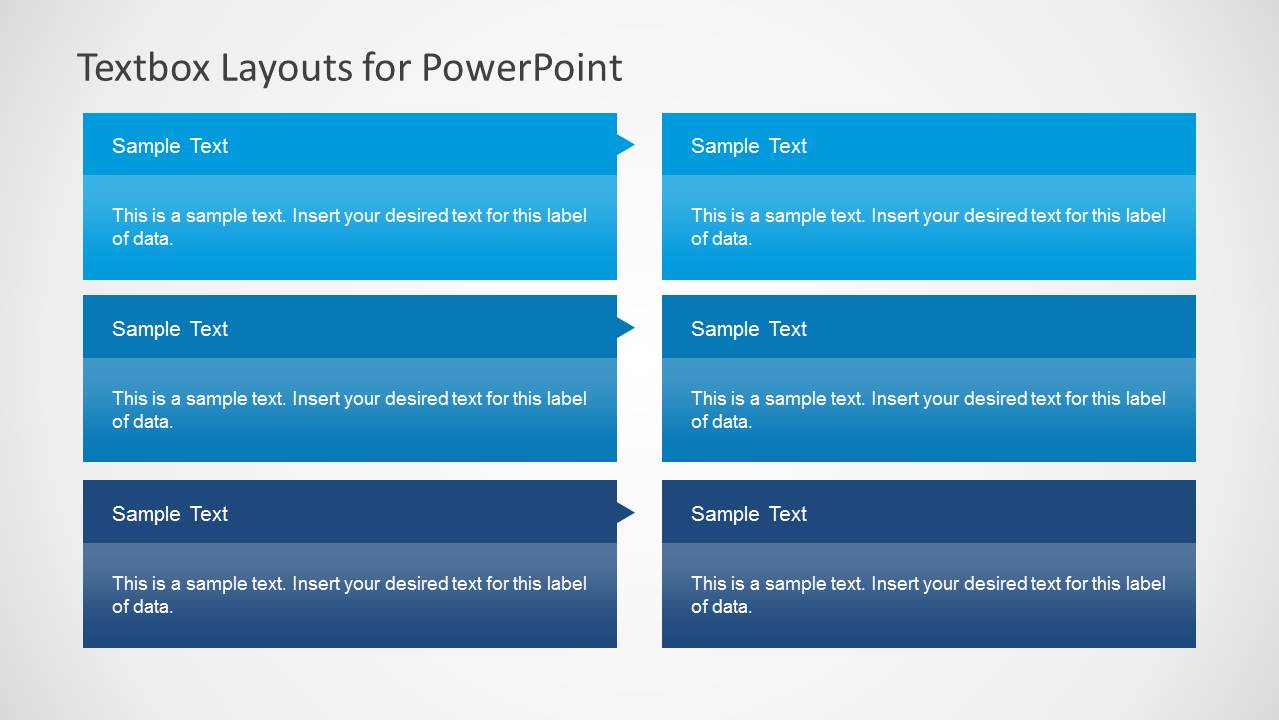
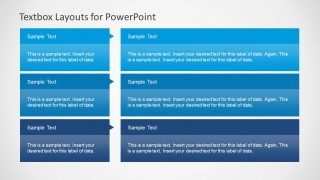
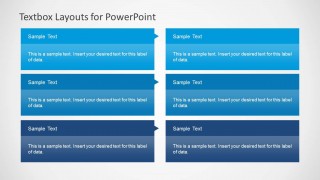
- A project manager can use the 3x2 matrix to summarize workstreams, owners, and next steps for a team status meeting.
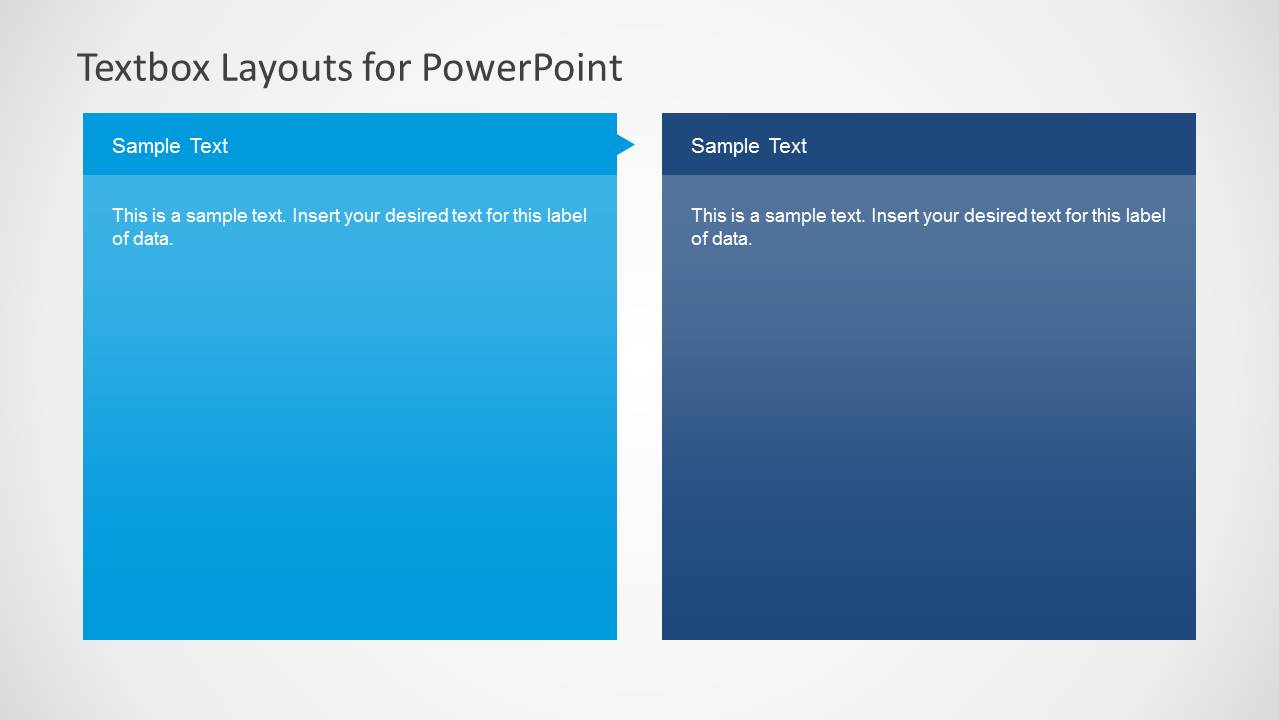
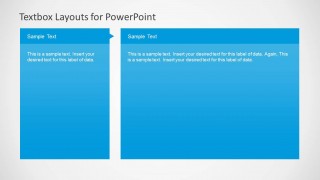
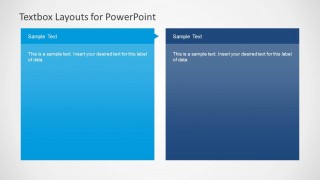
- A consultant can use the two-panel comparison layout to present current state and proposed state during a client workshop.
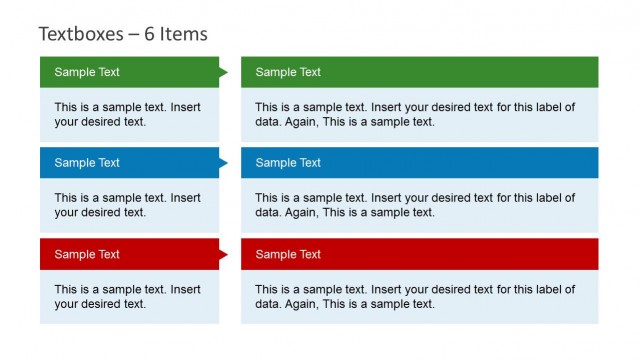
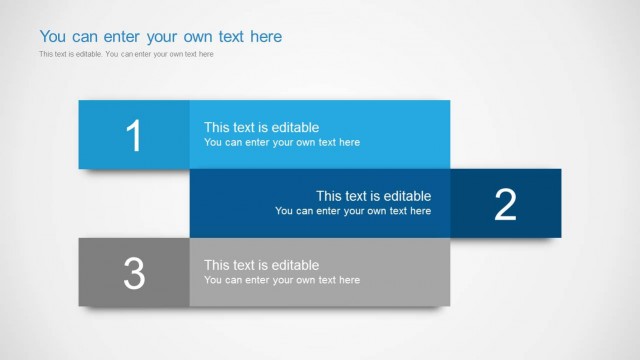
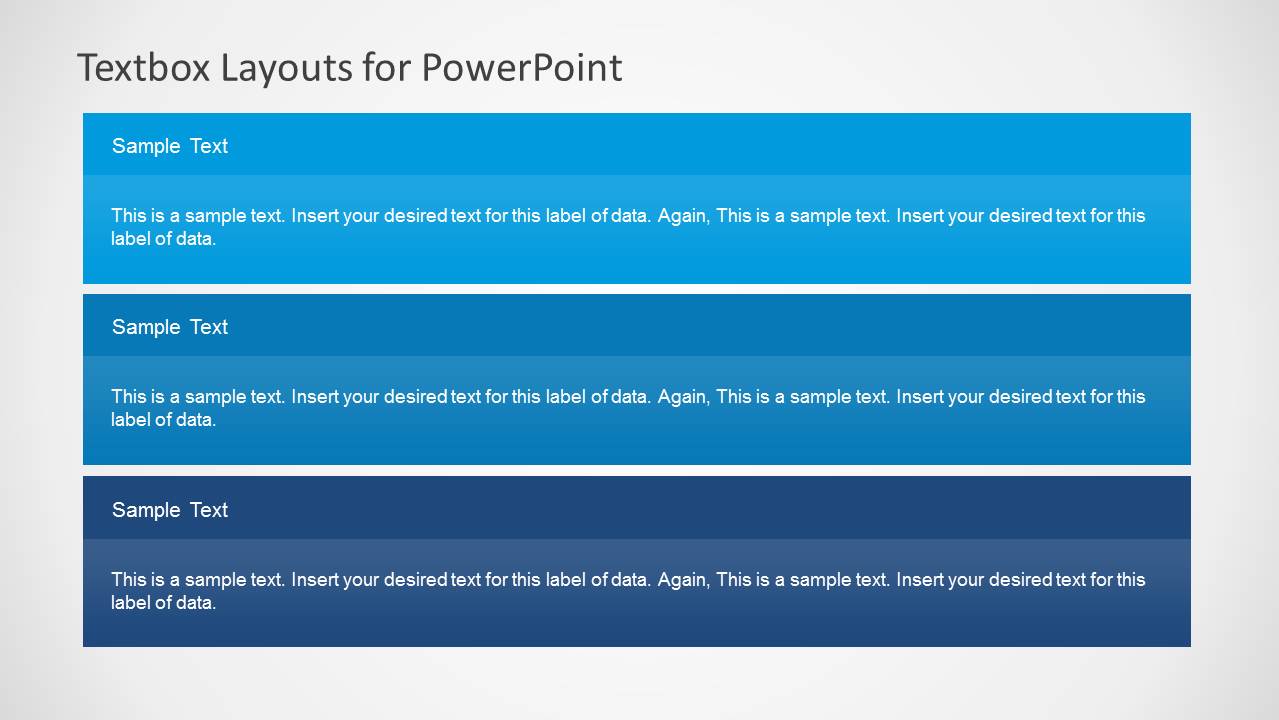
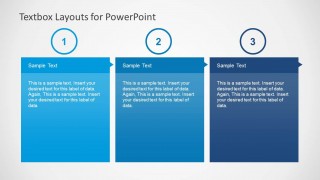
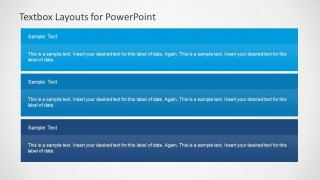
- A trainer can use the three stacked horizontal rows to break a lesson into three concepts, each with a short explanation.
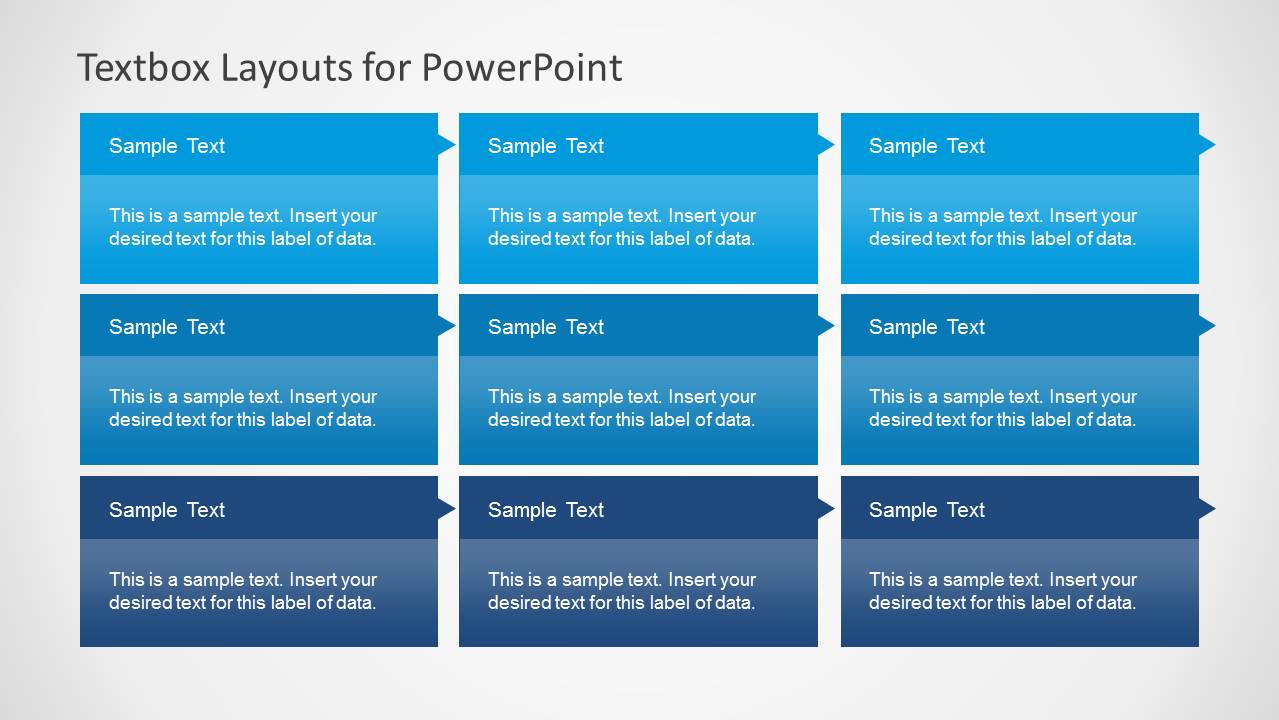
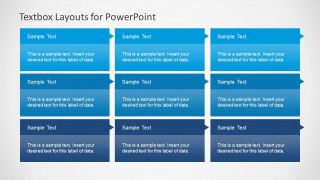
- An operations lead can use the 3x3 arrow-grid layout to organize process checkpoints or category-based action items for internal review.
Features
- 100% editable presentation template
- Compatible with Microsoft PowerPoint and Google Slides
- Scalable vector shapes, icons and illustrations
- AI-Ready for Microsoft Copilot and Claude
- Instant access and download
Frequently asked questions
Q: How should a presenter decide which textbox layout to use for the message?
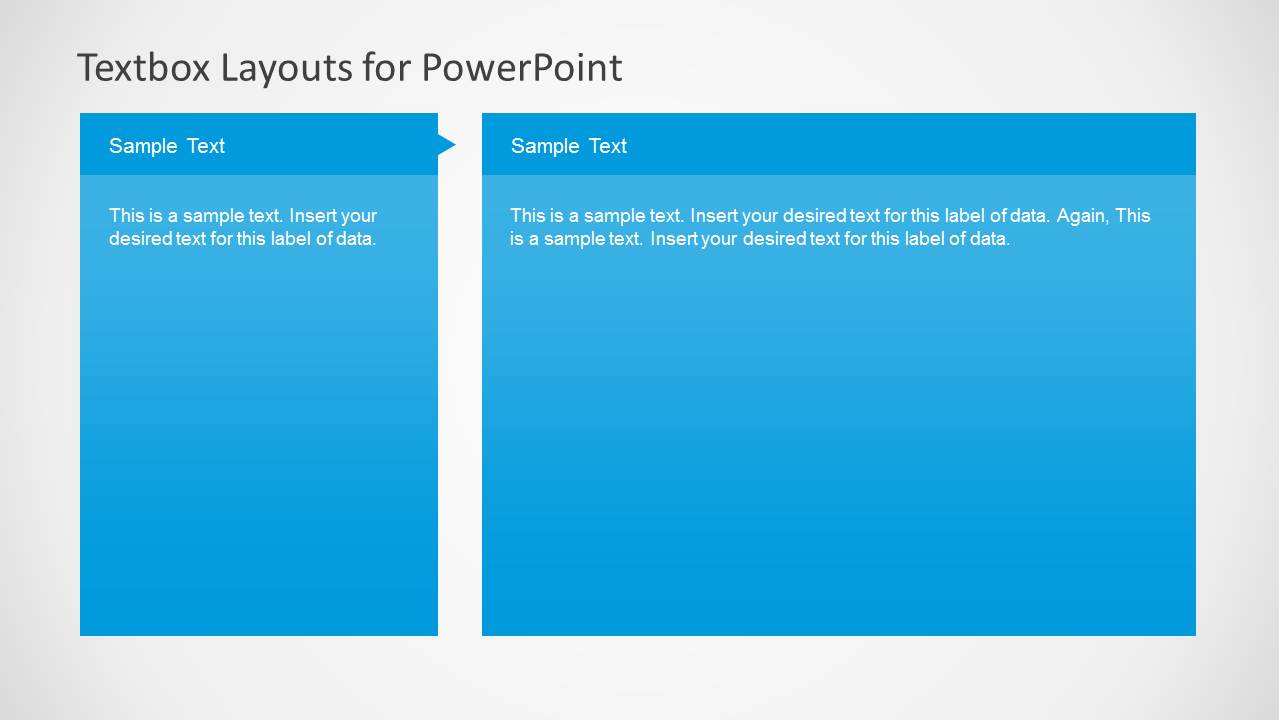
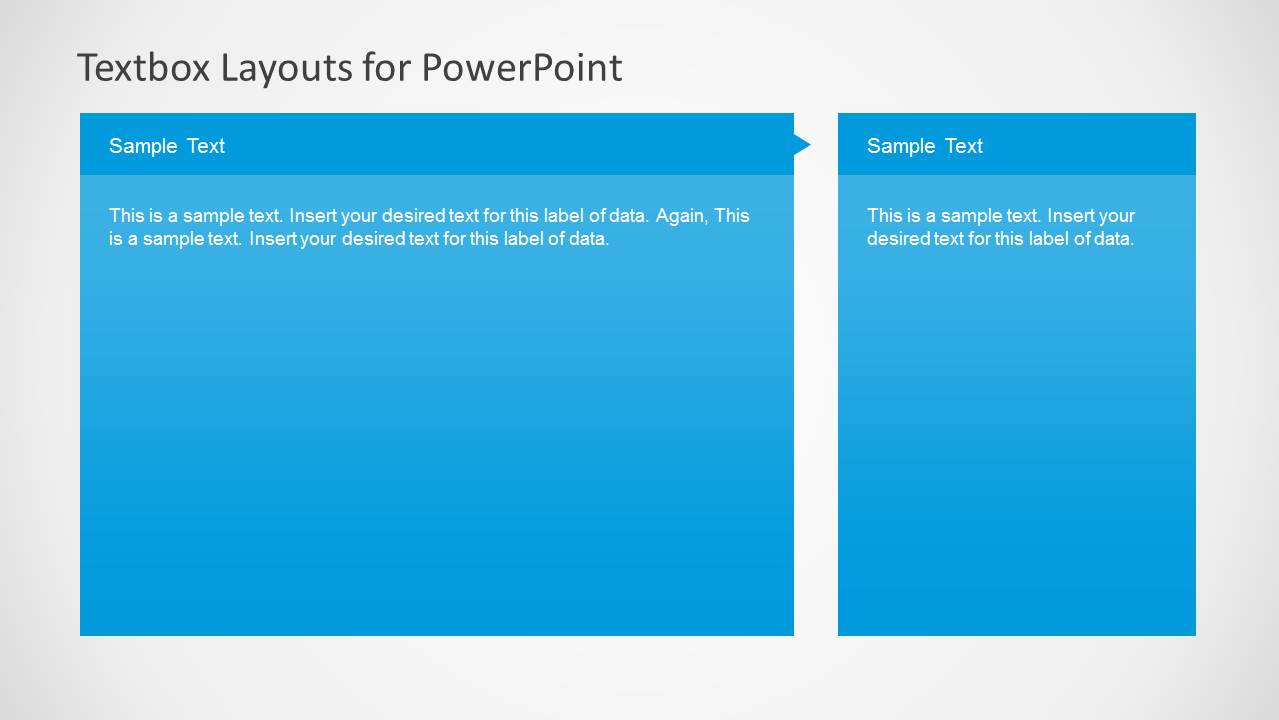
A: Match the layout to the relationship between ideas before adding text. Use the two-panel slides for comparison, the stacked row slide for ordered categories, and the 3x3 grid when the audience needs to scan several related items at once. Keep each box to one idea so the structure remains easy to read.
Q: Who is this template best suited for in a business presentation?
A: This template fits presenters who have text-heavy material but still need a structured visual page. Consultants, project managers, trainers, and operations teams can use the column, matrix, and row layouts to turn paragraphs into grouped points for meetings, workshops, status updates, and short instructional decks.
Q: Why do the arrow tabs and repeated header bands help communication?
A: The arrow tabs imply direction and connection without requiring a full process diagram, while the repeated header bands create a predictable reading pattern. This helps viewers separate labels from explanations, compare boxes quickly, and understand whether the slide is showing grouped topics, paired ideas, or a simple sequence.

Textbox Layouts for PowerPoint
8-slide PowerPoint presentation template with 3x2, 3x3, and arrow textbox matrices for structured business text
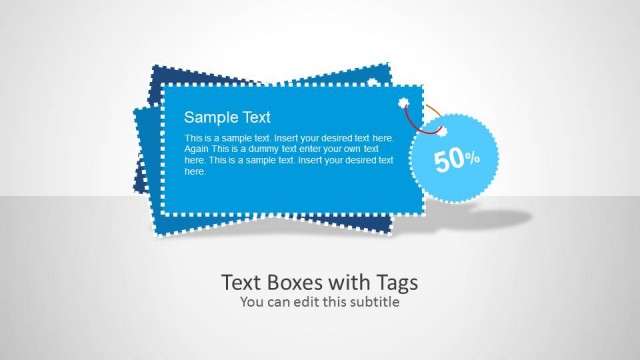
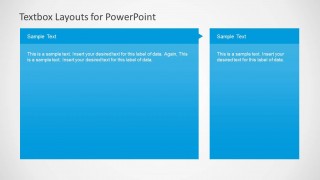
Textbox Layouts for PowerPoint is an 8-slide text and tables template for organizing business copy into editable textbox arrangements. Visible layouts include three-column cards, paired wide-and-narrow panels, stacked horizontal rows, a 3x2 matrix, and a 3x3 arrow grid. It is intended for presenters who need clear text grouping in PowerPoint.


 Loading...
 Microsoft PowerPoint
  Microsoft Copilot
  Claude for PowerPoint
 Other formats supported
Subscribe today and get immediate
access to download our PowerPoint templates.