Slide 2 of 8 from Textbox Layouts for PowerPoint
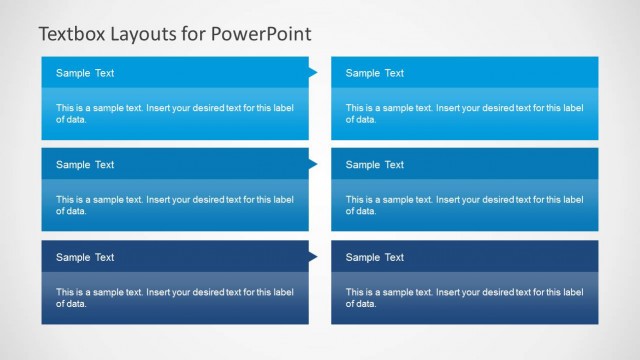
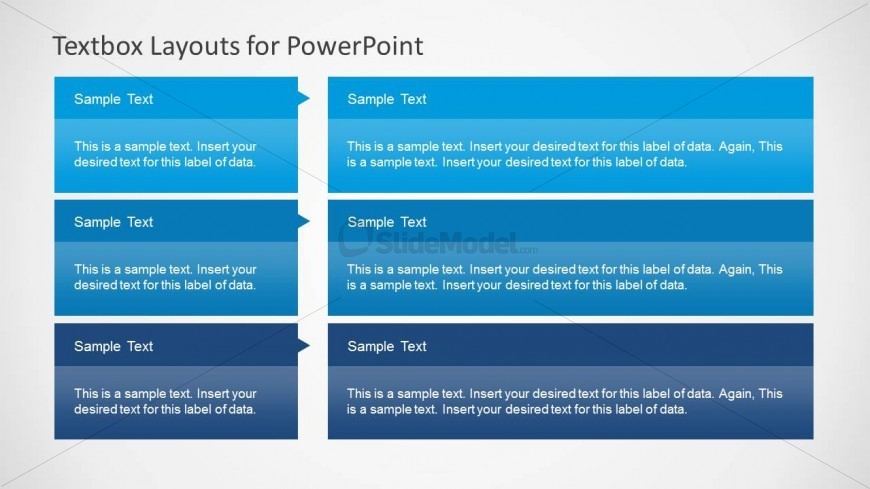
3×2 Textbox Layout for PowerPoint
Three-Column Textbox Layout for Presentations
- Diagram
- Matrix Grid
- Comparison Slide
- 16:9
- 100% Editable
The Three-Column Textbox Layout from the Textbox Layouts for PowerPoint template offers a structured design for clear comparison across three categories. This slide template is well-suited for business presentations requiring detailed product feature comparisons or project status updates. With editable shapes and distinct color shading, it enhances readability and organization in slide decks, supporting effective communication of key points in corporate presentations.
What’s on This Slide
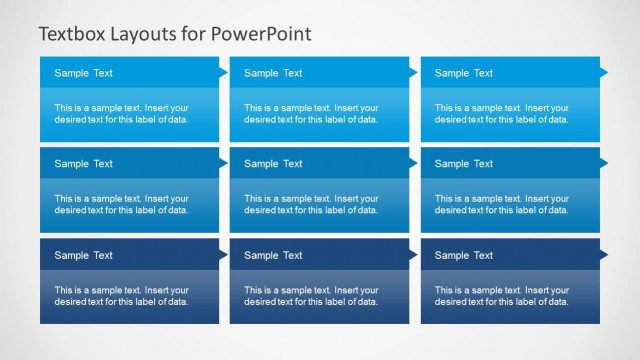
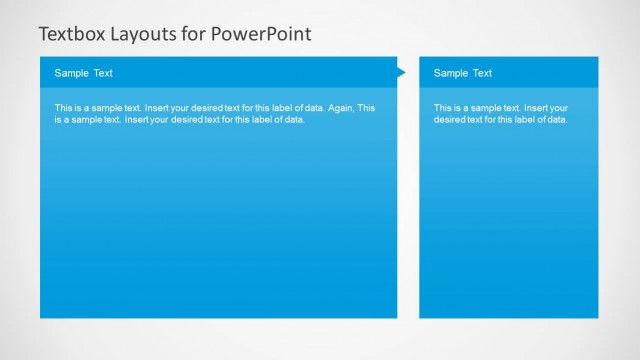
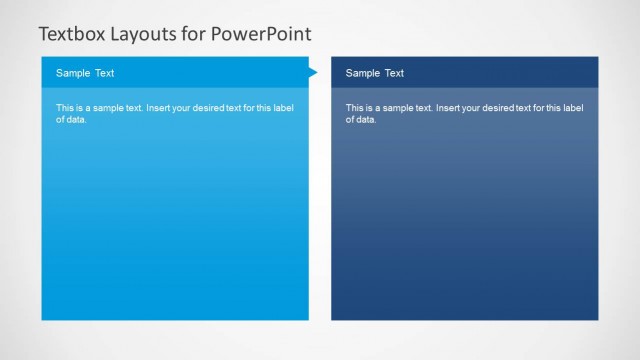
The layout features three vertical sections, each containing a header and a body text area. The headers are positioned at the top of each column, aligned left, with a triangular pointer extending from the header to the body text below. The body text areas are rectangular, providing ample space for detailed information. Each section is visually separated by alternating shades of blue, creating a clear distinction between them. Text placeholders are present, allowing for customization of content. The overall structure is organized and balanced, emphasizing clarity.
How to Use It
This layout serves as a three-column comparison tool, ideal for presenting distinct categories or topics side by side. It fits well in a presentation sequence following an introduction or overview slide, providing a structured way to convey information. Real-world applications include product features comparison, project updates, or summarizing key points in a meeting. Each column can represent different aspects of a subject, facilitating easy understanding for the audience.
Text Placeholders & Capacity
Keep your copy within these limits so it fits without resizing. Body slots can hold roughly 30-40 words each.
| Placeholder | Count | Max characters (approx.) |
|---|---|---|
| Item heading | 3 | 30 |
| Item body | 3 | 150 |
Slide Keywords
Download unlimited PowerPoint templates, charts and graphics for your presentations with our annual plan.
DOWNLOADReturn to Textbox Layouts for PowerPoint.