Slide 3 of 8 from Textbox Layouts for PowerPoint
2 Column Text Boxes Slide Design for PowerPoint
Two-Column Textbox Layout for Presentations
- Text Layout
- Two Column Text
- Context Slide
- 16:9
- 100% Editable
The Two-Column Textbox Layout from the Textbox Layouts for PowerPoint template offers a clear, organized structure for comparing features or presenting case studies. This slide design uses editable shapes with contrasting backgrounds to enhance readability, making it suitable for business presentations and corporate slide decks that require concise, side-by-side text comparison.
What’s on This Slide
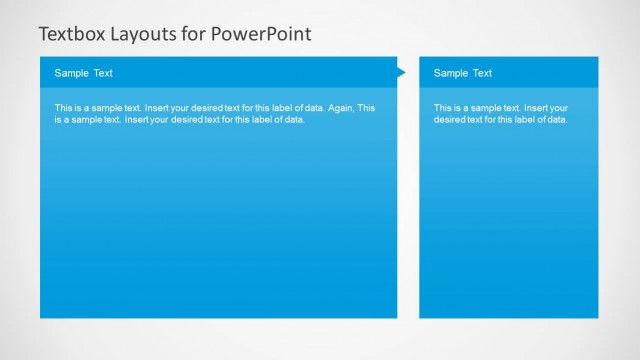
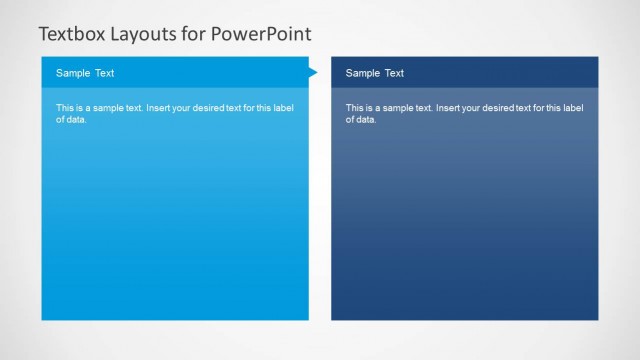
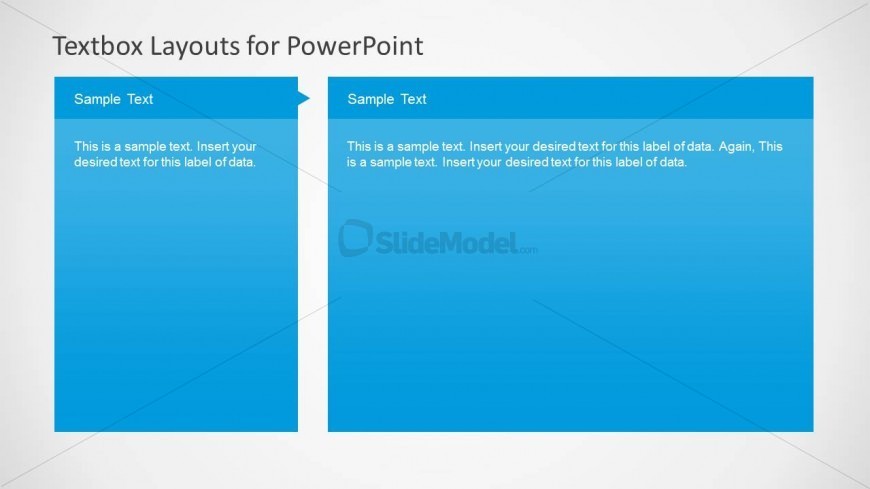
The layout features two large rectangular text boxes aligned side by side. The left box is slightly shorter and has a pointed top, while the right box is taller with a flat top. Both boxes have a solid blue background. Each box contains placeholder text aligned to the left, with the first box labeled 'Sample Text' and the second box also labeled 'Sample Text.' The overall composition is clean and organized, allowing for clear text grouping and easy readability. The slide has a light gray background that contrasts with the blue text boxes.
How to Use It
This layout serves as a two-column text arrangement, ideal for comparing two sets of information or presenting related content side by side. It fits well in a presentation sequence where clear differentiation between two topics is needed, such as product features, pros and cons, or case studies. This layout is useful in business scenarios that require concise text presentation, making it suitable for reports, proposals, or educational materials.
Text Placeholders & Capacity
Keep your copy within these limits so it fits without resizing. Body slots can hold approximately 25-30 words each.
| Placeholder | Count | Max characters (approx.) |
|---|---|---|
| Item heading | 2 | 30 |
| Item body | 2 | 150 |
Slide Keywords
Download unlimited PowerPoint templates, charts and graphics for your presentations with our annual plan.
DOWNLOADReturn to Textbox Layouts for PowerPoint.