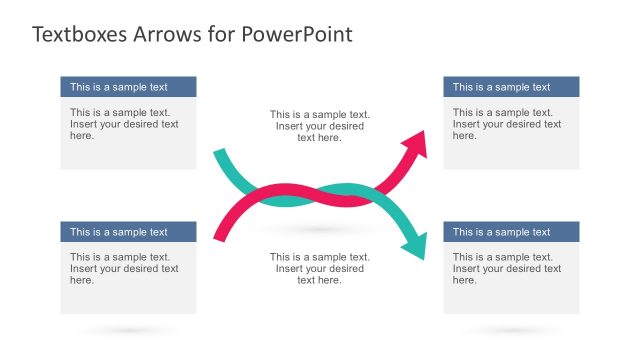
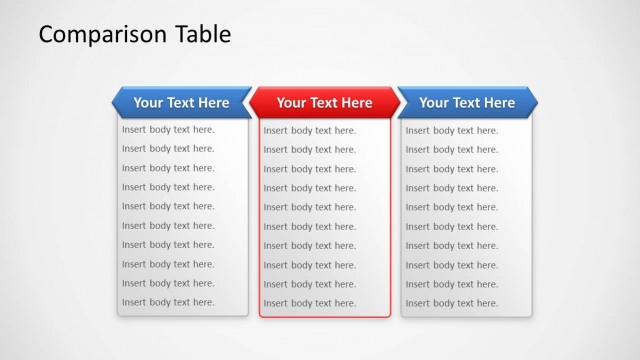
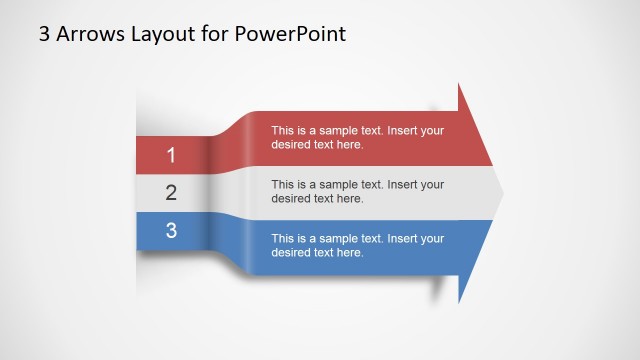
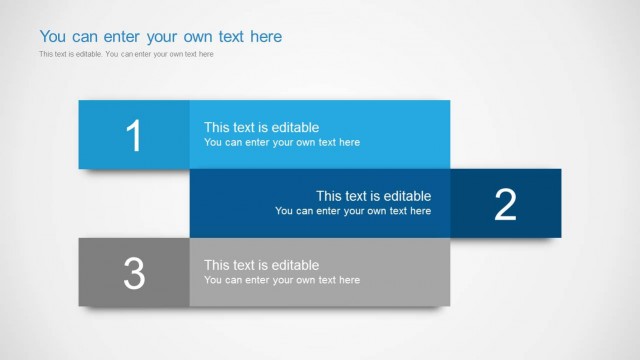
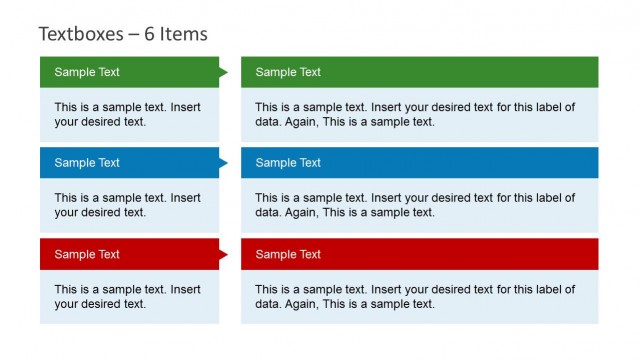
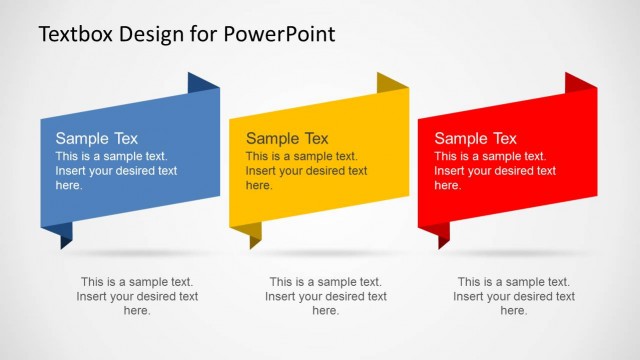
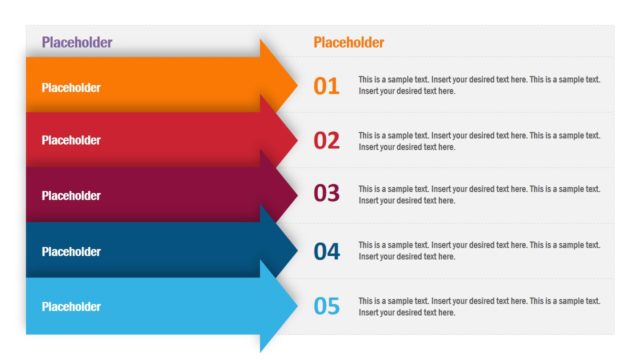
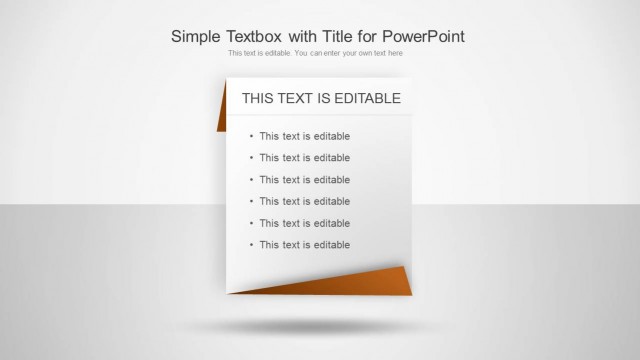
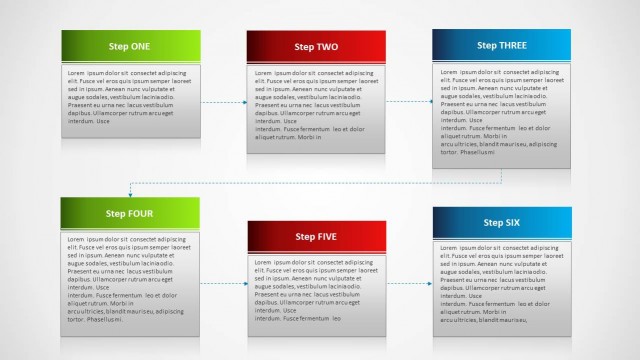
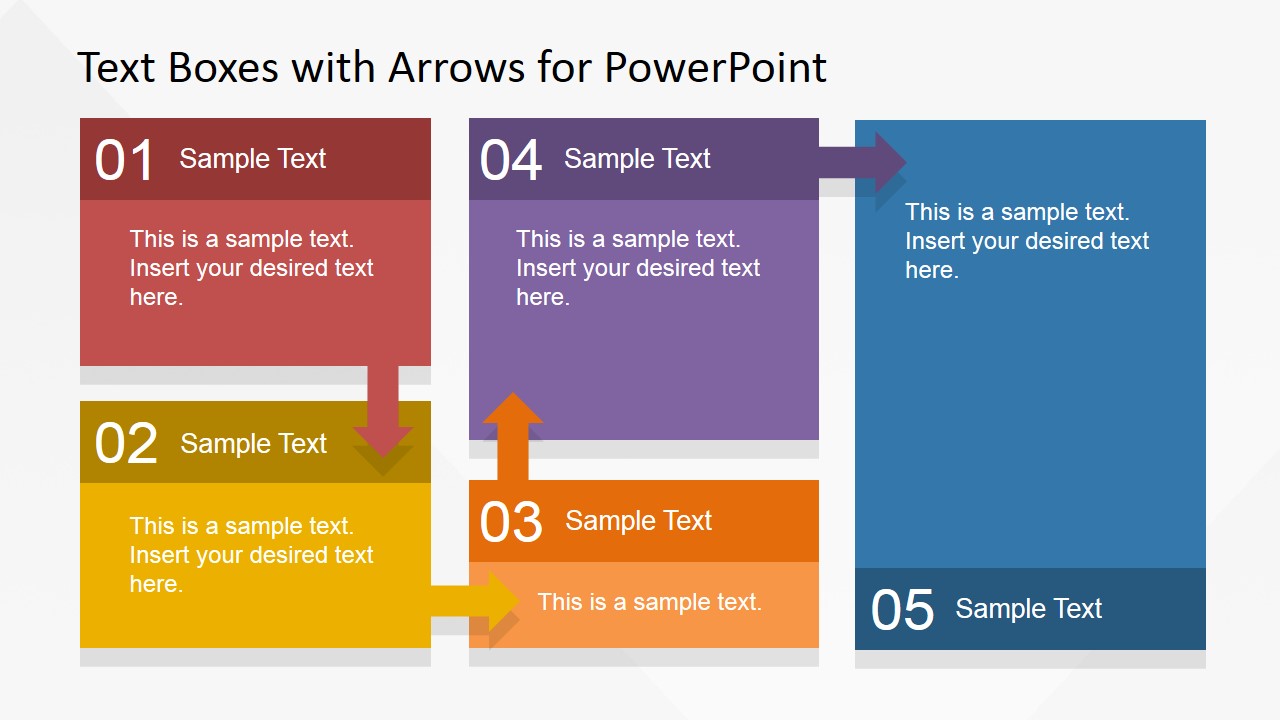
Text Boxes Table with Arrows for PowerPoint is a presentation design containing two slides that you can reuse to make tables or describe a process of up to five steps in PowerPoint.
It contains an awesome flat color palette and editable text boxes that you can copy and paste into your own presentations. There is space to describe up to 5 steps of a process and you can rearrange the components to match any other desired layout that best fit your needs.
What’s inside this template
Example presentation scenarios
- A project manager can explain a five-step delivery workflow by placing each milestone inside the numbered text boxes and using the arrow connectors to show movement between activities.
- A consultant can compare five strategic options for an executive audience by using the colored option blocks as categories and adding concise evaluation notes inside each box.
- A trainer can introduce a short learning sequence by assigning each lesson stage to a numbered block and using the directional arrows to reinforce the order of completion.
- An operations leader can present a handoff process by mapping teams or tasks into the connected text box table and calling out dependencies through the arrow path.
Features
- 100% editable presentation template
- Compatible with Microsoft PowerPoint and Google Slides
- 16:9 aspect ratio slides
- Scalable vector shapes, icons and illustrations
- AI-Ready for Microsoft Copilot and Claude
- Instant access and download
Frequently asked questions
Q: How should a presenter structure the message with this five-step text box layout?
A: Start by writing a short action label in each numbered header, then keep the body copy to one idea per block. Use the arrows to explain why the sequence moves from one point to the next. The layout works best when the presenter speaks the connective logic instead of filling each box with dense text.
Q: Who is this template best suited for in a business presentation?
A: It is best for presenters who need to explain a compact workflow, set of options, or staged plan without building a full process diagram. Project managers, consultants, trainers, and operations leads can use the numbered blocks to make five related points feel ordered and easy to compare.
Q: Why do the arrows and staggered blocks help communicate the content?
A: The arrows act as a path metaphor, turning separate text boxes into a guided sequence. The staggered placement separates each idea while still linking the group as one process. The number labels add scanning order, so the audience knows where to look first and how to follow the explanation.
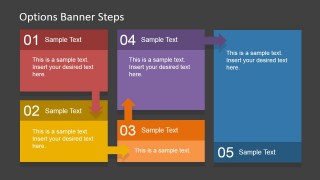
Text Boxes Table with Arrows for PowerPoint
2-slide presentation template with five-step text boxes, arrow connectors, and table-style process layouts
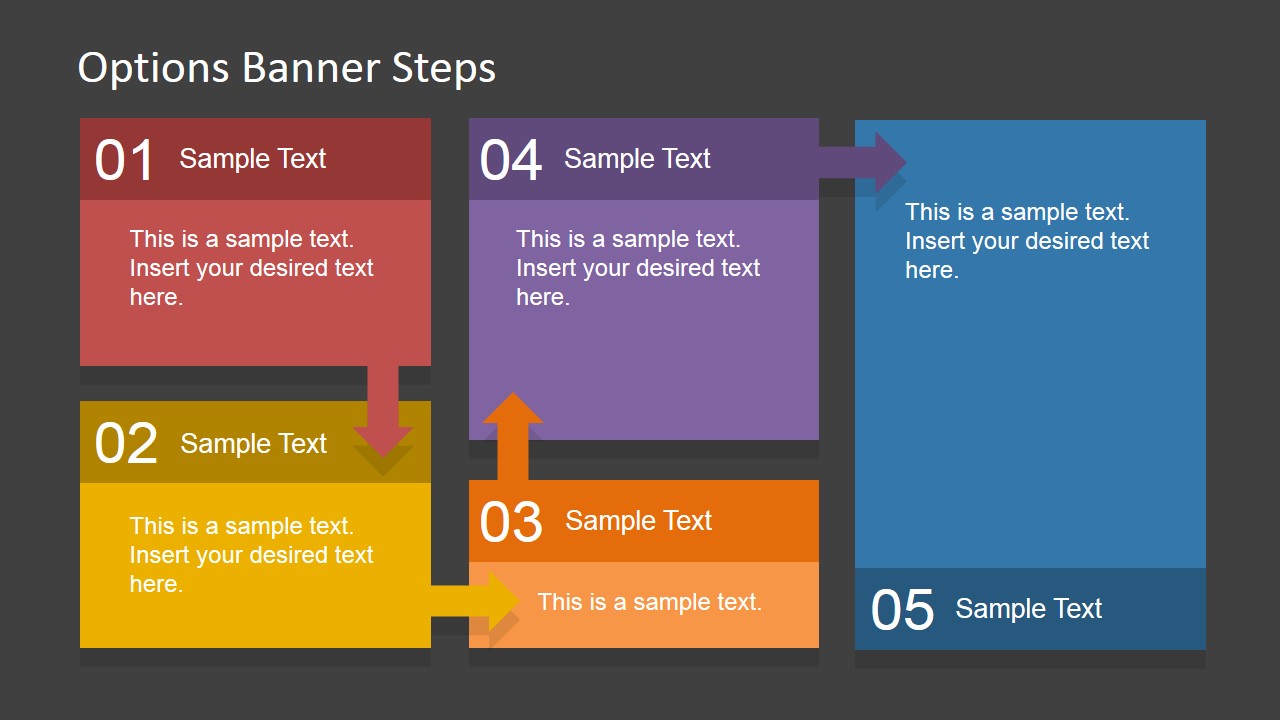
Text Boxes Table with Arrows for PowerPoint is a 2-slide presentation template for explaining up to five steps, options, or categories. It includes a numbered text box table, arrow connector flow, and light and dark banner-style variants for business, training, and planning presentations in Microsoft PowerPoint and Google Slides.
- Category
- Text & Tables
- Rating


 Loading...
- Aspect ratio
- 16:9
- Item ID
- 6711-01
- Colors
 Microsoft PowerPoint
  Microsoft Copilot
  Claude for PowerPoint
 Other formats supported
Subscribe today and get immediate
access to download our PowerPoint templates.