Slide 4 of 8 from Textbox Layouts for PowerPoint
6185-01-textbox-4
Textbox Layouts for PowerPoint - Slide 4
- Text Layout
- Two Column Text
- Context Slide
- 16:9
- 100% Editable
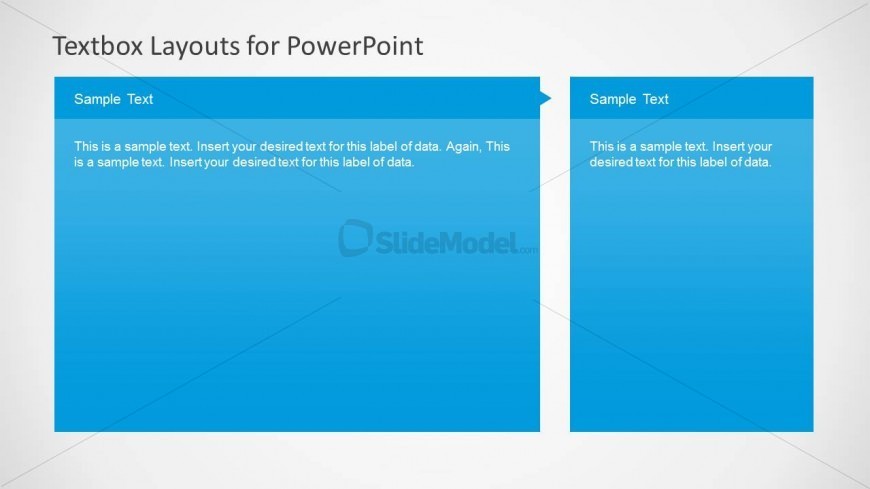
The Textbox Layout with Sample Text slide from the Textbox Layouts for PowerPoint template offers a clear two-column arrangement ideal for project updates and feature comparisons. This slide design supports business presentations by organizing content side by side, enhancing readability with editable shapes and a subtle gradient background. It suits slide decks requiring structured text presentation for educational materials or corporate communication.
What’s on This Slide
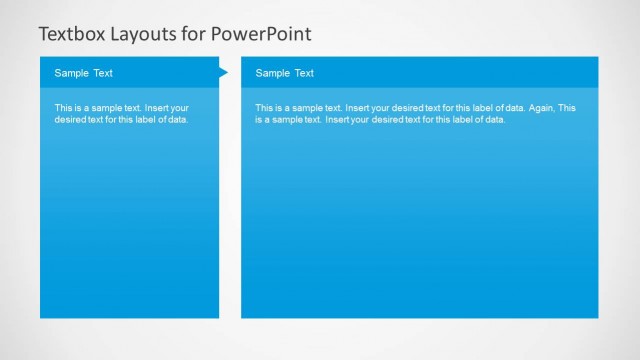
The layout features two large text boxes positioned side by side, each occupying equal space. The left box has a blue header labeled 'Sample Text' and contains a paragraph of placeholder text aligned to the left. The right box mirrors this structure with a similar header and placeholder text. The background is a light gradient transitioning from white to light gray, enhancing the visual separation of the text boxes. The overall composition is clean and organized, with clear boundaries around each text box to facilitate readability.
How to Use It
This layout serves as a two-column text arrangement, ideal for comparing or contrasting information. It fits well in presentations that require clear text organization, such as project updates or feature comparisons. This structure is particularly useful in business contexts where concise communication is essential. It can be employed effectively in reports, proposals, or educational materials to present information side by side for easy reference and clarity.
Text Placeholders & Capacity
Keep your copy within these limits so it fits without resizing. Body slots can hold approximately 30-40 words each.
| Placeholder | Count | Max characters (approx.) |
|---|---|---|
| Slide title | 1 | 30 |
| Item heading | 2 | 20 |
| Item body | 2 | 180 |
Slide Keywords
Download unlimited PowerPoint templates, charts and graphics for your presentations with our annual plan.
DOWNLOADReturn to Textbox Layouts for PowerPoint.